Forms
Redirect after a form submission
To redirect after form submission, turn on the Post-Submit Redirect add-on and enter a URL: once the answers are saved, the respondent sees a brief submitted message and is sent there about a third of a second later, skipping the thank-you screen. If the next step is optional, or the confirmation matters, a button on the thank-you screen is the better tool, and it can also move people on after a delay you set.
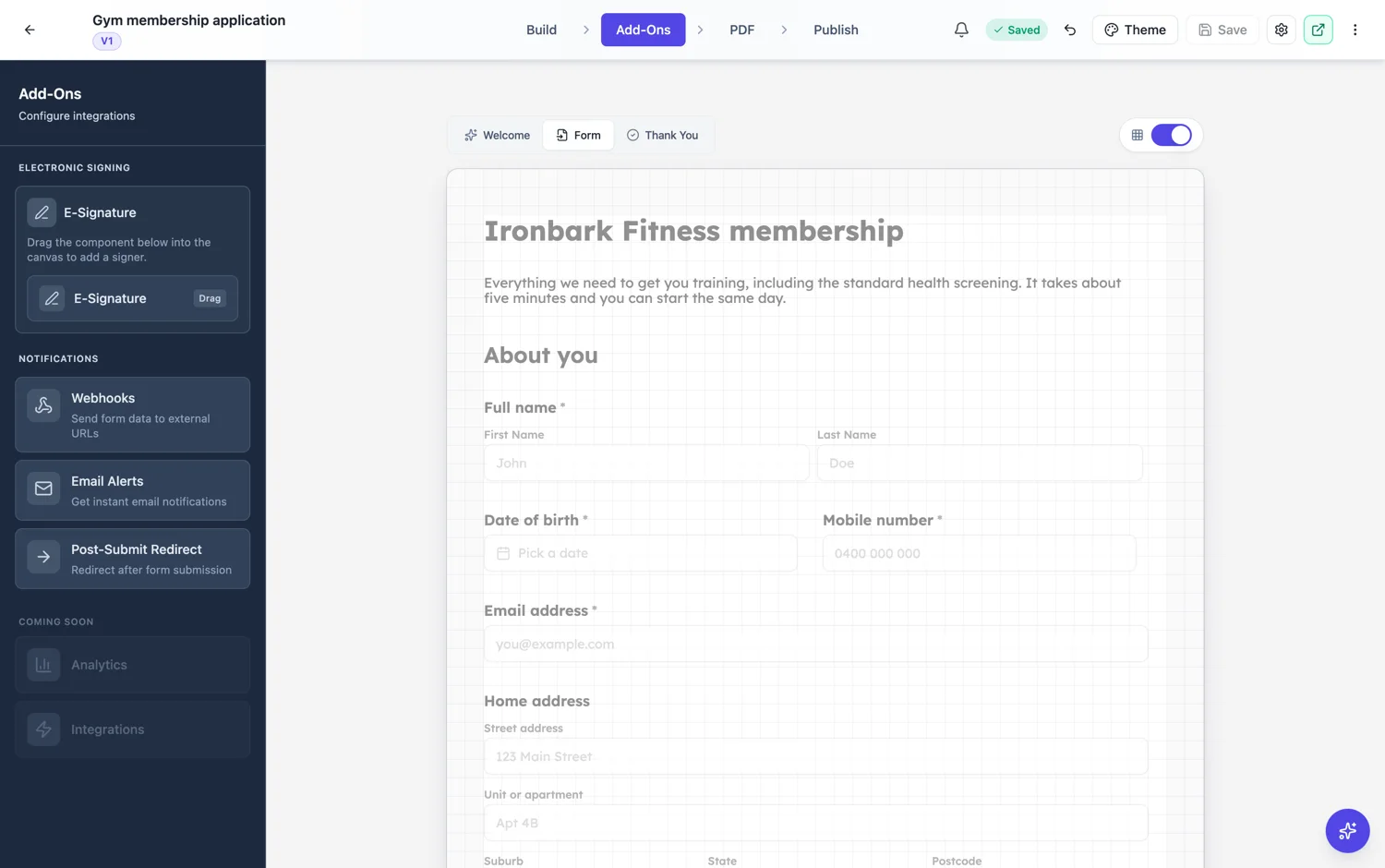
One setting: the URL
The add-on has a single field, Redirect URL. Leave it empty and the add-on is off; fill it in and it is on, with no separate switch. It accepts a full http or https address, a bare domain such as example.com/thanks, which is treated as https, or a path on the same site starting with a single slash. Anything else, a javascript or data link, a protocol relative address, text with spaces, is refused when someone submits: the answers still save, an error message says the redirect address is invalid, and the normal thank-you screen shows instead.
What happens at submission
The answers are saved first, then a short submitted message appears and the browser moves to your URL about 300 milliseconds later. The thank-you screen you designed is skipped entirely, so anything written on it will never be seen by someone who is redirected. The move replaces the form in the browser history, so pressing Back on the destination page does not land the respondent on a filled in form they might submit twice. It works the same on classic and conversational forms.
The thank-you screen alternative
The thank-you screen has its own button with a URL, and an optional number of seconds after which it follows that button automatically. Leave the seconds empty or at zero and nothing happens until the person clicks. This keeps your confirmation on screen, which the add-on does not, so use it when the confirmation carries something people need, such as a promised reply time or a reference to quote, or when the next step is genuinely optional.
When the add-on is right
When the form is a gate rather than a destination. Someone filling in a short form to reach a download, a booking calendar or a checkout expects to arrive somewhere, and a confirmation screen they have to click past is friction. Make the destination say that the form went through, for example Thanks, pick a time below, because the submitted message is brief and the thank-you screen never appears. If you control the destination page, that one line removes most repeat submissions.
How it works, in three steps
Step 1
Decide what the respondent needs to read
If the confirmation matters, use the thank-you button. If the next page is the point, use the redirect add-on.
Step 2
Enter the Redirect URL
Open Add-Ons, choose Post-Submit Redirect and paste the address. An empty field turns it off.
Step 3
Confirm on the destination
The thank-you screen is skipped, so the page you send people to should say the form was received.
The full walkthrough with screenshots is in the guide Automate your form with add-ons.
Limits worth knowing
- A redirect goes to one URL for everybody. It cannot branch on the answers or carry them in the address.
- The add-on skips the thank-you screen, and the redirect happens about 300 milliseconds after the answers save.
- Only http or https addresses, bare domains, or same-site paths starting with one slash are accepted; anything else falls back to the thank-you screen.
- The thank-you screen's timed redirect only fires when its button has a URL and the delay is above zero.
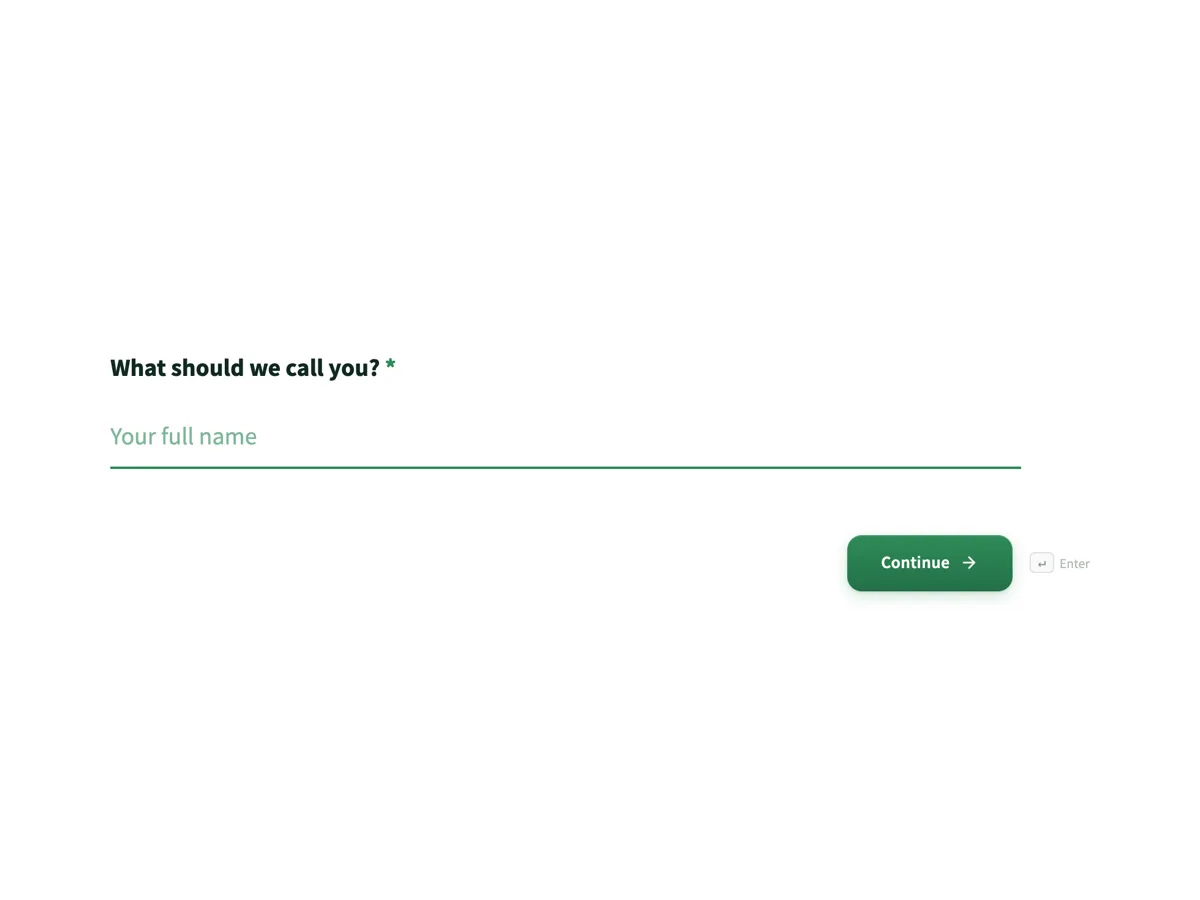
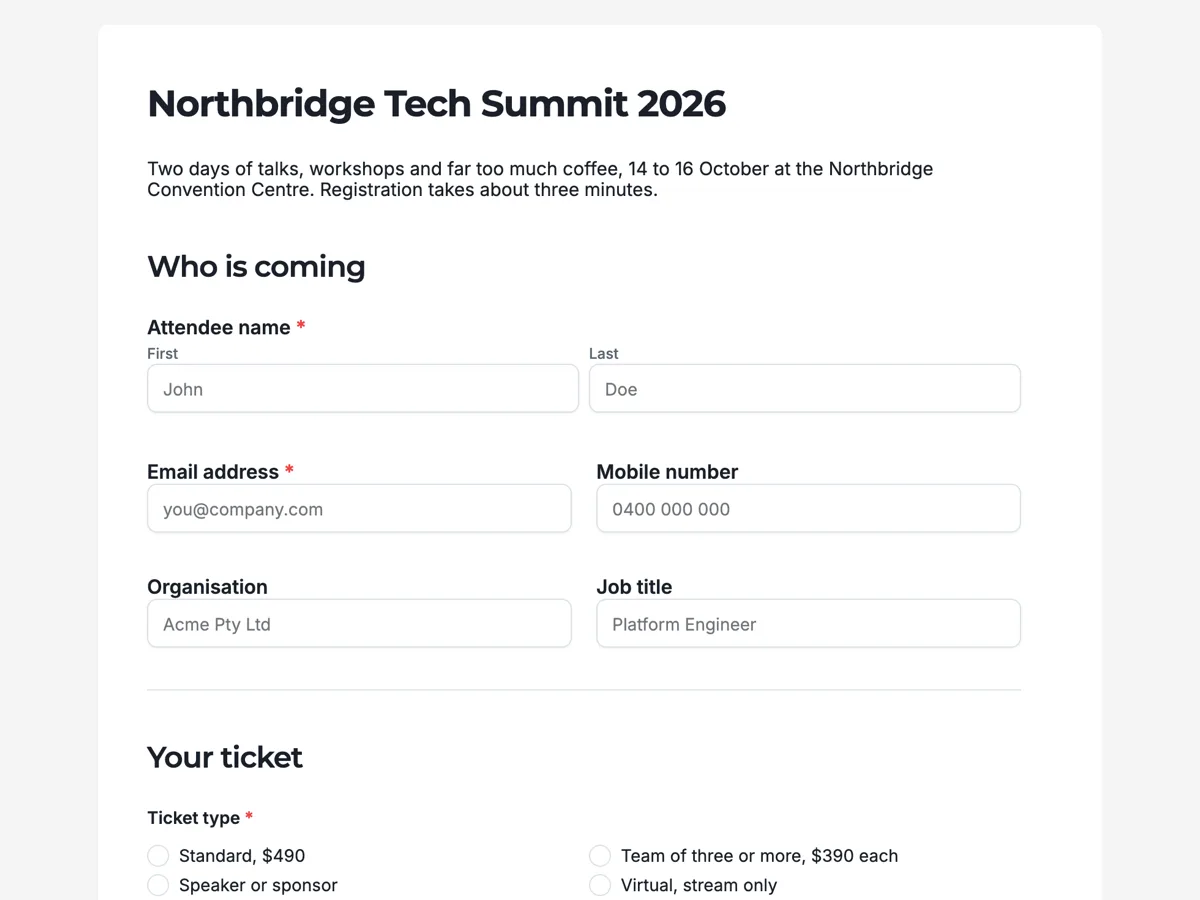
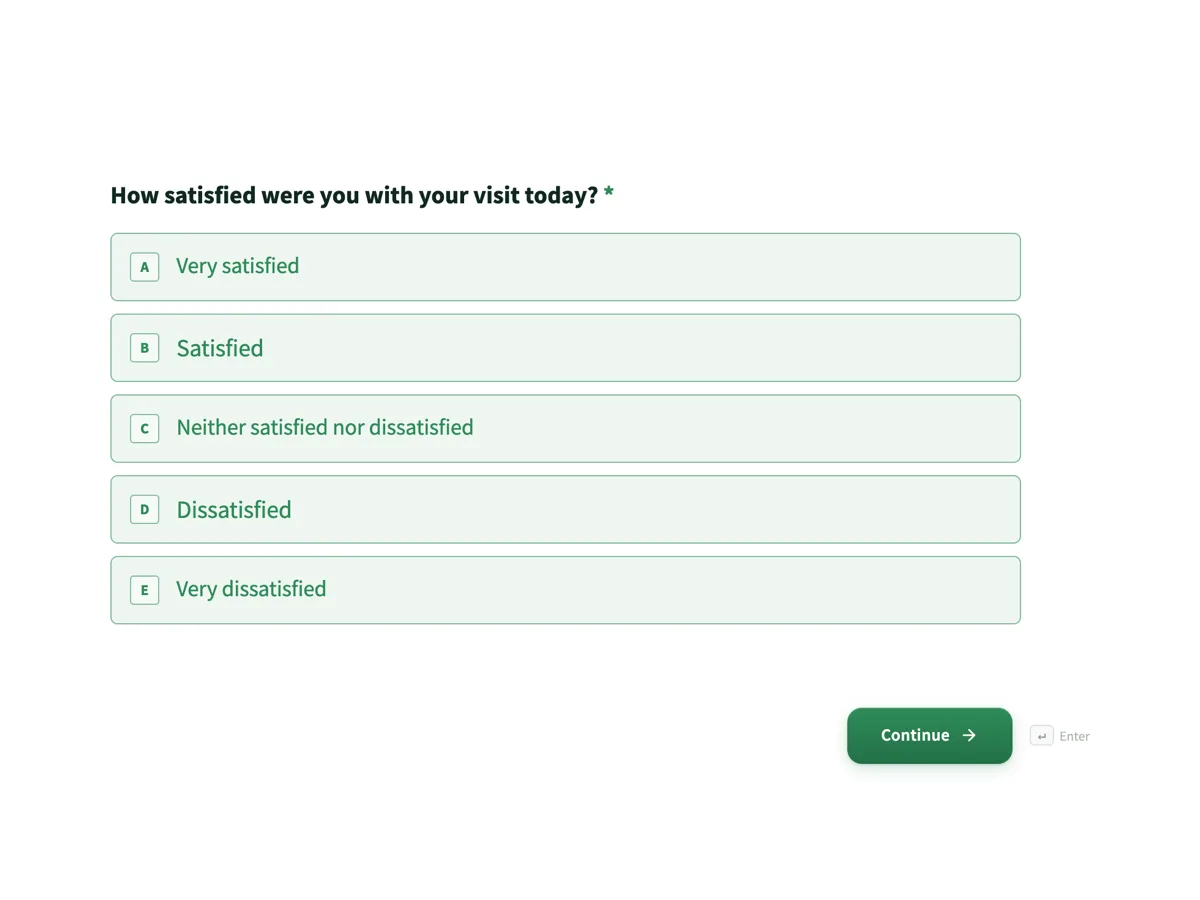
See it on a finished piece
Questions people ask
Can I send different respondents to different pages?
No. The add-on holds one URL and every submission goes there. Nothing in the address changes with the answers, so a respondent who chose the premium plan and one who chose the basic plan land on the same page. If routing matters, send people to a page that asks the branching question itself, or use a webhook to act on the answers in your own system.
Why did my thank-you screen stop showing?
Because the redirect add-on is on. When it has a URL, the form moves to that address about a third of a second after the answers save, and the thank-you screen is never drawn. Clear the Redirect URL to turn the add-on off, or keep it and move the important wording onto the destination page. The thank-you button with a timed delay is the option that shows both.
Can the answers be passed to the page I redirect to?
Not through the redirect, which sends the respondent to exactly the address you entered with nothing added. If the next system needs the data, use the webhook add-on, which posts the whole submission as JSON to your endpoint once per submission, keyed both by field label and by field id. Your destination page can then look up what it needs on your side.
What happens if the redirect URL is wrong?
The submission is saved regardless. If the address is not a valid http or https link, a bare domain or a same-site path, the respondent sees a message that the redirect address is invalid and then the normal thank-you screen. A valid address that points to a broken page will still be followed, so open the destination yourself before publishing.
Should I use the add-on or the thank-you button with a delay?
Use the add-on when the next page is the whole point, such as a booking calendar or a download, and nothing on the confirmation needs reading. Use the thank-you button with a delay of three seconds or more when the confirmation carries information, because it stays on screen long enough to read and still moves people on without a click.
Make your own form
The button opens the generator with this use case already described. Change the wording to match yours, generate, then edit anything you like.
Create a form with OneCraftRelated pages
Form submission webhook
A webhook posts each submission to a URL you own as JSON, which is how a form becomes part of a system rather than a list you copy from. The important detail is that it fires once and does not retry.
Sticky submit button
A submit button can sit at the end of the form or stay pinned to the bottom of the screen. It is a small setting with a real effect on long forms, where the end of the page is a long way from where somebody finishes.
Email notification on a form submission
A responses table only works if somebody opens it. An email alert puts the submission where people already look, with the answers in the body, so an enquiry gets acted on the same day rather than the same week.
More finished work of this kind is on the form examples hub.
Written and checked by the OneCraft team. Last checked .