Websites
One page website maker: one scroll, one job
A one page website puts everything a visitor needs on a single scrolling page: what you offer, why to trust you, the details and one clear action. It suits a small offer, a launch or an event, and it falls short once people arrive looking for one specific thing among many.
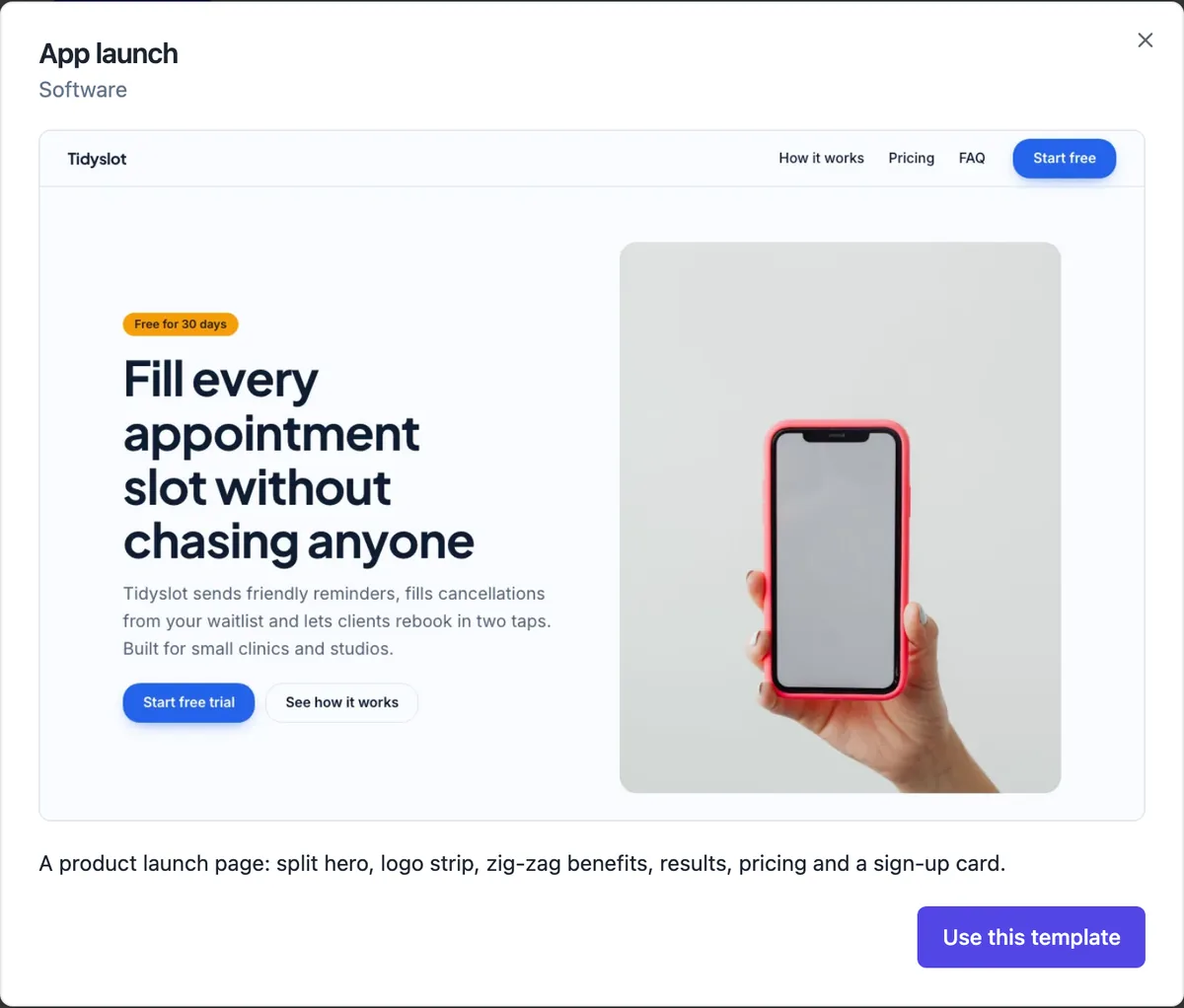
The order that works on one page
Open with a hero that says what you do and for whom, with one button. Then the offer as three to six cards, proof as reviews or numbers, the details people need to decide (prices, area served, hours), a short FAQ for the questions that stop people, and a contact or sign-up section at the end. Every section heading becomes a place the menu can jump to, so the page still feels navigable.
How to get one page from the generator
Choose Landing page or Link page under Kind, or say one page in your description. A landing page is built around one action and comes out as a single long page; a link page is a single page with no menu bar, built for a social profile. The other kinds usually add pages such as services or about, which you can delete in the builder if you want the site on one scroll.
A sticky button for phones
On a long page the action scrolls away. The call to action library has a layout that keeps one short line and one button pinned to the bottom of phone screens, such as Book now or Call us, while desktop visitors see it inline. It is the single most useful section on a one page site that runs on mobile traffic.
Privacy and terms still need a home
A one page site that collects names and emails through a form still needs a privacy policy. The generator adds privacy and terms pages to every kind except link pages, and the builder keeps them out of the main menu if you prefer them only in the footer. Leave them in: they cost nothing and a form without one is a reason for people not to fill it.
When one page stops being enough
Add a page when visitors arrive for different things. A plumber who does hot water, blocked drains and bathroom renovations will rank and convert better with a page for each, because each page can target its own search and answer its own questions. A one page site has one title and one description for search engines, so it competes for one idea.
How it works, in three steps
Step 1
Pick a one page kind
Choose Landing page or Link page, or describe a one page site in the brief.
Step 2
Order the sections
Hero, offer, proof, details, FAQ and contact; drag them in the section list and hide any you do not need.
Step 3
Publish
Press Publish to put the page live at your onecraft.live address, then share the link.
Limits worth knowing
- A single page has one search title and description, so it targets one search idea.
- Link pages leave out the privacy and terms pages and the menu bar by design.
- A home page holds up to twelve sections in the templates; long pages over that get hard to scan on phones.
- Published pages are static, so live data such as a booking calendar needs an embedded form or Code mode.
Questions people ask
Is a one page website bad for SEO?
Not bad, but narrow. One page means one title, one description and one main topic, so it can rank well for a single clear search such as a local service name and suburb. It cannot rank separately for several different services. If your business has distinct offers people search for, give each one its own page.
How long should a one page website be?
As long as the decision needs and no longer. For a simple service that is usually six to nine sections. Each section should answer a question a buyer actually has. If you find yourself adding a second set of services or a long story, that content probably wants its own page.
Can the menu jump to sections on the page?
Yes. Menu links and buttons can point to a section on the same page as well as to other pages, and the builder keeps those links working when you rename a page address. Keep the menu short on a one page site, four or five items, so it fits on a phone without wrapping.
What is the difference between a one page site and a landing page?
A landing page is a one page site with a single goal, usually built for one campaign or product, and it drops anything that distracts from that goal. A one page website can describe a whole small business on one scroll. In the generator, Landing page builds the first and Website can be trimmed to the second.
Can I add a second page later?
Yes. Add page in the pages list creates a new page with its own address, search title and description, and you can choose whether it shows in the menu. Moving a section from the home page to the new page is a matter of adding the same section type there and deleting it from home.
Make your own website
The button opens the generator with this use case already described. Change the wording to match yours, generate, then edit anything you like.
Create a website with OneCraftRelated pages
AI website builder: describe the business, get the whole site
An AI website builder turns a short description of a business into a complete site: the pages, the sections on each page, the copy, a colour theme and photos. The good ones then give you a normal editor, so the AI writes the first draft and you decide what stays.
Multi page website builder: pages, menus and addresses that stay linked
A multi page website gives each service, audience or topic its own page with its own address and search listing. The work is less in making pages than in keeping the menu, the links and the addresses consistent as the site grows, which is what a builder should do for you.
Landing page generator: one offer, one action
A landing page is a single page with a single job, such as joining a waitlist, booking a call or buying one product. A generator helps most when it builds the page around that one action and leaves out everything that competes with it.
More finished work of this kind is on the website examples hub.
Written and checked by the OneCraft team. Last checked .