E-signatures · Compared
DocuSign vs Dropbox Sign, and a third option
DocuSign meters envelopes per user and adds stronger identity checks and payments on its upper plans, while Dropbox Sign offers unlimited signature requests on every paid plan with templates, bulk send and SMS checks from its Standard tier. OneCraft is a third column for small teams that write the document and send it for signing in one account.
Updated , competitor details checked . DocuSign and Dropbox Sign are trademarks of their owners. OneCraft is not affiliated with or endorsed by either.
Nuwan Madhusanka · Co-founder
3 min read · Published
The short verdict
DocuSign suits organisations that need the widest set of signer identity checks, payments at signing, deep routing and a large integration catalogue. Dropbox Sign suits small and mid sized teams that send a lot and want unlimited requests, templates and bulk send at a lower seat price. OneCraft suits small teams that generate the contract and send it for a certified signature from one account, without templates or an API.
| Feature | DocuSign | Dropbox Sign | OneCraft |
|---|---|---|---|
| Price | Personal A$15 a month or A$180 a year; Standard A$37 and Business Pro A$59 per user a month, as served in AUD checked 2026-10-05 | Essentials US$15 a month or US$10.05 billed yearly; Standard US$25 per user a month or US$17.50 billed yearly, from 2 users; Premium by quote checked 2026-10-05 | Per account, not per user: Free $0, Starter $8, Pro $25, Pro+ $125 a month, with 150, 500, 1,500 and 7,500 credits |
| Envelope or request caps | 5 envelopes a month on Personal; 100 per user per year on Standard and Business Pro checked 2026-10-05 | Unlimited signature requests on Essentials, Standard and Premium checked 2026-10-05 | No envelope allowance is published; each envelope holds up to 25 recipients and 500 fields |
| Templates | Reusable templates that save tags, field placement and workflow routing checked 2026-10-05 | 5 templates on Essentials, 15 on Standard, unlimited on Premium checked 2026-10-05 | No reusable templates. Fields are placed per envelope, or arrive positioned from a generated document's signature blocks |
| Bulk send | Bulk sending to many recipients at once, on Business Pro checked 2026-10-05 | Bulk send on Standard and Premium checked 2026-10-05 | No bulk send. One envelope at a time, or one per submitted form response |
| API | Published REST and SOAP APIs with OAuth2 and embedded signing checked 2026-10-05 | A separately priced API with SDKs in 6 languages: Python, Ruby, PHP, Java, NodeJS and C# checked 2026-10-05 | No public API. Envelopes start from a PDF upload of up to 25 MB, or from documents and forms in the same account |
| Signer verification | SMS one time passcodes, government ID checks and knowledge based questions checked 2026-10-05 | Two factor authentication, a verification code to the signer's phone, and SMS authentication on Standard and Premium checked 2026-10-05 | 3 methods: the email link alone, an access code shared out of band, or a 6 digit emailed code that expires in 10 minutes |
| Audit trail | A certificate of completion with audit trail detail of who signed, and when and where checked 2026-10-05 | Audit trails that track and time stamp actions, on every plan checked 2026-10-05 | 18 event types in a hash chained log verified on screen, plus a three section certificate of completion |
| Certification and timestamp | The signing profile of the PDF is not itemised on the features page checked 2026-10-05 | Actions are time stamped in the audit trail; the PDF signing profile is not itemised checked 2026-10-05 | The completed PDF is certified at DocMDP P=1, so later edits break the seal; RFC 3161 timestamping is built but off in every deployed configuration |
| Mobile | An iOS and Android app to create, tag, send and sign checked 2026-10-05 | Capture handwritten signatures in person on any mobile device checked 2026-10-05 | No app. Below 560 pixels the signer portal becomes a compact page with typed fields above a read only document |
| In-person signing | Signing from your office or face to face with the other party checked 2026-10-05 | In person signing listed on every plan checked 2026-10-05 | The sender hosts a session when it is that recipient's turn; the emailed check is waived and an in person event is recorded |
Where DocuSign is better
Stronger identity checks
DocuSign offers SMS passcodes, government ID verification and knowledge based questions. For a signer you have never met, an ID check proves more than an email code, and OneCraft offers only the email link, an access code or an emailed one time code.
Reminders, routing and payments
DocuSign sends automated reminders, expires untouched documents on a deadline, routes in serial, parallel or mixed order with conditions, and collects payment during signing on Business Pro. OneCraft has no automatic reminders, a fixed 30 day expiry and no payments.
Integrations and apps
DocuSign lists more than 1,000 pre-built integrations, including Salesforce, Workday, SAP and Microsoft, plus native mobile apps. OneCraft has no integrations for signing and no app.
Where Dropbox Sign is better
Unlimited requests at a lower seat price
Every Dropbox Sign plan lists unlimited signature requests, and Essentials costs US$15 a month. A team that sends daily never has to count envelopes against a yearly cap.
Templates and bulk send for a small team
Standard includes 15 templates, bulk send and SMS authentication. OneCraft has neither templates nor bulk send, so a contract sent to fifty contractors is prepared fifty times.
A developer API
Dropbox Sign sells an API with SDKs in six languages, so signing can live inside your own product. OneCraft has no public API.
Where OneCraft is different
The document is written in the same account
A contract generated in the document builder carries signature blocks, and each block party becomes a recipient with fields already placed. Forms can do the same: an e-signing add-on turns each submitted response into an envelope.
Evidence you can check
Every event is written into a hash chain, the status page reports whether the chain verifies, and the certificate lists each signer's verification method, IP address, consent and document hash at signing.
Guessing protection on codes
Access codes are stored as salted hashes, five failed attempts lock the recipient for 15 minutes, and at most five one time codes can be issued in ten minutes.
A finished example
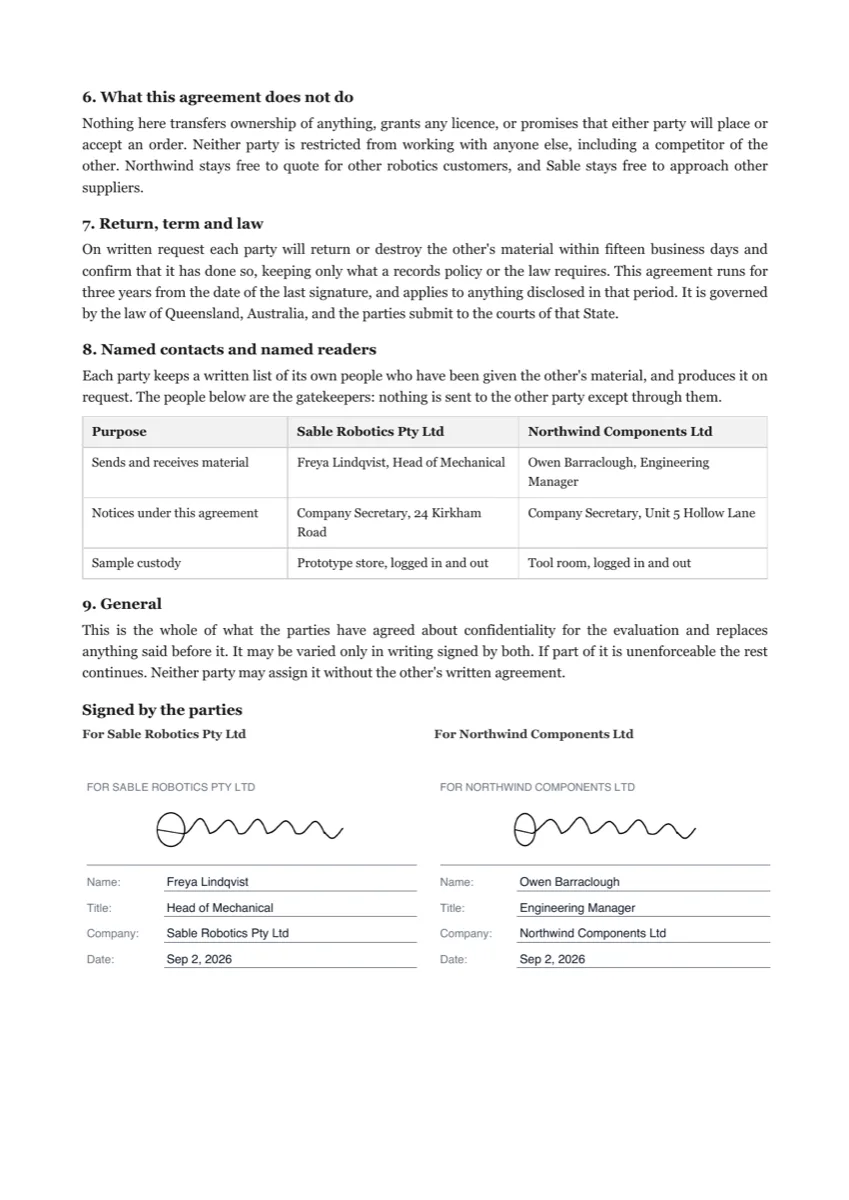 Sign an NDA onlineMade with OneCraft, exactly as the generator and editor left it. Open the page for the full breakdown.
Pricing in plain terms
Checked 5 October 2026. DocuSign's plans page served prices in Australian dollars: Personal at A$15 a month or A$180 a year with 5 envelopes a month, Standard at A$37 per user a month and Business Pro at A$59, both with 100 envelopes per user per year. Dropbox Sign lists Essentials at US$15 a month or US$10.05 billed yearly for one user, Standard at US$25 per user a month or US$17.50 yearly from two users, and Premium by quote. OneCraft prices per account: Free, then $8, $25 and $125 a month.
Choosing between DocuSign and Dropbox Sign
Count your sends first. A user on DocuSign Standard has 100 envelopes a year, about eight a month, so a busy sender may outgrow it; Dropbox Sign does not cap requests. Then look at who signs. If signers are strangers and the deal is large, DocuSign's ID verification and knowledge based questions answer the question of who signed better than SMS codes. If your contracts flow from a CRM or HR system, compare the integrations each one names before price.
Where a third option fits
OneCraft is not a full replacement for either. It has no templates, bulk send, reminders, API or app, and timestamping is off. It fits when the hard part is producing the document: a services agreement or NDA generated from a brief, signed in order by two or three people, and returned as a certified PDF with a certificate. If you already have a library of templates, stay where they live.
What could not be checked
Neither competitor's features page states the technical signing profile of its PDFs, so that row quotes only the audit trail wording. DocuSign's page served Australian dollars to this check; prices in other regions differ. Every OneCraft cell names a row in an internal fact ledger checked against the product's source code.
Who should stay with DocuSign or Dropbox Sign
Stay with DocuSign if you need ID or knowledge based checks, payments at signing, conditional routing or a big integration catalogue. Stay with Dropbox Sign if you send many requests, rely on templates and bulk send, or build signing into your own app. OneCraft fits small teams that write and sign documents in one place.
Questions people ask
Is Dropbox Sign cheaper than DocuSign for a small team?
On the pages checked, usually yes. Dropbox Sign Standard is US$25 per user a month, or US$17.50 billed yearly, with unlimited requests. DocuSign Standard was served at A$37 per user a month with 100 envelopes per user per year. Currencies differ, so convert before comparing, and count how many envelopes each person sends.
Does DocuSign or Dropbox Sign include bulk send on the entry plan?
No. DocuSign lists bulk send on Business Pro, and Dropbox Sign lists it on Standard and Premium, not on Essentials. OneCraft has no bulk send at all. If you send one contract to many people, budget for the tier that includes it, or prepare each envelope by hand.
Can a signer use their phone with each option?
Yes. DocuSign has apps for iOS and Android, and Dropbox Sign supports signing on mobile devices, including in person. OneCraft has no app; its signer page switches to a compact mobile layout below 560 pixels, moving every typed field into a panel above the document so it fits a small screen.
Which one lets me check that a signed PDF was not changed?
In OneCraft, the completed PDF is certified so a later edit breaks the seal, and the audit log is a hash chain the status page verifies. DocuSign and Dropbox Sign both keep audit trails and DocuSign issues a certificate of completion, but the pages checked do not describe how their PDFs are sealed.
Can I start signing in OneCraft from a Word file?
Not directly. Envelopes start from a PDF upload of up to 25 MB, so export the Word file to PDF first. Rotated and password protected PDFs are rejected at upload with the reason. The other route is to generate the document in OneCraft, where signature blocks become placed fields automatically.
Try the signing flow side of OneCraft
The button opens the generator with a starting prompt already filled in. Change the wording to match your own work before you run it.
Send a document for signingMore comparisons
- DocuSign vs Adobe Sign, with a small team optionDocuSign vs Adobe Sign compared on price, envelope caps, signer checks, templates, API and compliance, with a third column for small teams and its gaps.
- A Dropbox Sign alternative built around certified PDFsA Dropbox Sign alternative for senders who want certified PDFs and a hash chained audit trail, with templates, bulk send and the API named on their side.
- A DocuSign alternative for small businessOneCraft e-signature as a DocuSign alternative for small business: fields, signing order, identity checks, audit trail and certified PDFs, with the gaps named.
What the module actually does, feature by feature: the E-signature software page, and the e-signatures maker page.
Step by step in the builder: Send a PDF for e-signature, then Add e-signatures with multiple signers.
Written and checked by the OneCraft team. Last checked .