Presentations · Alternative
A Slidebean alternative for pitch decks
The main Slidebean alternatives are general AI deck builders that write the whole pitch from a brief, and OneCraft is one of them. Slidebean stays the stronger choice for founders who want financial modelling, an investor CRM and view tracking bundled with the deck; OneCraft is for founders who want the deck itself, editable and exported to PowerPoint.
Updated , competitor details checked . Slidebean is a trademark of its owner. OneCraft is not affiliated with or endorsed by it.
Nuwan Madhusanka · Co-founder
3 min read · Published
The short verdict
Slidebean suits founders who want one subscription for the pitch deck, a financial forecast, an investor tracker and slide view analytics, with human deck and modelling services a click away. OneCraft suits founders who only need the deck: generated from a brief across 26 slide roles, edited by chat or by hand, and exported as editable PowerPoint with native charts.
| Feature | Slidebean | OneCraft |
|---|---|---|
| Price | Starter $7 a month billed yearly; Accelerate $99 a month billed monthly, with 35% off yearly checked 2026-09-29 | Free at $0 with 100 credits a month, then Starter $8, Pro $25 and Pro+ $125 a month; PowerPoint export needs a paid plan |
| Pitch deck from a brief | An AI pitch deck builder "to get your slides started", unlimited on Starter checked 2026-09-29 | A brief of up to 10,000 characters becomes a 3 to 20 slide deck; the free plan stops at 6 slides |
| Investor slides | Over 120 pitch deck templates from venture backed startups checked 2026-09-29 | 1,071 templates across 26 roles, including 8 investment, 141 metrics and 12 pricing layouts |
| Financial model | A financial modeling forecast tool on Accelerate; a Financial Modeling Bootcamp on Starter checked 2026-09-29 | OneCraft does not build financial models; the figures on a slide are the ones in your brief |
| Design automation | "Add the content and let our app take care of design" checked 2026-09-29 | The AI picks a template per slide; swapping layout re-keys content by box and keeps per box styling |
| PowerPoint export | PPT, PDF and HTML downloads for subscribers; editable PPT turns charts and tables into non-editable images checked 2026-09-29 | Text, lists, images, tables and charts become native PowerPoint objects; 9 of 10 chart kinds stay live charts |
| PDF export | A static copy without animations, video or audio, and links are not supported checked 2026-09-29 | PDF is free on every plan, rendered from the saved deck; its text is not selectable |
| Share link and analytics | Tracks "every slide activity, from views, to time spent" checked 2026-09-29 | One read only link per deck serving the current saved version, with no viewer analytics |
| Investor tools | Investor Finder and CRM tools on Accelerate checked 2026-09-29 | OneCraft has no investor database or CRM |
| Editing with AI | Unlimited AI pitch deck reviews on Starter checked 2026-09-29 | A chat with 9 edit operations, from adding a slide to swapping a theme, applied as a preview first |
Where Slidebean is better
A financial model sits next to the deck
Slidebean's Accelerate plan includes a financial modeling forecast tool, and every plan gets its modelling bootcamp and a cap table tool. OneCraft has none of that: it lays out the numbers you give it and never builds the forecast behind them.
Investor finder and CRM
Accelerate adds Investor Finder and CRM tools for tracking conversations with investors. OneCraft makes the deck and stops there; you run the raise in another tool.
You can see who read the deck
Slidebean tracks views and time spent per slide on shared decks. The OneCraft share link is read only and records nothing about who opened it or for how long.
People can help you write it
Slidebean sells pitch deck design, presentation design and financial modelling services, and Accelerate includes a strategy call plus monthly expert sessions. OneCraft is software only, with no human review.
Where OneCraft is different
Charts survive the trip to PowerPoint
Slidebean's own help page says editable PPT exports turn charts and tables into non-editable images. OneCraft's editable PPTX writes 9 of its 10 chart kinds as real PowerPoint charts and tables as native tables, so an investor asking for the numbers in PowerPoint gets numbers.
One brief, a whole deck
A brief of up to 10,000 characters, plus attached files on paid plans, becomes a deck of 3 to 20 slides chosen from 1,071 templates across 26 roles. The investment, metrics and pricing roles exist precisely for the slides a raise needs.
Edits land as a preview
The AI assistant can add, delete, move or regenerate slides, swap a layout or theme and generate images, but every change arrives as a preview you apply or discard. The deck is never rewritten behind your back.
Research grounds the content
When no file is attached, the outline step can run one web search and one page fetch per deck to ground market figures. Sources are used for grounding, never printed on the slides, so check any figure before you present it.
A finished example
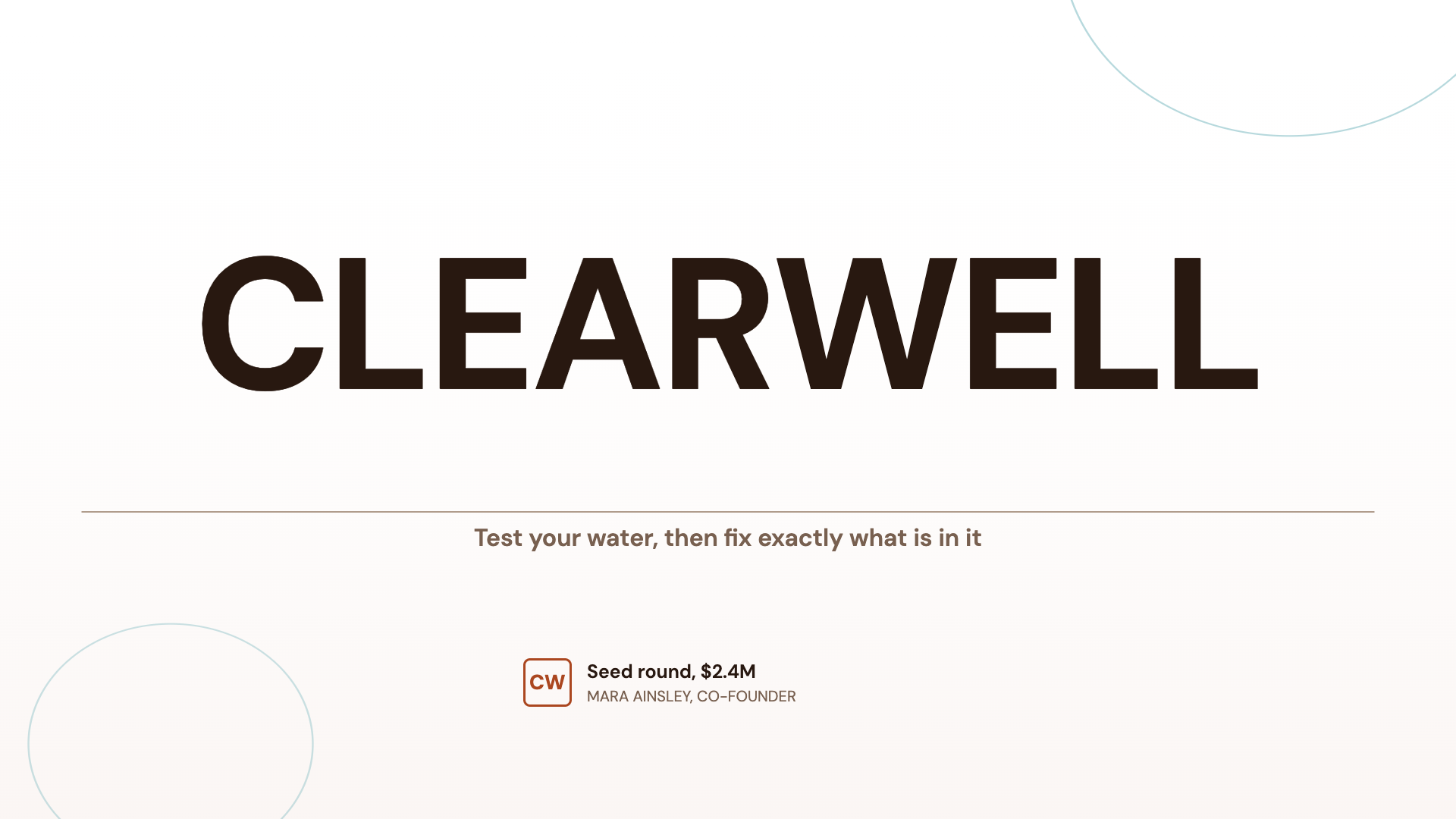 Seed pitch deckMade with OneCraft, exactly as the generator and editor left it. Open the page for the full breakdown.
Pricing in plain terms
Checked 29 September 2026. Slidebean's pricing page lists Starter at $7 a month billed yearly, with a monthly option, and Accelerate at $99 a month billed monthly or 35% less on a yearly plan. Downloading a presentation is a subscription feature according to its help centre. OneCraft's pricing page lists Free at $0 with 100 credits a month, Starter at $8 a month with 500 credits, Pro at $25 a month with 1,500 credits, Pro+ at $125 a month with 7,500 credits, and a custom Enterprise plan. PDF export is on every plan at about 1 credit per 10 pages; PowerPoint and editable PPTX exports, file attachments and present mode recording need a paid plan.
Moving across
There is no importer for Slidebean decks. The simplest route is to export your Slidebean deck as a PDF, attach it to a OneCraft brief on a paid plan and ask for a rebuilt deck; attachments are read for their text, so the words carry over and the design does not. Your financial model and investor list stay wherever they live today.
What could not be checked
Slidebean's pages checked do not state a slide count limit per generated deck, a free plan's allowances or the price of its separate design and modelling services, so none of those appear in the table. The template count of over 120 is Slidebean's own claim on its pitch deck software page, quoted as written.
How the OneCraft side was verified
Every OneCraft cell names a row in an internal fact ledger checked against the product's source code: the 1,071 templates counted on disk, the 6 slide cap for free accounts enforced by the backend, the chart kinds that map to native PowerPoint charts, and the read only share link. The absences, financial modelling, investor tools and viewer analytics, are stated as absences.
Who should stay with Slidebean
Stay with Slidebean if the forecast, the cap table, the investor list and the view analytics matter as much as the slides, or if you want a human team to review and design the deck with you. OneCraft replaces only the deck making part of that bundle.
Questions people ask
Is there a free Slidebean alternative for pitch decks?
OneCraft has a free plan with 100 credits a month. A free account can generate a deck of up to 6 slides and export it as a PDF. PowerPoint export, attachments and longer decks of up to 20 slides need the Starter plan at $8 a month, so a full seed deck exported to PowerPoint is a paid job.
Can OneCraft build the financial model for my raise?
No. OneCraft lays out the figures you give it on metrics, investment and pricing slides, with 10 chart kinds to show them, but it does not calculate a forecast, a cap table or a runway. Build the model in a spreadsheet or a tool made for it, then paste the key numbers into the brief.
Will investors be able to edit my charts in PowerPoint?
Yes, for 9 of the 10 chart kinds. The editable PPTX export writes bar, line, area, pie, donut, radar, stacked column and waterfall charts as native PowerPoint charts; a waffle chart stays a picture. Slidebean's help centre says its editable export turns charts and tables into images.
Can I see when an investor opens my OneCraft deck?
No. The share link opens the current saved version read only and records no views. If knowing who opened the deck and which slide they lingered on is part of how you follow up, Slidebean's analytics or a dedicated data room tool covers that and OneCraft does not.
How long can a generated pitch deck be?
The length slider runs from 3 to 20 slides and starts at 8 (6 on the free plan), or Auto lets the outline choose, so set it before you generate. Free accounts are capped at 6 slides by the backend. A typical seed deck of 10 to 14 slides therefore needs a paid plan, and you can add or remove slides by hand afterwards.
Do the numbers in a generated deck come from the web?
Only as grounding. When no file is attached, the outline step can run one web search and fetch up to two pages, and the model uses what it finds. Nothing is cited on the slides, so treat any market size or statistic as a draft and replace it with a figure you can source.
Try the presentation side of OneCraft
The button opens the generator with a starting prompt already filled in. Change the wording to match your own work before you run it.
Create a presentation with OneCraftMore comparisons
- A Decktopus alternative with editable PPTX exportA Decktopus alternative with editable PPTX export: OneCraft and Decktopus compared on price, AI credits, templates, chat editing, research and presenting.
- Gamma vs Beautiful.ai vs OneCraftGamma, Beautiful.ai and OneCraft compared for AI presentations: generation, layouts, editing, PowerPoint export, presenting and pricing.
- Canva vs OneCraft for presentationsCanva's presentation editor against OneCraft's AI deck generator: layouts, AI writing, charts, PowerPoint export, presenting and collaboration.
What the module actually does, feature by feature: the AI presentation maker page.
Step by step in the builder: Make a pitch presentation with AI, then Export a presentation to PowerPoint or PDF.
Written and checked by the OneCraft team. Last checked .