Presentations · Alternative
A Decktopus alternative with editable PPTX export
A good Decktopus alternative writes a full deck from a topic just as quickly, then hands you a PowerPoint file you can keep editing. OneCraft does that with 1,071 templates and an editable PPTX export that keeps charts as real charts, while Decktopus leads on team workspaces, slide analytics, brand import from a website and rehearsal coaching.
Updated , competitor details checked . Decktopus is a trademark of its owner. OneCraft is not affiliated with or endorsed by it.
Nuwan Madhusanka · Co-founder
3 min read · Published
The short verdict
Decktopus suits teams that want a shared workspace, slide analytics, a custom domain, brand extraction from a website and an AI coach for rehearsing delivery. OneCraft suits people who want a larger layout library, a chat that restructures the deck, and a PowerPoint file whose text, tables and charts stay editable after export.
| Feature | Decktopus | OneCraft |
|---|---|---|
| Price | Pro $9.99 a month billed $119.88 yearly, $24.99 billed monthly; Business and Enterprise priced on request checked 2026-09-29 | Free at $0 with 100 credits a month, then Starter $8, Pro $25 and Pro+ $125 a month; PowerPoint export needs a paid plan |
| AI allowance | 750 AI credits a month on Pro, about 150 slides; 1,000 per seat on Business checked 2026-09-29 | Credits are shared across every OneCraft module; a free account generates decks of up to 6 slides, paid accounts up to 20 |
| Templates | Custom templates are mentioned; no template count is published on the pages checked checked 2026-09-29 | 1,071 slide templates across 26 roles, from cover and agenda to pricing and investment |
| Export | PDF, PPT (.pptx) and PNG export checked 2026-09-29 | PDF, PowerPoint and editable PPTX; the editable file writes text, lists, images, tables and 9 of 10 chart kinds as native objects |
| Editing with AI | Edit with AI for prompt based changes, and Beautify to redesign an existing deck checked 2026-09-29 | 9 chat operations: add, delete and move slides, edit text, swap template or theme, rename, regenerate a slide, generate an image |
| Research grounding | Not described on the pages checked checked 2026-09-29 | One web search and one fetch of up to 2 pages per deck ground the content when no file is attached |
| Presenting | Loop, an AI delivery coach for rehearsal; downloadable speaking notes checked 2026-09-29 | Present mode with a notes pop-out window, pen, highlighter and spotlight, and WebM recording up to 4K on paid plans |
| Brand | Paste a website URL to extract your logo, brand colours and fonts; Brand Kit on Business checked 2026-09-29 | 99 themes, 42 fonts and a logo or text brand mark on the first slide or all slides |
| Analytics | Slide analytics on Business; "Know who opened your proposal, how long they lingered" checked 2026-09-29 | OneCraft does not track viewers; the share link is read only with no analytics |
| Version history | Version history on Pro checked 2026-09-29 | A version drawer listing up to 50 saved versions, each previewable and restorable as a new version |
Where Decktopus is better
It imports your brand from a website
Decktopus says you can paste your company URL and it extracts the logo, primary colours and fonts, then applies them across the slides. OneCraft offers 99 themes, 42 fonts and a brand mark, but it does not read a website to build your look.
Analytics and a custom domain
Decktopus Business lists slide analytics and a custom domain, and its homepage promises you can see who opened a proposal and how long they stayed. The OneCraft share link records no views.
A shared team workspace
Business adds a shared workspace with 1,000 credits per seat, and Enterprise adds role based access control. OneCraft decks are edited by one person at a time, with no co-editing.
Rehearsal coaching
Loop is Decktopus's AI coach for practising delivery. OneCraft helps you present, with notes, pen tools and recording, but it does not score or coach your talk.
Where OneCraft is different
A larger layout library with named roles
OneCraft picks each slide from 1,071 templates filed under 26 roles such as comparison, metrics, framework and timeline. When a slide's shape is wrong, you swap it for another layout and the content re-keys by box, keeping your styling.
Charts stay charts in PowerPoint
The editable PPTX export writes text, lists, images, tables and 9 of the 10 chart kinds as native PowerPoint objects. Diagram artwork stays a picture, but its labels become real text boxes you can edit.
The chat can restructure the deck
Beyond rewriting text, the assistant can add, delete and move slides, swap templates and themes, regenerate a slide and generate images. Every change is shown as a preview first.
Present and record in the browser
Present mode has keyboard shortcuts, a speaker notes window you drag to a second screen, a pen with five colours, and a recorder that saves WebM at 1080p, 1440p or 4K with optional camera and microphone.
A finished example
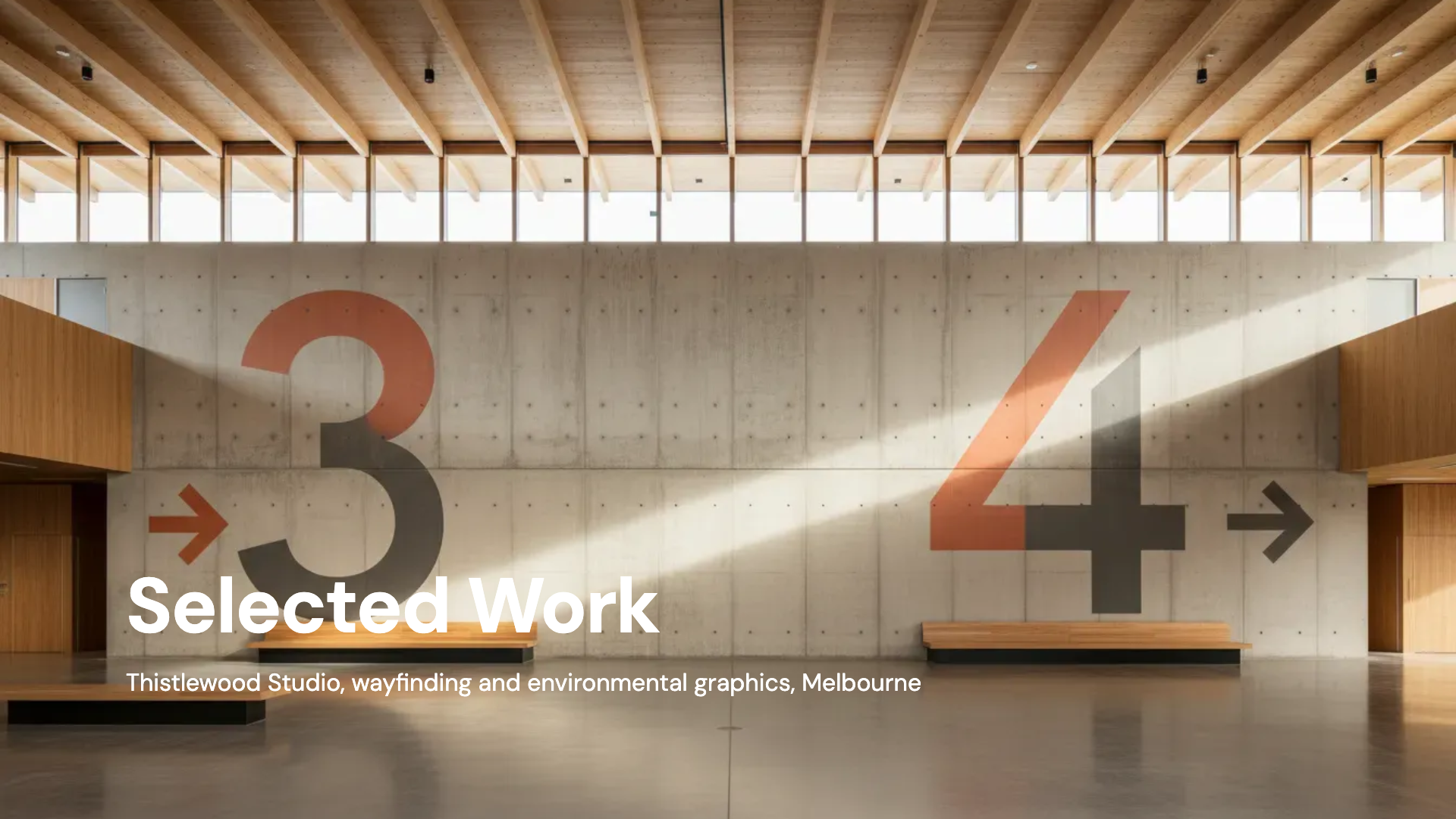 Agency portfolio deckMade with OneCraft, exactly as the generator and editor left it. Open the page for the full breakdown.
Pricing in plain terms
Checked 29 September 2026. Decktopus's pricing page lists Pro at $9.99 a month billed $119.88 a year, $19.99 a month billed quarterly, or $24.99 billed monthly, with 750 AI credits a month. Business adds 1,000 credits per seat, a shared workspace, Brand Kit, slide analytics and a custom domain; its price was not shown on the page. OneCraft's pricing page lists Free at $0 with 100 credits a month, Starter at $8 a month with 500 credits, Pro at $25 a month with 1,500 credits, Pro+ at $125 a month with 7,500 credits, and a custom Enterprise plan. Editable PPTX and PowerPoint exports need a paid plan; PDF is free.
Moving across
Decktopus exports PPTX, but OneCraft does not import PPTX. Export your Decktopus deck as a PDF instead and attach it to a OneCraft brief on a paid plan; the text is read and the deck is rebuilt in OneCraft templates, so the wording carries over and the design does not. Going the other way, OneCraft's editable PPTX opens in PowerPoint.
What could not be checked
Decktopus does not publish a template count, the Business price, or whether its PPT export keeps charts editable, on the pages checked. Features some reviews attribute to it, such as forms inside slides, did not appear on its own pages that day, so they are not in the table either way.
How the OneCraft side was verified
Every OneCraft cell names a row in an internal fact ledger checked against the product's source code: the 1,071 templates on disk, the 9 chat operations in the editor's type definitions, the one search and one fetch research budget, and the export code that maps chart kinds to PowerPoint charts. Viewer analytics is listed as an absence.
Who should stay with Decktopus
Stay with Decktopus if a team shares one workspace, if you rely on slide analytics or a custom domain for proposals, if you want your brand pulled from a website automatically, or if Loop coaching is part of how you prepare. OneCraft does none of those things.
Questions people ask
Does Decktopus or OneCraft export better PowerPoint files?
Both export .pptx. OneCraft's editable PPTX writes text, lists, images, tables and 9 of its 10 chart kinds as native PowerPoint objects, which is verified in its export code. Decktopus's pages say it exports PPT for downstream editing but do not say how charts arrive, so test a chart heavy deck before you commit.
Can I pull my brand from my website in OneCraft?
No. Decktopus reads a website for logo, colours and fonts; OneCraft does not. In OneCraft you pick one of 99 themes and 42 fonts and add a logo or text brand mark on the first slide or every slide, which takes a minute but is done by hand.
How many slides can I generate on each plan?
OneCraft's generator slider runs from 3 to 20 slides. A free account is capped at 6 slides by the backend; paid plans reach 20. Decktopus's Pro plan budgets 750 AI credits a month, which its pricing page equates to about 150 slides.
Can two people edit a OneCraft deck at once?
No. There is no co-editing, comments or presence. Each deck is edited by one person, saved as versions you can preview and restore, and shared through a read only link. Decktopus Business offers a shared workspace for teams, which is the better fit if several people build decks together.
Does OneCraft coach me while I rehearse?
No. Present mode gives you speaker notes in a pop-out window, a pen, highlighter and spotlight, and a recorder that saves WebM up to 4K on paid plans, so you can watch yourself back. Decktopus's Loop is an AI coach for delivery practice, and OneCraft has no equivalent.
Will a chat edit change my deck without asking?
No. Every chat operation, whether it adds a slide, swaps a template or regenerates a slide, arrives as a preview you apply or discard. The backend never changes the saved deck on its own, and the last 200 chat messages are kept with the deck.
Try the presentation side of OneCraft
The button opens the generator with a starting prompt already filled in. Change the wording to match your own work before you run it.
Create a presentation with OneCraftMore comparisons
- A Slidebean alternative for pitch decksA Slidebean alternative for pitch decks: OneCraft against Slidebean on price, AI generation, templates, exports, financial models and investor tools.
- A Visme alternative for flyers, posters and decksA Visme alternative for flyers, posters and decks: OneCraft and Visme compared on price, AI from a brief, slide templates, interactivity, brand kit and export.
- Gamma vs Beautiful.ai vs OneCraftGamma, Beautiful.ai and OneCraft compared for AI presentations: generation, layouts, editing, PowerPoint export, presenting and pricing.
What the module actually does, feature by feature: the AI presentation maker page, and the presentations maker page.
Step by step in the builder: Edit your deck with the AI assistant, then Export a presentation to PowerPoint or PDF.
Written and checked by the OneCraft team. Last checked .