Posters
A0 poster size
A0 is 841 by 1189 millimetres, or 84.1 by 118.9 centimetres and 33.11 by 46.81 inches, and it is the size nearly every conference asks for. In the builder it is a 1656 by 2340 pixel canvas in portrait and 2340 by 1656 in landscape, and the export scales that up for print.
| Measure | A0 | A1 | 36 x 48 in |
|---|---|---|---|
| Millimetres | 841 x 1189 | 594 x 841 | 914.4 x 1219.2 |
| Centimetres | 84.1 x 118.9 | 59.4 x 84.1 | 91.44 x 121.92 |
| Inches | 33.11 x 46.81 | 23.39 x 33.11 | 36 x 48 |
| Pixels at 72 DPI | 2384 x 3370 | 1684 x 2384 | 2592 x 3456 |
| Pixels at 150 DPI | 4967 x 7022 | 3508 x 4967 | 5400 x 7200 |
| Pixels at 300 DPI | 9933 x 14043 | 7016 x 9933 | 10800 x 14400 |
Where 1656 by 2340 comes from
A0 is 33.1 by 46.8 inches. At 50 pixels per inch that is 1656 by 2340, and that is the canvas you edit on. It is deliberately not authored at print resolution: a 300 DPI A0 canvas would be 9,930 pixels wide and 14,040 pixels tall, and dragging blocks around it would crawl for no visible gain on screen.
The export scales it up
Exports render in headless Chromium at twice the canvas, so an A0 poster leaves at 3312 by 4680 pixels. At full A0 that is 100 pixels per inch. Large-format printers work happily at that resolution because a poster is read from a metre or more away, not held at arm's length like a flyer.
Portrait or landscape, not both at once
Each layout is authored for one orientation and fills it properly. Switching a portrait poster to landscape in the size picker would stretch its geometry, so pick a layout built for the orientation your conference specifies.
What the file does not carry
No bleed allowance, no crop marks, no CMYK conversion and no embedded colour profile. The PDF places each page as a bitmap, so it opens and prints predictably everywhere, and its text is not selectable. For most poster printing that is exactly what the shop wants; tell them it is RGB at A0 proportions.
Which orientation the room wants
Conferences usually specify one. Portrait suits a text-heavy study and a narrow board; landscape suits a wide figure or a four-column reading order. If the call for abstracts does not say, ask the organiser which way the A0 stands are mounted, because an A0 board fills an A0 stand in one orientation only.
What 100 pixels per inch looks like at a metre
A conference board is read at arm's length or further, not held at 30 centimetres like a page. At full A0 the export works out at roughly 100 pixels per inch, which resolves body text down to about 24 point and keeps chart lines clean at the distance a reader actually stands. The 300 DPI habit comes from photographic printing, where a viewer can lean in; a poster is a wall object and the extra pixels are spent on nothing a human eye picks up from a metre away. What does matter at that distance is type size, contrast and how much white space sits between blocks, and those are decisions you make on the canvas rather than settings in the export dialog. Print a single A4 crop at full scale if you want to see exactly what the board will look like before you commit to the A0 run.
Other paper and poster sizes
A0 halves into A1, A1 into A2 and so on down the ISO 216 A series, so every size below keeps the same shape. The pages here give each one in millimetres, centimetres, inches and pixels, and the free tools check a file against a size before it goes to print.
How it works, in three steps
Step 1
Choose A0 Portrait or A0 Landscape
They are the only two entries under the poster format list.
Step 2
Check the canvas readout in the builder
The left panel states the exact pixel canvas the page is using.
Step 3
Export as PDF for the print shop
PDF writes the poster at twice the canvas, which is 3312 by 4680 for A0.
The full walkthrough with screenshots is in the guide Change colours and fonts with themes.
Limits worth knowing
- A0 Portrait is 1656 by 2340 pixels; A0 Landscape is 2340 by 1656.
- Export is twice the canvas, roughly 100 pixels per inch at full A0.
- No bleed, crop marks, CMYK conversion or colour profile in the export.
- The size picker lists A0 Portrait and A0 Landscape under Conference poster.
- Layouts are authored per orientation; switching size means picking a layout built for it.
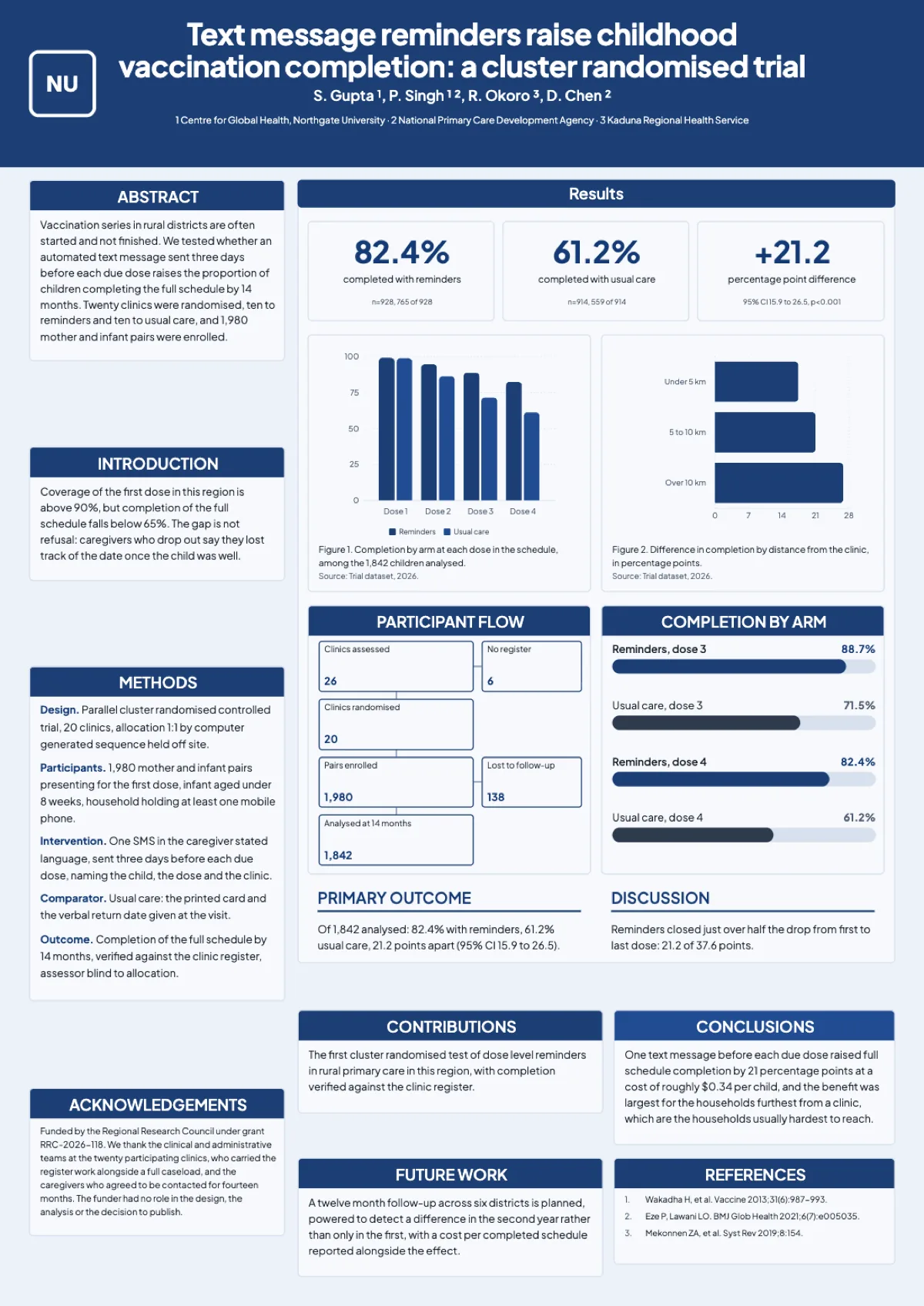
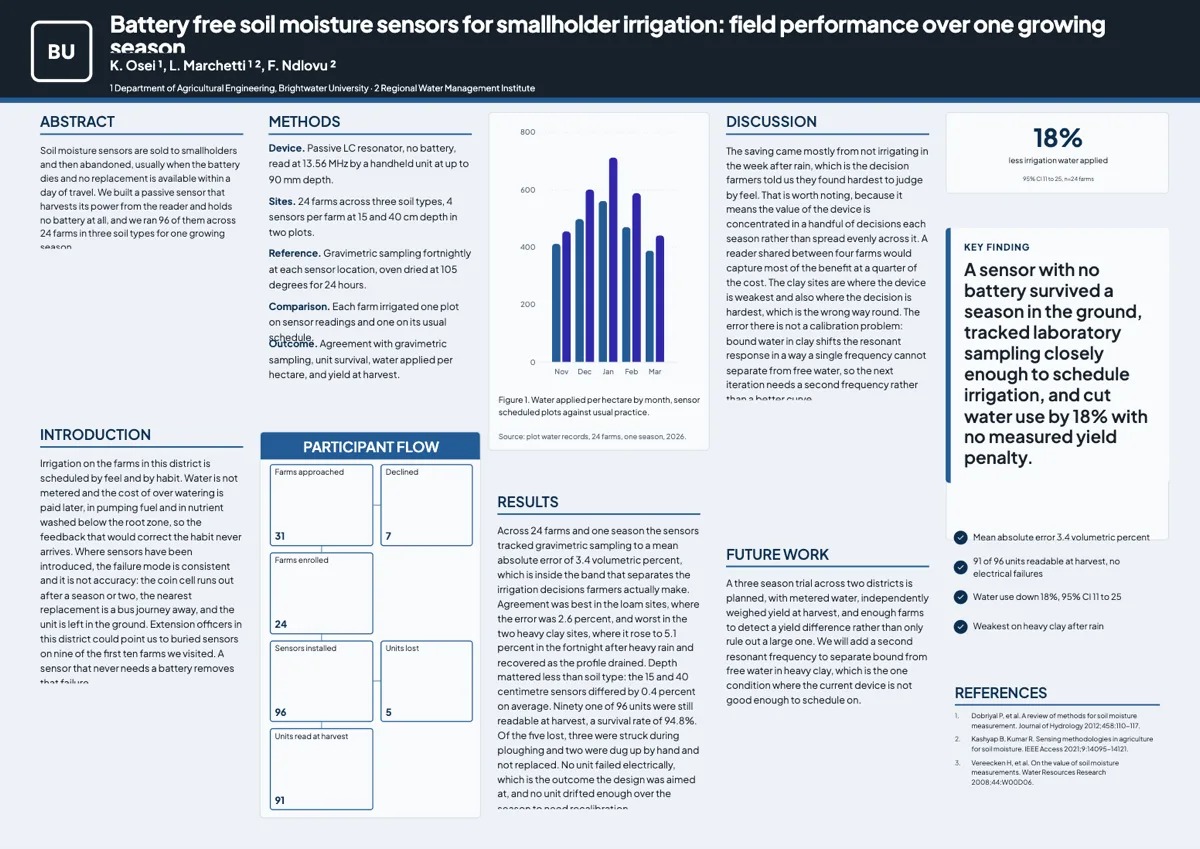
See it on a finished piece
Questions people ask
What are A0 poster dimensions?
841 by 1189 millimetres, or 33.1 by 46.8 inches. In the builder that is a 1656 by 2340 pixel canvas in portrait.
What resolution does the export land at?
3312 by 4680 pixels for A0, which is about 100 pixels per inch at full size.
Do I need to add bleed?
The export has none, so treat the canvas edge as the trim line and keep anything that must not be cut well inside it.
Can I print it smaller than A0?
Yes. The proportions are fixed, so a print shop can scale the same file to A1 or A2 without redesigning it.
Can I export at 300 DPI?
No. The export renders at twice the canvas, so A0 portrait leaves at 3312 by 4680 pixels and there is no higher setting. That is about 100 pixels per inch at full A0, which is the right density for a board read from a metre away. A print shop that asks for 300 DPI is quoting a photographic standard, not a poster one.
What paper does the print shop use?
Ask them, because it is their choice and it changes how the board looks. A matte or satin poster paper suits a hall with overhead lighting; gloss throws reflections. The file you hand over is RGB with no colour profile embedded, so let the shop convert it and ask to see a proof if the colours carry meaning.
Does landscape export at the same resolution?
Yes. A0 landscape is 2340 by 1656 on the canvas and leaves at 4680 by 3312 pixels, the same pixel count rotated. Both orientations print at 841 by 1189 millimetres, just turned. Nothing about the export changes when you pick one over the other.
Make your own poster
The button opens the generator with this use case already described. Change the wording to match yours, generate, then edit anything you like.
Create a poster with OneCraftRelated pages
Flyer to PDF for print
Pressing Export does not save a picture of your screen. It saves the flyer, hands the saved version to a headless browser on the server, screenshots each page at twice its canvas resolution and assembles those into a PDF. Knowing that explains almost every question people have about the file.
Research poster templates
Forty poster layouts, twenty in A0 portrait and twenty in A0 landscape. They are not colour variants of one grid; each one puts the reader somewhere different, from the traditional column board a committee expects to a billboard that leads with the finding.
Download a form as a PDF
Not everyone will use the link. A blank template PDF gives you the same form as a printable page, laid out properly rather than screenshotted, with a header, a footer and page numbers.
More finished work of this kind is on the poster examples hub.
Written and checked by the OneCraft team. Last checked .