Posters
Research poster templates
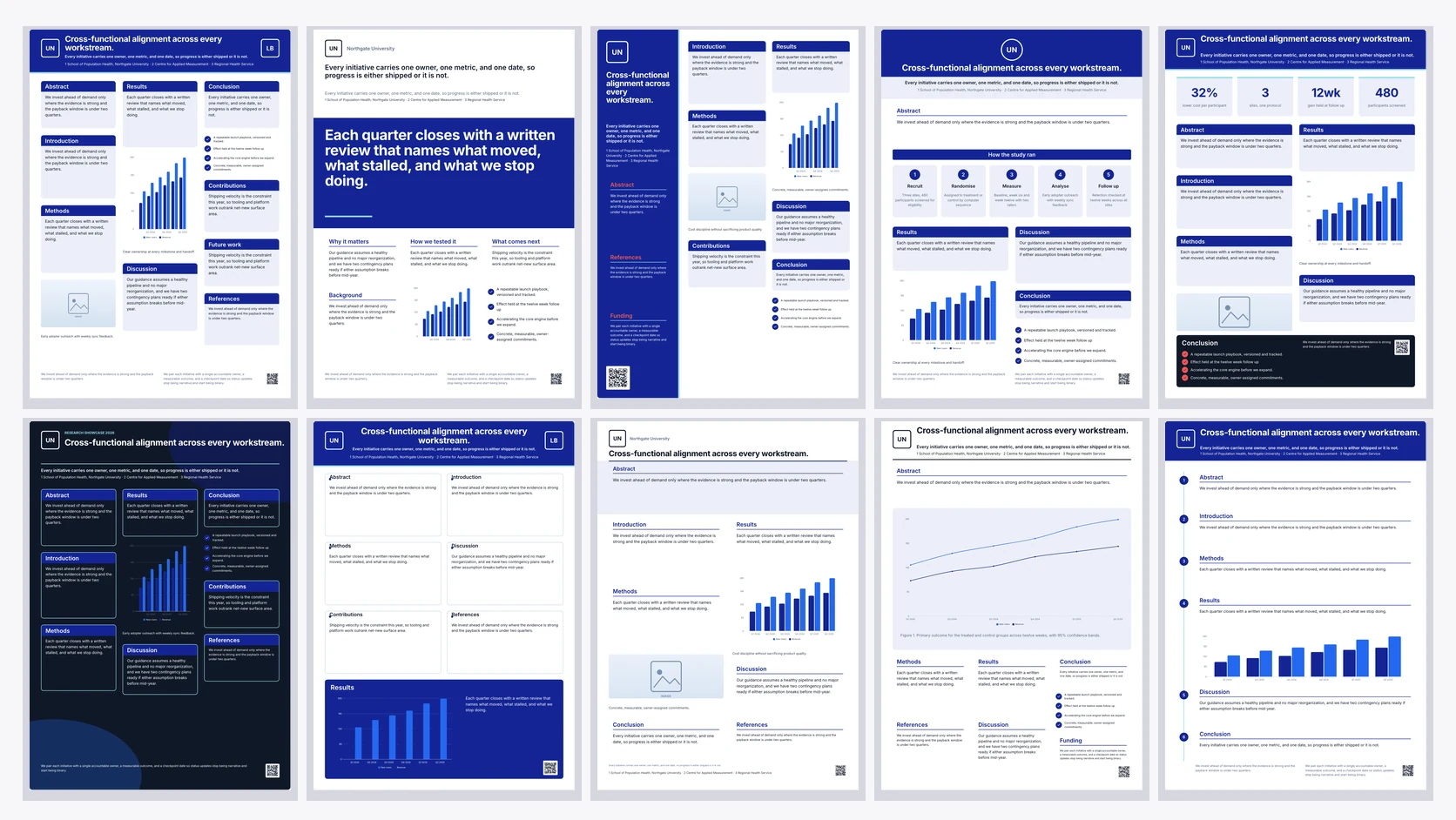
Forty poster layouts, twenty in A0 portrait and twenty in A0 landscape. They are not colour variants of one grid; each one puts the reader somewhere different, from the traditional column board a committee expects to a billboard that leads with the finding.
The classic boards
The three-column portrait and four-column landscape layouts are what most conferences expect: a title band with the logo and linked author block, a narrow column for abstract, introduction and methods, a results zone with the key numbers and numbered figures, then discussion, conclusions and references. If the abstract book says nothing about style, start here.
Boards that lead with the finding
The billboard layouts give the headline result a coloured band in very large type with the evidence in small supporting columns, in the better-poster style. Use one when the hall is busy and a reader gives you five seconds. The hero-figure boards do the same job with one chart at roughly a third of the canvas: 36 percent of the portrait board and 28 percent of the landscape one.
Boards built around the method
The method flow and process flow layouts put the procedure across the board as a five stage chain with a name and one line under each stage. The timeline rail board is different: it numbers the sections down a left rail so a reader walks the study in order, and the findings timeline board runs four dated measurement points along the top.
Quiet and formal options
The typographic layouts drop coloured panels for hairline rules and wide margins, which suits humanities and theory-led work. The framed and journal-style boards read as a printed page. The dark showcase is for industry demo days where the board sits in a row of white ones.
Most layouts share the same blocks
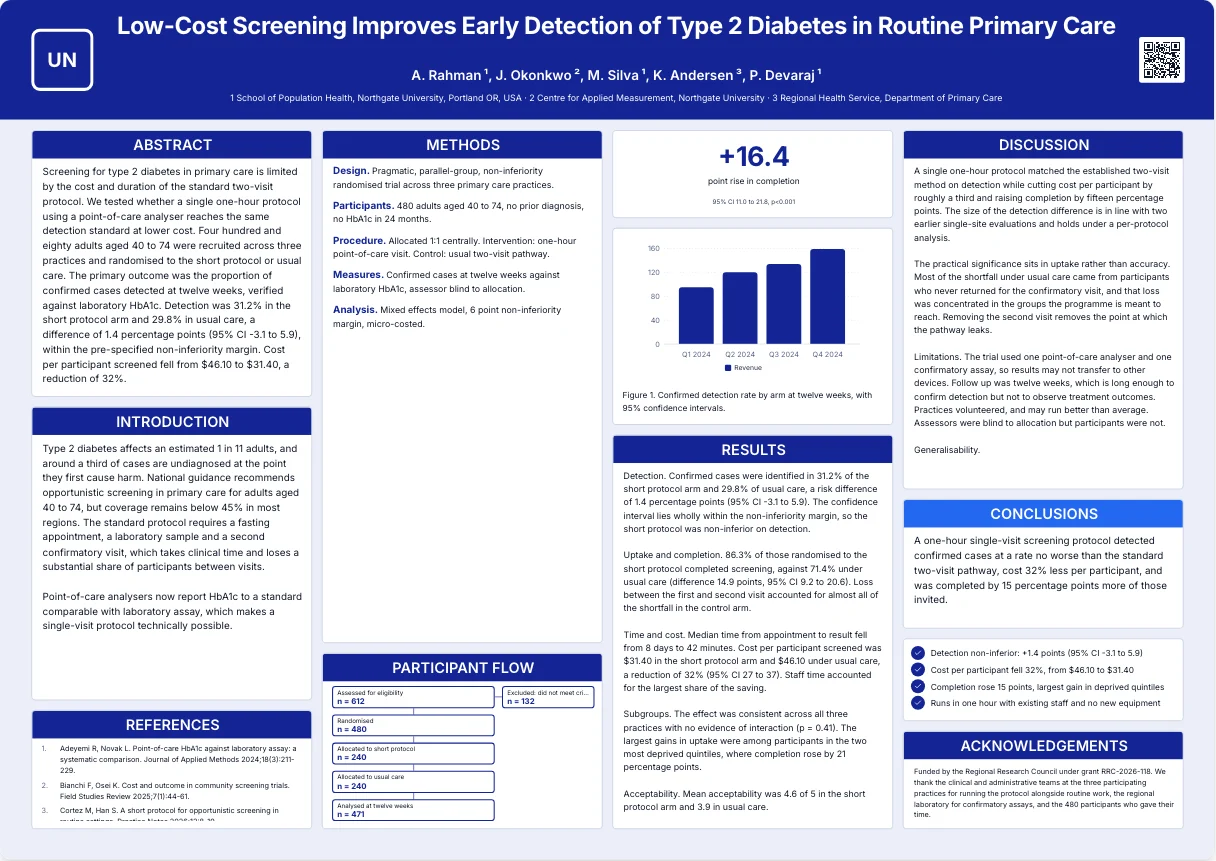
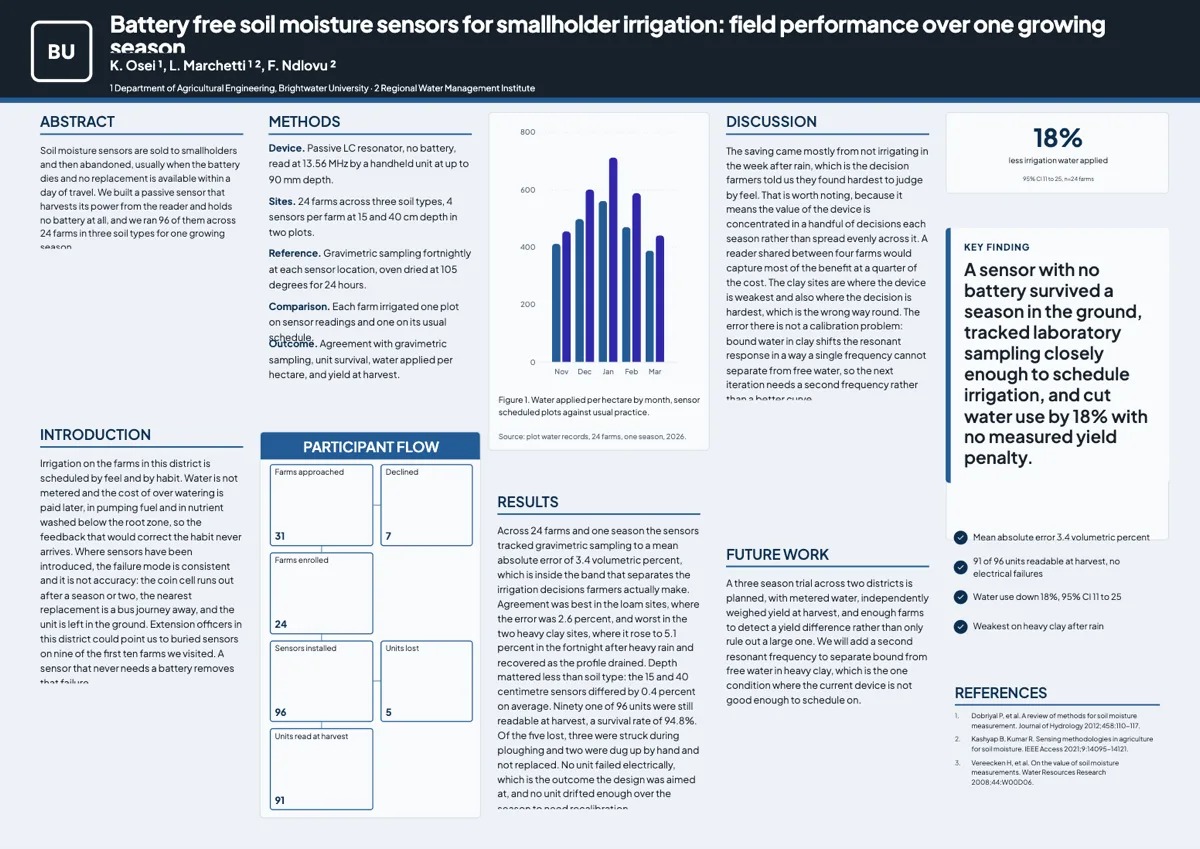
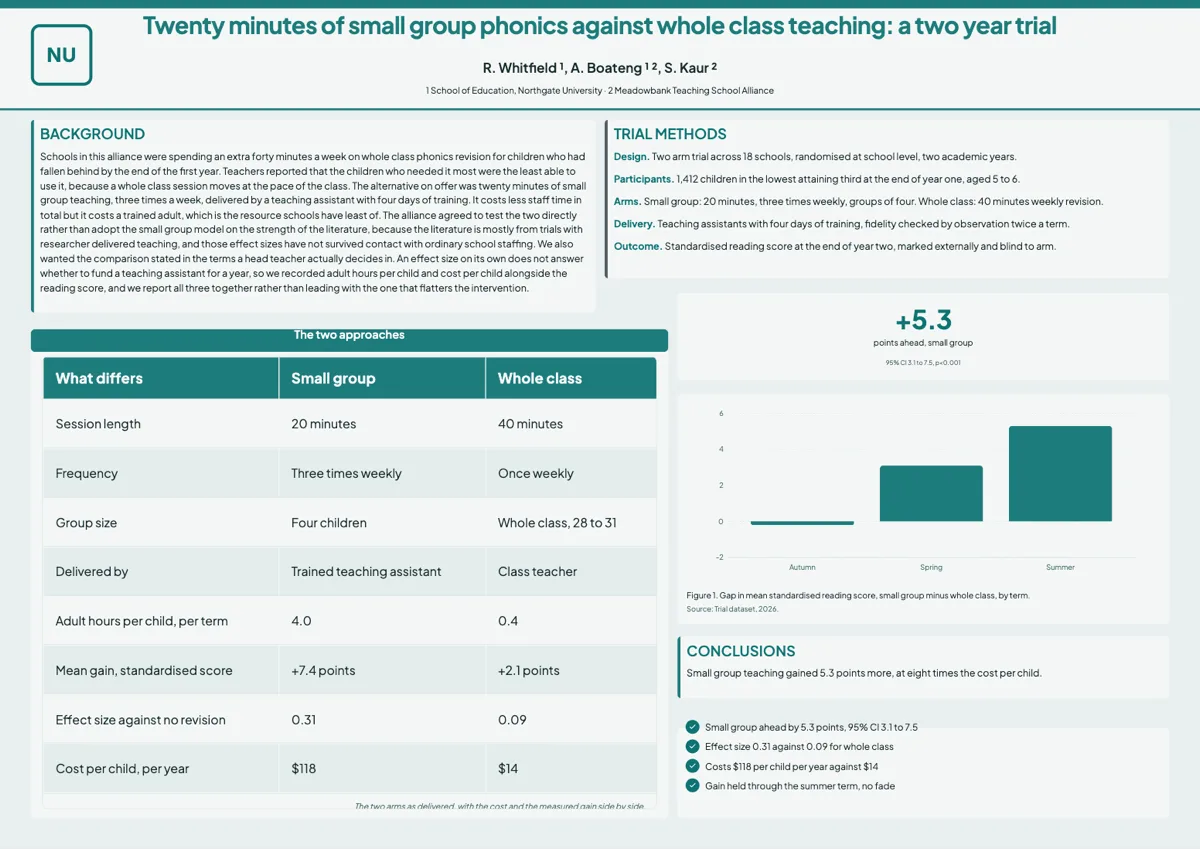
Every board has resizable sections, a labelled methods protocol or a process chain, at least one numbered figure and an author block with generated superscripts. The rest varies. Two layouts (method flow and process flow) have no protocol block because the procedure runs across the board as a five stage chain. Fourteen have no key number block. Six have no reference list, including the comparison board and the hero figure board shown on this page. Pick by what your study needs on the board, not only by shape.
Which layouts have which blocks
Thirty eight of the forty boards carry a labelled methods protocol; the two that do not run the procedure as a five stage chain instead. Thirty six carry a bulleted list block, eleven carry a key message panel and five carry comparison bars. None carries a QR code. Thirty four carry the auto numbered reference list, so six do not, and on those six your citations have to go in a section. Twenty six carry a key number block, which means fourteen boards have nowhere to print a headline figure in large type. Ten carry a six node participant flow, three carry a results table, and two carry the five stage process chain. Every board without exception has a logo slot, a title, an author block, at least one section and at least one numbered figure, so those five are the only things you can count on before you pick.
How it works, in three steps
Step 1
Browse the poster gallery
The poster templates page lists all forty with a filter for portrait or landscape.
Step 2
Pick one before you generate
Choosing a template fills that exact layout instead of letting the picker choose.
Step 3
Resize the sections to your content
Every block drags and resizes on its own, so a short abstract and a long results section both fit.
The full walkthrough with screenshots is in the guide Choose the template, theme and size.
Limits worth knowing
- Forty layouts: twenty A0 portrait and twenty A0 landscape.
- Each layout is authored for one orientation; switching size means picking a layout built for it.
- Poster generation bills at twice the flyer rate.
- Picking a template fills that one; skipping lets the picker choose.
See it on a finished piece
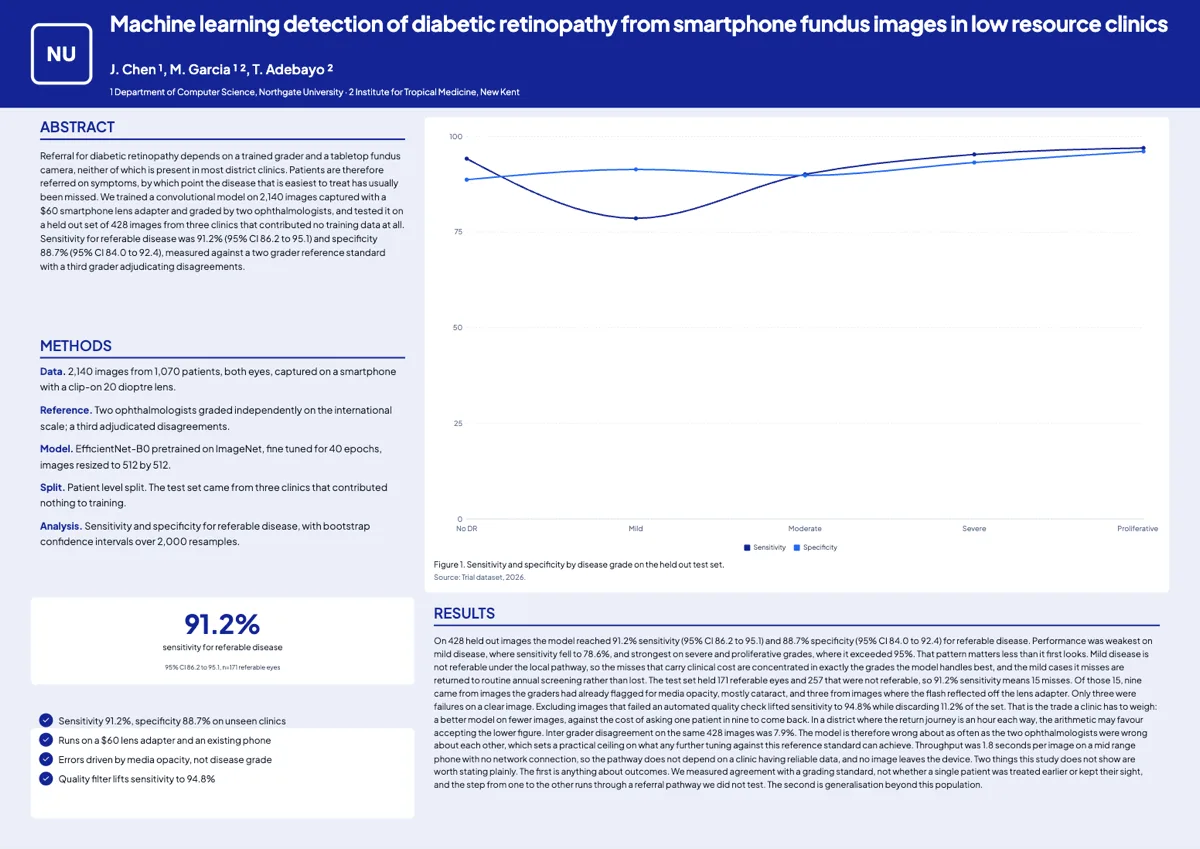
Questions people ask
How many poster templates are there?
Forty: twenty built for A0 portrait and twenty for A0 landscape.
Which layout should I choose?
A classic column board if the conference expects a traditional poster, a billboard or hero-figure board if one result carries the work, and a method-flow or comparison board if the procedure is the contribution.
Can I move sections around after generating?
Yes. Every section, figure, key number and reference list is a separate component you can drag, resize or delete.
Can I start from a blank poster?
Not at poster size. A blank page is always A4 portrait, so start from one of the forty poster layouts and delete what you do not need. The Poster section of the Add items panel can put back any of its ten tiles on any page: Section, Figure, Methods, Participant Flow, Procedure Steps, Key Number, Key Message, Comparison Bars, References and Authors.
Which layouts have a participant flow?
Ten of the forty: the classic research board, journal style, question led, wide billboard, wide broadsheet, wide classic four column, wide dark showcase, wide framed, wide question led and wide title panel. The block holds six nodes and one aside, which is enough for a CONSORT or PRISMA path with the exclusion reasons folded into the aside.
Which layouts have a results table?
Three: the table led board, the wide table led board and the wide comparison board. The two table led boards hold up to eight rows by four columns with a header row, and the comparison board six rows by three. If your result needs more columns than that, put the summary on the board and link the full table.
Which layouts have no reference list?
Six: the card grid board, wide comparison, wide hero figure, wide process flow, wide question led and wide two row. That matters more than it sounds, because most conferences expect citations somewhere on the board. Pick one of the thirty four that has the block unless you know your call for abstracts does not ask for it.
Make your own poster
The button opens the generator with this use case already described. Change the wording to match yours, generate, then edit anything you like.
Create a poster with OneCraftRelated pages
Scientific poster maker
This scientific poster maker builds an A0 conference poster from a study brief, in portrait or landscape, with the abstract, methods, figures, results and references already laid out. A poster is a different job from a flyer, so it has its own tab in the generator, its own two canvas sizes and its own building blocks.
A0 poster size
A0 is 841 by 1189 millimetres, or 84.1 by 118.9 centimetres and 33.11 by 46.81 inches, and it is the size nearly every conference asks for. In the builder it is a 1656 by 2340 pixel canvas in portrait and 2340 by 1656 in landscape, and the export scales that up for print.
Conference poster generator
Paste what your study did and found, and the generator picks a poster layout, writes each section in scientific English and fills the charts, the participant flow and the reference list from your numbers. You get a complete draft to edit rather than an empty grid.
More finished work of this kind is on the poster examples hub.
Written and checked by the OneCraft team. Last checked .