Posters
Scientific poster maker
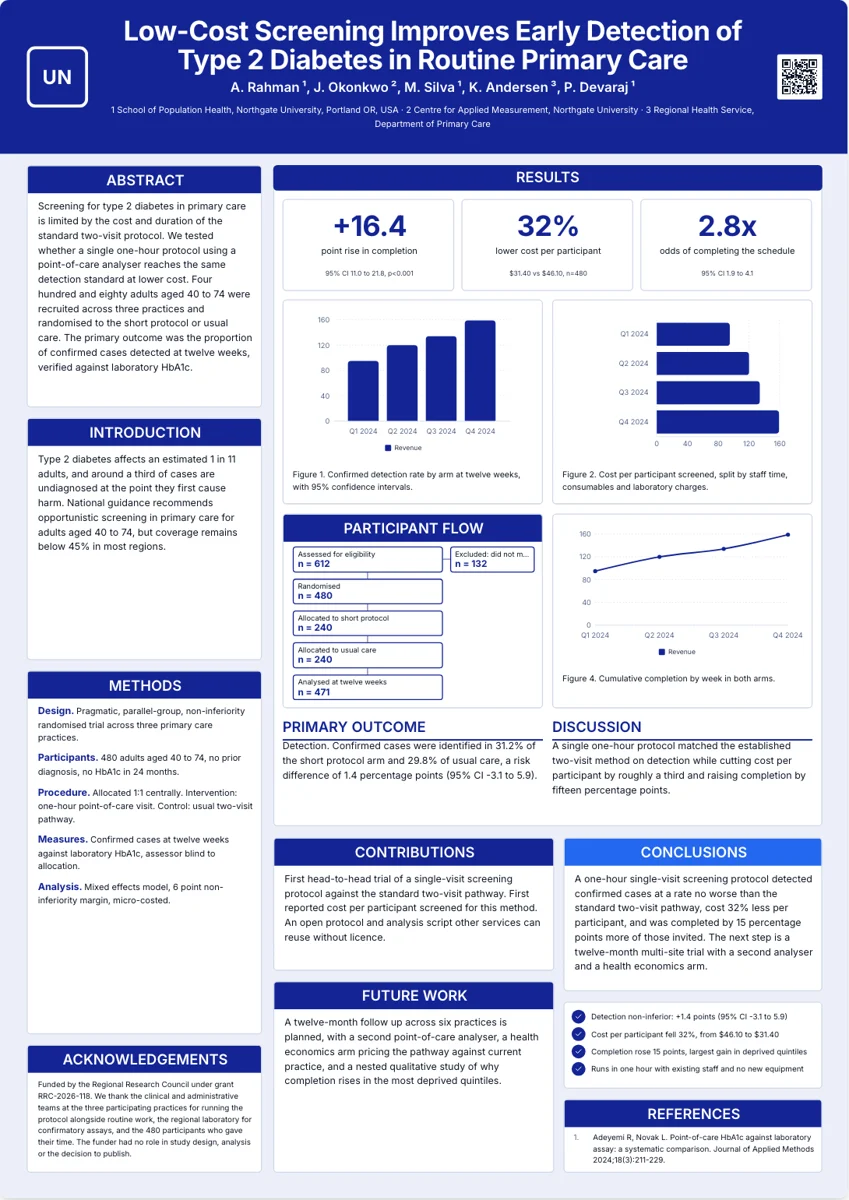
This scientific poster maker builds an A0 conference poster from a study brief, in portrait or landscape, with the abstract, methods, figures, results and references already laid out. A poster is a different job from a flyer, so it has its own tab in the generator, its own two canvas sizes and its own building blocks.
Two sizes, both A0
The poster tab offers A0 Portrait and A0 Landscape and nothing else. A0 is the size most conferences specify, and a board that accepts A0 will accept either orientation. The working canvas is 1656 by 2340 pixels in portrait and 2340 by 1656 in landscape, which is A0 proportions at 50 pixels per inch. Everything is authored at that size, so what you drag on screen is what prints.
Blocks a poster needs that a flyer does not
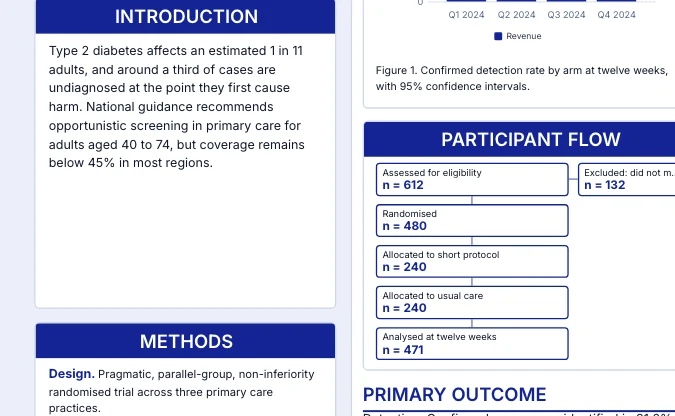
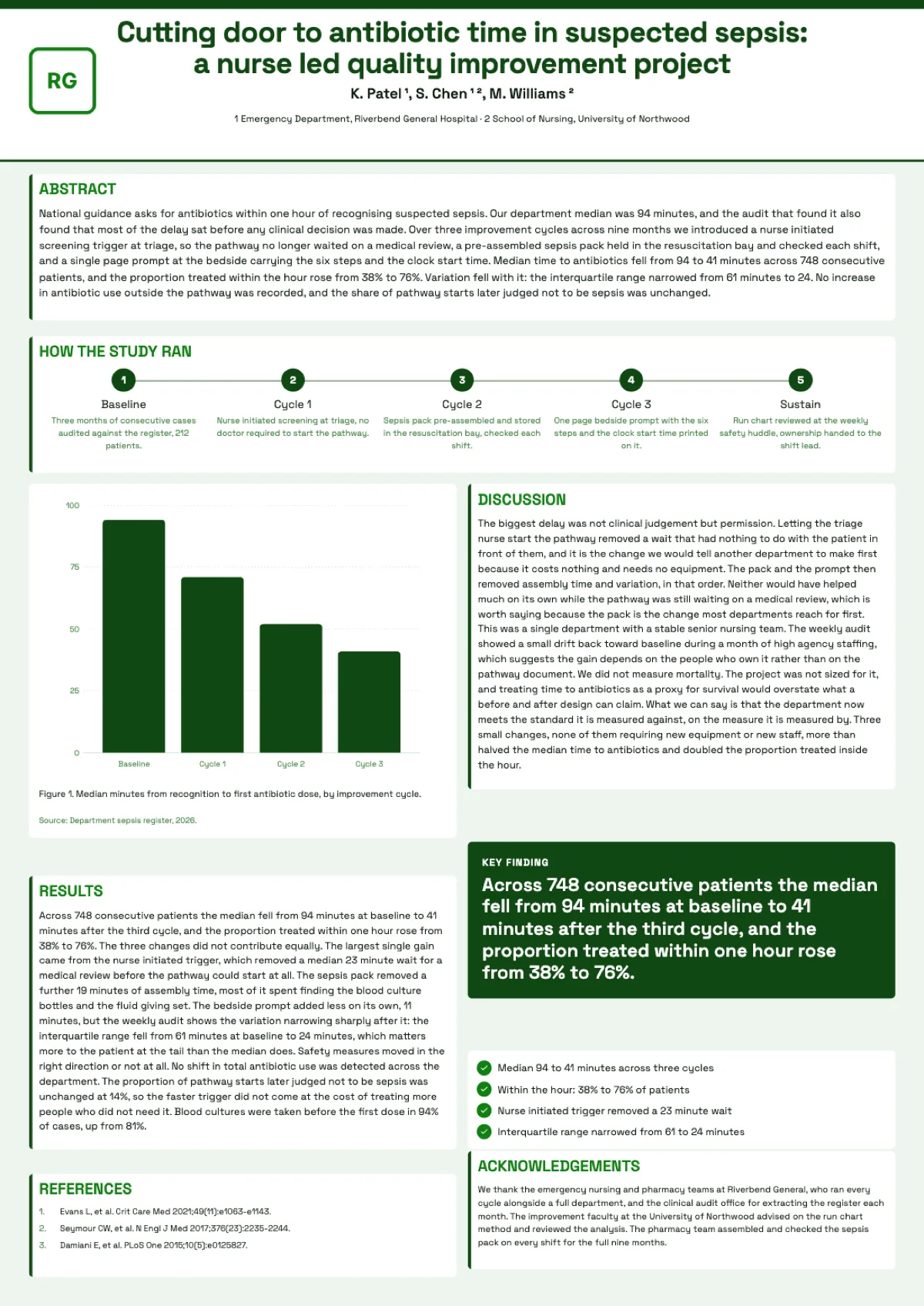
A poster section is one component: the heading and the body move and resize together, and the text refits to whatever size you drag. Methods is a protocol block of labelled entries rather than a paragraph, so a reader scans Design, Participants, Procedure, Measures and Analysis instead of mining prose. Participant flow is a real diagram with counts on each box. Figures carry their own number, so a caption can never sit under the wrong chart. References number themselves. Authors carry superscripts generated from the affiliation list.
Every section moves and resizes on its own
Click any block and you get the eight resize handles and drag. Make the abstract small and the results panel tall, or delete a section you do not need. Because each block is one object rather than a card plus a heading plus a paragraph, resizing is one action and the text reflows to fit.
What the export gives the printer
Export renders server side in headless Chromium at twice the canvas, so an A0 poster leaves at 3312 by 4680 pixels. That is 100 pixels per inch at full A0 size, which large-format printers handle well because a poster is read from a metre away rather than held in the hand. There is no bleed, no crop marks and no CMYK conversion, so tell the print shop it is RGB and let them fit it.
Bring the numbers or it will invent them
The generator fills key figures, chart values and flow counts from what you give it. If your brief has no numbers it will still produce a complete poster, but the figures will be invented, consistent with each other, and not marked as illustrative anywhere on the board, so you must replace them. A brief with the effect size, confidence interval, sample size and p value gets those numbers onto the board as written. Even then, read the reference list before you print: unless your brief or an attached paper supplies the citations, the entries are written by the model and have to be replaced with your real references.
Charts, flow and tables: what each block accepts
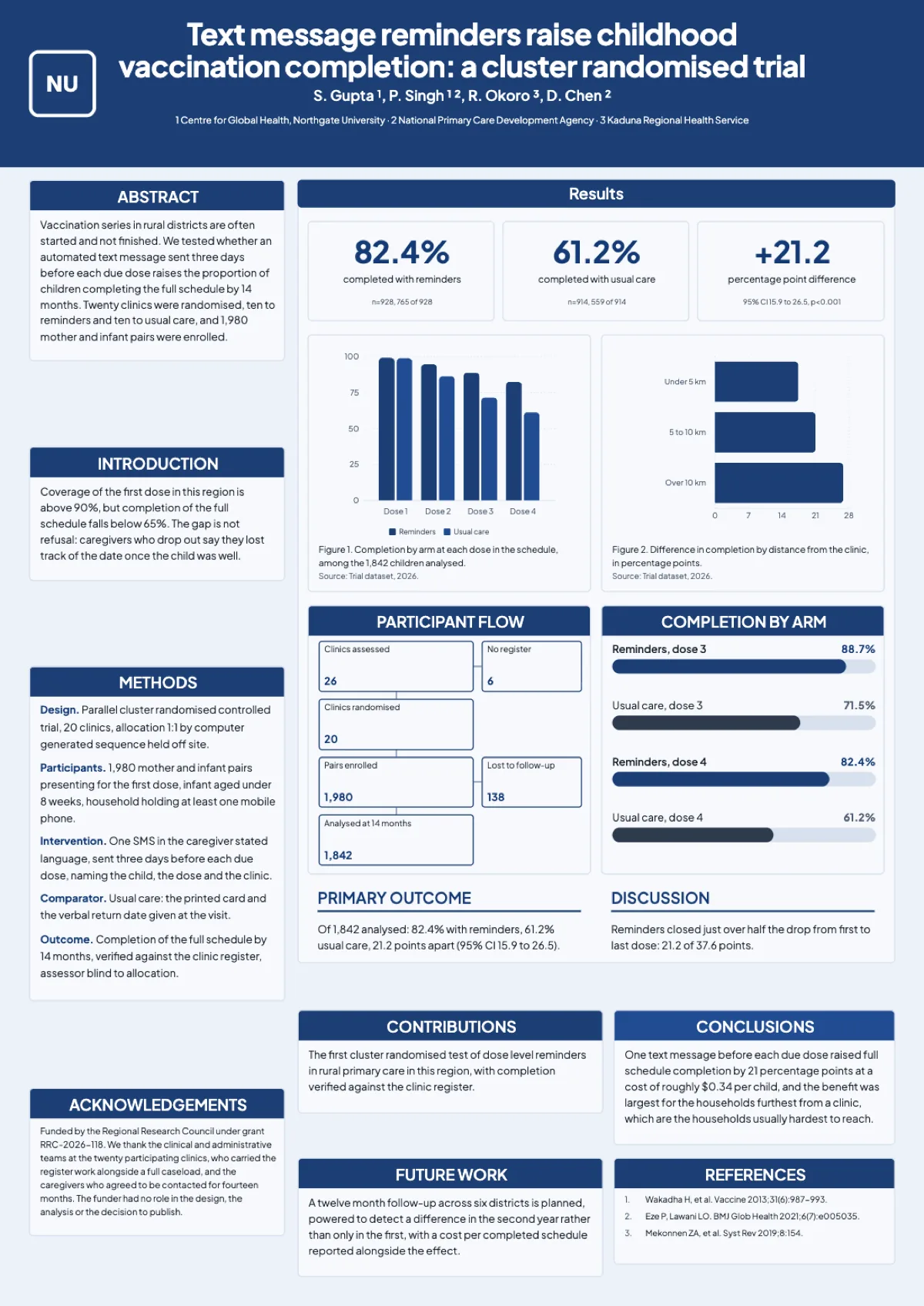
A figure block holds a chart in one of ten kinds: vertical bars, horizontal bars, stacked columns, line, area, pie, donut, radar, waterfall and waffle. You switch the kind, add or remove data rows and series, and type the values straight into the figure; the caption is a separate field with its own character budget and keeps its figure number whatever you do to the chart. A participant flow holds six nodes on the main path plus one aside for exclusions, which is the shape a CONSORT or PRISMA diagram needs. A results table has a header row, and generation aims for the row and column count the layout was drawn for, up to eight rows and four columns on the results table and six rows and three on the comparison table. You can add more rows and columns in the table editor, at the cost of shorter rows and smaller cells. A process chain holds five stages, each with a name and one line, and a sixth stage is dropped rather than drawn, so plan a chain around five.
How it works, in three steps
Step 1
Switch the generator to Poster
The Flyer and Poster tabs sit above the content box; Poster swaps the format list to the two A0 sizes.
Step 2
Describe the study with its numbers
Aim, design, sample size, results with confidence intervals, conclusion, authors and affiliations, funder.
Step 3
Pick A0 Portrait or A0 Landscape
Portrait suits text-heavy work; landscape suits a wide figure or a four-column board.
Step 4
Open it and adjust the blocks
Drag and resize any section, then export as PDF for the print shop.
The full walkthrough with screenshots is in the guide Add charts and diagrams to a flyer.
Limits worth knowing
- Two canvas sizes only: A0 Portrait 1656 by 2340 and A0 Landscape 2340 by 1656.
- Poster generation bills at twice the flyer rate.
- Export is RGB with no bleed, crop marks or colour profile.
- The PDF page is a bitmap, so its text is not selectable or searchable.
- Figures are charts you retype in place; a chart figure cannot be swapped for an uploaded image, and the seven image figure slots cannot be filled yet.
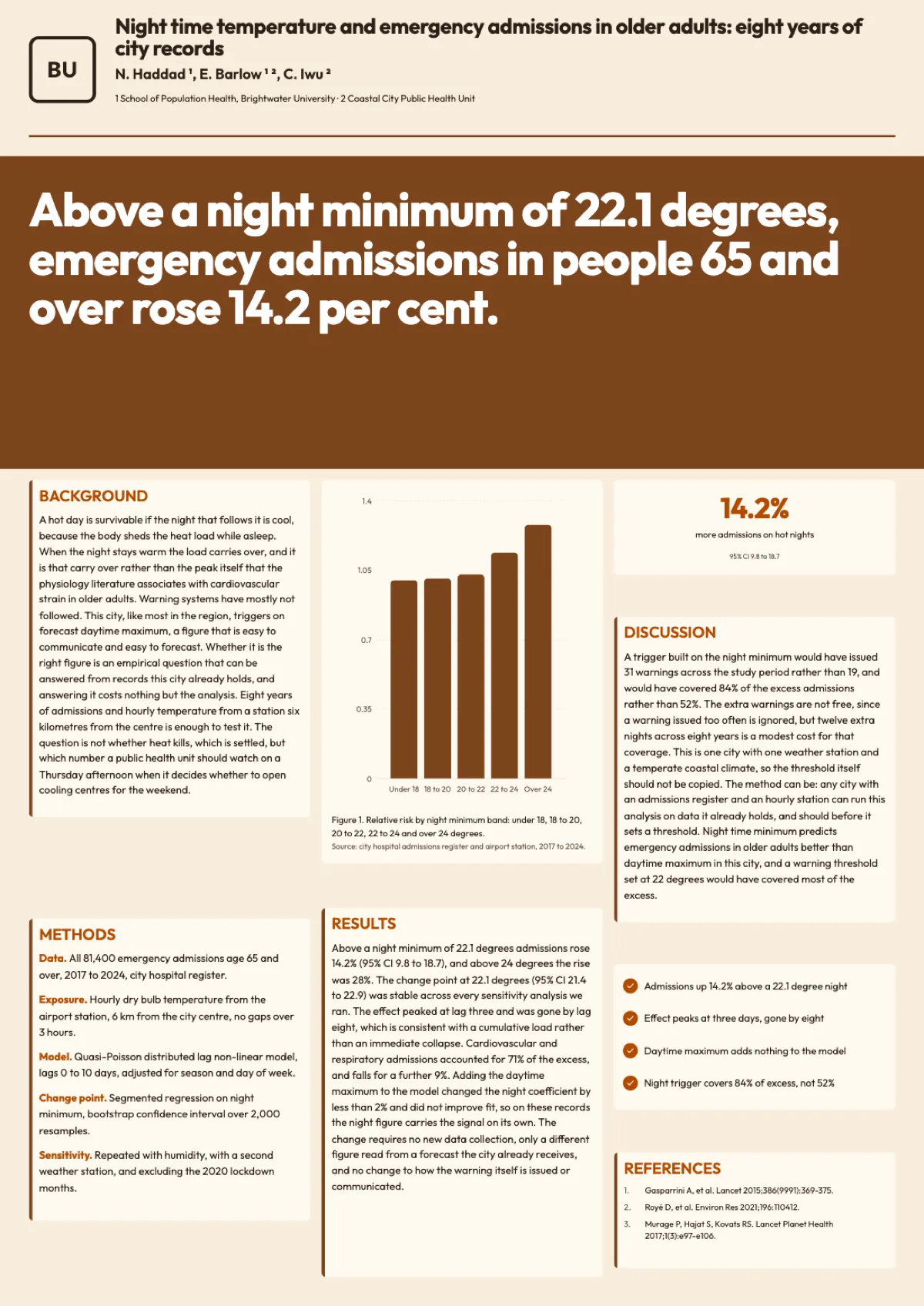
See it on a finished piece
Questions people ask
What size poster can I make?
A0 portrait or A0 landscape, 841 by 1189 millimetres either way round. Those are the only two sizes the poster tab offers, because A0 is what most conferences specify. If your conference asks for A1 or a US size such as 36 by 48 inches, the print shop can scale the A0 file, since the proportions of A1 match exactly and US sizes differ only slightly.
Is the export good enough for a large-format printer?
It leaves at 3312 by 4680 pixels for A0 portrait, which is 100 pixels per inch at full size. That is a normal working resolution for something read from a metre away, and fine type stays sharp at that distance. The file is RGB with no bleed or crop marks, so tell the shop that and let them fit it to their stock.
Can I change how big each section is?
Yes. Every section, figure, key number and reference list is its own component with drag and eight resize handles, and the text refits to the size you set. That makes the common late change easy: shrink the abstract, give the results panel the space, and delete a block you do not need rather than filling it with padding.
Does it cost the same as a flyer?
No. A poster generation bills at twice the flyer rate, because the board is much larger and carries far more generated content: several sections, figures with chart values, key numbers and a reference list. Exporting is charged separately, and asking for the same saved version in the same format again returns the file already rendered.
Can I attach the paper instead?
Yes, from the Starter plan up. The attachment grounds the draft, but what you type in the request still outranks it, so put the headline numbers in the brief as well. An attached paper is summarised for the writer, and its figures are never placed on the board as images, so give the chart values in the brief.
Can two figures share one caption?
No. Every figure block carries its own numbered caption, and the numbering is generated from the layout. If two panels belong together, make them one chart with two series, or give each its own caption and refer to both in the results text.
Can I add a block the layout lacks?
Mostly. The Poster section of Add items has ten tiles: Section, Figure, Methods, Participant Flow, Procedure Steps, Key Number, Key Message, Comparison Bars, References and Authors. So a board without a flow diagram or a reference list can gain one. There is no results table tile, so if you need a table, start from one of the three layouts that already carry one.
Make your own poster
The button opens the generator with this use case already described. Change the wording to match yours, generate, then edit anything you like.
Create a poster with OneCraftRelated pages
Conference poster generator
Paste what your study did and found, and the generator picks a poster layout, writes each section in scientific English and fills the charts, the participant flow and the reference list from your numbers. You get a complete draft to edit rather than an empty grid.
Research poster templates
Forty poster layouts, twenty in A0 portrait and twenty in A0 landscape. They are not colour variants of one grid; each one puts the reader somewhere different, from the traditional column board a committee expects to a billboard that leads with the finding.
A0 poster size
A0 is 841 by 1189 millimetres, or 84.1 by 118.9 centimetres and 33.11 by 46.81 inches, and it is the size nearly every conference asks for. In the builder it is a 1656 by 2340 pixel canvas in portrait and 2340 by 1656 in landscape, and the export scales that up for print.
More finished work of this kind is on the poster examples hub.
Written and checked by the OneCraft team. Last checked .