Websites
Auction website builder: bids, reserves and online payment
An auction website lets signed in bidders raise the price on items until a closing time, then asks the highest bidder to pay. It is only fair if every bid is checked in one place, the reserve stays hidden, late bids cannot snipe the item, and the winner pays online.
Items, increments and the reserve
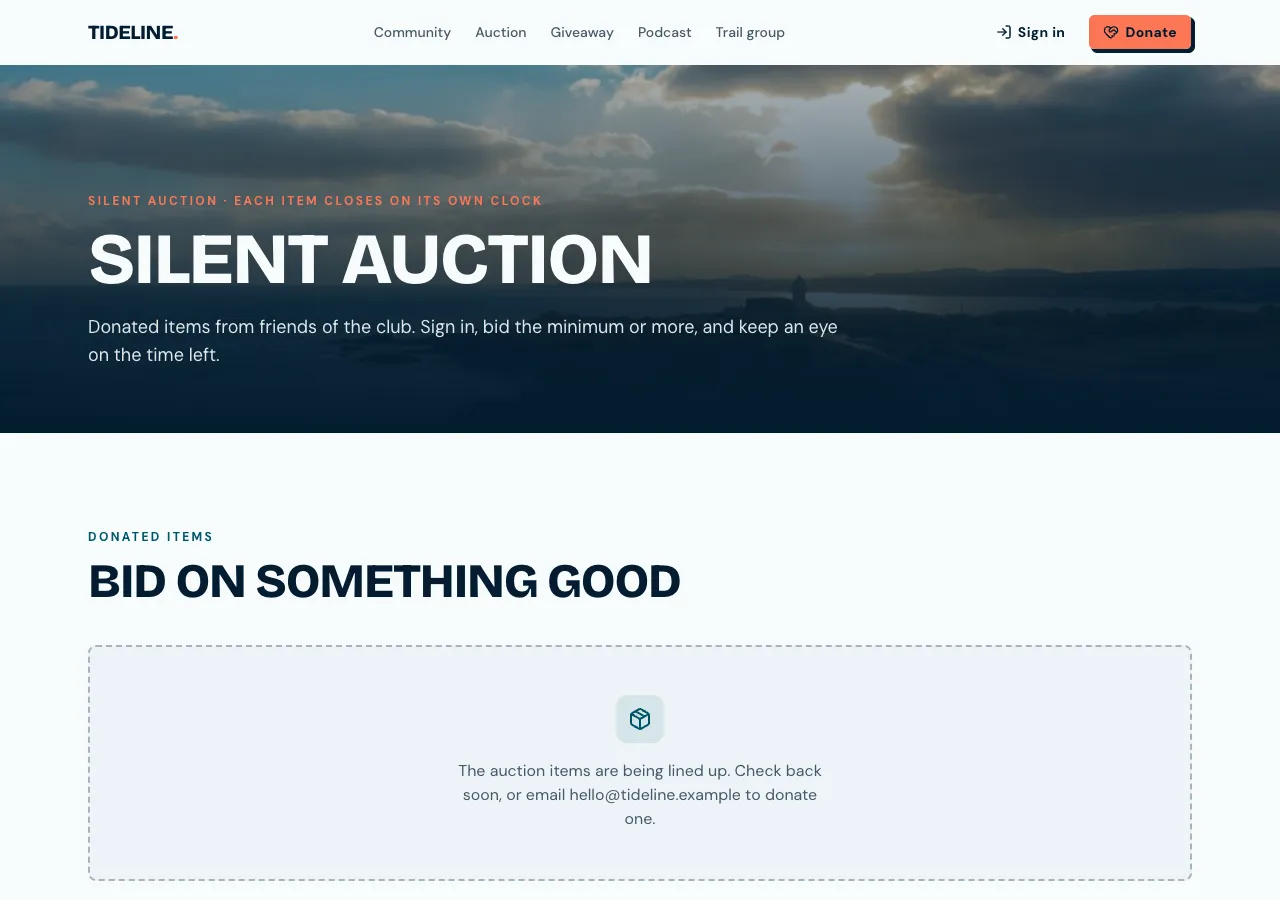
Ask for an auction and the AI follows its auctions guide: items with photos, a description, a starting price, an increment, start and end times, and a reserve kept in a separate table visitors can never read. Item cards show the current bid, the number of bids and the time left, turning red in the last hour.
Every bid checked in the database
A bid goes through a database function that locks the item, so bids are taken one at a time. It checks the auction is open, the bid is at least the current price plus the increment, the bidder is not outbidding themselves, and the amount is not a typo of more than 100 times the price. The outbid bidder gets a notification in the site's bell.
No sniping
A bid in the last minutes moves the end time out by a set number of minutes, two by default, so nobody can win by bidding in the final second. The page shows the server's clock, not the visitor's, and refreshes every few seconds, every second in the last minute.
Closing and paying
An item closes when it is opened after its end time or when staff press Close now; there is no background scheduler. A high bid that meets the reserve becomes sold, with a pending order for the winner, who gets a notification to pay within 48 hours through Stripe Checkout on your connected account. Unpaid items can be offered to the next bidder from the admin.
What bidders see and do not see
Bid history shows amounts, times and Bidder 1, Bidder 2 and so on, never names or emails. Bidders sign in to bid and see their won items with Pay now. A phone app based on the site gets an Auctions tab with countdowns and a sheet to bid.
How it works, in three steps
Step 1
Describe the auction
List the items with starting bids, the increment, reserves, dates and the extension rule.
Step 2
Connect Stripe
Connect Stripe in account settings, Payments, so winners can pay online.
Step 3
Check and publish
Bid with two test accounts in the preview, close an item, then publish on a paid plan.
Limits worth knowing
- Card payments need a paid plan and Stripe connected in account settings; the platform fee is 2% on Starter, 1% on Pro and 0.5% on Pro+, with Stripe fees on top.
- Bids refresh every few seconds; there is no live stream or video.
- Items close when opened after their end time or when staff press Close now.
- The data lives in the site's own database: a hosted one on every plan, or your own Supabase account.
Questions people ask
Is the reserve price visible to bidders?
No. The reserve sits in a separate table that only admins can read. Bidders see a Reserve not met badge until a bid reaches it, and the bid function checks the reserve itself, so the number never reaches a visitor's browser.
How are late bids handled?
A bid in the last few minutes, two by default, pushes the end time out by the same amount. The page reads the time from the server, so a visitor's wrong clock cannot change the result. This stops last second sniping and gives other bidders a fair chance to respond.
What if the winner does not pay?
The winner has 48 hours to pay through the order created when the item closed. After that, staff can offer the item to the next highest bidder at their highest bid, which creates a new order, or relist it. All of this is done from the auction's live board in the admin.
Do bidders need an account?
Yes. A bid belongs to a person, so bidders sign up with email and password or with Google on the published site. Accounts also let the site notify an outbid bidder and show winners their items to pay. Browsing items does not need an account.
Can it run a live in room auction?
No. This is an online auction where bids refresh every few seconds. There is no auctioneer screen, video stream or paddle numbers. A school or charity can still run a silent auction online during an event, with phones as the bidding paddles.
Does it take a cut of each sale?
Payments carry Stripe's fees plus the platform fee by plan, 2 percent on Starter, 1 percent on Pro and 0.5 percent on Pro+. There is no extra auction fee. The free plan cannot take payments, so an auction with online payment needs a paid plan.
Make your own website
The button opens the generator with this use case already described. Change the wording to match yours, generate, then edit anything you like.
Create a website with OneCraftRelated pages
Subscription website with plans, a billing portal and access rules
A subscription website charges people every month or year for a plan, a box, a service or access to something. The site has to know at every moment who has an active plan, let subscribers change their card or cancel by themselves, and never trust a price that came from the browser.
Client portal website with projects, files and invoices
A client portal is a signed in area where each client sees their own project: progress, updates, files, approvals and invoices, instead of an email thread. It is only useful if one client can never see another's work, and if clients can act there, approving a design or paying an invoice, without emailing you.
Online course website with lessons, progress and paid access
An online course website sells or gives access to a set of lessons and remembers how far each learner got. The work is less in the pages than in the rules: who may open which lesson, which ones are free to preview, and how a learner pays and comes back to where they left off.
More finished work of this kind is on the website examples hub.
Written and checked by the OneCraft team. Last checked .