Posters templates
Poster templates built around one figure
When the contribution is a picture, an image or a single dominant chart, the board should be built around it rather than treating it as an illustration. Eleven of the 20 portrait boards give a figure the leading position, from a hero chart taking half the page to a mosaic of numbered images.
11 designs
What these designs are for
Use one of these when a reader who looks only at the picture still gets the point. They suit imaging, microscopy, materials work, field photography and any result that is obvious on sight, and they trade written space for figure space, so the text has to be tighter than on a data board. Cards are rendered with the gallery's own sample study, so the captions, charts and author lines inside them are invented for the preview.
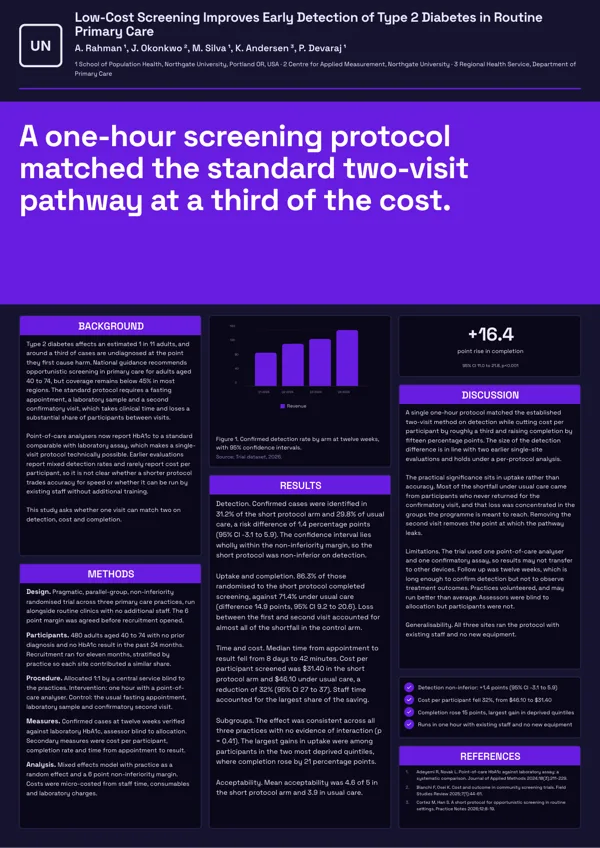
Billboard Key Finding
Billboard style: the headline finding fills a coloured band across the middle in very large type.
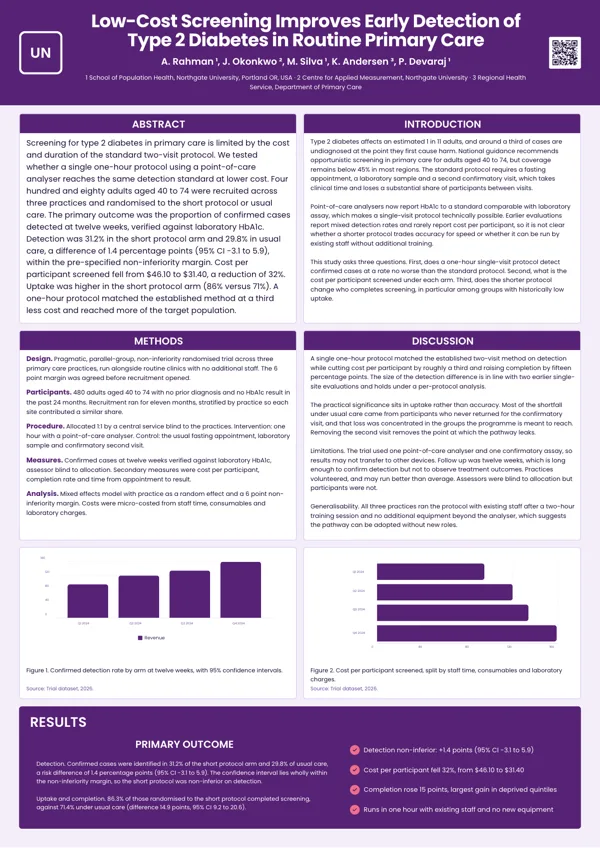
Card Grid
Magazine style: four written sections as equal cards, two numbered figures across the middle, a results panel at the base.
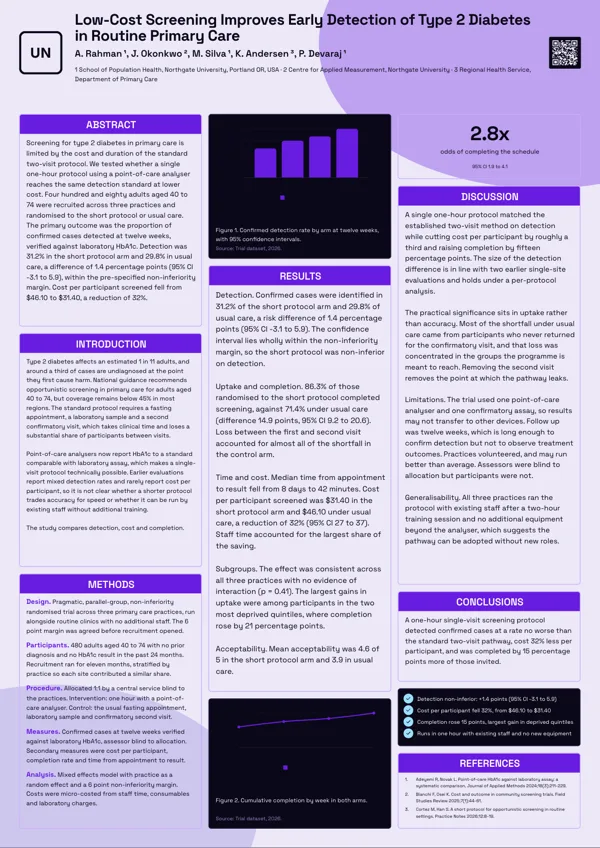
Dark Showcase
Dark board with outlined panels and a bright accent, made to stand out at an industry showcase.
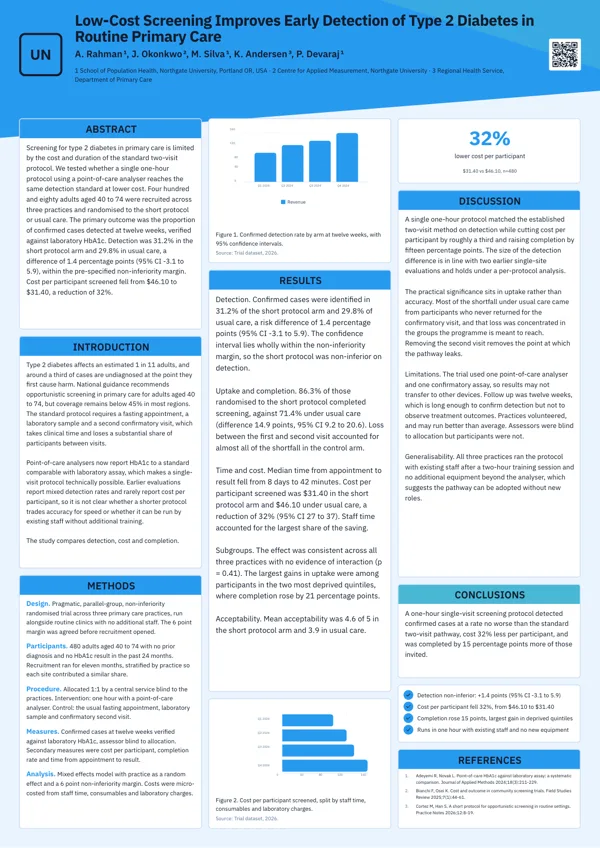
Diagonal Split
An angled colour header cuts across the top with three even columns of section cards below.
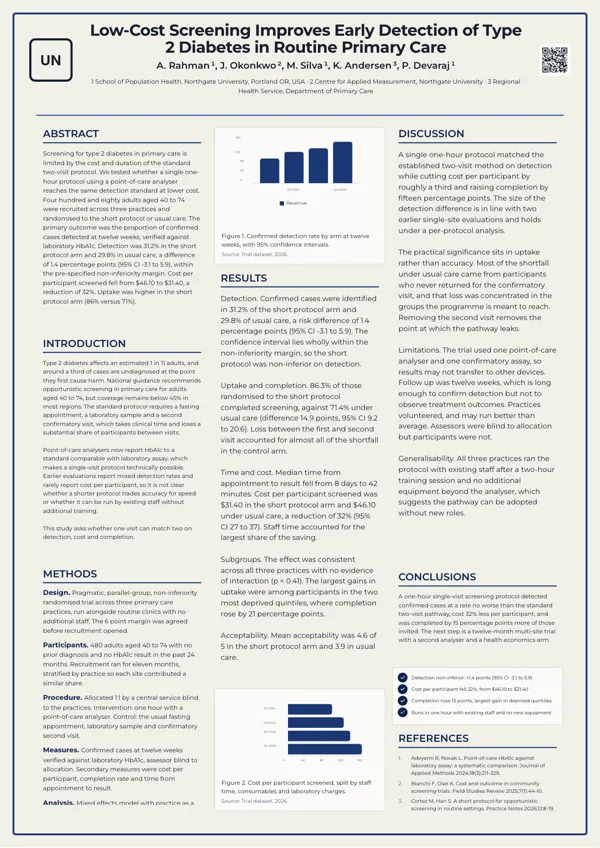
Framed Classic
Formal board inside a thin printed frame with a centred crest, title and author block, then three ruled columns.
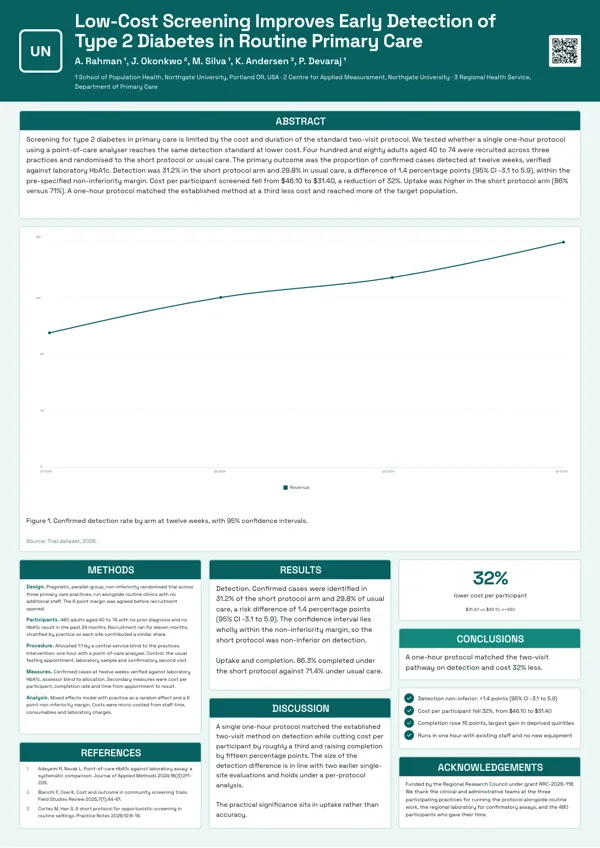
Hero Figure
One figure owns the board: a large chart takes about half the page with its caption and compact method columns.
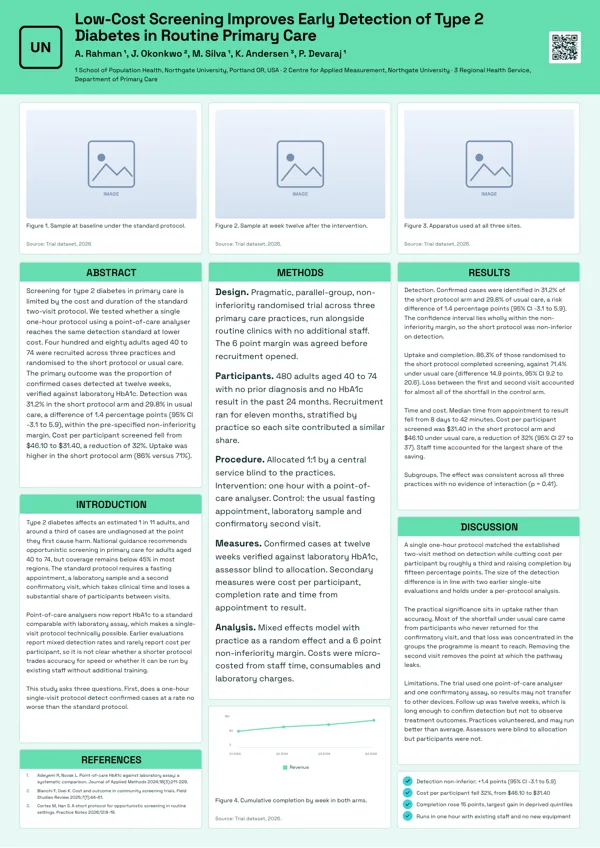
Image Mosaic
Three numbered figures across the top at equal size, then three columns of text, for imaging and materials work.
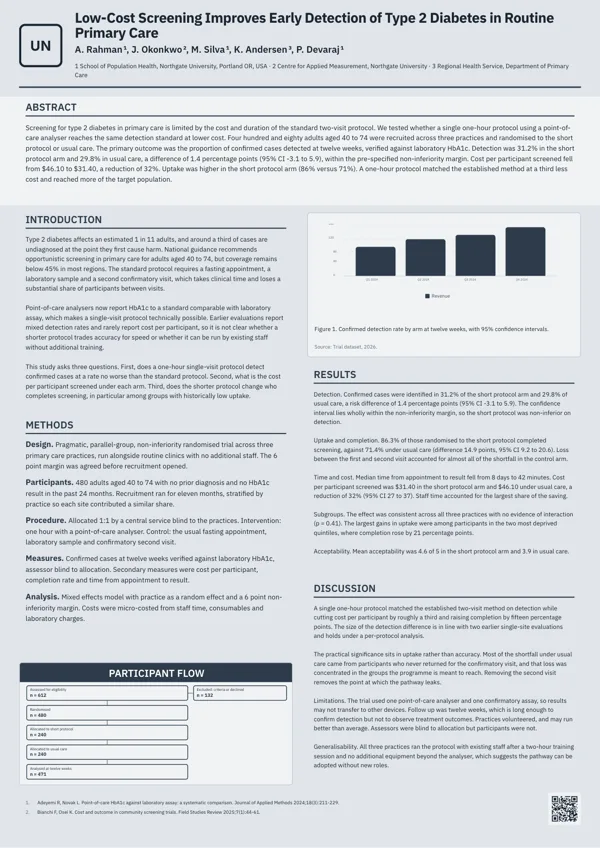
Journal Style
Laid out like a journal page: a small masthead, a full width abstract band and two justified columns.
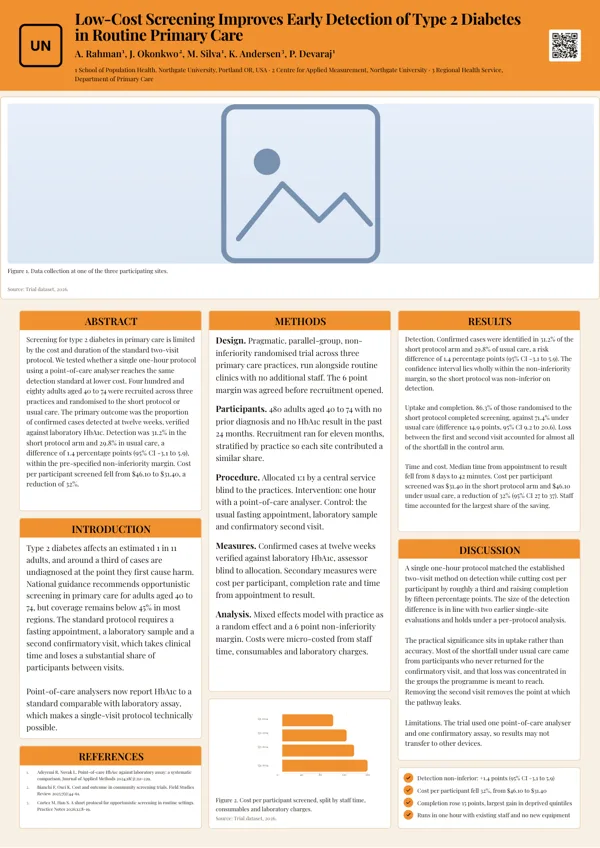
Photo Band
A wide photograph of the site or laboratory across the full width with a numbered caption, then three columns of text.
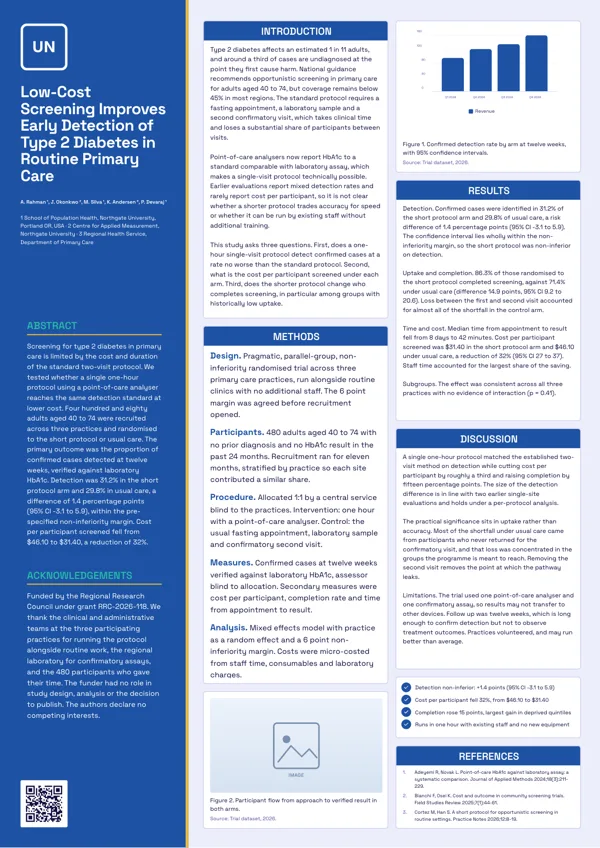
Sidebar Rail
A full height coloured sidebar carries the title, authors, abstract and funding, leaving two clean columns.
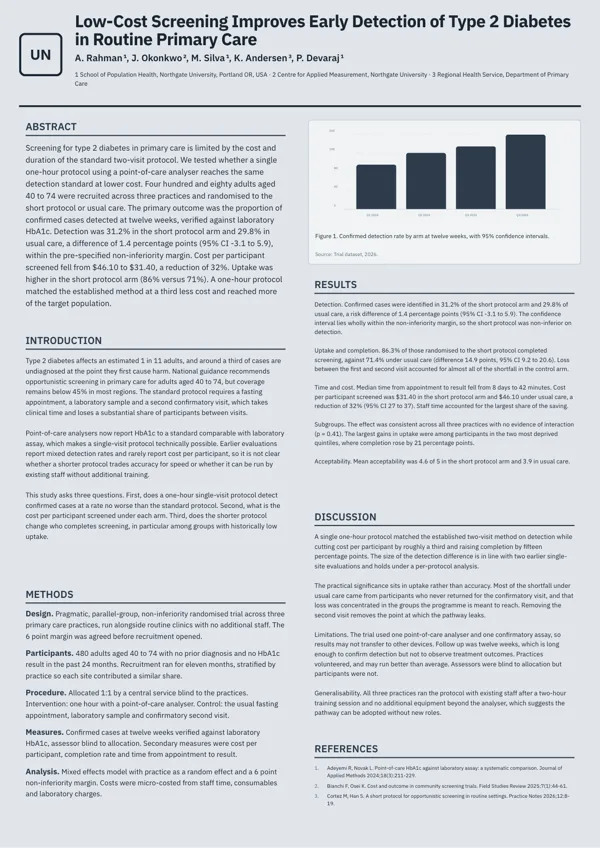
Typographic Minimal
A quiet typographic board with no coloured panels, hairline rules and two columns of long form text with one chart.
What these layouts have in common
All eleven carry a logo, a title, an author block, section slots, a protocol block and at least one figure block. Ten carry a reference block and a key finding callout, nine a list slot, and none a QR code, since no poster layout has a QR slot; print a short link in the reference block instead. Only four carry a stat block, which is the clearest structural difference from the data boards. Across the eleven there are fourteen chart figures and five image figures. Written sections run from three to five per board, so plan on three or four short sections rather than the six or eight a text heavy board would take.
Which one to pick
Count the figures. One dominant chart takes the hero figure board, which gives it about half the page with its caption underneath. Three images of equal weight take the image mosaic, which runs them across the top at the same size. One wide site or laboratory photograph takes the photo band. A single headline finding stated in very large type takes the billboard board. If the work needs a formal register, the framed classic and journal style boards place their figures inside a traditional column grid, and the typographic board keeps one chart in an otherwise quiet page of text.
What conferences usually require
Printers publish the standard board sizes, and A0 at 841 by 1189 millimetres sits alongside A1, the American 36 by 48 inch board and metric sizes such as 70 by 100 centimetres. University guidance focuses on legibility instead: readable from about three metres, and around 300 to 800 words on the board. A figure led board passes the first test more easily than a text board and fails the second only if the captions sprawl, so keep each caption to a line or two and let the figure carry the argument.
Which image slots can actually be filled
This is the one trap in the set. Seven image figures across the image mosaic, the photo band, the sidebar rail and the wide image mosaic have no upload control in the inspector and are skipped by image generation, so they cannot be filled and will keep their placeholder. Before you commit to a board because of its photography, open it and check that the image blocks you need are the ones that accept a file. Chart figures are unaffected, and the ten chart kinds behave exactly as they do on a slide or a flyer.
Finished examples
Questions people ask
How many figure led poster templates are there?
Eleven of the twenty A0 portrait boards: hero figure, image mosaic, photo band, billboard key finding, card grid, dark showcase, diagonal split, framed classic, journal style, sidebar rail and typographic minimal. Each is drawn for A0 portrait only, so a landscape board needs one of the twenty landscape layouts instead.
Why will some image blocks not accept a photograph?
Seven image figures on the image mosaic, photo band, sidebar rail and wide image mosaic boards have no upload control and are skipped by image generation. They keep their placeholder, so choose a board whose image blocks accept a file if photographs are the point.
Can I generate a figure with the AI?
Image generation makes scene photography, not data figures, and never renders text into an image. A chart figure is filled with typed data and drawn by the runtime instead, which is what keeps the axis labels sharp at print size.
What does the export file look like?
A0 portrait is 1656 by 2340 pixels at 50 DPI on the canvas and exports at 3312 by 4680 pixels. PDF holds one bitmap per page, PNG and JPG export the page you are on, and all three are RGB with no bleed or crop marks.
How many words should go on the board?
University poster guides commonly suggest 300 to 800 words for the whole board and that the key lines read from about three metres. On these layouts that is three to five short sections plus captions, which is why the text has to be edited down rather than pasted in.
Does a poster cost more than a flyer to generate?
Yes, twice as much, because a board carries many more slots. The charge is for generation; editing the board, changing the theme and exporting it again from the same saved version cost nothing further. That makes it cheaper to generate once and edit than to generate again for a small wording change.
Start a poster from a description
The button opens the generator with a starting description already filled in. Change it to match your own before you run it.
Create a poster with OneCraftFor everything the generator can do, see the poster maker.
Other poster examples sets
Written and checked by the OneCraft team. Last checked .