Videos · Alternative
A Lumen5 alternative for promo videos from a brief
A Lumen5 alternative worth trying for promos starts from a short brief and your product images rather than a blog post, and OneCraft is built that way. Lumen5 keeps the edge on turning articles into video, on its stock media library of millions of assets, and on brand templates for content teams.
Updated , competitor details checked . Lumen5 is a trademark of its owner. OneCraft is not affiliated with or endorsed by it.
Nuwan Madhusanka · Co-founder
2 min read · Published
The short verdict
Lumen5 suits content and marketing teams that turn blog posts, PDFs and outlines into branded videos, with a stock library of millions of photos and clips and thousands of music tracks. OneCraft suits people who start from a brief and a few images and want a composed promo with a voice, captions and scene layouts chosen for them.
| Feature | Lumen5 | OneCraft |
|---|---|---|
| Price | Not published: the plan prices did not render on the pricing page when checked checked 2026-09-29 | About 20 credits per video generation, from 100 free credits a month; Starter $8, Pro $25 and Pro+ $125 a month |
| Inputs | "Paste a URL from your blog, upload a PDF, add text manually, or start from an outline" checked 2026-09-29 | A brief of up to 10,000 characters with up to 8 images and 5 documents attached |
| Scenes | Media, timing and motion paired with the script automatically checked 2026-09-29 | 52 scene roles and 410 layouts; the AI picks roles and writes lines, layout and motion are deterministic |
| Stock media | A standard library of 15 million images and videos, plus 2 million from Shutterstock on some plans checked 2026-09-29 | Promos draw 1 to 3 Pexels stock clips, and clip scenes can search Pexels in the builder; there is no stock photo library |
| Music | "Thousands of licensed music tracks" checked 2026-09-29 | 13 library tracks, or upload your own or paste a URL; music ducks to 22% under narration |
| Voices | "AI Voice with more than forty natural sounding voices and multilingual options" checked 2026-09-29 | Google Chirp3-HD voices matched to the brief language; 56 languages have a mapped voice |
| Captions | Text styles and layouts are customisable; caption details not itemised on the page checked checked 2026-09-29 | Captions type on as each word is spoken, on by default, with a per scene toggle |
| Formats | Aspect ratios are customisable checked 2026-09-29 | Landscape 1920 by 1080 and vertical 1080 by 1920 |
| Export credits | Not published on the pages checked checked 2026-09-29 | An export bills its render time, usually a small amount; an unchanged re-export is free |
Where Lumen5 is better
Blog posts and PDFs into video
Lumen5 takes a blog URL, a PDF, text or an outline, extracts the key points and writes several script variations with different angles. OneCraft starts from a brief and summarises attached documents; it is not built to turn one article into one video.
A huge stock media library
Lumen5's help centre describes a standard library of 15 million images and videos, 2 million more from Shutterstock on some plans, and a marketplace of 160 million on Business. OneCraft brings in a few Pexels clips per promo and no stock photos.
Far more music
Lumen5 offers thousands of licensed music tracks. OneCraft's library has 13 tracks, though you can upload your own or paste a link.
More voices to browse
Lumen5 lists more than forty AI voices. OneCraft's director picks from 8 voices per language, and the builder's voice dialog searches the full Google voice catalogue, so the range is there but the automatic pick is narrower.
Where OneCraft is different
Built from a brief and your images
Up to 8 images are analysed for what they show and their real shape, and the director matches each image to a scene slot of the same shape. Your product photos lead; stock and AI images fill in around them.
Scenes with jobs
Each scene has a role, such as hook, stat, offer or call to action, from 52 roles and 410 layouts. Charts, checklists, countdowns and pricing scenes are drawn, so numbers stay sharp.
Three video types
Promotional, tutorial and UGC. Tutorials turn screenshots into a paced walkthrough with click zooms; UGC, on Pro and up, gives one generated creator up to 3 talking scenes.
Exports that cost little
An export bills only its render time, usually a small amount, and re exporting unchanged content reuses the earlier MP4 at no charge.
A finished example
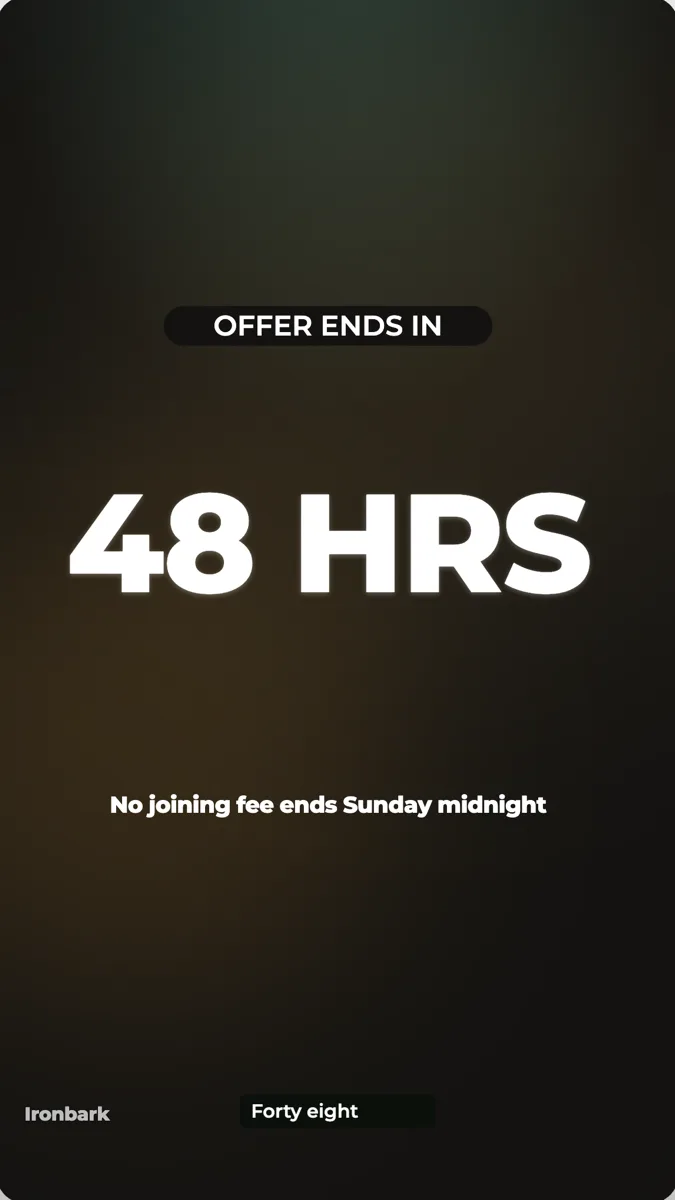 Gym promo video exampleMade with OneCraft, exactly as the generator and editor left it. Open the page for the full breakdown.
Pricing in plain terms
Checked 29 September 2026. Lumen5's pricing page renders its plans in the browser and served no price text to the fetch, so no Lumen5 price is quoted here; see its pricing page for current plans. Its help centre ties stock library access to plan level. OneCraft's pricing page lists Free at $0 with 100 credits a month, Starter at $8 a month with 500 credits, Pro at $25 a month with 1,500 credits, Pro+ at $125 a month with 7,500 credits, and a custom Enterprise plan. A video generation uses about 20 credits, UGC videos need the Pro plan, and 4K export needs Starter.
Moving across
Lumen5 projects cannot be imported. Paste the script or the key points into a OneCraft brief of up to 10,000 characters and attach the images you used; the director rebuilds the video as scenes. A blog post can be attached as a document, but it is summarised, not turned into a scene per paragraph.
What could not be checked
Lumen5's pricing, export resolution, video length limits and caption controls did not appear on the pages that rendered on the day checked, so those cells say not published or not itemised. Stock library sizes come from its own help centre article, quoted as written.
How the OneCraft side was verified
Every OneCraft cell names a row in an internal fact ledger checked against the product's source code: the brief cap and upload limits in the generator, the 52 roles and 410 scenes in the catalogue, the 13 music tracks, the Pexels footage step, the 56 mapped voice languages and the export credit rule.
Choosing between them
A content team that publishes three articles a week and wants a video for each one is Lumen5's core user: paste the URL, pick a script variation, let the stock library fill the scenes. A gym, a shop or a software company that wants a 15 to 30 second promo for one offer, built around its own photos, is closer to what OneCraft does. The brief names the offer, the images show the product, and the director composes scenes with a voice and captions. The two overlap on short promos, but they start from different material.
Who should stay with Lumen5
Stay with Lumen5 if you repurpose blog posts, PDFs and outlines into video every week, if you need millions of stock photos and clips or thousands of music tracks, or if your team relies on its brand templates. OneCraft is built for short promos from a brief.
Questions people ask
Can OneCraft make a video from a blog URL like Lumen5?
Not the same way. Lumen5 reads a blog URL and writes script variations from it. In OneCraft you paste the points you want into the brief or attach the article as a document, which is summarised and handed to the director. The result is a short promo rather than a narrated article.
Does OneCraft include stock photos and videos?
Stock video, yes, in a limited way: promos get one to three Pexels clips, and clip scenes can search Pexels. There is no stock photo library in the video module. Lumen5's standard library of 15 million images and videos is much larger.
Can I use my own music in OneCraft?
Yes. Pick one of 13 library tracks, upload your own audio file of up to 25 MB, or paste a URL. Music sits at 25% volume by default, capped at 60%, and drops to 22% under narration so the voice stays clear.
Can a OneCraft video have a talking presenter?
Yes, in UGC mode on the Pro plan and up. One generated creator persona speaks up to 3 talking scenes, and the video stays under 30 seconds and ends on a closing scene. Promotional and tutorial videos use a voiceover without a visible presenter.
What does it cost to export a OneCraft video?
Exporting bills its render time, usually a small amount, plus any new narration, billed by length at roughly 3 credits a minute of speech. Exporting the same content again reuses the earlier render. 4K export needs the Starter plan.
Try the video side of OneCraft
The button opens the generator with a starting prompt already filled in. Change the wording to match your own work before you run it.
Create a video with OneCraftMore comparisons
- A Pictory alternative for short promo videosA Pictory alternative for short promo videos: OneCraft and Pictory compared on price, stock footage, captions, voices, video length and formats.
- An InVideo alternative for promo videosOneCraft as an InVideo alternative for promo, tutorial and UGC videos: scenes from a brief, voiceover, captions and stock clips, but no timeline.
- A Synthesia alternative for tutorials and promosOneCraft as a Synthesia alternative: tutorial videos from your screenshots, promos from a brief, one UGC persona and 56 voice languages.
What the module actually does, feature by feature: the AI video maker page, and the videos maker page.
Step by step in the builder: Make a promo video with AI voiceover, then Export a video for YouTube, Reels and TikTok.
Written and checked by the OneCraft team. Last checked .