Websites
App that works offline, with cached lists and queued changes
An app that works offline keeps showing what it last loaded when the signal drops, and holds new changes until it can send them. For field staff, events and venues with poor reception, that is the difference between an app people use and one they give up on.
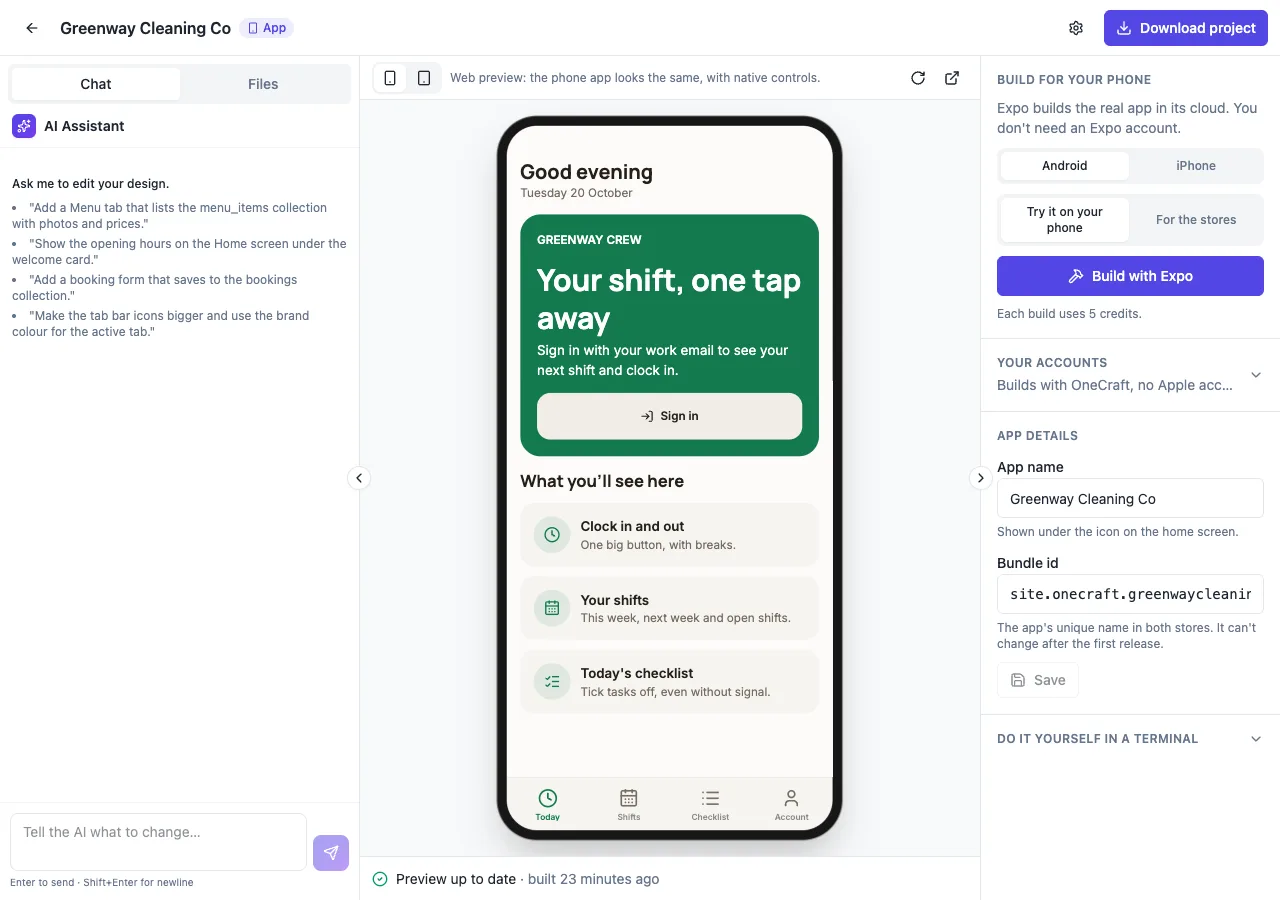
Saved lists
Ask for offline use and the AI follows its offline guide: each screen shows its last saved list at once from the phone's storage, then fetches fresh rows. If the fetch fails, the saved rows stay and a thin bar says Offline, showing what was saved 12 minutes ago. An empty screen says nothing is saved yet rather than showing an error.
Changes that wait
A change made offline shows on screen at once and joins a queue on the phone with an id the app makes, so a retried send never creates a duplicate. When the connection returns, the queue sends in order; a change the database refuses is dropped with a message naming it. Queued rows show a small clock until sent. The last change wins when two people edit the same item.
What needs the connection
Signing in, payments and checkout, bookings with limited places and anything decided by a database function need a connection, and their buttons are disabled offline with the reason. Admin screens say they need the connection. On sign out, every saved list and the queue are cleared, so the next person never sees someone else's rows.
A first run welcome
Ask for onboarding and the app shows at most three slides on first launch: what the app does, the main action and an optional sign in, with Skip always available. Notification permission is asked only when someone turns notifications on, and sign in only when an action needs an account. Account has Show welcome again.
Phone features, honestly
The app can open links, the browser, calls and maps, share through the share sheet and schedule local reminders. It has no camera, photo picker, location, barcode scanning, audio or video player, Face ID or Bluetooth in the starter today, and the AI builds a fallback instead, such as typing a code, and says which features are missing.
How it works, in three steps
Step 1
Describe the work
Say which lists must work with no signal and which changes people make offline.
Step 2
Test with no signal
Install a test build with Expo, turn on flight mode, make changes, then reconnect.
Step 3
Build for the stores
On a paid plan, run store builds and submit from your own developer accounts.
Limits worth knowing
- Sign in, payments and limited bookings need a connection.
- The last change wins when two people edit the same item offline.
- No camera, location or scanning in the app starter today.
- Offline use is for the phone app; an installed website shows an offline page instead.
Questions people ask
What happens to changes made offline?
They show on screen straight away and wait in a queue on the phone. When the connection returns, the app sends them in order. A change the database refuses, such as one a rule no longer allows, is dropped with a message naming it, because retrying cannot fix it.
Can two people edit the same thing offline?
Yes, and the later send wins: the app sends only the changed fields, so different fields merge, but the same field takes the last value sent. For checklists and status ticks this is usually fine; for shared amounts, keep those online only.
Does the website work offline too?
The website can be made installable with an offline page, which shows instead of a browser error when there is no connection, but it does not keep data offline. Offline lists and queued changes are a phone app feature, built into the app's screens.
Can staff take photos in the app?
Not in the app starter today: there is no camera or photo picker. The AI builds a fallback, such as a photo uploaded on the website or a link field, and the app's summary says the feature is missing. The same goes for scanning and location.
Is offline data safe on a shared phone?
Saved lists and the queue are cleared when someone signs out, so the next person never sees the previous person's rows. Anything with a price is never queued. For shared devices, ask staff to sign out at the end of a shift.
How do I test offline behaviour?
The builder's web preview always has a connection, so install a test build with Expo on a phone, load the screens, switch on flight mode and use the app. Reconnect and watch the queue send. Test builds cost 5 credits each on a paid plan.
Make your own website
The button opens the generator with this use case already described. Change the wording to match yours, generate, then edit anything you like.
Create a website with OneCraftRelated pages
Turn your website into a mobile app that reads the same database
To turn a website into a mobile app you either wrap the site in an app shell or build a real app that uses the same content and data. On OneCraft you choose Mobile app in the generator and base it on one of your websites: an agent writes an Expo app that takes the website's colours, fonts, content and database.
App store builds with Expo, from the app builder
Building an app for the stores means turning the project into an Android file and an iPhone file signed for distribution, then submitting them from your own developer accounts. The builder runs the Expo builds for you; the store listings and the submission stay yours.
Make your website installable as an app, without an app store
An installable website, often called a progressive web app, can be added to a phone home screen and opens full screen like an app. For a business with regular customers it gets you much of the benefit of an app, an icon on their phone, with none of the app store work.
More finished work of this kind is on the website examples hub.
Written and checked by the OneCraft team. Last checked .