Websites
Careers page with applications and a hiring pipeline
A careers page lists the roles a business is hiring for and takes applications with a CV, so they arrive in one place instead of scattered emails. What matters to applicants is a clear role and a short form; what matters to the business is a pipeline it can move people through and CVs nobody else can read.
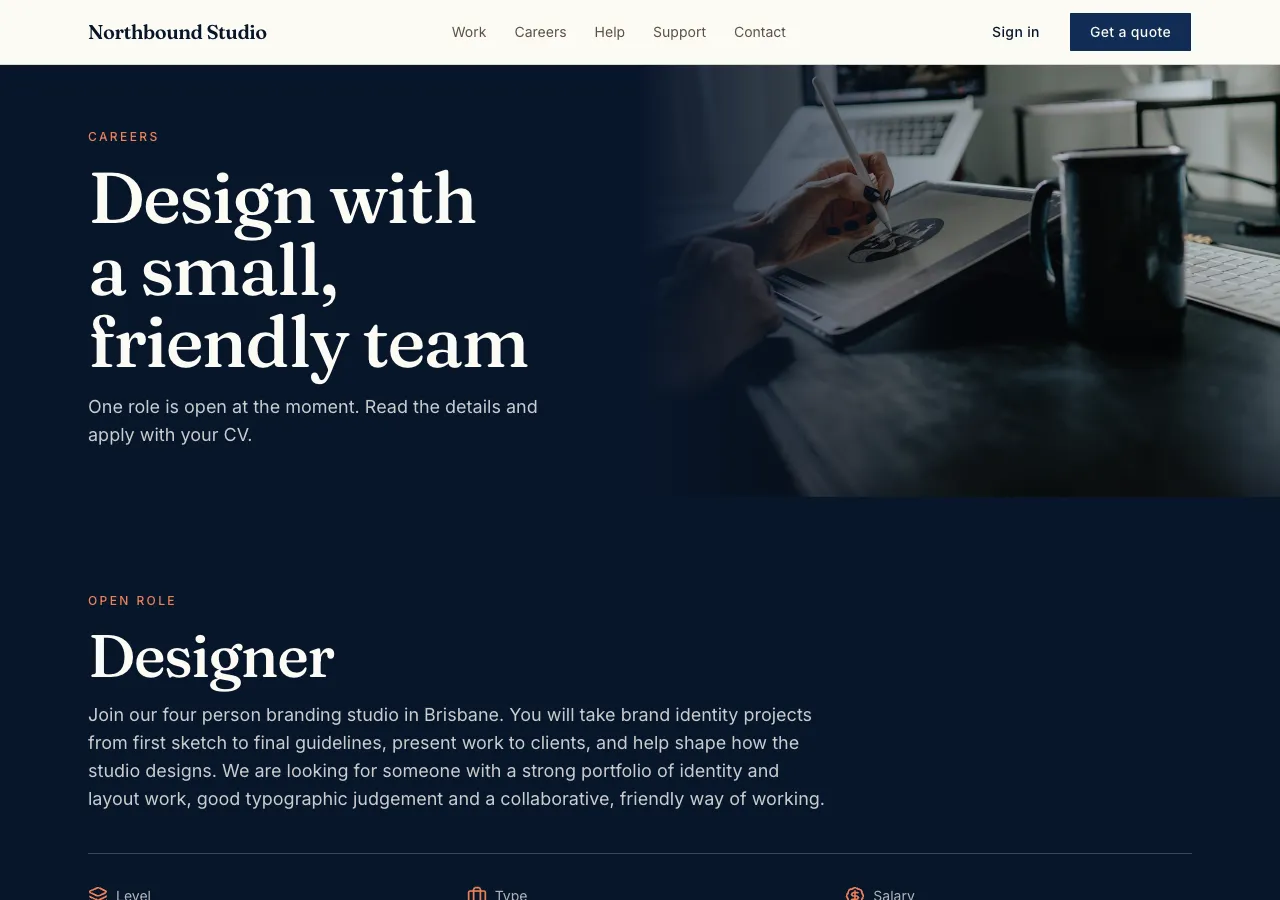
Open roles
Ask for a careers page and the AI follows its careers guide: jobs with a department, location, remote flag, employment type, an optional salary range, a description and your own screening questions, each open, closed or a draft, with an optional closing date. The careers page groups open roles by department with filters, and says No open roles right now when there are none.
Applying
Each role has an apply form: contact details, a CV upload of a PDF or Word file up to 10 MB checked in the browser, a link, a cover letter, the role's questions and a privacy consent tick. A database function checks the role is open, every required question is answered, consent is given, and one email applies only once per role.
CVs kept private
CVs are personal data, so they go to the site's private storage, never the public one, under a random folder for each application. Only staff can read them; the AI checks in the preview that a stranger cannot open a CV path. Applicants who sign in can see their own applications.
The pipeline board
Staff sign in to the admin area and see a board per role with columns New, Screening, Interview, Offer, Hired and Rejected, cards with the name, a rating and how long ago they applied, and an application view with the answers, the CV download, notes and an Email button that opens your own mail app.
Search engines and privacy
Each role page carries JobPosting structured data, so search engines can show it in job results. Delete an application on request from the admin, and ask for privacy and terms pages with your own policy text. Contacting applicants happens from your own mail, since the site cannot email them.
How it works, in three steps
Step 1
Describe the roles
List the roles with type, location, salary range and the questions you want answered.
Step 2
Check the form
Apply in the preview with a test CV, then try opening the CV as a stranger.
Step 3
Publish
On a paid plan, publish and move applicants through the board in the admin.
Limits worth knowing
- CVs up to 10 MB, PDF or Word, kept in private storage readable by staff only.
- The site cannot email applicants; staff contact them from their own mail.
- The data lives in the site's own database: a hosted one on every plan, or your own Supabase account.
- The free plan builds and previews the site; publishing starts on Starter.
Questions people ask
Can applicants apply without an account?
Yes. Guests can apply with their details and a CV, and the CV goes into a random private folder only staff can read. Applicants who do sign in can also see their own applications, and their status when you choose to show it.
Can I ask my own screening questions?
Yes. Each role has its own questions as short text, long text, a choice or yes and no, each optional or required. The apply function refuses an application that leaves a required question blank, so every application in the pipeline has the answers you need.
Will my jobs show in Google's job results?
Each role page carries JobPosting structured data with the title, description, location, type and salary when given, which is what Google reads for job results. Inclusion is up to Google. Closed roles stop showing on the site, and their structured data goes with them.
How do I stop spam applications?
The apply function refuses more than five applications an hour from one email and a second application to the same role from the same email. A hidden field catches simple bots. Staff can delete anything that gets through from the admin board.
Can several people review applications?
Yes. Anyone listed as a site admin can open the board, rate applications, add notes and move cards between columns. The notes are visible to staff only. Ask for roles if you want hiring managers to see only their own department.
How long are CVs kept?
Until staff delete them. Privacy law expects you to keep personal data only as long as you need it, so set your own rule, such as six months after the role closes, and delete applications from the admin when that time passes. Applicants can ask you to delete theirs sooner.
Make your own website
The button opens the generator with this use case already described. Change the wording to match yours, generate, then edit anything you like.
Create a website with OneCraftRelated pages
Support ticket website with priorities and response times
A support ticket website gives every customer request a number, a thread and a status, so nothing gets lost in an inbox. Staff need priorities, an owner for each ticket and a clear view of what is overdue; customers need to see the reply and answer back without starting again.
Live chat for your website, built in rather than plugged in
Live chat on a website lets a visitor ask a question and get an answer while they are still on the page. Built into the site, it needs no third party widget or script, and conversations live in the site's own database where only the person and your staff can read them.
Website contact form: every message stored in your site's admin
A website contact form lets visitors send you a message without opening their email, and keeps each message where you can answer it. On OneCraft the agent writes the form and its table with the forms guide, and you read and mark responses in an admin area on your own site.
More finished work of this kind is on the website examples hub.
Written and checked by the OneCraft team. Last checked .