Websites
Website privacy and terms pages with a consent banner
Privacy and terms pages tell visitors what a website collects and on what terms they use it, and a consent banner asks before anything non essential loads. The AI builds the pages, the banner and the tools for data requests, but the legal words have to be yours.
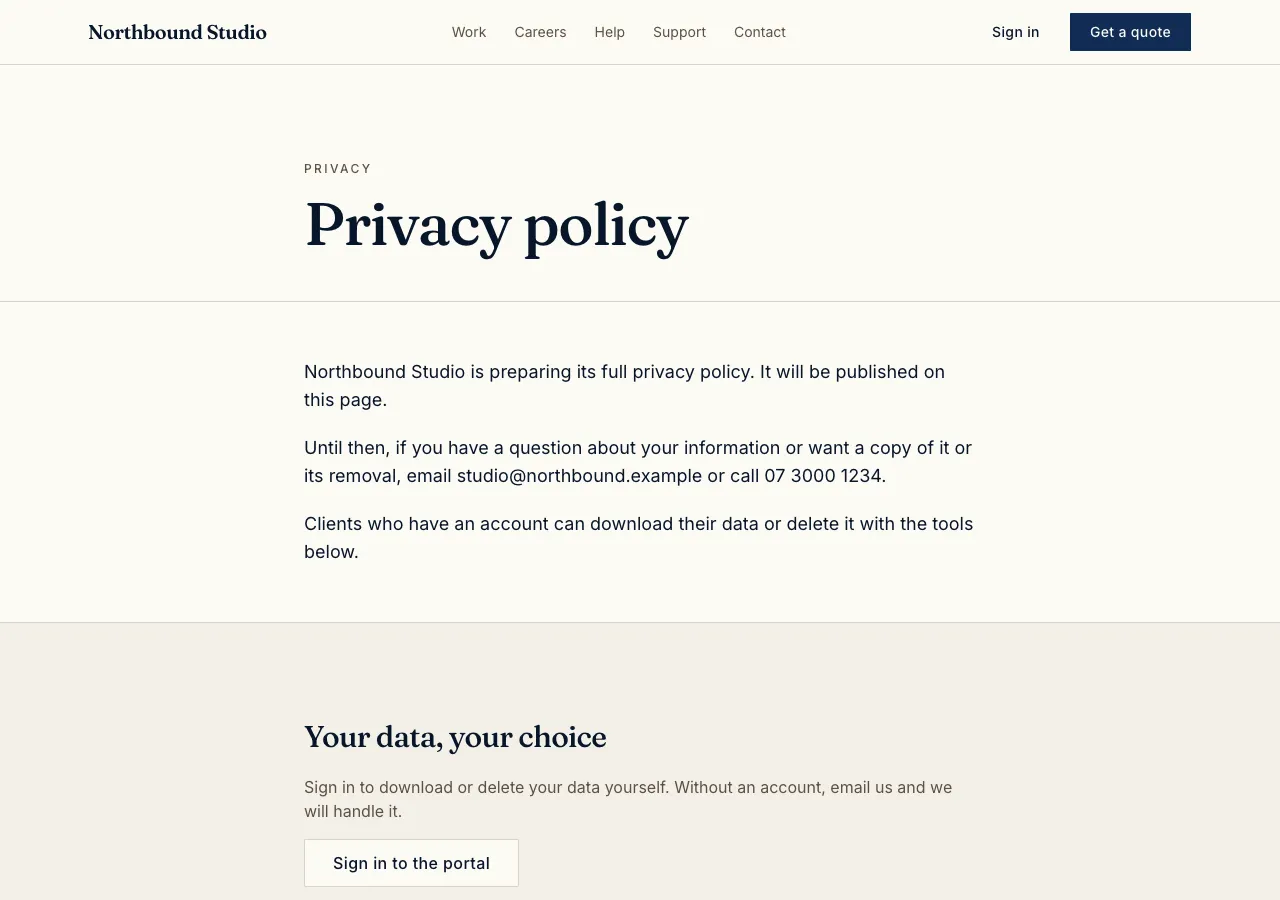
Your text, laid out
Ask for privacy and terms pages and the AI follows its legal guide: pages for privacy, terms and anything else you need, rendered from your own text with an updated date, and linked from the footer. The AI writes no legal text: you supply your policy and terms, written for your business and the law where you operate.
The consent banner
The banner is a bar fixed to the bottom of the page, never a blocking popup, with one sentence, Accept all and Essential only as equal buttons, and a link to the privacy page. It gates what calls other hosts: YouTube, Vimeo and Google Maps frames show a click to load placeholder until consent. Sign in storage is essential, and the site's own visit counter sets no cookies.
Download my data
A signed in person can download the data the site holds about them from a Privacy page in their account. Staff see data requests in the admin area, mark them done, and export a person's rows as CSV when someone asks by the public request form instead.
Delete my account
Delete my account removes the person's rows from the site's tables through one database function, whose list of tables grows as the site does. The person's sign in account itself stays, because the login is shared at the database level; say so in your policy. Staff can process a deletion request from the admin.
In a phone app
A phone app based on the site has Privacy in its Account tab with the same policy screens, Download my data through the share sheet, and Delete my account. The app has no cookies or embeds, so it shows no consent banner.
How it works, in three steps
Step 1
Write your policy
Prepare your privacy policy and terms for your business and location.
Step 2
Ask for the pages
Ask the AI for privacy and terms pages with your text, a consent banner and data requests.
Step 3
Check and publish
Decline the banner in the preview to see embeds held back, then publish on a paid plan.
Limits worth knowing
- The AI writes no legal text; you supply the policy and terms.
- Deleting an account removes the person's data from the site; the shared sign in account stays.
- The data lives in the site's own database: a hosted one on every plan, or your own Supabase account.
- The free plan builds and previews the site; publishing starts on Starter.
Questions people ask
Will the AI write my privacy policy?
No. The AI builds the pages, links and tools, but never writes legal terms, because they depend on what your business collects and the law where you operate. Use your lawyer, a template service you trust or your regulator's guidance, then give the text to the AI.
Do I need a cookie banner?
It depends on where your visitors are and what the site loads. The site's own counter sets no cookies, but embeds such as YouTube and Google Maps call other hosts. The banner holds those back until consent, which suits the stricter rules in the UK and Europe.
What happens when someone deletes their account?
A database function removes their rows from the site's tables, such as bookings, orders and posts, and the AI keeps that list up to date as tables are added. Their sign in record stays, because sign in is shared across the database, so mention that in your policy.
Can people ask for their data without an account?
Yes. A public data request form stores the request for staff, who see it in the admin, export that person's rows as CSV and mark it done. Signed in people can download their own data directly from their account's Privacy page.
Does the app need a privacy policy too?
Yes. Apple and Google both require a privacy policy link for apps in their stores, and the app's Account tab shows the same policy screens as the website. You also answer each store's own privacy questions when you submit the app.
Can I change the policy later?
Yes. Ask the chat for the new text, or ask for the policy to be kept in the site's database and edited in the admin. Each page shows its updated date, and the banner's Privacy choices link lets visitors change their consent at any time.
Make your own website
The button opens the generator with this use case already described. Change the wording to match yours, generate, then edit anything you like.
Create a website with OneCraftRelated pages
Website with login: visitor accounts, Google sign in and profiles
A website with login gives visitors an account, so they can see their own bookings, orders, courses or messages and nobody else's. The hard parts are not the sign in form but the rules behind every page: who may read each row, and what a signed out visitor sees.
Restaurant menu website maker: the menu first, then everything around it
A restaurant menu website exists to answer four questions fast: what do you serve, how much is it, when are you open and where are you. Everything else, the story, the gallery, the ordering, is useful only once those four are one tap away on a phone.
Website admin panel with analytics and CSV
A website admin panel is the back office inside the site where the owner and staff add, edit and remove what the site shows: products, bookings, posts, members. It is only safe if visitors never reach it, and only useful if it lets staff search, export and see the numbers that matter.
More finished work of this kind is on the website examples hub.
Written and checked by the OneCraft team. Last checked .