Websites
Live chat for your website, built in rather than plugged in
Live chat on a website lets a visitor ask a question and get an answer while they are still on the page. Built into the site, it needs no third party widget or script, and conversations live in the site's own database where only the person and your staff can read them.
Conversations and messages
Ask for chat and the AI follows its messaging guide: conversations of three kinds, support, direct and group, with members, and messages up to 4,000 characters. A database rule lets only members of a conversation read or write in it, and staff are members through the admin rule. A limit of 30 messages a minute per sender stops floods.
The support button
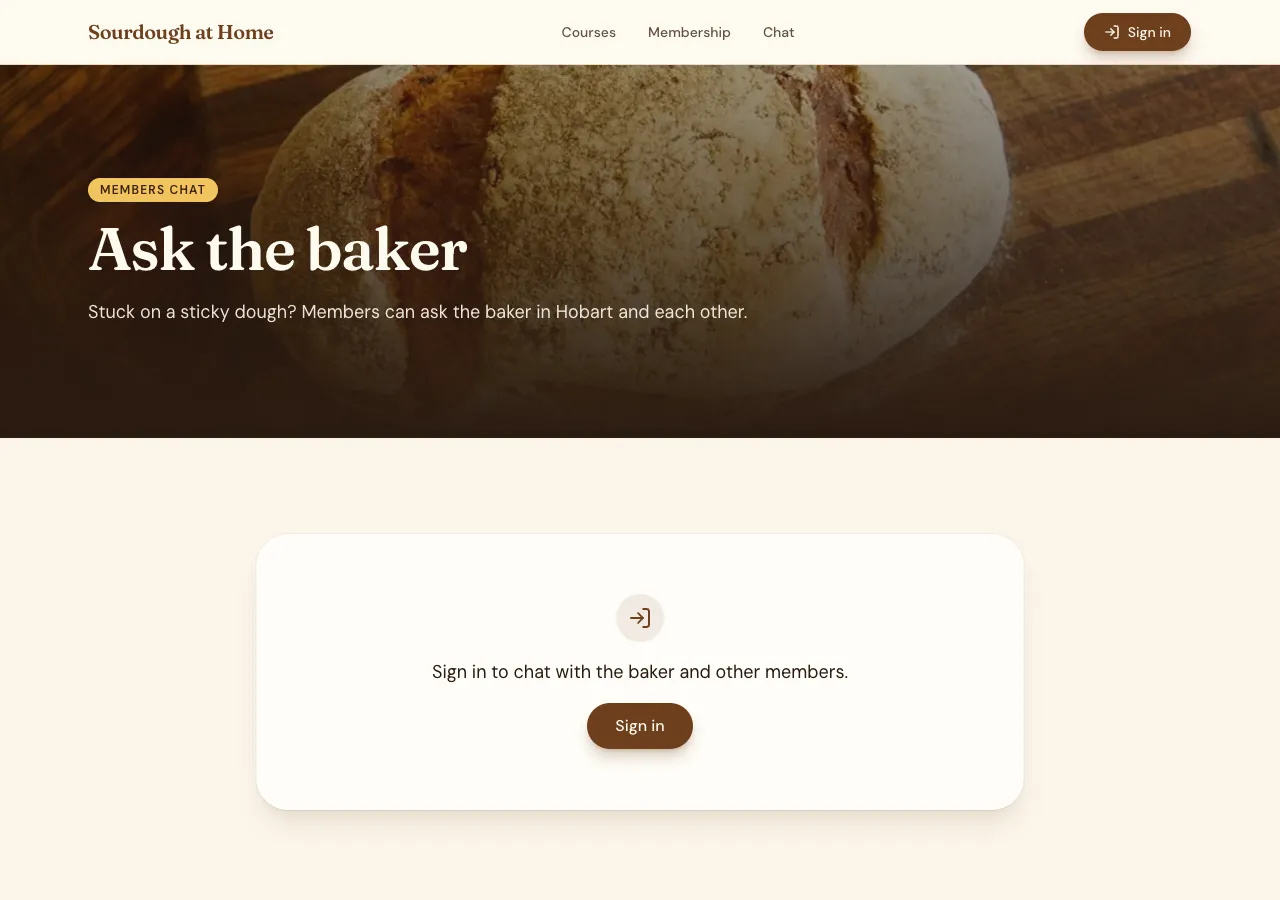
A floating button sits on every page. A signed in customer opens their support conversation in a side panel, one each, created the first time; a signed out visitor sees a sign in prompt. A Messages page lists conversations and the thread, stacked on phones.
How fast it updates
While a thread is open, it checks for new messages every three seconds and scrolls to the newest; the conversation list checks every ten seconds for unread counts. There is no live socket, so a reply appears within a few seconds rather than instantly, which suits a small team answering during the day.
The staff inbox
Staff work an inbox in the admin area: support conversations newest first with unread badges, the thread, reply as the business and close. A phone app based on the site gets a Messages tab with the composer above the keyboard, for customers and for staff.
What it does not do
There are no pushes to phones, no chat bot and no email when a reply arrives; customers see replies when they open the site or the app and its notification bell. For requests that need a number, priority and follow up over days, support tickets suit better.
How it works, in three steps
Step 1
Ask for chat
Say who can chat, signed in customers or members with each other, and who answers.
Step 2
Try both sides
In the preview, send a message as a customer and reply as staff from the admin.
Step 3
Publish
On a paid plan, publish and tell customers when someone is there to answer.
Limits worth knowing
- Messages update every few seconds while open; there is no instant socket.
- No pushes to phones and no email on reply; replies show in the site and its bell.
- The data lives in the site's own database: a hosted one on every plan, or your own Supabase account.
- The free plan builds and previews the site; publishing starts on Starter.
Questions people ask
Can visitors chat without signing in?
No. A conversation belongs to people who are members of it, so chat needs an account; a signed out visitor sees a sign in prompt on the chat button. Email and Google sign in make that quick. For anonymous questions, a contact form stores the message instead.
Will I get notified of new messages?
Staff see unread badges in the admin inbox, which checks for new messages every ten seconds while open. There are no pushes to phones from the site. Many small teams keep the admin open on a tablet at the counter during opening hours.
Can customers message each other?
Yes, when you ask for direct or group messages, such as members of a club. Each conversation has its own members, and only they can read it. Ask for blocking too, and a person can stop another from messaging them.
Is the chat private?
Messages are readable only by the conversation's members and your staff, enforced by database rules the AI tests as an anonymous visitor and as a signed in stranger. No third party chat service sees them, since the chat runs inside the site's own database.
Does chat slow the site down?
Only slightly while a thread is open, as it checks for new messages every three seconds; nothing runs on pages where the chat is closed. There is no third party widget script, which often weighs more than the page itself.
Can I use chat in a phone app?
Yes. A phone app based on the website gets a Messages tab with the same conversations, so a customer can start on the website and continue in the app. The composer sits above the keyboard. Replies arrive while the screen is open, without pushes.
Make your own website
The button opens the generator with this use case already described. Change the wording to match yours, generate, then edit anything you like.
Create a website with OneCraftRelated pages
Careers page with applications and a hiring pipeline
A careers page lists the roles a business is hiring for and takes applications with a CV, so they arrive in one place instead of scattered emails. What matters to applicants is a clear role and a short form; what matters to the business is a pipeline it can move people through and CVs nobody else can read.
Support ticket website with priorities and response times
A support ticket website gives every customer request a number, a thread and a status, so nothing gets lost in an inbox. Staff need priorities, an owner for each ticket and a clear view of what is overdue; customers need to see the reply and answer back without starting again.
Export website code: the whole project, one zip
Exporting website code means downloading the source files that produce the site, so you can read them, keep a copy or host the site somewhere else. It matters most as an exit route: knowing you can leave makes it easier to stay.
More finished work of this kind is on the website examples hub.
Written and checked by the OneCraft team. Last checked .