Presentations
Three pillars slides
A pillars slide claims that a thing rests on a small number of supports, and it is only convincing if each support carries a sentence rather than a word. Thirty three layouts hold that shape, from three full colour panels to bento grids, temple diagrams and a seven item numbered row.
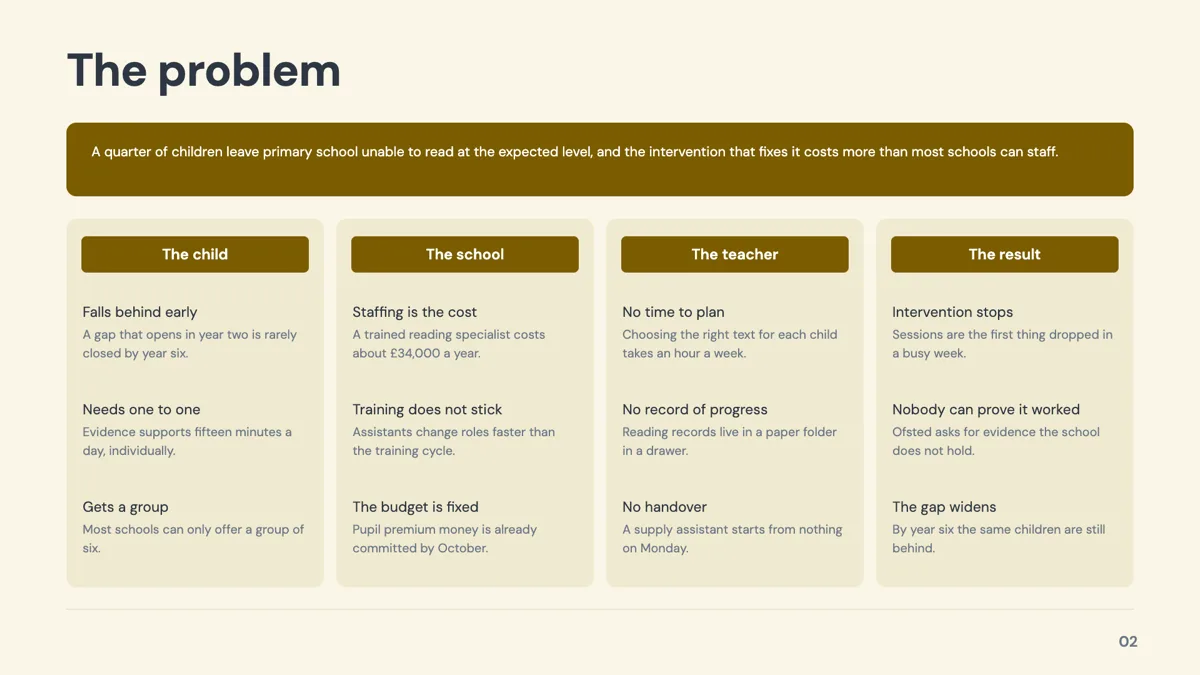
Three, four, six or seven, and the layout knows
Pillar layouts are built for a fixed count, and the count is in most of their names: three full colour panels, four cards over a photograph, a four pillar temple, a two by three grid of six, six icon columns, seven numbered pillar cards. Choosing the layout that matches your real number is most of the work. Padding three ideas into a six card grid is obvious to an audience, and cutting a genuine fifth pillar to fit a four card layout is worse.
Bento grids, when there are photographs
Five of the 33 are bento grids: four image cards, four text cards, five image cards with the sixth cell deliberately left empty, five text cards, and an asymmetric hero with two cards. The image versions pair a short heading and a description with a portrait photograph in each card, so they need real photography to work. The text versions are the same rhythm without images, which is the better choice when the only pictures available are stock.
Pillars against frameworks
A pillars slide is a set of peers. A framework slide is a named structure with its own rules, and 23 of those exist separately, including SWOT, PESTEL and Porter's five forces. Two layouts blur the line on purpose, a balanced scorecard in a two by two and a SWOT in coloured quadrants, both filed under pillars. If the shape carries an argument, use the framework role; if the items are simply the four things you do, stay here.
Write the evidence line, not the adjective
The strongest pillar layouts give each column a heading and one concrete line under it, and the value proposition stack exists specifically for that, with a benefit title and a single evidence sentence per row. Integrity is not a pillar; audited quarterly by an external firm is. The fill prompt will not invent that evidence, so it has to come from your brief, and an optional slot is left out rather than padded when nothing is supplied.
How the AI picks this slide
Pillars is the fallback role for a brief that says what a business or a product is made of without giving figures to report or a sequence to follow. That is why it is the second largest role at 33 templates and why a generated deck usually contains at least one. If the result reads as three adjectives, the fix is a better brief rather than a different layout: name the three things and give each a fact.
How it works, in three steps
Step 1
Fix the number of pillars
Three, four, six or seven. The layout is chosen by that number, and every layout's item count is fixed.
Step 2
Add the slide from the library
From Library on the slide rail, Role filter set to pillars. Thirty three layouts come back, grouped by how many cards they carry.
Step 3
Give each pillar a fact
A heading of a few words and one line of evidence. The stack and icon card layouts are budgeted for exactly that pairing.
Step 4
Check it against the deck's dividers
If the pillars name the sections that follow, use the same words on the divider slides so the deck reads as one argument.
The full walkthrough with screenshots is in the guide Style text and add callouts, stats and lists.
Limits worth knowing
- Every layout has a fixed number of cards, so a fifth pillar means swapping the layout rather than adding an item.
- The image bento grids need a photograph per card; there is no automatic fallback that looks intentional if one is missing.
- Icons come from a fixed set the model names, so a pillar cannot carry an arbitrary logo in place of its icon.
- A pillar heading is budgeted in characters, and long headings are rewritten shorter rather than wrapping freely.
See it on a finished piece


Slide examples
Finished single slides on this layout, each one built from a real template and written out in full.

Balanced scorecard slide with four perspectives in a 2x2
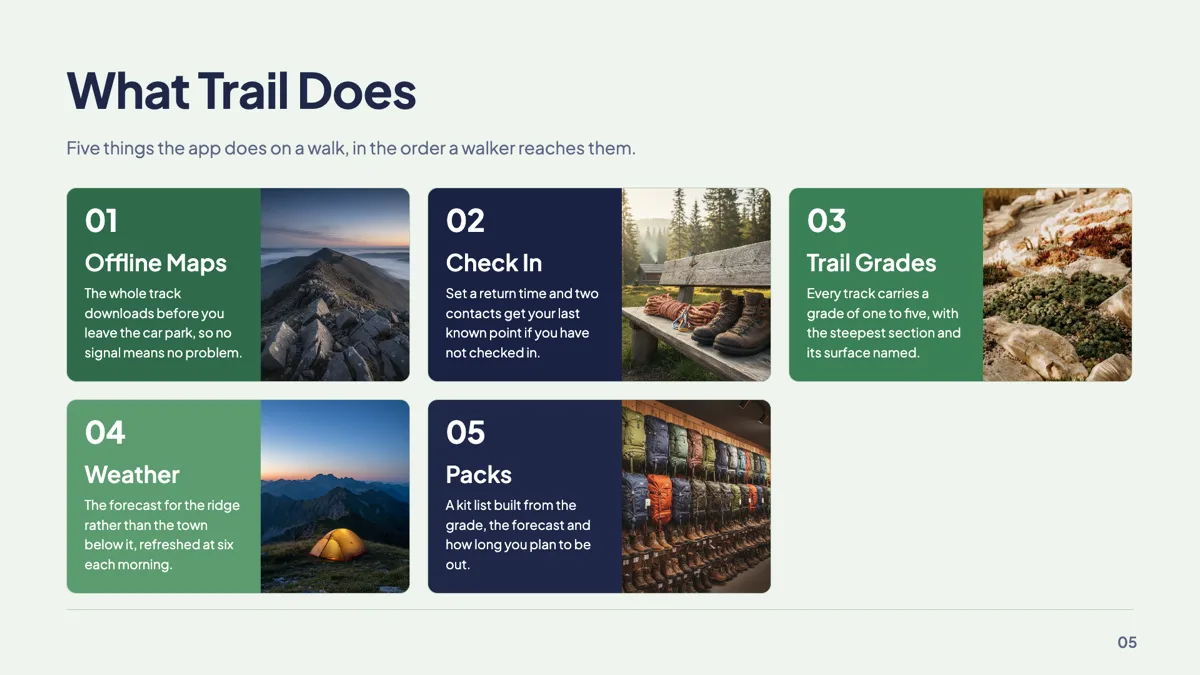
Bento grid slide with five feature cards and images
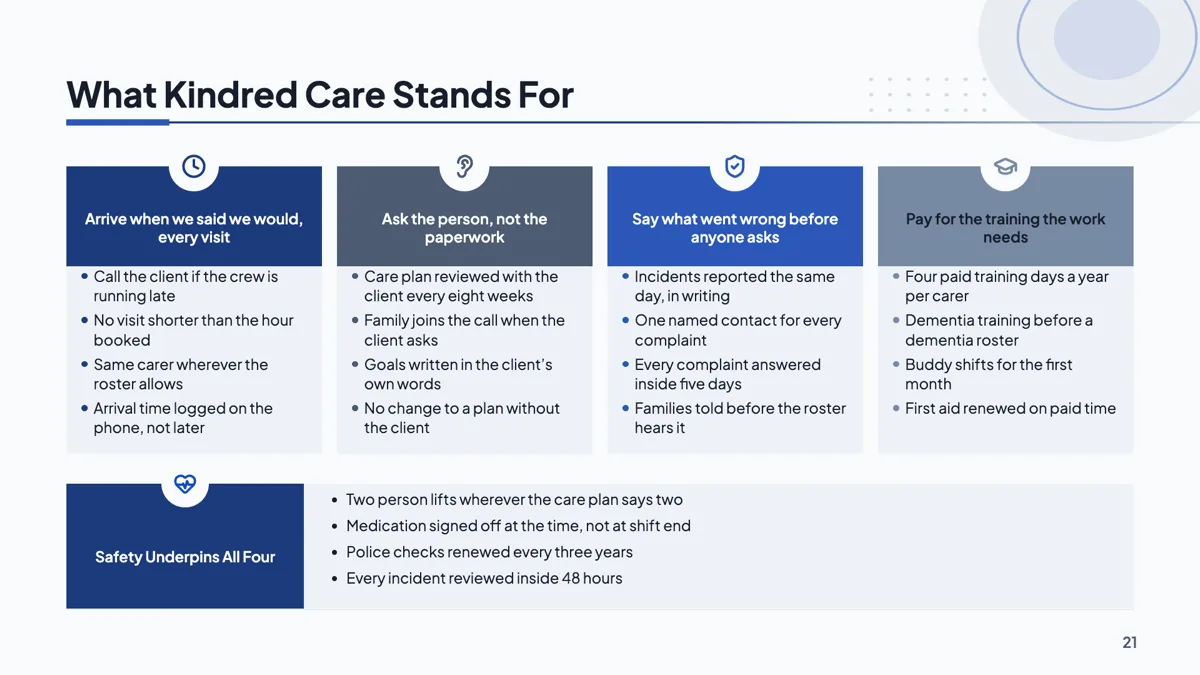
Company values slide with four pillars and a foundation band
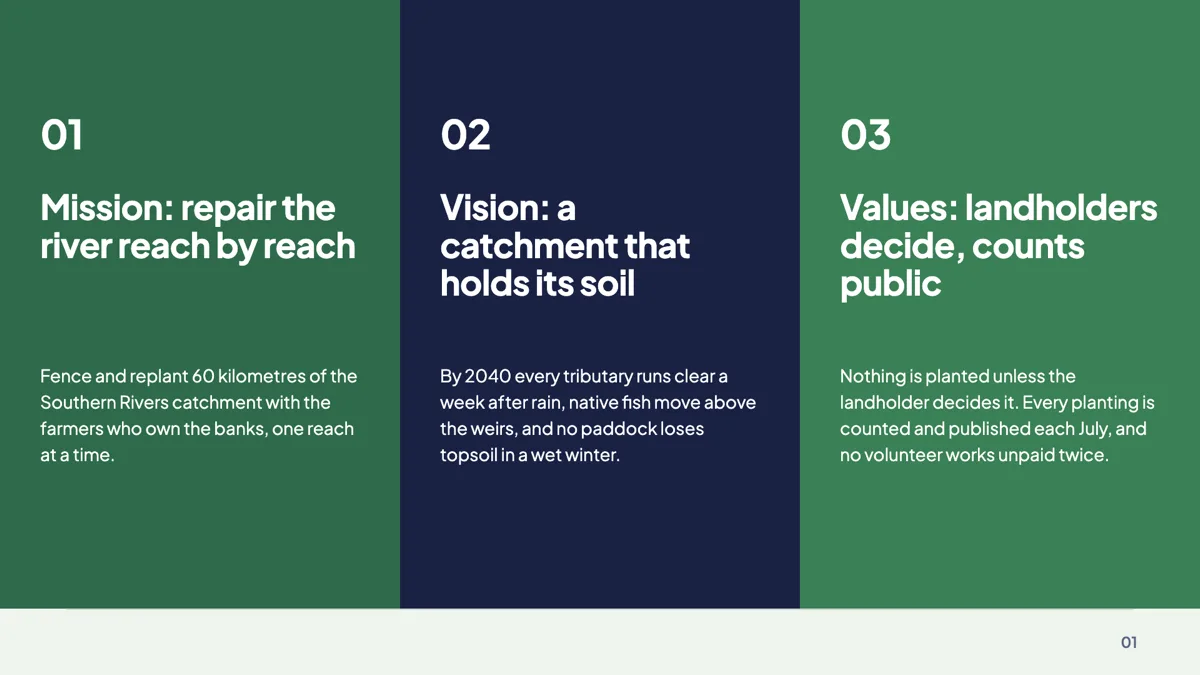
Mission, vision and values slide on three colour panels
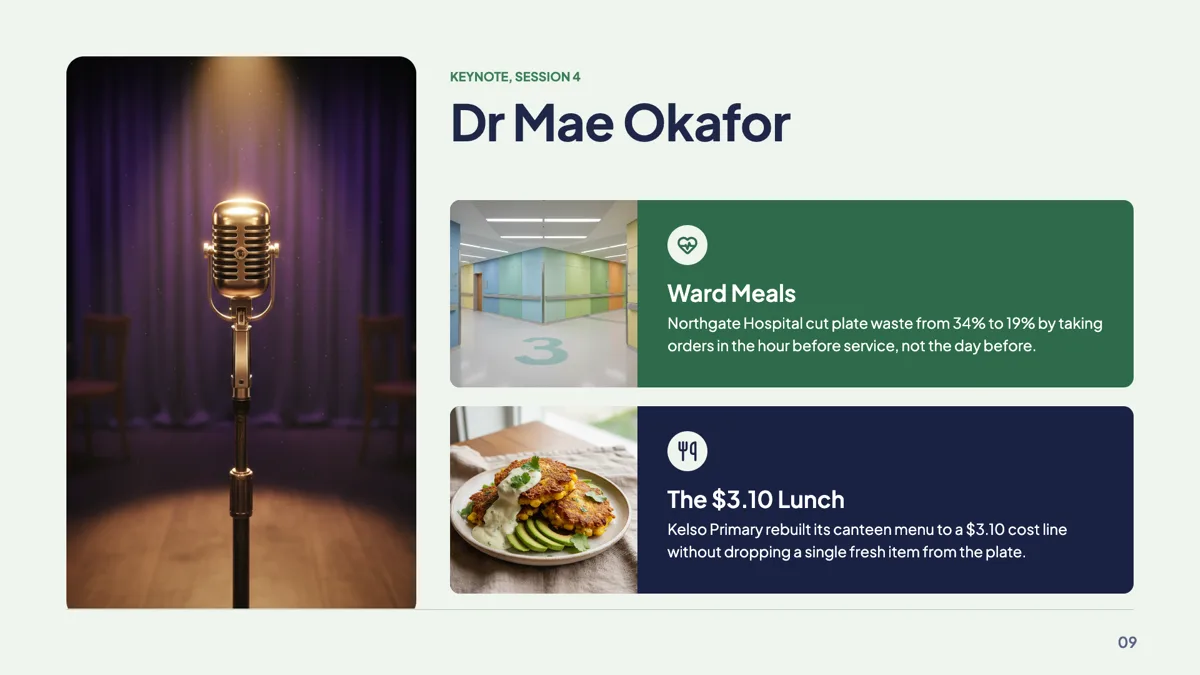
Presenter introduction slide with two photo cards
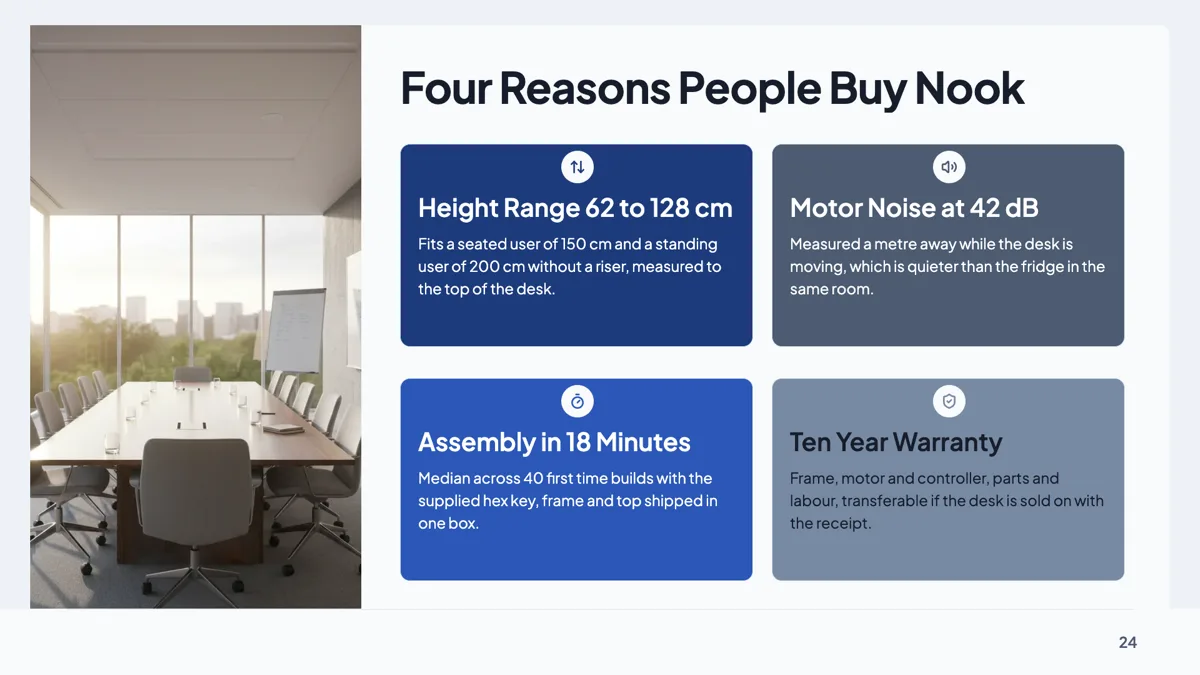
Product benefits slide with 2x2 icon cards beside a photo
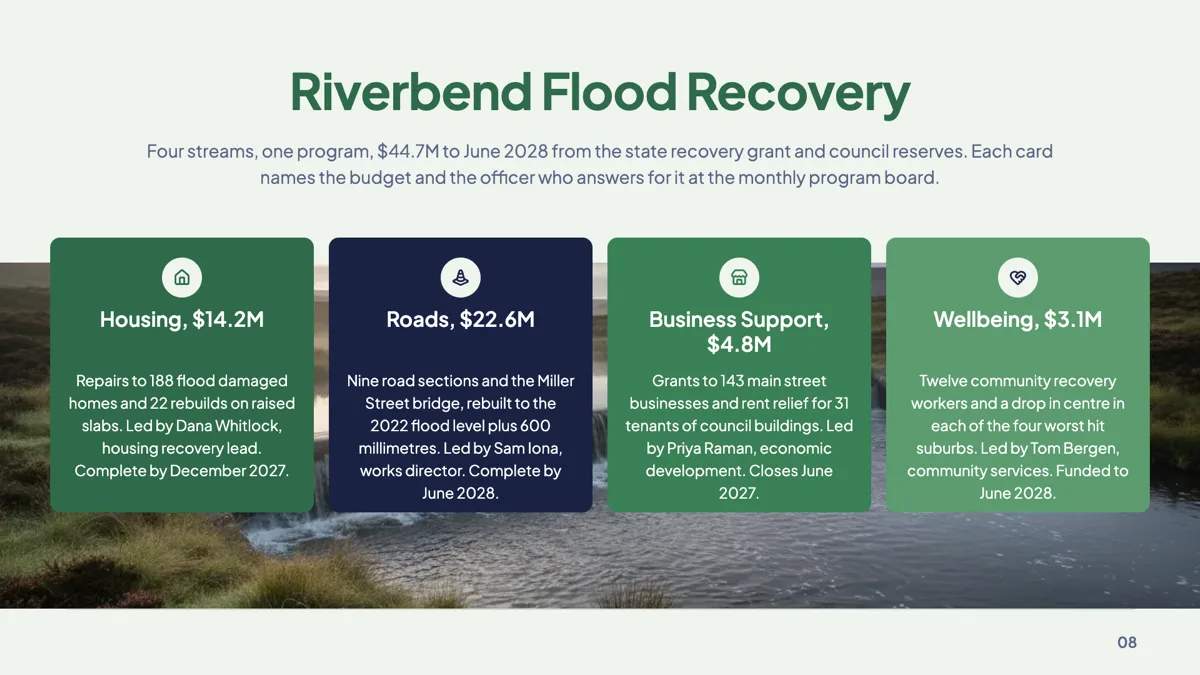
Program streams slide with four cards over a photo
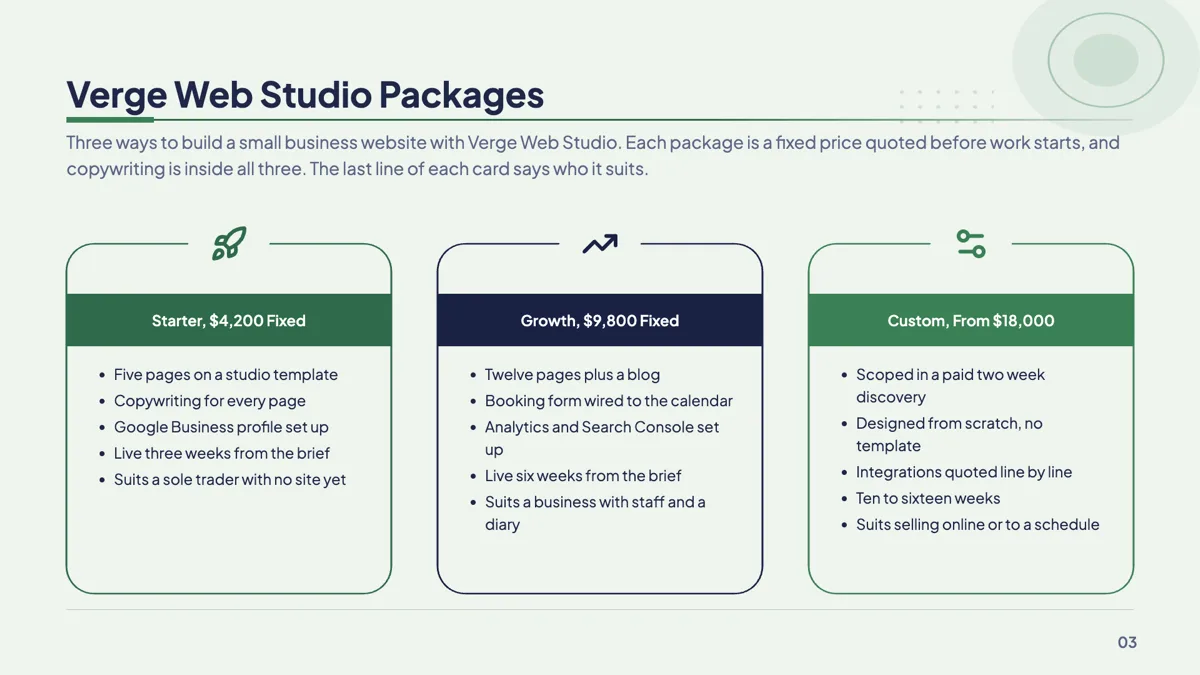
Service packages slide with three packages and their inclusions
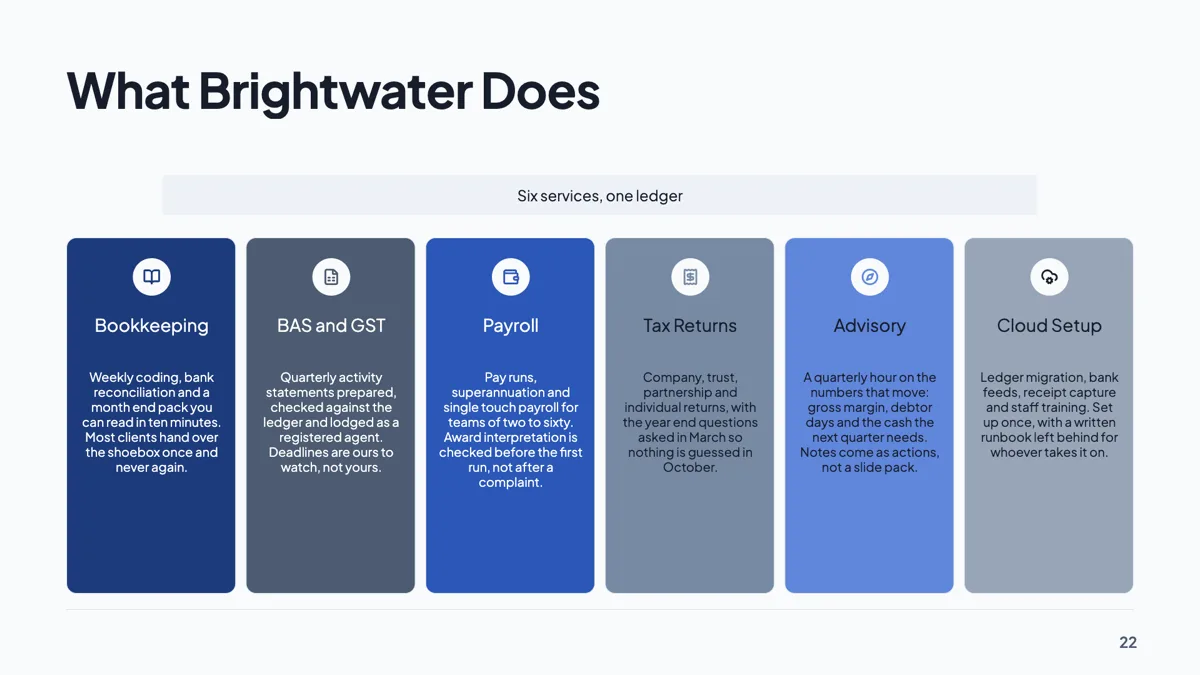
Services overview slide with six icon columns
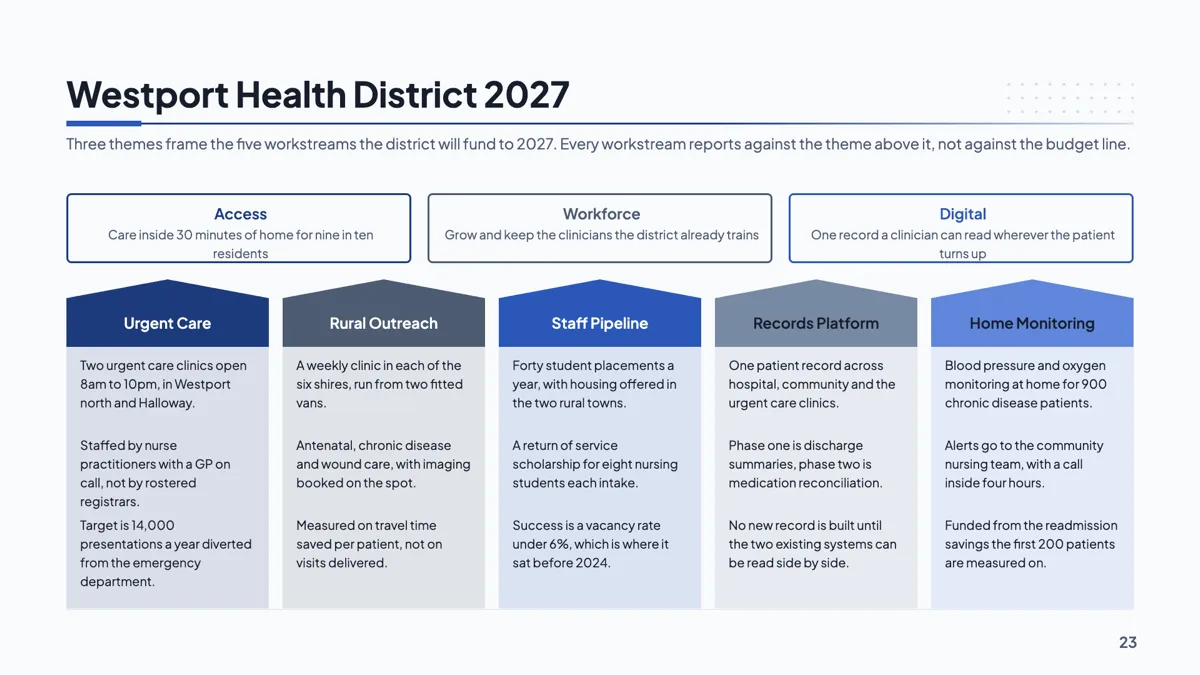
Strategic priorities slide with three themes and five columns
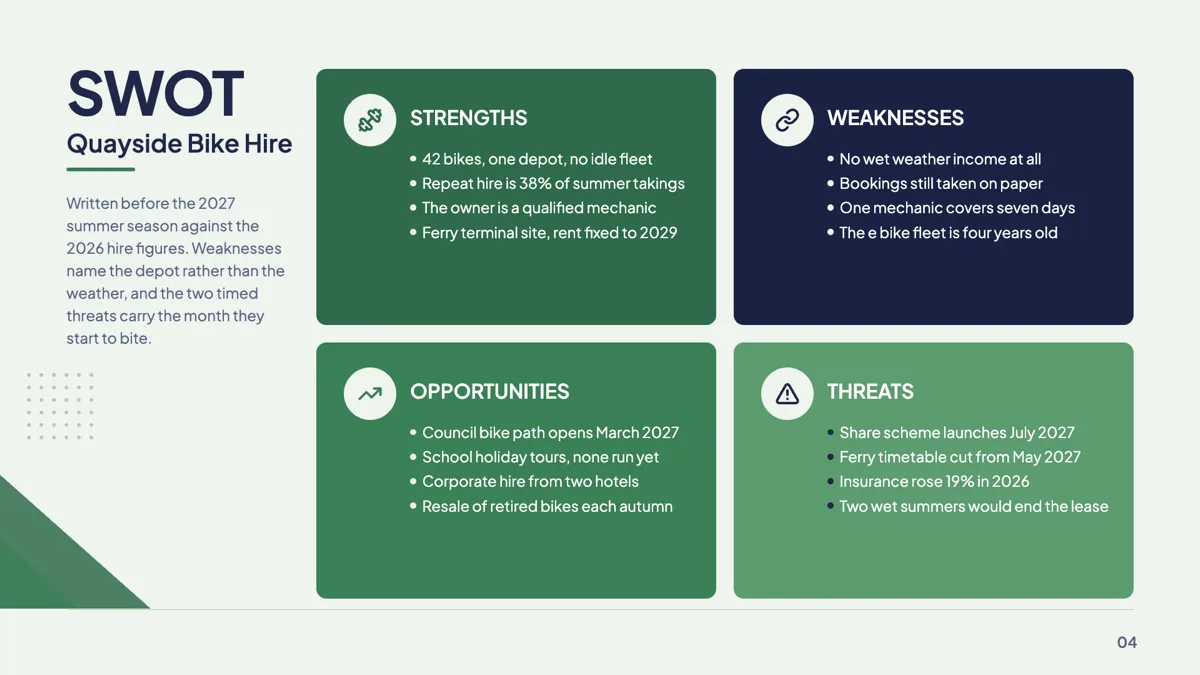
SWOT quadrant slide example with four colour cards
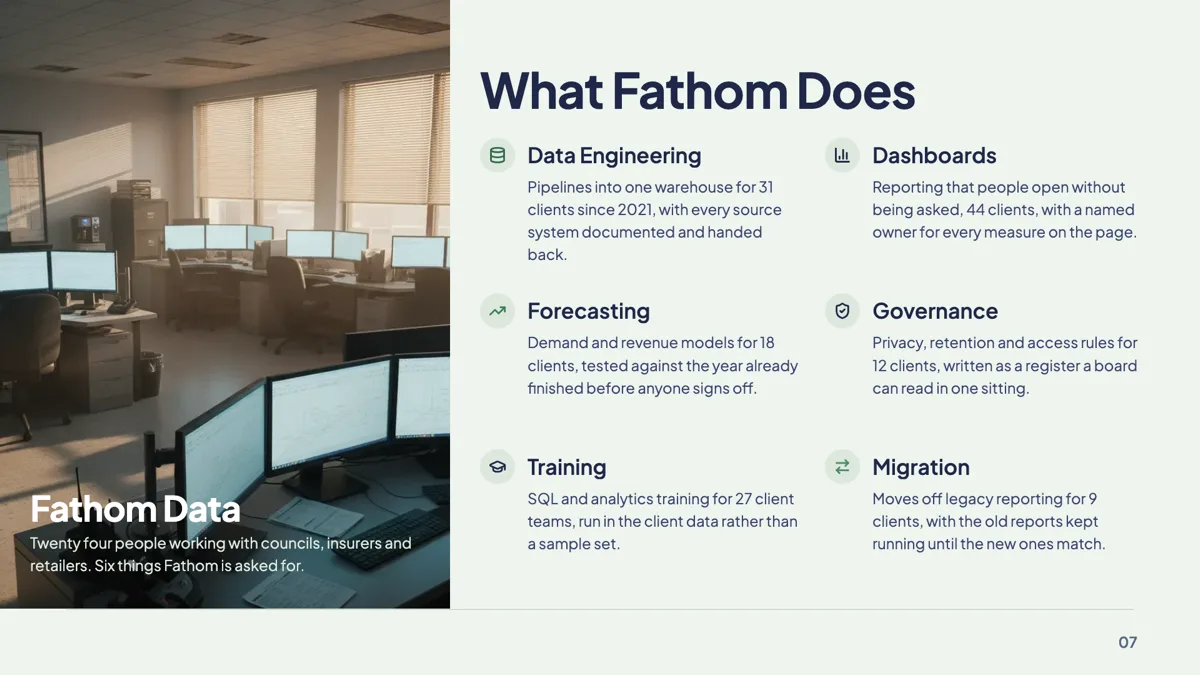
Team capabilities slide with six pillars beside a photo

Value proposition slide built as a five row stack
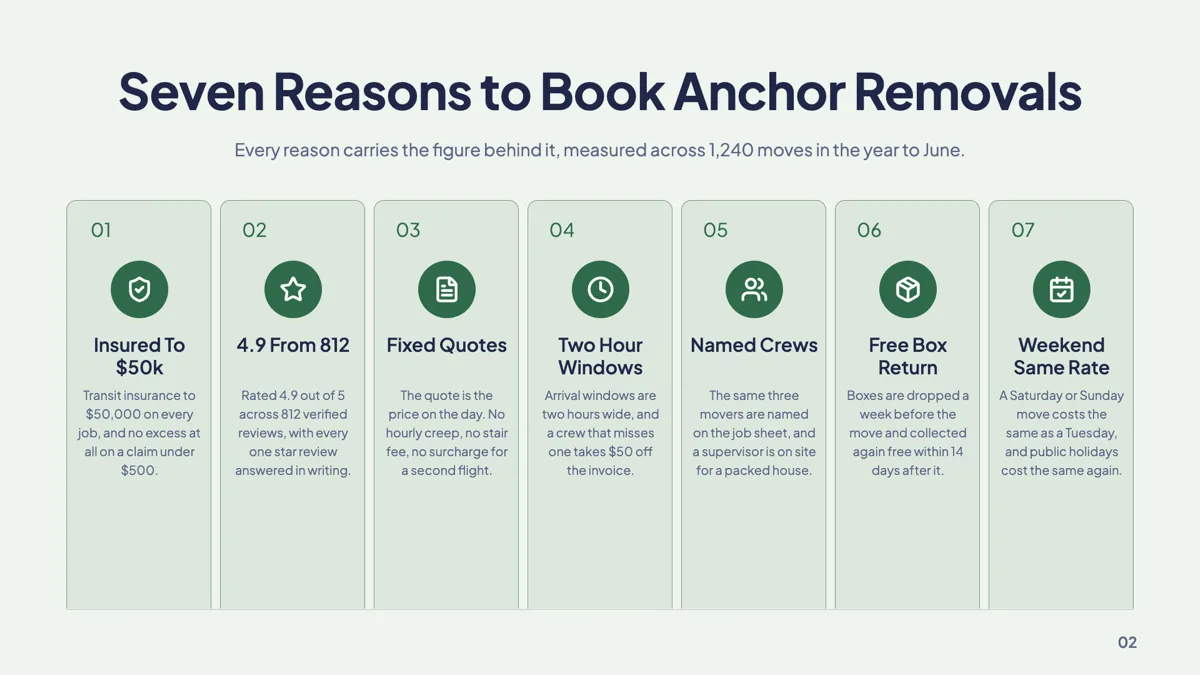
Why choose us slide with seven numbered pillar cards
Questions people ask
How many pillar layouts are there?
Thirty three carry pillars as their primary role, second only to metrics. They range from three full colour panels through bento grids of four and five, a four pillar temple and a two by three grid, to a seven item numbered row.
Is three pillars better than four?
Three is easier to remember and four is easier to be complete with. The library carries both, plus six and seven item layouts, so the count should come from the argument rather than from the design.
Can I mix photographs and icons?
Within a layout, no: a card is either an image card or an icon card as the template defines it. Across a deck, yes, because a second pillars slide can use a different layout.
What is the difference between pillars and a framework slide?
Pillars are peers you define. A framework is a named structure with its own logic, such as SWOT, Ansoff or the 5 Whys, and 23 of those are filed under the framework role instead.
Can I change the icons?
Yes, in the inspector for that slot. The model names an icon per pillar during fill, and you can replace it afterwards; it is not locked to the layout.
Can a pillar card hold a paragraph?
A short one. Card bodies are budgeted for a line or two, and the text fits itself to the slot rather than overflowing, so a paragraph will shrink. If you need real prose, a content layout is the right role.
Make your own presentation
The button opens the generator with this use case already described. Change the wording to match yours, generate, then edit anything you like.
Create a presentation with OneCraftRelated pages
AI image generation for slides
Every picture box on a slide can be filled by describing what should be in it. The generated image is requested at the aspect ratio of the box, so it arrives filling the space rather than being cropped into it, and every attempt stays in the deck for you to compare and reuse.
Slide transitions
Eight choices, one of which is no motion at all, and it is the default. Each of the other seven runs for a set duration between about a quarter of a second and half a second, which is short enough to feel like a cut and long enough to be seen.
Turn rough notes into a presentation
To turn notes into a presentation, paste the notes into the slide generator as they are and add two lines saying who the deck is for and what you want from them. The planner expands the shorthand into sentences, orders the points into an argument and lays each one out on a slide. Notes are written for the person who took them, so the real work is inferring what the fragments mean, and that is where your two lines help most.
More finished work of this kind is on the presentation examples hub.
Written and checked by the OneCraft team. Last checked .