Videos · Alternative
A Guidde alternative for step-by-step how-to videos
If you want a short narrated how-to video built from a few screenshots, with a marked click and a zoom on each step, OneCraft is a Guidde alternative that writes the narration and paces the steps for you. Guidde stays ahead for recording a workflow with its extension and turning it into a documented guide automatically.
Updated , competitor details checked . Guidde is a trademark of its owner. OneCraft is not affiliated with or endorsed by it.
Nuwan Madhusanka · Co-founder
3 min read · Published
The short verdict
Guidde suits support, onboarding and enablement teams that record workflows across many web and desktop apps and want each recording turned into a step-by-step video and guide automatically, with exports to PDF and PowerPoint, redaction and analytics. OneCraft suits people who need a short narrated how-to from a handful of screenshots, with paced steps, a marked click and zoom, captions and an MP4.
| Feature | Guidde | OneCraft |
|---|---|---|
| Price | Free $0 for up to 25 how-to videos; Pro $19 per creator a month billed annually or $29 monthly; Business $39 or $59; Enterprise by quote checked 2026-10-05 | About 20 credits per video generation, billed by AI usage; Free $0 with 100 credits a month, Starter $8 with 500, Pro $25 with 1,500, Pro+ $125 with 7,500 |
| Capture | Browser extension, mobile or desktop app; click stop and the guide is generated automatically checked 2026-10-05 | Still PNG frames, one per press of Capture step or Space, in a desktop browser; each with a marked click and No zoom, 1.5x or 2.1x |
| Step text | Recorded workflows converted into structured step-by-step scripts checked 2026-10-05 | The director writes 10 to 25 words of narration per step from your brief and the screenshots |
| Step length | Not stated on the pages checked checked 2026-10-05 | 5 to 9 seconds a step, 3 to 5 for the intro and wrap-up, at the Calm pace |
| Voice | AI voiceover from over 200 voices and languages checked 2026-10-05 | Always the instructional voice style for tutorials, from Google Chirp3-HD; 56 languages have a mapped voice |
| Captions | Voiceover, captions and highlights added automatically checked 2026-10-05 | Built from the narration text, on by default, with a per scene toggle |
| Sensitive data | Blur sensitive information from Pro; magic redaction of PII on Enterprise checked 2026-10-05 | Crop the recording area before capturing so only part of the screen is snapped |
| Sharing and export | Shareable link on Free; export videos, PPTs and PDFs from Pro checked 2026-10-05 | MP4 export, 4K from Starter, plus a read-only share link that plays live in the browser and is not an MP4 file |
| Structure | Slide by slide video with screenshots and a step-by-step guide checked 2026-10-05 | Only 5 roles: intro, tutorial step, how it works, checklist and outro |
Where Guidde is better
Automatic step text from a recording
Guidde records a workflow through its extension, mobile or desktop app and turns it into a structured step-by-step script on its own. OneCraft does not process a recording; it writes the steps from your brief and the screenshots you capture or upload.
PDF and PowerPoint guides
Guidde's Pro plan exports videos, PPTs and PDFs, so one capture also becomes a written guide. OneCraft's tutorial is a video only.
Redaction
Guidde blurs sensitive information from Pro and offers automatic redaction of personal data on Enterprise. OneCraft lets you crop the capture area, but sensitive details inside that area must be hidden before you capture.
Team features at scale
Guidde lists analytics, privacy controls, content review, version control, translation and SSO on its higher plans. OneCraft's tutorial builder is not set up as a team knowledge base.
Where OneCraft is different
Every click is shown, then zoomed
A marked point plays as a cursor glide to the spot, a click ripple, then the camera easing in over one second at 1.5x or 2.1x, so the viewer sees exactly where to click.
Paced for following along
Each step holds for 5 to 9 seconds with 10 to 25 words of narration, and AI tutorials come back at the Calm pace, with crossfades and one slow push-in.
An instructional voice every time
A tutorial is always spoken in the instructional voice style, whatever the director asks for, and captions follow the narration.
Promos from the same place
The same generator also makes promo videos and creator-style ads, and the account makes the matching flyer, deck and form.
A finished example
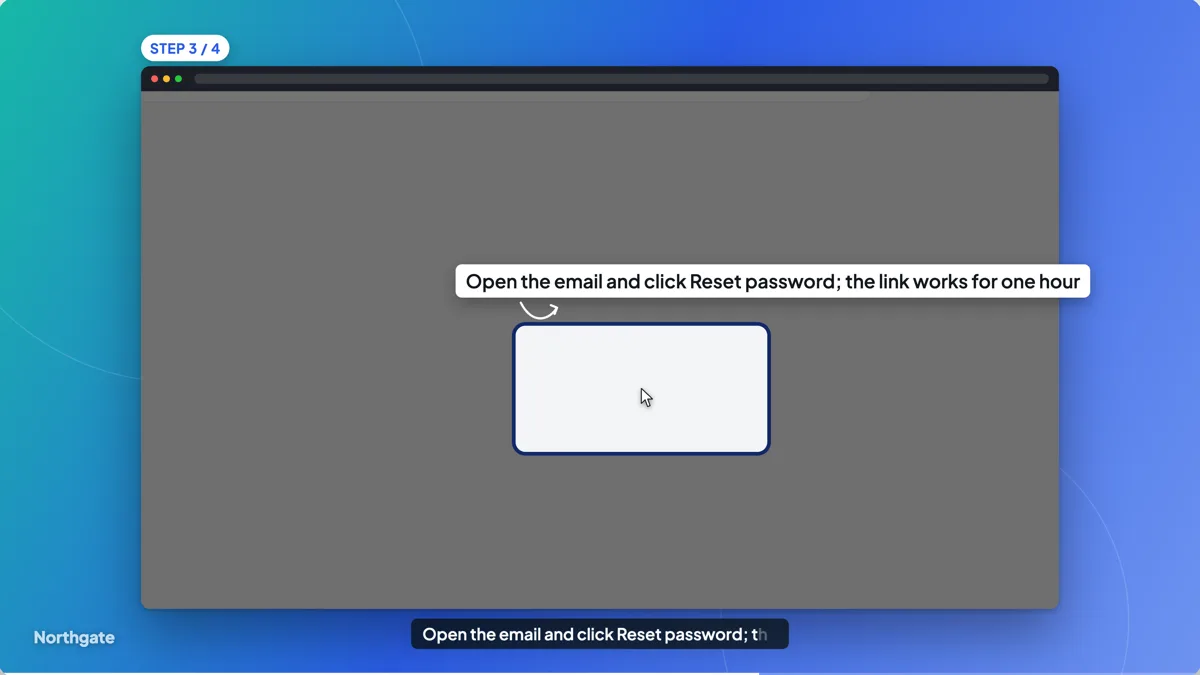 Tutorial video exampleMade with OneCraft, exactly as the generator and editor left it. Open the page for the full breakdown.
Pricing in plain terms
Checked 5 October 2026. Guidde's pricing page lists Free at $0 for up to 25 how-to videos, Pro at $19 per creator a month billed annually or $29 monthly, Business at $39 or $59, and Enterprise by quote, with annual billing saving 34%. OneCraft's pricing page lists Free at $0 with 100 credits a month, Starter at $8 with 500, Pro at $25 with 1,500 and Pro+ at $125 with 7,500. A video generation uses about 20 credits, billed by real AI usage.
How a OneCraft how-to is made
Choose the tutorial type in the generator and press Capture step on each screen, or the Space bar, while sharing your screen from a desktop browser. On a phone, upload screenshots instead. In the review grid drop the shots you do not need, mark the click point on each one and pick No zoom, Zoom in or Close-up. The director writes one narration line per step and the builder opens on a finished draft.
Video only, by design
OneCraft's output is a video with an intro, the steps, an optional checklist and an outro. There is no written guide alongside it. If your readers need to skim steps as text, keep the steps in your help centre and link the video there, or use a tool built for written guides.
Where a short how-to works best
A screenshot tutorial suits one task with a clear end: resetting a password, submitting a claim, moving a deal to the next stage, finding a report. Keep each video to one task and three to ten steps, write the exact button labels in the brief, and mark the click on every frame. The narration then names the same label the viewer sees, and the zoom lands on it.
What could not be checked
Guidde's pages do not state a per step duration or a maximum video length, so the table says not stated. Its plan features are quoted as the pricing cards list them. Every OneCraft cell names a row in an internal fact ledger checked against the product's source code.
Who should stay with Guidde
Stay with Guidde if your team records many workflows across web and desktop apps, wants step text written from the recording, needs PDF or PowerPoint guides, relies on redaction of personal data, or manages a library of guides with analytics and review. OneCraft fits a short narrated how-to made from a few screenshots.
Questions people ask
Does OneCraft have a browser extension like Guidde?
The documented capture path is the screen share inside the generator, which snaps one still frame per press of Capture step in a desktop browser. You can also upload screenshots taken any other way. Guidde records through its own extension, mobile or desktop app and processes the recording.
Can OneCraft export a how-to as a PDF guide?
No. A OneCraft tutorial is a video, exported as MP4 or shared as a link that plays in the browser. It does not produce a written step-by-step document. Guidde's Pro plan lists exports to video, PowerPoint and PDF from the same capture.
How many steps can a OneCraft tutorial have?
Steps follow the length you choose: short, standard and long allow 3 to 6, 4 to 9 and 6 to 12 scenes, including the intro and wrap-up. Each step runs 5 to 9 seconds. For a long process, split it into several short videos, one per task.
Can I hide a customer's details in a OneCraft capture?
You can crop the recording area before capturing so only part of the screen is snapped, and drop any shot in the review grid. The review grid offers dropping a shot, a click point and a zoom level, not blurring, so use test data or hide them on screen before you press Capture step.
Which voice does a OneCraft tutorial use?
Tutorials always get the instructional voice style, a Google Chirp3-HD voice in the brief's language, and never the energetic style. In the voice dialog you can pick any voice from the Google catalogue per scene, and change the speed from 0.85x to 1.25x.
Try the video side of OneCraft
The button opens the generator with a starting prompt already filled in. Change the wording to match your own work before you run it.
Create a video with OneCraftMore comparisons
- A Scribe alternative that outputs a videoA Scribe alternative that outputs a narrated video instead of a written guide: OneCraft and Scribe compared on price, output, capture, steps and sharing.
- A Colossyan alternative for training videosA Colossyan alternative for short training videos without avatars: OneCraft and Colossyan compared on price, avatars, structure, languages and SCORM.
- A Synthesia alternative for tutorials and promosOneCraft as a Synthesia alternative: tutorial videos from your screenshots, promos from a brief, one UGC persona and 56 voice languages.
What the module actually does, feature by feature: the AI video maker page, and the videos maker page.
Step by step in the builder: Capture your screen for a tutorial video, then Make a how to video with AI.
Written and checked by the OneCraft team. Last checked .