Presentations · Alternative
A SlidesAI alternative that is not a Google add-on
A SlidesAI alternative makes sense when you want the deck built and edited in one dedicated tool rather than inside Google Slides or PowerPoint. SlidesAI turns text into slides where you already work, including a Google Slides add-on; OneCraft runs its own editor with 1,071 layouts, 99 themes, an AI assistant and a present mode.
Updated , competitor details checked . SlidesAI is a trademark of its owner, and Google Slides and PowerPoint are trademarks of theirs. OneCraft is not affiliated with or endorsed by any of them, and every cell cites a public page or a named ledger row.
Indunil Asanka · Co-founder
3 min read · Published
The short verdict
SlidesAI suits people who want AI slides inside the tool they already use, Google Slides, PowerPoint or ChatGPT, and who finish the deck there. OneCraft suits people who want the generation, the layouts, chat editing, presenting and recording in one place, then take the result out as PDF or editable PowerPoint when they are done.
| Feature | SlidesAI | OneCraft |
|---|---|---|
| Pricing | Basic $0 with 12 presentations a year; Pro $10 a month billed $120 a year with 120; Premium $20.83 a month billed $250 a year, unlimited checked 2026-09-29 | Free at $0 with 100 credits a month and decks capped at 6 slides; Starter $8, Pro $25 and Pro+ $125 a month |
| Where it runs | Inside Google Slides, PowerPoint and ChatGPT, or a web app in the browser checked 2026-09-29 | Its own browser editor; below 1024 pixels it becomes a vertical feed of slides for phones and tablets |
| Input length | 1,000 characters per presentation on Basic, 6,000 on Pro and 12,000 on Premium checked 2026-09-29 | 10,000 characters on every plan; the topic must reach 8 characters to submit |
| Starting from a document | Document upload on Pro and Premium checked 2026-09-29 | Up to 5 PDF, text or image files of 25 MB each on paid plans, read for their text; no Word files |
| Slide count | Not stated on the pricing page, which meters presentations and characters checked 2026-09-29 | A slider from 3 to 20 slides; free accounts are capped at 6 |
| Layouts and themes | Generates onto your existing Google Slides theme, master slide and layouts; tone, style and language are set before generating checked 2026-09-29 | 99 themes in the picker over 88 palettes, and 1,071 templates across 26 slide roles |
| PowerPoint file | Leave with a real, working PPTX when you want a file checked 2026-09-29 | PDF on every plan; PowerPoint and editable PPTX on paid plans, with native text, tables and charts |
| Editing with AI | Refine and regenerate until it fits checked 2026-09-29 | An assistant with 9 operations, from adding a slide to swapping theme or generating an image, each shown as a preview to apply or discard |
| Research | Not described on the home or pricing pages checked 2026-09-29 | One web search and one fetch of up to 2 pages per deck ground the outline; sources are not printed |
| Language | Write in one language and present in another checked 2026-09-29 | A free-typed output language with 32 suggestions |
| AI credits | 120 AI credits a year on Basic, 600 on Pro and 1,200 on Premium checked 2026-09-29 | 150, 500, 1,500 and 7,500 credits a month on Free, Starter, Pro and Pro+ |
| Presenting | Present live, share a link, or hand off the file checked 2026-09-29 | Present mode with notes in a pop-out window, pen and spotlight, and WebM recording up to 4K on paid plans |
Where SlidesAI is better
It works inside the tools you already use
SlidesAI builds and edits slides inside Google Slides and PowerPoint, and from ChatGPT, so there is no new editor to learn and no file to move. OneCraft cannot edit a deck inside Google Slides or PowerPoint; the deck lives in its own editor until you export it.
Longer input on its top plan
SlidesAI's Premium plan accepts 12,000 characters per presentation and unlimited presentations a year. OneCraft's prompt stops at 10,000 characters on every plan, although attached files add up to 50,000 characters of extracted text each on paid plans.
Google Slides collaboration comes along
Because the result is a Google Slides deck, sharing, comments and co-editing work as usual in Google's own tool. A OneCraft deck has no comments or co-editing and is shared through a read only link.
Where OneCraft is different
A dedicated editor built around slide roles
Every slide belongs to one of 26 roles, cover, agenda, metrics, timeline, quiz and more, and each role has its own set of layouts. A slide can be swapped to a sibling layout without losing its content, which keeps a long training deck consistent.
Edits you review before they land
The AI assistant can add, delete and move slides, change text, swap a template or theme, retitle the deck, redo a slide or generate an image. Nothing changes until you apply the preview, and the last 200 chat messages stay with the deck.
Teaching tools in present mode
Notes pop out to a second window, the pen and highlighter mark up slides live, the spotlight ring picks out a detail, and a recording with camera overlay saves as WebM at up to 4K, useful for a lesson students watch later.
A finished example
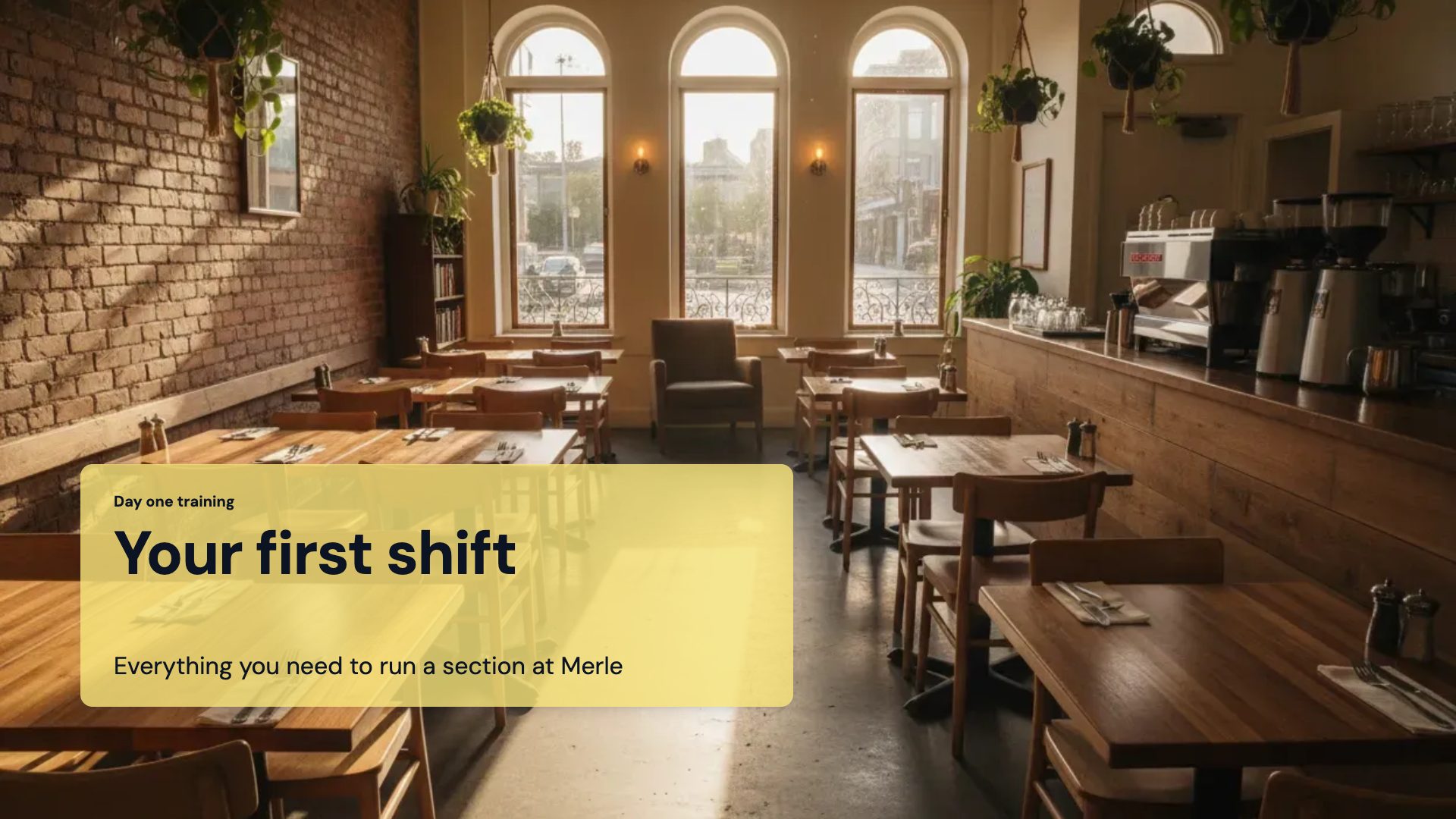 Training and onboarding presentationMade with OneCraft, exactly as the generator and editor left it. Open the page for the full breakdown.
Pricing in plain terms
SlidesAI's pricing page, checked 29 September 2026, lists Basic at $0 with 12 presentations a year, 1,000 characters per presentation and 120 AI credits a year; Pro at $10 a month billed at $120 a year with 120 presentations, 6,000 characters and document upload; and Premium at $20.83 a month billed at $250 a year with unlimited presentations and 12,000 characters. Prices exclude tax. OneCraft lists Free at $0 with 100 credits a month, Starter at $8, Pro at $25 and Pro+ at $125.
Add-on or standalone
An add-on writes slides into a file you already own, so everything Google Slides or PowerPoint does, from comments to offline editing, still applies. A standalone editor owns the deck until export, which lets it do things a host app does not, like re-pouring a slide into a different layout or recording the talk, but the deck is only in a normal file once exported. Decide by where the deck spends its life.
Moving across
There is nothing to migrate from SlidesAI itself: its decks are already Google Slides or PowerPoint files. To rebuild one in OneCraft, export it to PDF and attach it on a paid plan, or paste the notes into the prompt. PowerPoint files and Word documents are not accepted as attachments, and the PDF export from OneCraft is page images, so use the editable PPTX to keep editing elsewhere.
What could not be checked
SlidesAI's public pages do not state a slide count per generation, a theme count or whether generation looks anything up on the web, so those cells say so. Prices were served in US dollars excluding tax. OneCraft cells each name a row in an internal ledger checked against the slide editor's and generator's source code.
Who should stay with SlidesAI
Stay with SlidesAI if you want AI help without leaving Google Slides or PowerPoint, if you collaborate in Google's own tools, or if you need its longest input limit. OneCraft suits someone who prefers one dedicated tool for generating, restyling, presenting and recording, and exports to PowerPoint only at the end.
Questions people ask
Can OneCraft generate slides straight into Google Slides?
No. OneCraft has no Google Slides add-on and cannot write into an existing Google file. It builds the deck in its own editor, and the finished deck leaves as PDF, PowerPoint or editable PPTX, which Google Slides can open. SlidesAI's add-on works inside Google Slides directly.
Can I start a deck from my lesson notes?
Yes. Paste the notes into the prompt, up to 10,000 characters, or attach them as a PDF or text file on a paid plan. A screenshot of printed notes works too, because images are read for their text. The generator picks a role and layout for each slide from what the notes cover.
Can the output language differ from my notes?
Yes. The generator has a free-typed language box with 32 suggestions, so notes written in one language can ask for a deck in another. Read technical terms through after generation, since a translated deck is only as accurate as the notes behind it.
How many decks can I make on the free plan?
There is no deck count. The free plan renews 100 credits a month, enough for about three AI projects across all modules, and caps each generated deck at 6 slides with PDF export. SlidesAI's free Basic plan allows 12 presentations a year with 1,000 characters of input each.
Can I add a quiz to the end of a training deck?
Yes, as slides. The quiz role has five layouts for showing questions and answers on screen, and the assistant can add one to an existing deck. They are presentation slides, not a scored quiz that collects answers from the audience.
Try the presentation side of OneCraft
The button opens the generator with a starting prompt already filled in. Change the wording to match your own work before you run it.
Create a presentation with OneCraftMore comparisons
- A Plus AI alternative outside PowerPoint and SlidesA Plus AI alternative that works outside PowerPoint and Google Slides: a free plan, 1,071 layouts, 9 AI edits, 50 saved versions and editable PPTX export.
- A Google Slides alternative with AI decks and slide rolesA Google Slides alternative that writes a whole deck from a brief into 1,071 role based layouts, with presenting tools, PPTX export and its gaps.
- A Gamma alternative for AI presentations you can editA Gamma alternative for AI decks that leave as editable PowerPoint: fixed 1920 by 1080 slides, 1,071 layouts, 9 chat edits, and the web features Gamma keeps.
What the module actually does, feature by feature: the AI presentation maker page, and the presentations maker page.
Step by step in the builder: Turn a document into a presentation, then Edit your deck with the AI assistant.
Written and checked by the OneCraft team. Last checked .