Presentations
Agenda slide templates
An agenda slide is a promise about the next twenty minutes. The twelve layouts differ in how many items they hold and whether each item carries a time, and the section dividers later in the deck should use the same names so the promise is visibly kept.
Twelve layouts, one purpose
Twelve templates are filed under the agenda purpose, and four more carry it as a secondary role, so the picker offers sixteen when you filter for it. They are the same job done at different densities: giant numerals for four items, icon cards for four or six, colour bars for six, a numbered index grid, a diagonal stripe list, a dual column for five, a vertical stack, a minimal number rail, an eight item list with a photograph down the right, and a time slot rail. Filing them under one purpose is what lets the generator pick a sensible one without you naming a template.
How many items fit
The vocabulary that governs every agenda template describes the slide as a title plus three to six numbered items, and most layouts are built for a specific count you can read in the name: four in the giant numeral rail, five in the dual column and the number rail, six in the colour bars and the icon grid, eight in the list with an image. Each item carries a heading of three to twenty eight characters and a description of twenty to a hundred and sixty. The title itself is four to thirty two characters, one line, with an optional subtitle up to a hundred and twenty.
The numbers are generated, not typed
Every item's number is an auto-generated field. You never write 01, 02, 03, and the AI is told not to supply them either, which is why inserting an item in the middle renumbers the rest instead of leaving you with two fours. It also means the numbering style belongs to the layout: one design sets them as giant numerals, another as small tags on a rail, and switching between those two is a layout decision rather than a retyping job.
Timed versus numbered
Each item has an optional time field, capped at twenty characters and pre-formatted by you: 9:00 AM, 10:30 to 11:15, or just Morning. Only the layouts that render a time rail show it, so putting times on your items and then choosing the colour bars layout simply hides them. Pick the time slot rail when the session order is the point, and a numbered layout when the subjects are the point and the clock is somebody else's problem.
Tie the dividers to it
Ten templates carry the divider role, and a divider is what makes an agenda worth having: the same section name, in the same words, appearing again when you reach it. If the agenda says Pricing and the divider says Commercials, the reader has to work out that these are the same thing. Copy the heading across exactly, and the deck reads as one argument rather than a list followed by some slides.
Swapping layouts keeps the items
Every agenda template declares the same list slot id, so changing layout carries your items across untouched. That is a deliberate piece of design rather than a happy accident: it means you can write the agenda once, then try it as four giant numerals, six colour bars and an eight item list, and pick the one that suits how much each item needs to say. Content with no matching box is parked rather than deleted, so nothing is lost on the way through.
How it works, in three steps
Step 1
Add the slide from the library
From Library at the top of the rail, then filter to the agenda purpose. Twelve layouts come back, plus four cross-listed ones.
Step 2
Write the items, not the numbers
One heading of a few words per item and a sentence under it. Leave the numbering alone; it is generated from the order.
Step 3
Add times only if you have them
Fill the time field and pick a layout with a time rail. Any other layout will keep the times in the data and not print them.
Step 4
Match your dividers
Use the same heading words on the section dividers later in the deck, so each one reads as a callback to the agenda.
The full walkthrough with screenshots is in the guide Add, reorder and restructure slides.
Limits worth knowing
- Twelve templates carry agenda as their primary purpose; four more list it as a secondary role.
- The vocabulary describes the slide as three to six items; the eight item layout is the outlier.
- Item numbers are auto-generated and cannot be typed or restyled per item.
- The time field is capped at 20 characters and only prints on layouts with a time rail.
- An agenda item cannot link to the slide it refers to; it is a static slide.
Slide examples
Finished single slides on this layout, each one built from a real template and written out in full.
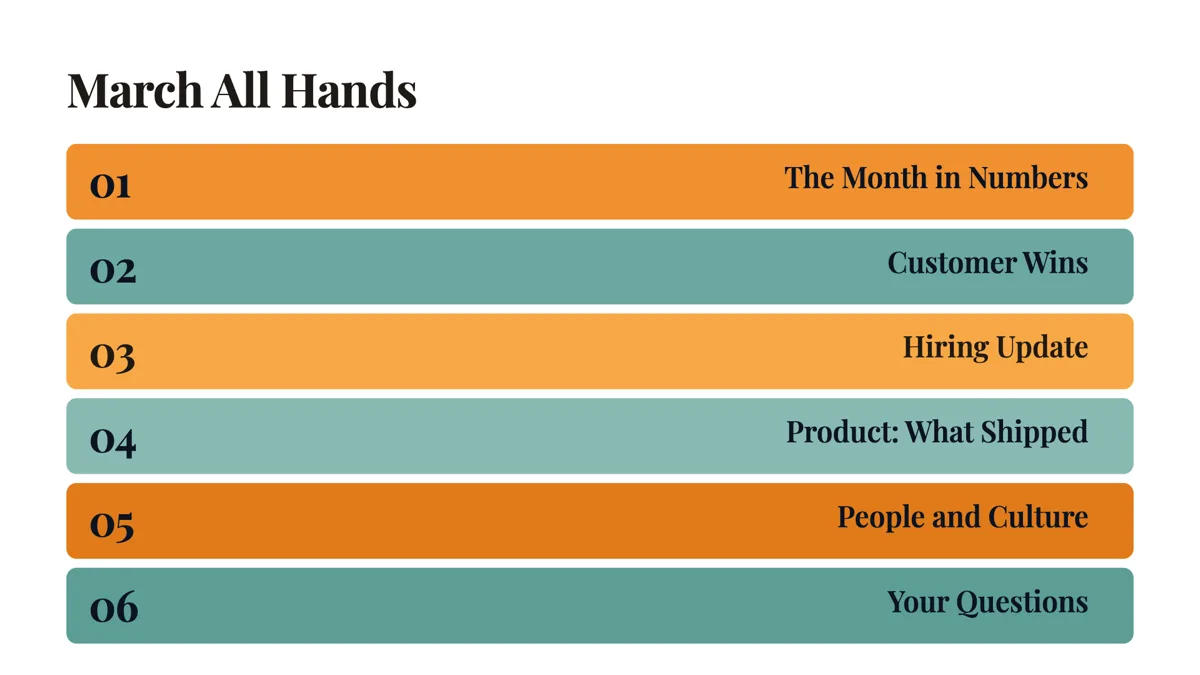
All hands agenda slide with questions in the last slot
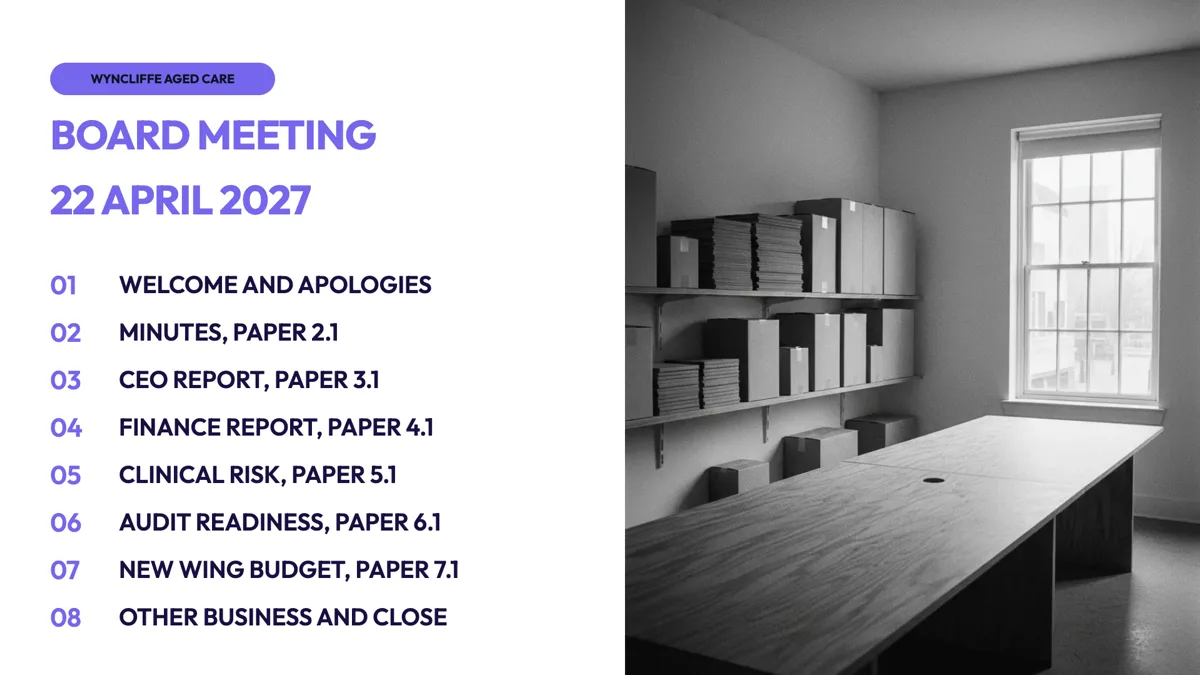
Board meeting agenda slide with a paper number on each item
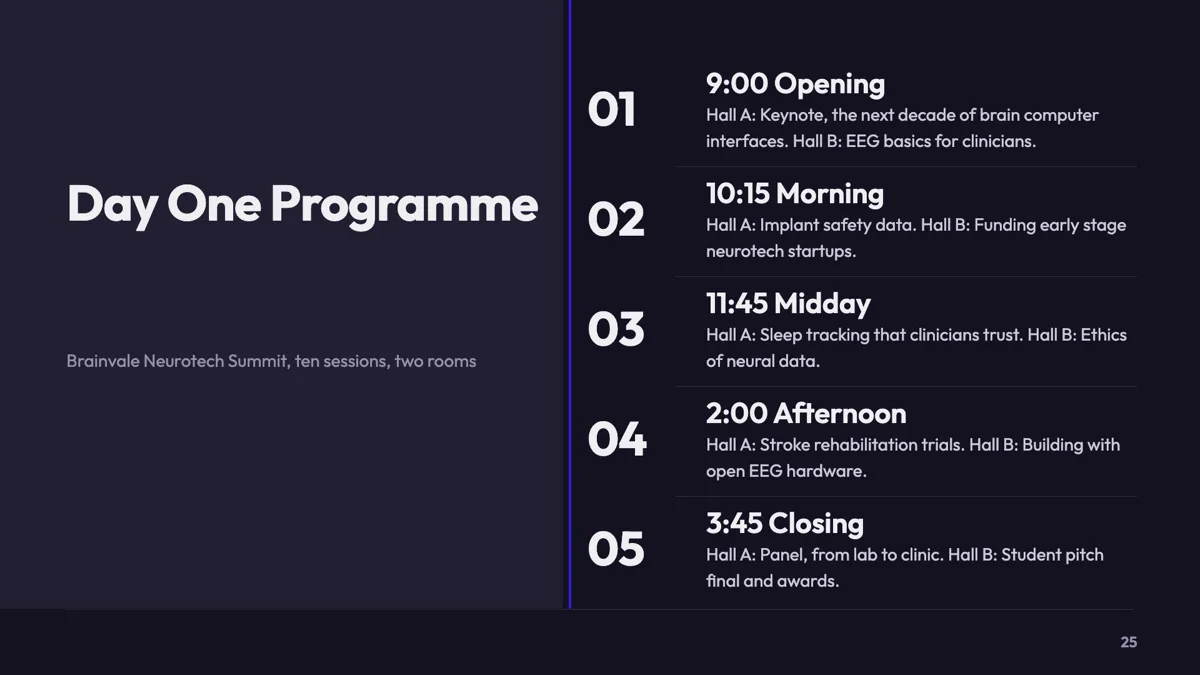
Conference agenda slide for a day with two parallel tracks
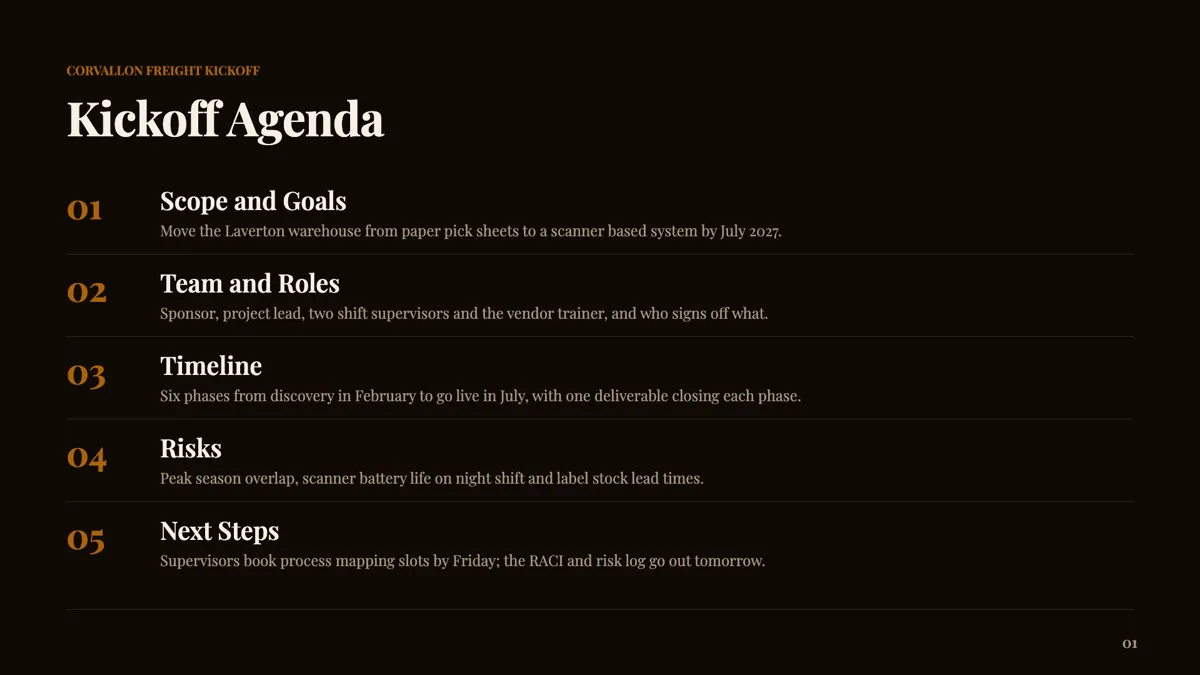
Kickoff meeting agenda slide for a warehouse system rollout
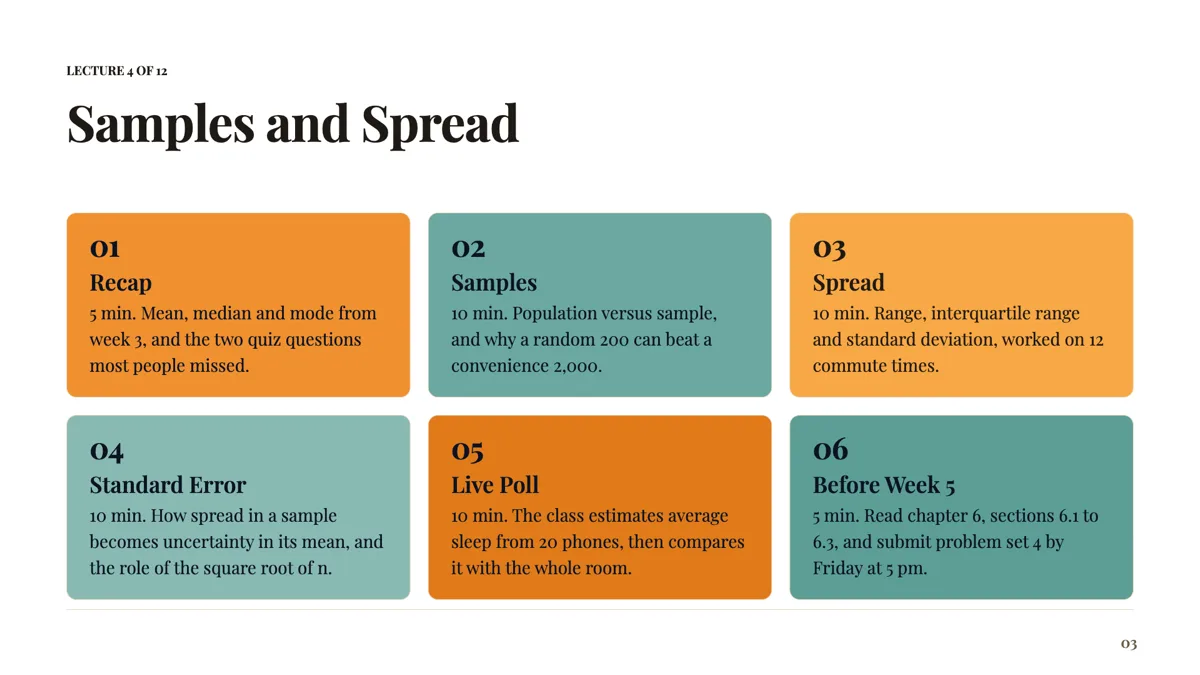
Lecture outline slide for a 50 minute statistics class
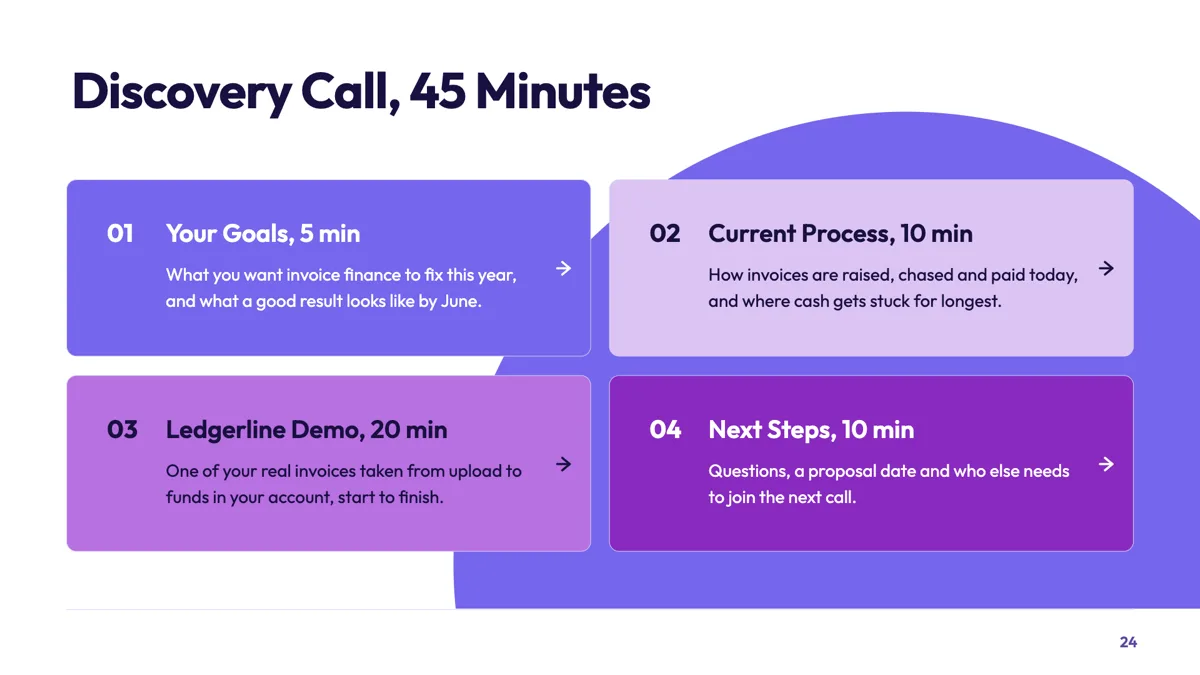
Sales call agenda slide that time boxes a discovery call
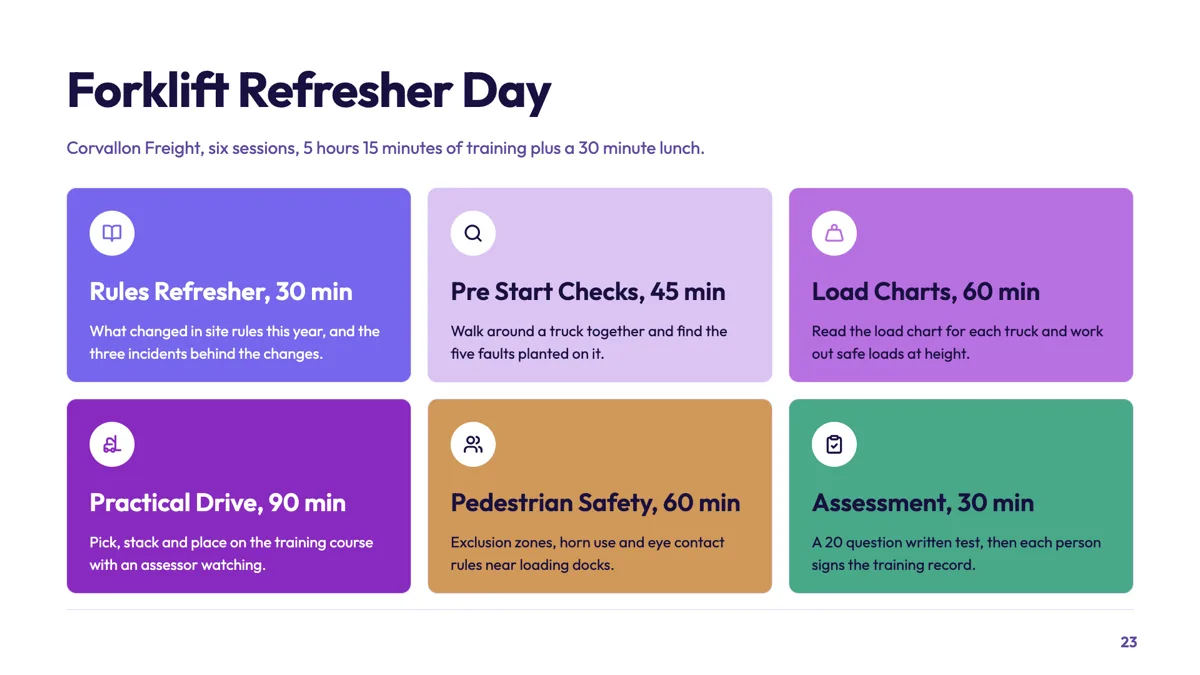
Training day agenda slide with a duration on each session
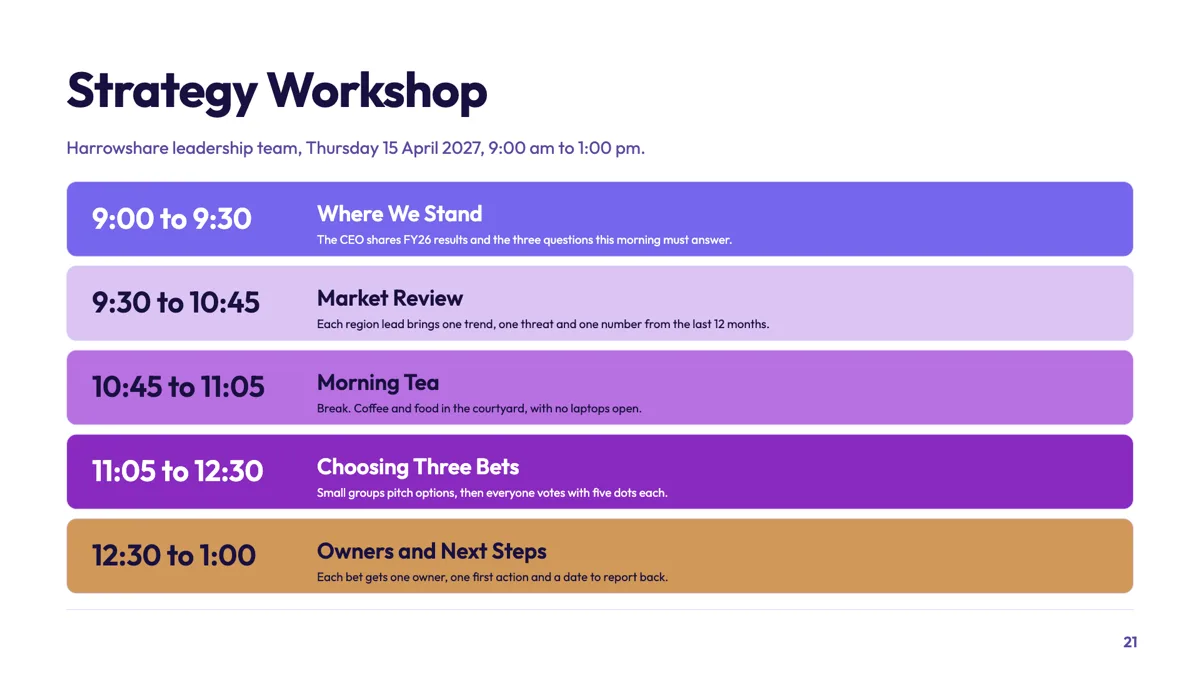
Workshop agenda slide with a time on every session
Questions people ask
How many items should an agenda slide hold?
Three to six, which is what the vocabulary behind every agenda template describes. Under three and it is not an agenda, it is a sentence. Over six and nobody holds it in their head, which defeats the point of showing it. The eight item layout exists for the deck that genuinely has eight sections, and if you are reaching for it, ask first whether two of them are really one.
Can I put times against each item?
Yes, in the time field on each item, up to twenty characters and formatted the way you want it read: 9:00 AM, 10:30 to 11:15, or Morning. The catch is that only layouts with a time rail print it. Fill the times and then choose the icon grid and your times are still in the file but nowhere on the slide.
Does the generator add an agenda automatically?
It picks the roles it thinks the deck needs, and an agenda is one of the twenty six purposes it can choose from. Short decks rarely get one, because a five slide deck does not need a table of contents. If you want one on a deck that came back without it, add it from the library and write the items from the section headings you already have.
Can I link an agenda item to its slide?
No. An agenda slide is static, with no internal links, and in a presentation that is usually the right answer: you are not asking the room to click anything. The way to connect them is the divider slide, which repeats the section name when you arrive at it.
Do I have to number the items myself?
No, and you should not try. The number on each item is generated from its position, so inserting a section in the middle renumbers everything after it. Typing your own numbers into the headings gives you two sets that drift apart the first time the order changes.
Should every deck have an agenda slide?
No. It earns its place when the deck is long enough that a reader wants to know how much is left, or when several people are presenting sections. A short pitch does not need one, and spending a slide on the contents of five slides makes the deck feel longer than it is.
Make your own presentation
The button opens the generator with this use case already described. Change the wording to match yours, generate, then edit anything you like.
Create a presentation with OneCraftRelated pages
Process slide templates
A process slide shows work that happens in order, and seventeen layouts carry the purpose. Fifteen of them lay the stages out as rows, chevrons, lanes or cards; two draw a real flowchart with nodes and connectors, which is where a decision with two outcomes belongs. A roadmap of quarters belongs on a timeline instead.
Slide layout templates
There are 1,071 slide layout templates in the library, all at 1920 by 1080, and every one is filed under the job a slide does rather than under a look: comparison, metrics, pricing, timeline, testimonial and 21 more. That organising idea is worth understanding, because it is also how the generator picks a layout for each slide it writes.
Team slide templates
The profile purpose holds ten layouts and one firm rule: picture boxes marked as profile are skipped by image generation, in the first fill and in the AI chat. Your team's faces have to be your team's faces.
More finished work of this kind is on the presentation examples hub.
Written and checked by the OneCraft team. Last checked .