Presentations
Calendar slides
A calendar slide answers when, at a scale a timeline cannot: a specific month, a specific week, a specific day. Five layouts cover it, from a 35 cell monthly grid to a seven column week strip and an hour by hour rail for a single day.
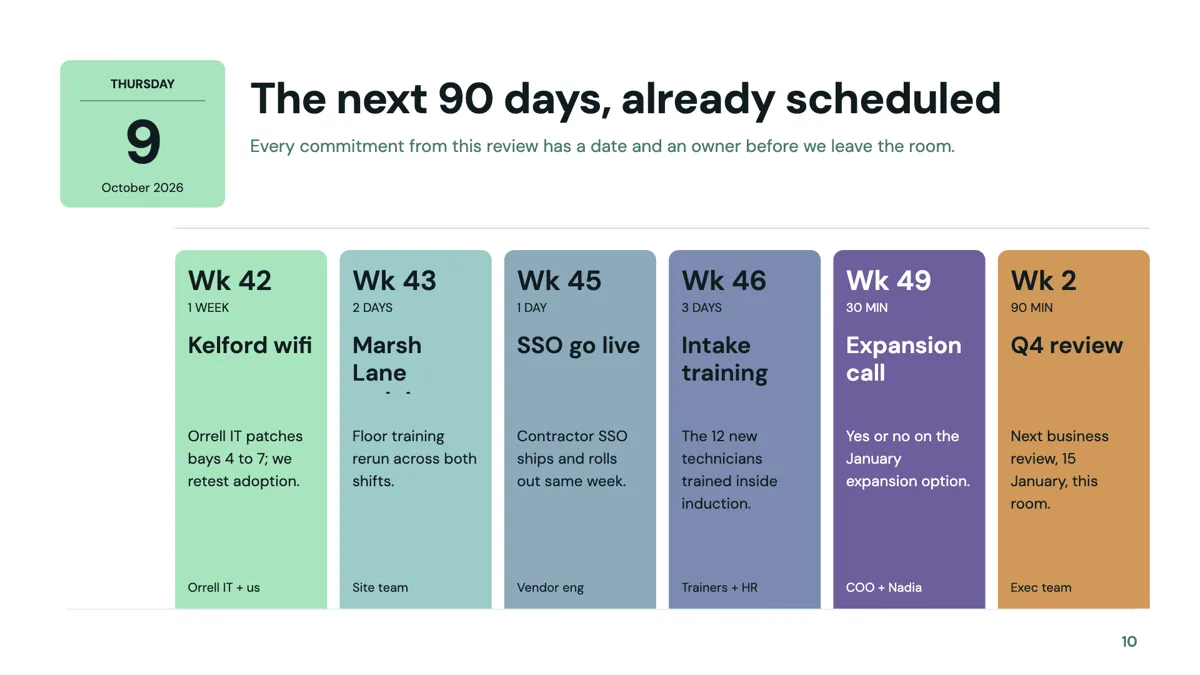
Five periods, five layouts
The monthly grid is a classic seven by five arrangement of 35 day cells, Monday to Sunday across five weeks, with day numbers, optional tag labels and one to three event lines per cell. The week strip is seven columns, each with a day label, a number and a dense list of time and event chips. The quarter columns show three months as tall cards with four to seven event lines each. The today timeline rail covers a single day as six time ordered event cards. The editorial month feature is a magazine treatment of one month with five or six date and event rows.
Calendar against timeline
A timeline puts one thing at each point and eighteen layouts exist for it. A calendar puts dates in their real positions in a month or a week, which is what makes it the right slide for a programme, a campaign schedule or an event week. If the dates are milestones rather than appointments, the timeline role reads better, because a calendar with three filled cells and 32 empty ones says less than a rail with three points.
What a cell can hold
Cells are small. A month grid cell takes a day number, an optional tag and one to three short event lines, so the event names have to be abbreviated. The quarter columns are more generous at four to seven chip lines a month, and the day rail is the most generous of all, with six cards carrying a time, a name and a line. Text is fitted to its box after render, so an over filled month grid shrinks every cell at once.
What it will not do
Nothing on these slides is connected to a real calendar: the dates are typed, nothing syncs, and no cell links to an event. There is also no automatic day numbering that follows a month you name, so the numbers are yours to set and to check when the plan moves. For anything that changes weekly, a timeline or a table is less work to maintain.
How the AI picks this slide
Calendar is chosen when the brief contains dated events rather than phases: a programme, a campaign, a training week. The fill writes the event names into the cells you asked for and will not invent dates, so a brief without dates comes back as a timeline or a process instead. With only five templates in the role, a deck needing two calendar slides will reuse a layout.
How it works, in three steps
Step 1
Pick the period
A day, a week, a month or a quarter. Each is a different layout, and the wrong one leaves most of the slide empty.
Step 2
Add the slide from the library
From Library on the slide rail with the Role filter set to calendar. Five layouts come back.
Step 3
Abbreviate the event names
A month cell takes one to three short lines. Write the short name and put the detail on the next slide.
Step 4
Check the day numbers by hand
Nothing generates them from a real month, so the numbers stay as typed when the plan moves.
The full walkthrough with screenshots is in the guide Add, reorder and restructure slides.
Limits worth knowing
- Only five templates carry the calendar role, so a deck with two calendar slides will reuse a layout.
- Day numbers and dates are typed; nothing is generated from a real month and nothing syncs to a calendar.
- A month cell holds one to three short event lines, so long event names have to be abbreviated.
- No cell can link to anything: the slide is static, in the editor and in every export.
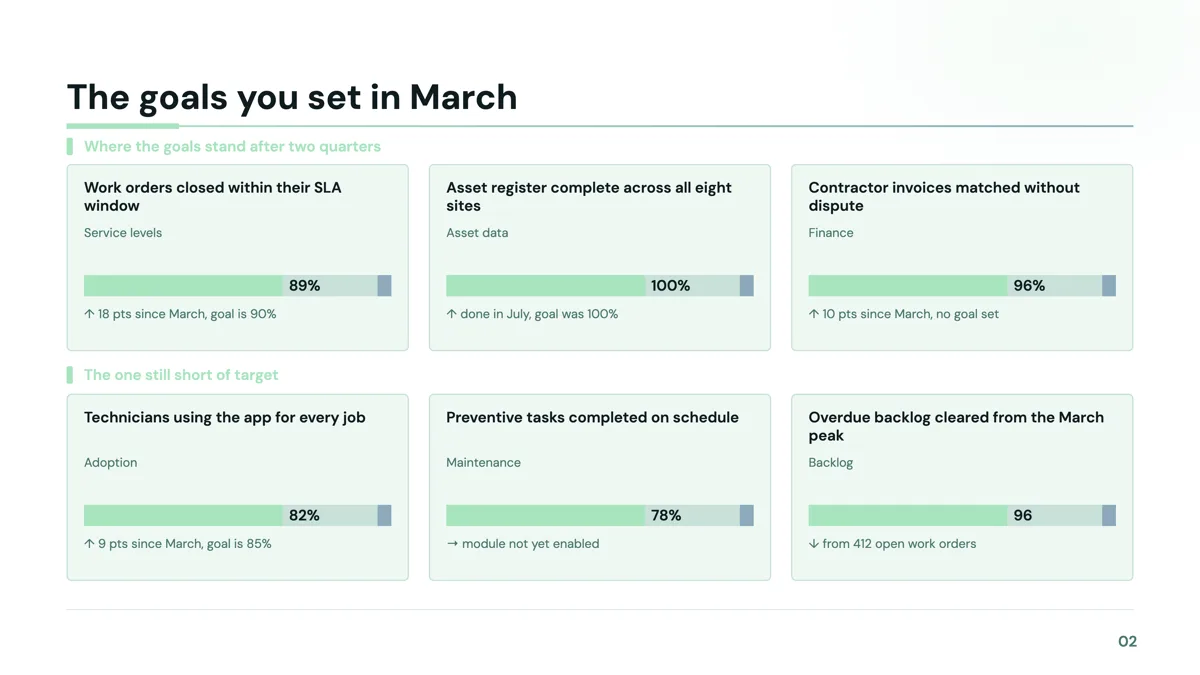
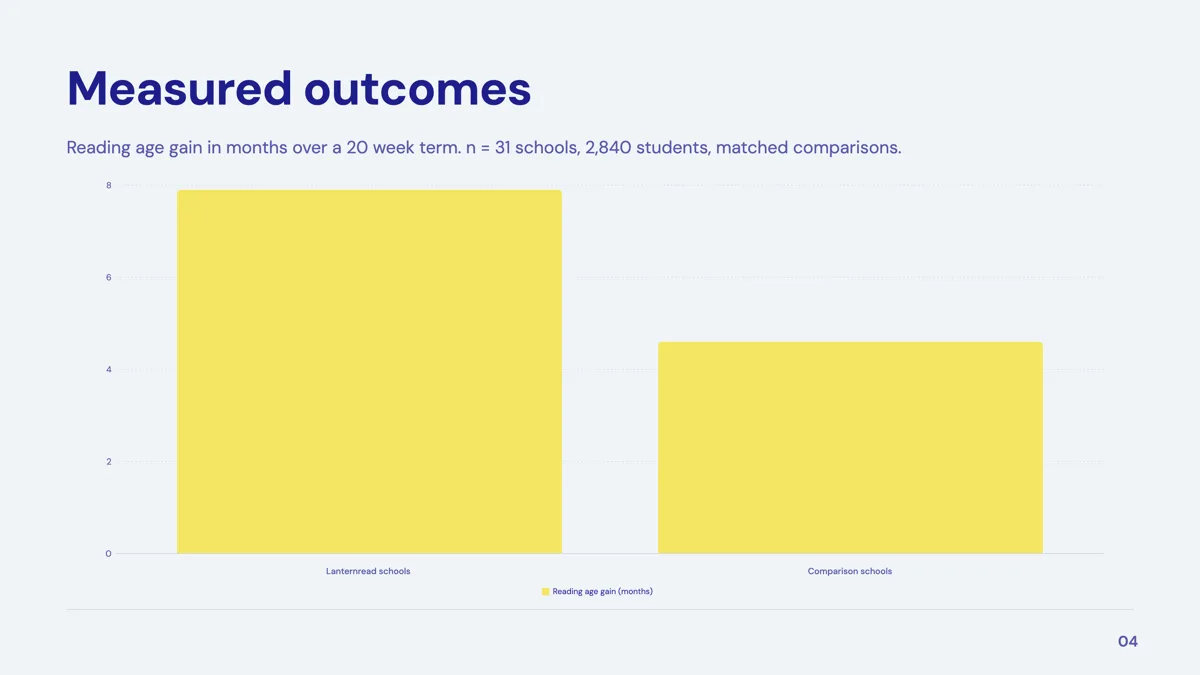
See it on a finished piece

Questions people ask
How many calendar layouts are there?
Five: a monthly grid of 35 day cells, a seven column week strip, three month quarter columns, a single day timeline rail and an editorial month feature.
Can the calendar sync with a real calendar?
No. Every date and event is typed into the slide, nothing connects to a calendar service, and nothing updates when the underlying plan changes.
How many events fit in a day cell?
One to three short lines in the monthly grid, four to seven chip lines per month in the quarter columns, and six event cards on the single day rail.
Should I use a calendar or a timeline?
A calendar when the dates sit in a real month or week and the gaps matter. A timeline when the points are milestones, because a timeline spaces them evenly and gives each one far more room.
Do the day numbers fill themselves in?
No. There is no month picker that numbers the grid, so the numbers are typed and need checking whenever the plan shifts.
Can I colour code the events?
Cells take optional tag labels, and slot colours can be set from the theme tokens or a custom hex in the inspector, so a colour convention is possible but manual.
Make your own presentation
The button opens the generator with this use case already described. Change the wording to match yours, generate, then edit anything you like.
Create a presentation with OneCraftRelated pages
Q&A slides
The slide that says Questions? in the middle of an empty screen is doing one job badly. There are six layouts here, and the useful ones do a second job: they give the room something to ask about, or they leave your contact details on screen while people are still looking.
Dark presentation theme and the other three modes
Dark is not a separate theme here, it is one of four colour modes that any slide can be switched to on its own. The palette stays the same and the mode decides how its colours are applied, so a dark slide in the middle of a light deck still belongs to the deck.
Sales pitch video maker
Outbound video splits into two jobs and only one of them belongs here. The one to one prospecting video, where a rep films themselves waving with the prospect's name on a whiteboard, is a camera job and this tool has no camera. The pitch asset that follows the reply is a build job, and that is what this is for.
More finished work of this kind is on the presentation examples hub.
Written and checked by the OneCraft team. Last checked .