Presentations
Intro slides
The slide after the cover has to give the audience a reason to keep listening, which is a different job from naming the deck. Eleven layouts are filed under the intro role, covering why now arguments, manifesto statements, company overviews and split openers with a photograph.
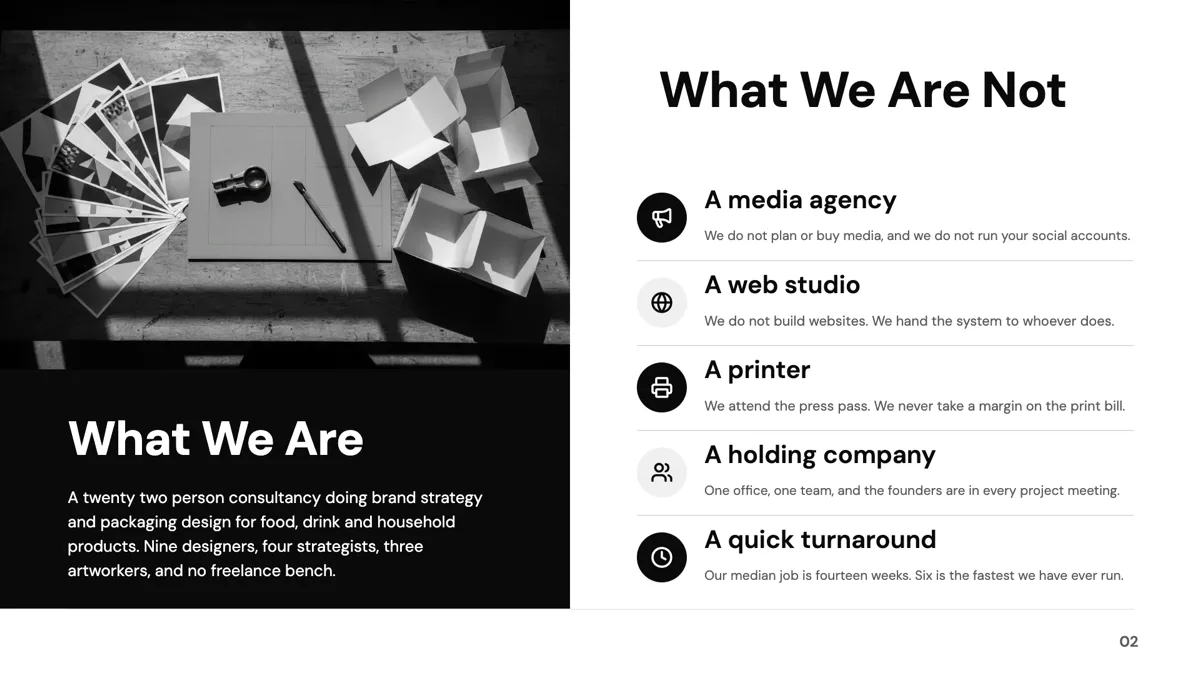
The why now slide
Three of the eleven are built for an argument about timing: a big why now statement with three named pillars under it, a hero statement band with four pillar cards, and a manifesto hero with two pillar cards. These are the strongest openers for a pitch, because they claim something specific about the moment rather than describing the company. A why now that is not specific about timing is just a mission statement, and it will read as one.
The company overview slide
Four layouts introduce an organisation rather than an argument: an about slide with an image offset on a brand panel, a dual statement with mission and vision beside a photo collage, a curved image sidebar with a paragraph, and a stacked hero with three pillars. These suit a profile or capability deck where the audience has not met you, and they carry more prose than the statement layouts do.
Intro is not the agenda
An agenda tells the audience the order of the deck, and twelve agenda layouts exist for that. An intro tells them why the deck exists. A deck that opens with an agenda is a meeting; a deck that opens with an intro is an argument. Long decks often want both, in that order, and the divider role carries ten layouts for the section breaks that follow.
Photographs, portraits and none at all
The keynote portrait layout puts a speaker on the left and the statement on the right, which suits a talk introduced by a person rather than a company. The centred layout has no image at all, which is the safest option when the only available photography is stock. Uploaded images fill their slot and are cropped to it, so a portrait shot survives a tall slot better than a wide one.
How the AI picks this slide
The outline usually places an intro second, straight after the cover, and writes it from the framing in your brief. Because the fill is told the brief is the source of truth and must not invent statistics, a why now slide written from a vague prompt comes back general. Naming the change you are claiming, with the year or the number attached, is what makes this slide land.
How it works, in three steps
Step 1
Write the claim before the slide
One sentence about why this matters now. If it could have been true three years ago, it is not a why now.
Step 2
Add the slide from the library
From Library on the slide rail with the Role filter set to intro. Eleven layouts come back.
Step 3
Name the supports
Most intro layouts carry two to four short pillars under the statement. Each takes a heading and a line, not a paragraph.
Step 4
Put the agenda after it
If the deck needs an agenda, it belongs after the intro, so the audience knows why before they know the order.
The full walkthrough with screenshots is in the guide Add, reorder and restructure slides.
Limits worth knowing
- Pillar counts under the statement are fixed at two, three or four by the layout.
- The statement slot is budgeted in characters, so a long paragraph is rewritten shorter during fill or fitted smaller on render.
- There is no animated build: everything on the slide appears at once, and transitions apply between slides, not within one.
- The keynote portrait layout expects an uploaded photograph; profile image slots are skipped by automatic image generation.
See it on a finished piece

Slide examples
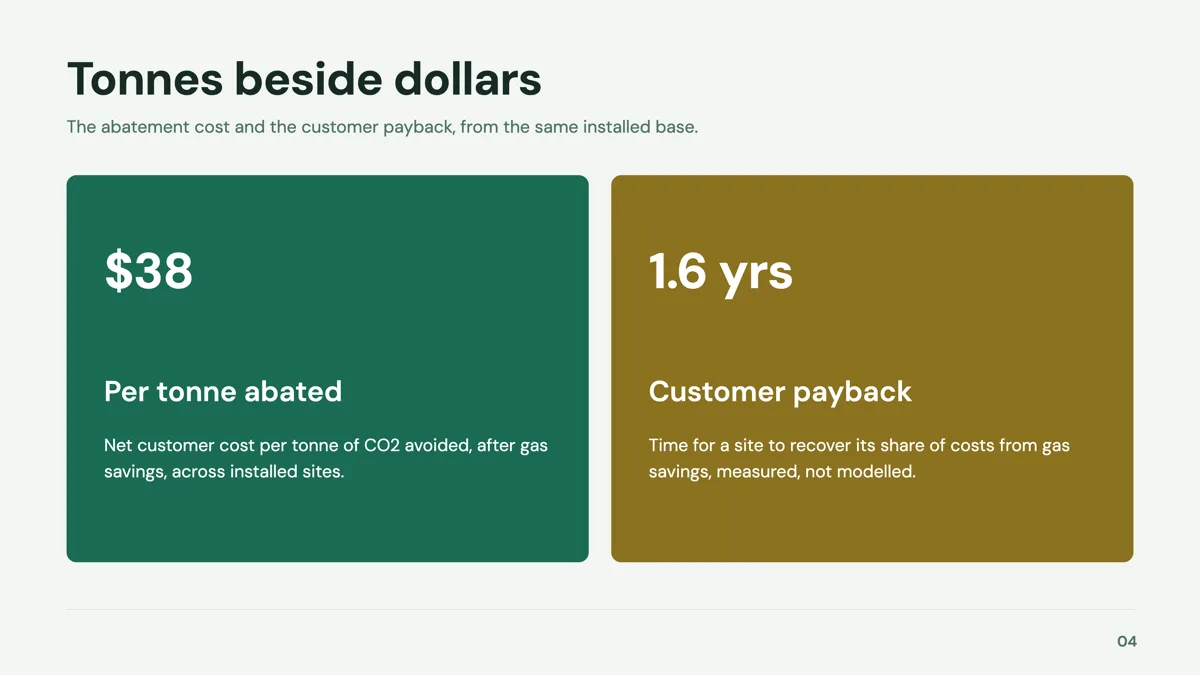
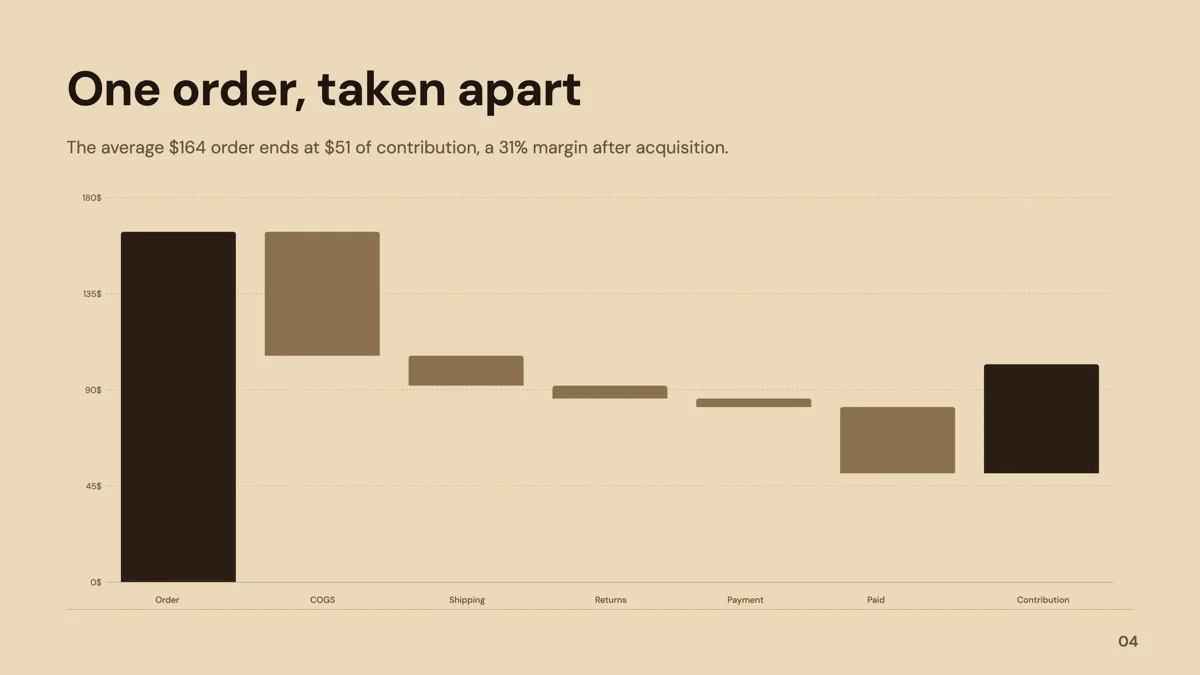
Finished single slides on this layout, each one built from a real template and written out in full.
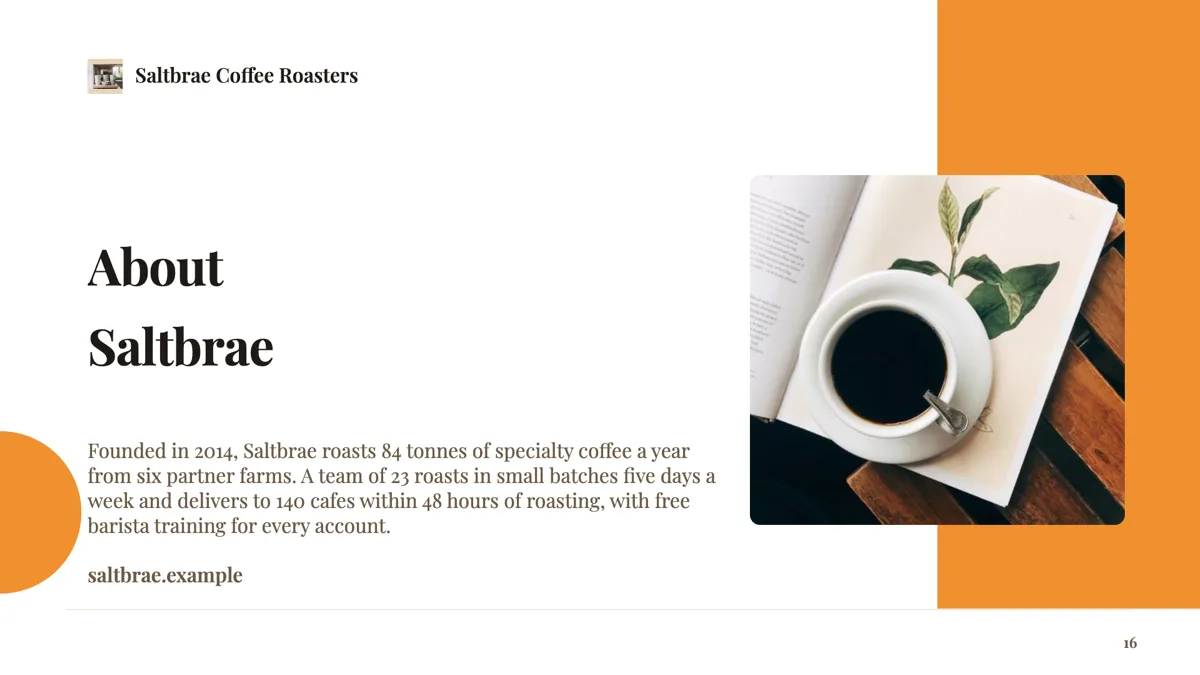
About us slide for a coffee roaster
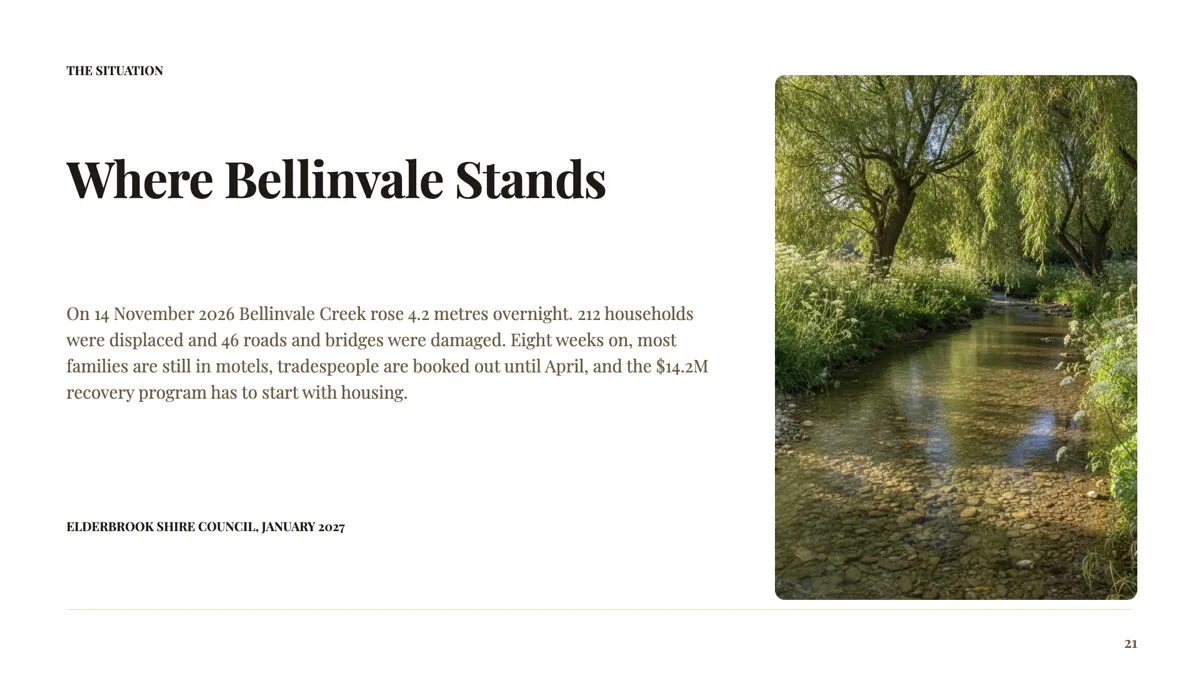
Context slide that sets out the situation in one paragraph
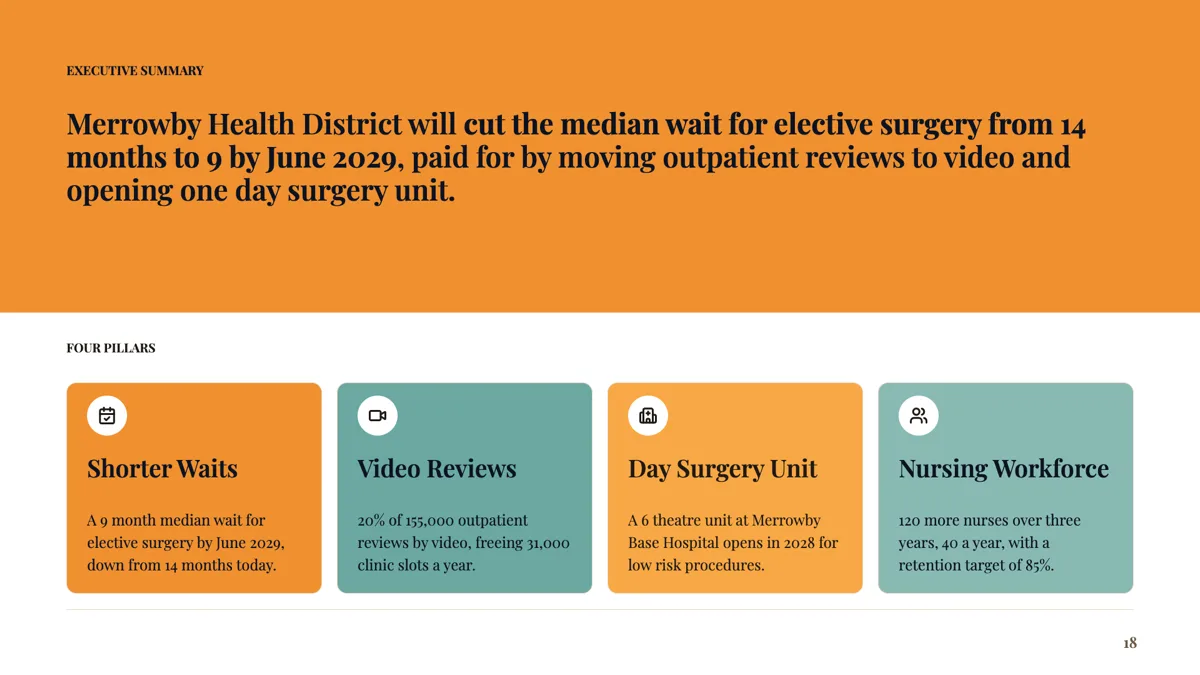
Executive summary slide with one sentence and four pillars
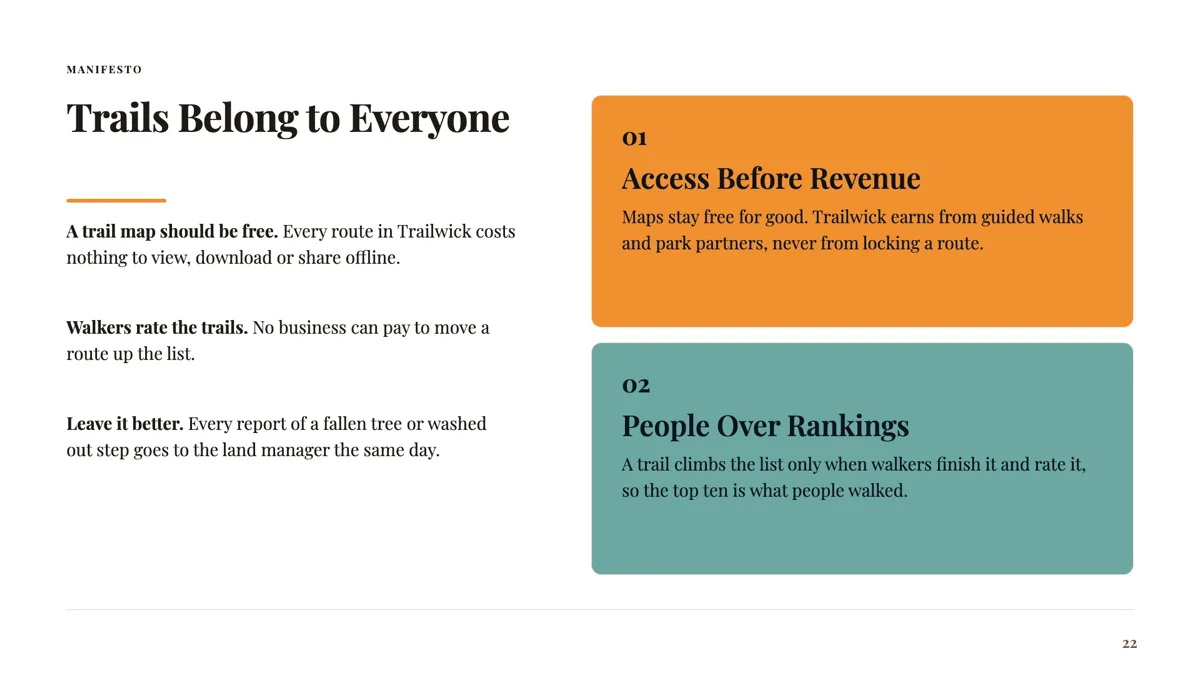
Manifesto slide with a hero line and two beliefs
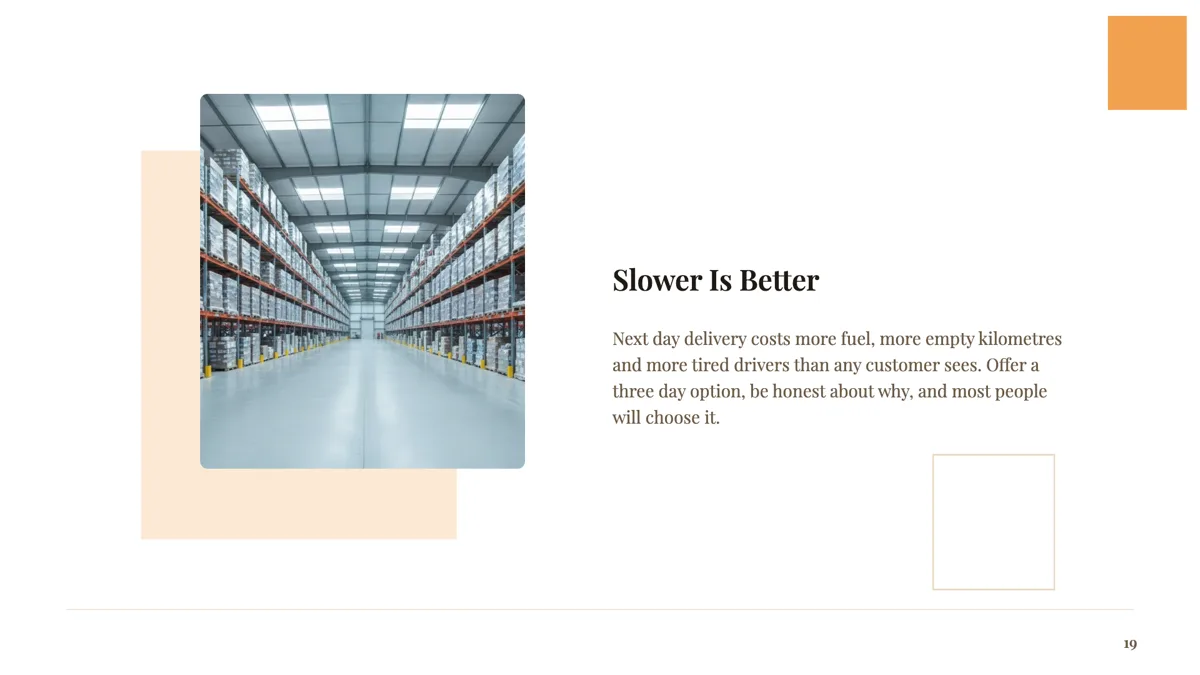
Opening statement slide that states the thesis
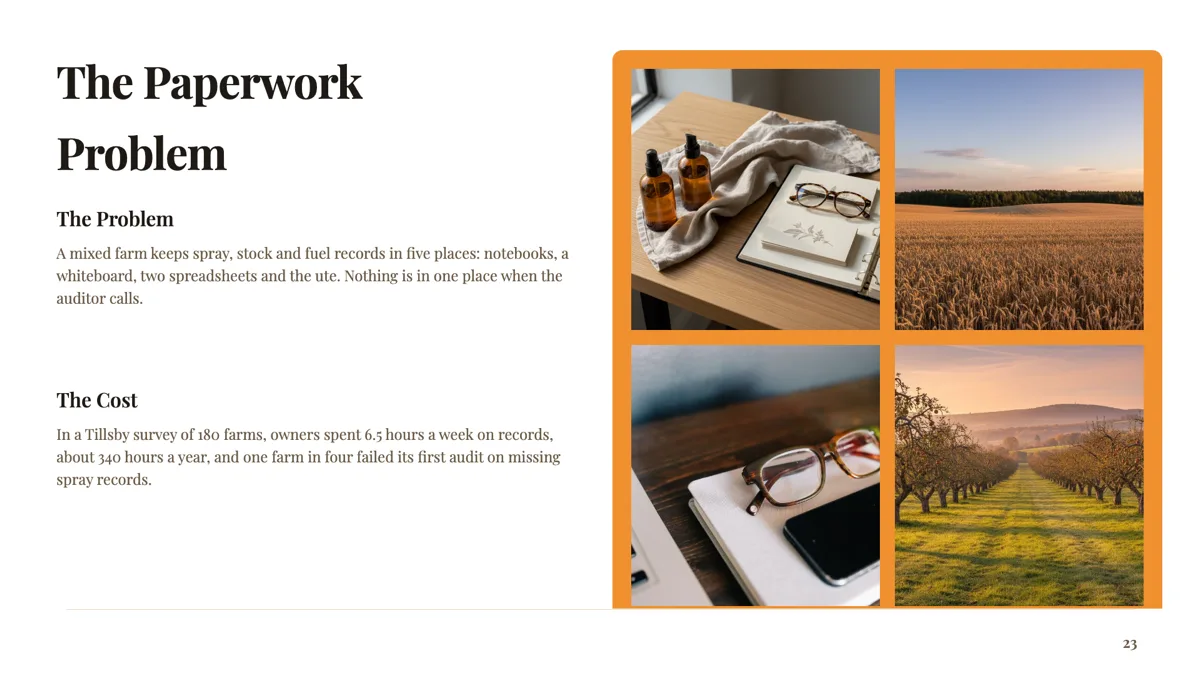
Problem statement slide that names the problem and its cost

Speaker bio slide with three credentials that fit the talk
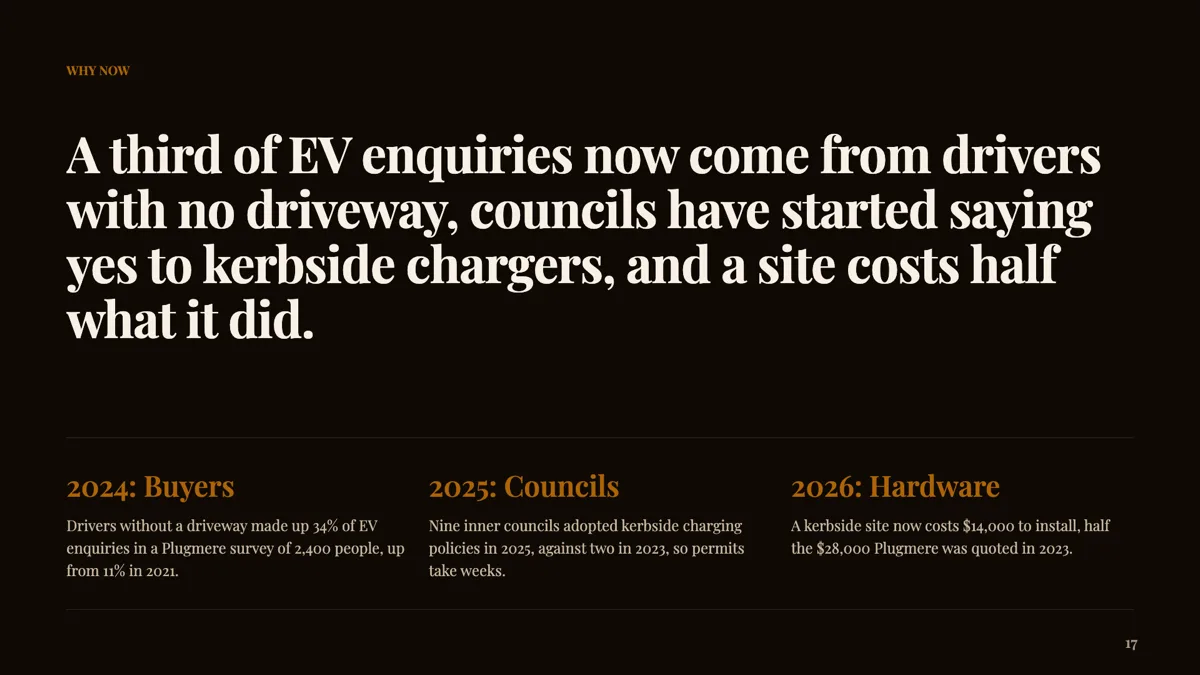
Why now slide with three dated shifts
Questions people ask
How many intro layouts are there?
Eleven templates carry the intro role, split between statement openers such as the why now slide, manifesto heroes, and company overviews with a photograph and a paragraph.
What is the difference between an intro and an agenda slide?
An intro says why the deck exists; an agenda says what order it comes in. There are eleven intro layouts and twelve agenda layouts, and a long deck usually opens with both, intro first.
Can the intro slide hold a photograph?
Most of them do: an image offset panel, a curved sidebar, a photo collage and a keynote portrait. The centred layout deliberately has none, which is the better choice when the photography is stock.
Can I animate the pillars appearing one at a time?
No. Transitions apply between slides, with eight options including none, set as a deck default with a per slide override. There is no build animation within a slide.
How long should the statement be?
One sentence. The display slot is budgeted in characters and the runtime fits text to the box, so a second sentence makes the first one smaller.
Can I reorder the intro after generating?
Yes. Slides are dragged in the rail, and the chat assistant has a move slide operation among its nine, applied as a preview you accept.
Make your own presentation
The button opens the generator with this use case already described. Change the wording to match yours, generate, then edit anything you like.
Create a presentation with OneCraftRelated pages
Presentation cover slides
The cover is the slide people look at longest, because it is up while the room settles. Twenty seven layouts are filed under the cover role, and they divide into photographic covers, typographic covers with no image at all, and editorial covers with a metadata rail carrying a date, an issue or an event.
Content slide layouts
Some slides have to carry words: a definition, a comparison in prose, an objection and its answer. Eighteen layouts are filed under the content role, and each one is budgeted for a specific amount of text, which is the difference between a readable slide and a wall.
Metrics slides
Numbers fail on slides for one of two reasons: there are too many to read, or there is one and it arrives without context. The 34 metrics layouts split cleanly along that line, between hero figures with a narrative and grids or tables that hold six, eight or ten values at once.
More finished work of this kind is on the presentation examples hub.
Written and checked by the OneCraft team. Last checked .