Websites
Membership website builder with free and paid tiers
A membership website keeps some pages, courses or a community for people who joined, free or paid, and bills paid members every month or year. The parts that matter are who can see what, how members pay and how they change or cancel without emailing you.
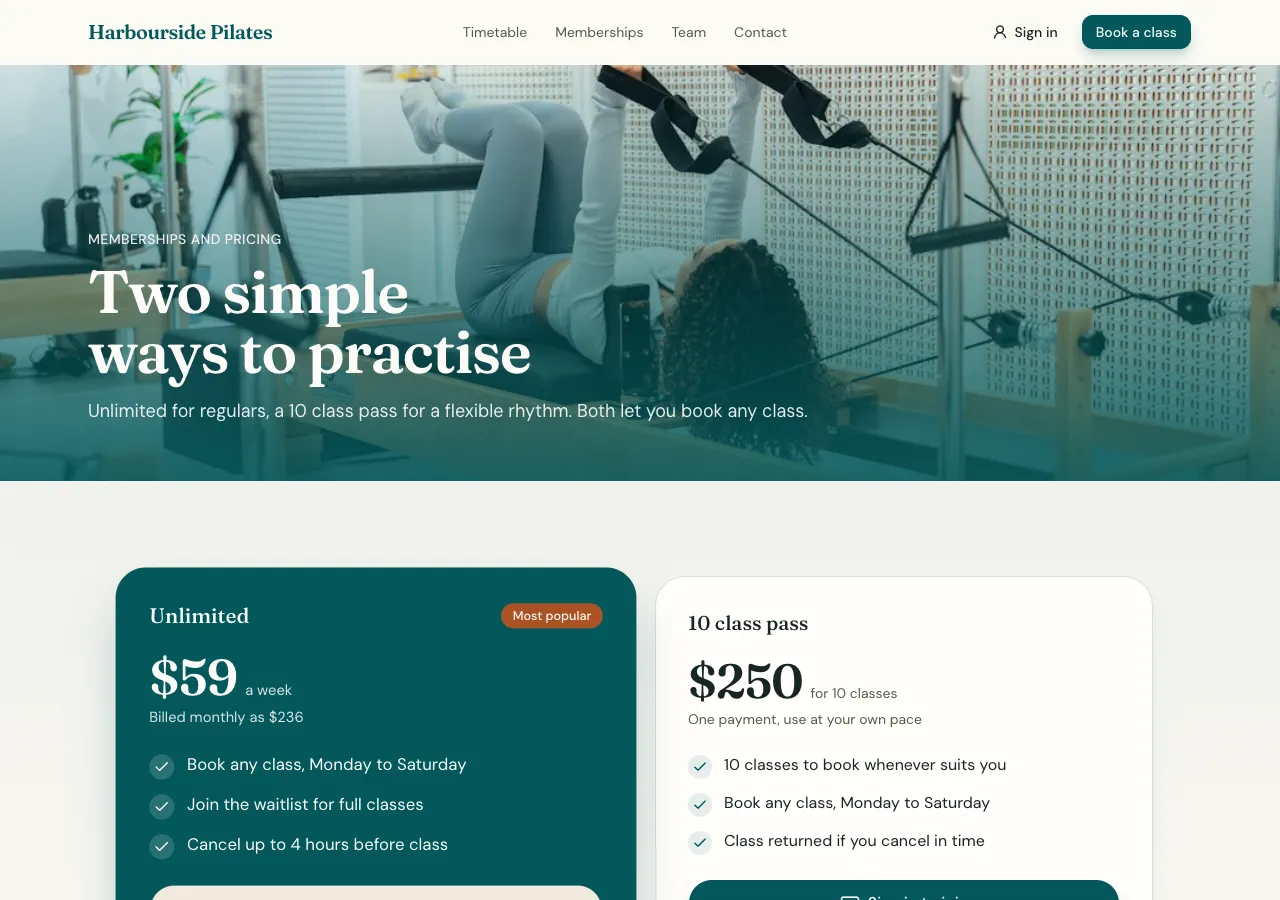
Tiers that are real rows
Paid tiers are rows in a plans table in the site's own database, each with a name, price, monthly or yearly interval and its benefits, and a free tier is simply a membership row a person adds by joining. The membership page lists them with Join buttons. Because the price lives in the database, OneCraft charges what the row says, never a number from the browser.
How members pay
Joining a paid tier opens Stripe Checkout for a subscription on your connected Stripe account, on a paid plan. Stripe tells OneCraft when the subscription starts, renews, changes or ends, and the site's subscriptions table is kept up to date from that. Members pay you directly, less Stripe's fees and a platform fee of 2, 1 or 0.5 percent by plan.
Who sees what
Members only rows, such as lessons or posts, are guarded by a database rule that asks whether the signed in person has an active subscription to the right plan, or a free membership where that is enough. The AI tests those rules as an anonymous visitor and as a signed in person before it finishes, so gated content never leaks through a page someone forgot to hide.
Members manage themselves
Each member has a membership page with their status, the next renewal date and Manage billing, which opens Stripe's billing portal to change the card, switch plan or cancel. You do not handle card details or cancellation emails. Staff see members and their subscription status in the site's admin area.
Courses and community
A membership often carries more than pages: ask for courses with lessons and progress, a members feed with groups, or comments under posts, and the AI adds them on the same tiers. A phone app based on the website reads the same members and plans, with a Learn or Feed tab.
How it works, in three steps
Step 1
Describe the tiers
Name the free and paid tiers, their prices and intervals, and what each one unlocks.
Step 2
Connect Stripe
Connect Stripe in account settings, Payments, so paid tiers can be bought.
Step 3
Check and publish
Join in the preview as a test member, check what is hidden, then publish on a paid plan.
Limits worth knowing
- Card payments need a paid plan and Stripe connected in account settings; the platform fee is 2% on Starter, 1% on Pro and 0.5% on Pro+, with Stripe fees on top.
- The data lives in the site's own database: a hosted one on every plan, or your own Supabase account.
- Videos play from YouTube or Vimeo; video files are not hosted.
- Price changes apply to new subscribers; existing ones keep what they pay.
Questions people ask
Can I offer a free tier and paid tiers together?
Yes. A free tier is a membership row a person adds by joining, and paid tiers are plans with a price. Content can be open to every member, free tier included, or only to a paid plan, and the database rule checks the right one each time a member opens a page.
Can members pay yearly as well as monthly?
Yes. Each interval is its own plans row, so one tier can have a monthly and a yearly price, and the membership page shows both with a switch. Ask for a saving line and the AI works it out from the two prices rather than inventing a discount.
How do members cancel?
From their membership page, Manage billing opens Stripe's billing portal, where they can cancel, change card or switch plan. Stripe tells OneCraft about the change and the site's subscriptions table follows it, so access ends when the paid period ends without you doing anything.
Can I see who my members are?
Yes. The site's admin area lists members with their plan and subscription status, and with the CSV capability you can export the list. Members' card details stay with Stripe; you see names, emails and status, and the full payment history in your Stripe dashboard.
What happens if a payment fails?
Stripe retries and updates the subscription's status, and the site reads that status: a subscription that is no longer active or trialing, or past its period end, stops unlocking members only content. The member can fix the card from the billing portal and access returns once Stripe confirms.
Is there a fee on top of Stripe's?
Yes, a platform fee on each payment by plan: 2 percent on Starter, 1 percent on Pro and 0.5 percent on Pro+. Stripe's own fees apply on top. The free plan cannot take payments, so a paid membership site needs Starter or above.
Make your own website
The button opens the generator with this use case already described. Change the wording to match yours, generate, then edit anything you like.
Create a website with OneCraftRelated pages
Client portal website with projects, files and invoices
A client portal is a signed in area where each client sees their own project: progress, updates, files, approvals and invoices, instead of an email thread. It is only useful if one client can never see another's work, and if clients can act there, approving a design or paying an invoice, without emailing you.
Online course website with lessons, progress and paid access
An online course website sells or gives access to a set of lessons and remembers how far each learner got. The work is less in the pages than in the rules: who may open which lesson, which ones are free to preview, and how a learner pays and comes back to where they left off.
Connect your own Supabase to an AI written website
Connecting your own Supabase account means the site's database lives in a project you own and pay for, not on the builder's servers. The AI still writes the tables, access rules and screens; the data, the backups and the dashboard are yours.
More finished work of this kind is on the website examples hub.
Written and checked by the OneCraft team. Last checked .