Websites
Community website builder with a feed, groups and moderation
A community website gives members a place to post, comment and follow each other on your own site instead of a social network you do not control. It stays healthy only with clear groups, a way to report and hide abuse quickly, and moderators who can act.
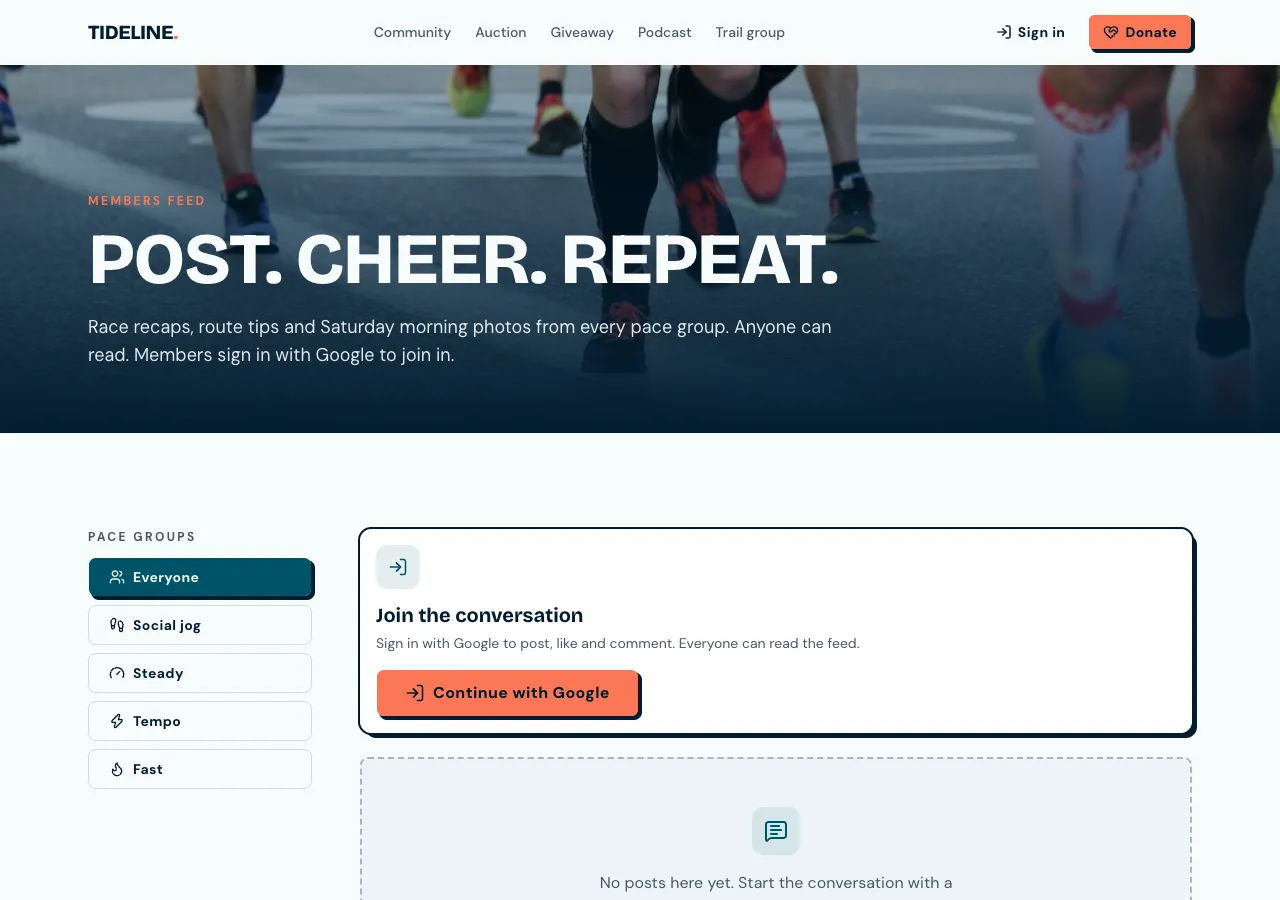
Posts, likes and follows
Ask for a community and the AI follows its community guide: posts of up to 5,000 characters with up to four photos, likes, comments, follows and groups that are public or private. A feed shows posts from people you follow, your groups and your own, newest first, twenty at a time, with a New posts pill when more arrive.
Groups
Groups have their own feed and members; private groups take join requests that moderators approve. A database function decides who can see a group's posts, so a private group stays private whatever page someone opens. Members join or request from the group page.
Reports and moderation
Any member can report a post, comment or profile with a reason, once. Three open reports hide a post until a moderator decides, and admins get a notification. Moderators hide, restore or delete content, ban a member, dismiss reports and manage groups from the admin area. Authors can edit only their own text for a short time.
Safety rules in the database
Members can block each other, and blocked people's posts disappear from each other's feeds. A rate limit allows ten posts an hour per person. Banned members cannot post. All of these are database rules, which the AI tests as an anonymous visitor and as a member before it finishes.
Paid communities and apps
Put the community behind a paid tier and only members with an active subscription can read and post, billed through Stripe on your connected account. A phone app based on the site gets a Feed tab with pull to refresh and a compose screen; photos come from the website's uploads, since the app has no photo picker.
How it works, in three steps
Step 1
Describe the community
Say who joins, the groups, whether it is free or paid, and your house rules.
Step 2
Moderate in the preview
Post, comment, report and hide a post as a test member and a moderator.
Step 3
Publish
On a paid plan, publish and invite your first members.
Limits worth knowing
- The feed refreshes every 30 seconds while open; no pushes.
- Up to four photos a post, uploaded on the website.
- The data lives in the site's own database: a hosted one on every plan, or your own Supabase account.
- The free plan builds and previews the site; publishing starts on Starter.
Questions people ask
How does reporting work?
A member reports a post, comment or profile with a reason, once per item. When three reports are open on a post, it is hidden until a moderator decides, and admins get a notification in the site's bell. Moderators restore it or delete it from the admin and can ban the author.
Can I have private groups?
Yes. A private group's posts are visible only to its members and to admins, decided by a database function on every read. People ask to join, and the group's moderators approve them. Public groups let any member join and read.
Can members message each other privately?
Ask for direct messages and the AI adds conversations between members, readable only by those in each one, with blocking. Messages update every few seconds while open. Without that, members talk in public posts and comments only, which moderators can see and act on.
Can I charge for the community?
Yes, on a paid plan with Stripe connected. Tie the community to a paid tier and only members with an active subscription can read and post. Members pay through Stripe Checkout and manage billing in the billing portal, and you can keep a free tier for a public group.
Will search engines see the posts?
No, and for most communities that is right: posts are for signed in members and load after the page. Public pages about the community, such as what it is and how to join, are written into the site's content so search engines can read them.
How is this different from a Facebook group?
You own the site, the members' data lives in your own database, and you set the rules and the look. In exchange there is no network to bring people in, so you invite members yourself. Notifications show in the site's bell rather than as pushes.
Make your own website
The button opens the generator with this use case already described. Change the wording to match yours, generate, then edit anything you like.
Create a website with OneCraftRelated pages
Podcast website builder with episodes and show notes
A podcast website gives every episode a page search engines can read, with show notes, guests, links to listen and a transcript. The feed itself stays with your podcast host; the website is where new listeners land and where the notes live.
Portfolio website maker: the work first, uncropped
A portfolio website is judged in the first few images, so it should show the work large, in its own proportions, and get out of the way. After that it needs only three things: who made it, what they offer, and how to ask about a job.
Landing page generator: one offer, one action
A landing page is a single page with a single job, such as joining a waitlist, booking a call or buying one product. A generator helps most when it builds the page around that one action and leaves out everything that competes with it.
More finished work of this kind is on the website examples hub.
Written and checked by the OneCraft team. Last checked .