Websites
Podcast website builder with episodes and show notes
A podcast website gives every episode a page search engines can read, with show notes, guests, links to listen and a transcript. The feed itself stays with your podcast host; the website is where new listeners land and where the notes live.
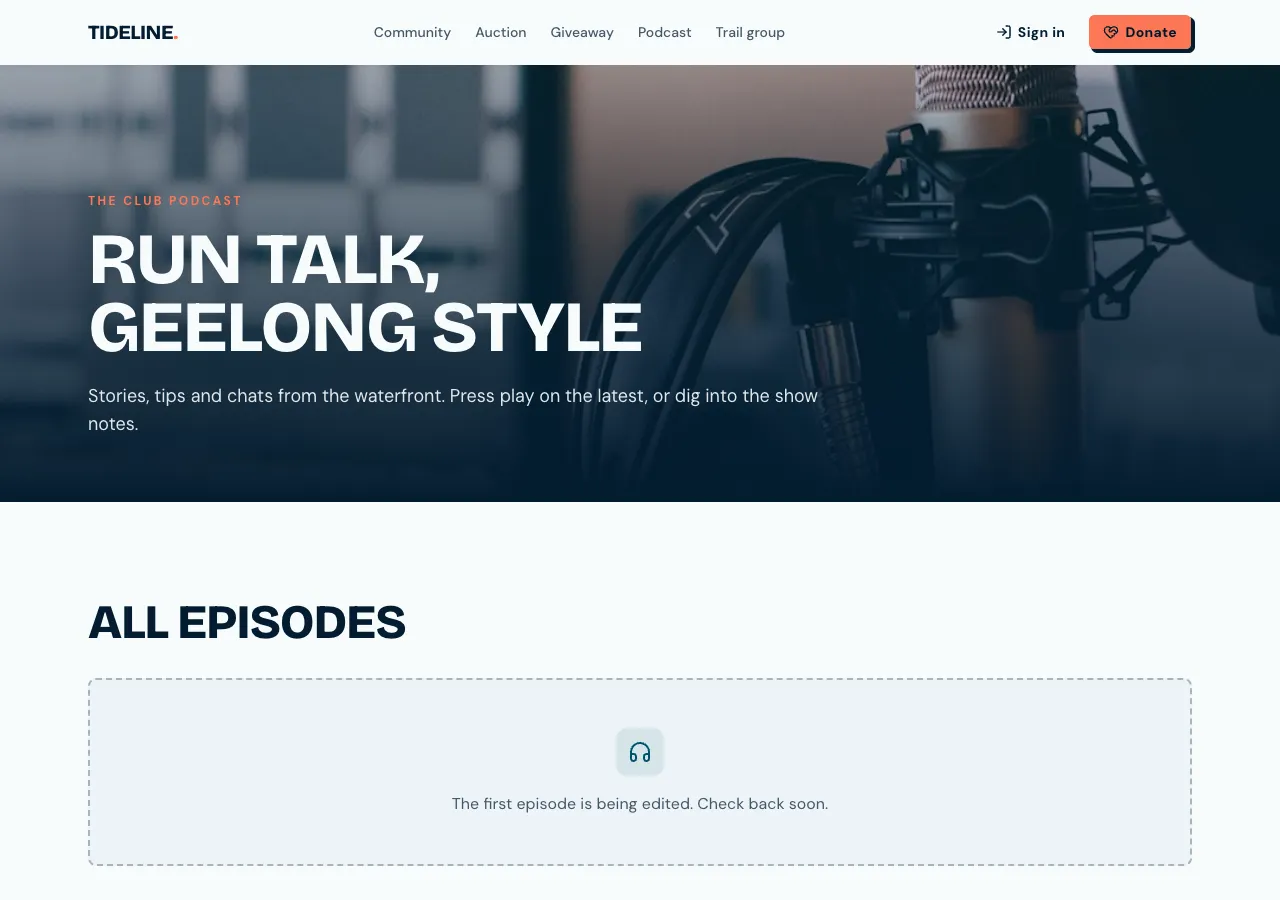
Episodes as pages
Ask for a podcast site and the AI follows its podcast guide: an episodes table with number, season, title, summary, show notes, guests, duration, a transcript and a publish date. The podcast page shows the show, the latest episode large and the list with dates and durations; each episode has its own page with a title and description for search.
What plays on the site
Video episodes embed from YouTube or Vimeo. A short audio episode can play from an mp3 uploaded in the admin, up to 10 MB, with speed control and the position remembered. Longer episodes play from your podcast host through Listen on Apple Podcasts, Spotify or your host's link, which every episode page shows.
What stays with your host
The site publishes page files only, so it makes no RSS feed. Podcast apps keep reading the feed at your podcast host, and the website links to it. That keeps one source of truth for your audio, and the website adds what a feed cannot: readable show notes, guest pages and search.
Writing in the admin
Episodes are written in the site's admin area: the notes in Markdown with a live preview, the publish date, which can be in the future and shows as Scheduled, the cover, the mp3 or the listen and video links, checked to be https and from YouTube or Vimeo for video. Signed in listeners get played ticks across devices.
Growing the audience
Ask for a newsletter sign up and new subscribers are stored in the site's own database, with a newsletter you send from the admin to confirmed subscribers. A members tier can put bonus episodes behind a paid plan through Stripe. A phone app based on the site gets an Episodes tab that opens audio in the in app browser.
How it works, in three steps
Step 1
Describe the show
Give the show name, how often it comes out, the listen links and whether episodes are audio or video.
Step 2
Add episodes
Sign in to the site's admin area and add episodes with notes, guests and links, or schedule them.
Step 3
Publish
On a paid plan, publish and put the address in your show notes and feed description.
Limits worth knowing
- No RSS feed is made; your podcast host keeps the feed.
- Uploaded audio is for short episodes, 10 MB a file; longer ones play from your host.
- Video plays from YouTube or Vimeo only.
- The free plan builds and previews the site; publishing starts on Starter.
Questions people ask
Does the site replace my podcast host?
No. Your host keeps the audio files and the RSS feed that Apple Podcasts and Spotify read. The website adds a page per episode with notes, guests and a transcript, links to listen everywhere, and a home for your audience that search engines can read.
Can people listen on the website?
Yes, in two ways. Video episodes play from YouTube or Vimeo embeds, and short audio episodes can play from an uploaded mp3 up to 10 MB. Longer audio plays at your host through the listen links on every episode page.
Can I schedule an episode page?
Yes. Give the episode a future publish date in the admin and it shows as Scheduled there and appears on the site at that time. The database rule hides unpublished and future episodes from visitors, which the AI tests before it finishes.
Is there search across episodes?
Yes. The episode list searches titles and summaries and filters by season, twenty at a time. Ask for full text search over show notes and transcripts and the AI adds an index for it in the site's own database, so results stay quick as the archive grows.
Can I add transcripts?
Yes. Each episode has a transcript field shown in a collapsible section on its page. Transcripts help listeners who prefer to read and give search engines the words of the episode. Paste one from your transcription tool into the admin.
Can I charge for bonus episodes?
Yes, on a paid plan with Stripe connected. Ask for a members tier and bonus episodes are tied to it, readable only by members with an active subscription. Members pay through Stripe Checkout and manage billing from the billing portal.
Make your own website
The button opens the generator with this use case already described. Change the wording to match yours, generate, then edit anything you like.
Create a website with OneCraftRelated pages
Community website builder with a feed, groups and moderation
A community website gives members a place to post, comment and follow each other on your own site instead of a social network you do not control. It stays healthy only with clear groups, a way to report and hide abuse quickly, and moderators who can act.
Portfolio website maker: the work first, uncropped
A portfolio website is judged in the first few images, so it should show the work large, in its own proportions, and get out of the way. After that it needs only three things: who made it, what they offer, and how to ask about a job.
Link in bio page maker: one page, every link, your address
A link in bio page is the one link a social profile allows, turned into a short page of buttons: the new single, the shop, the booking form, the newsletter. It works when the links are few, current and in the order people actually want them.
More finished work of this kind is on the website examples hub.
Written and checked by the OneCraft team. Last checked .