Websites
Quote request website where clients accept and pay online
A quote request website turns get a quote into a structured request with the details and photos you need, then lets you send back a priced quote the customer can accept and pay without a phone call. It saves the back and forth that eats a tradie's or a studio's evenings.
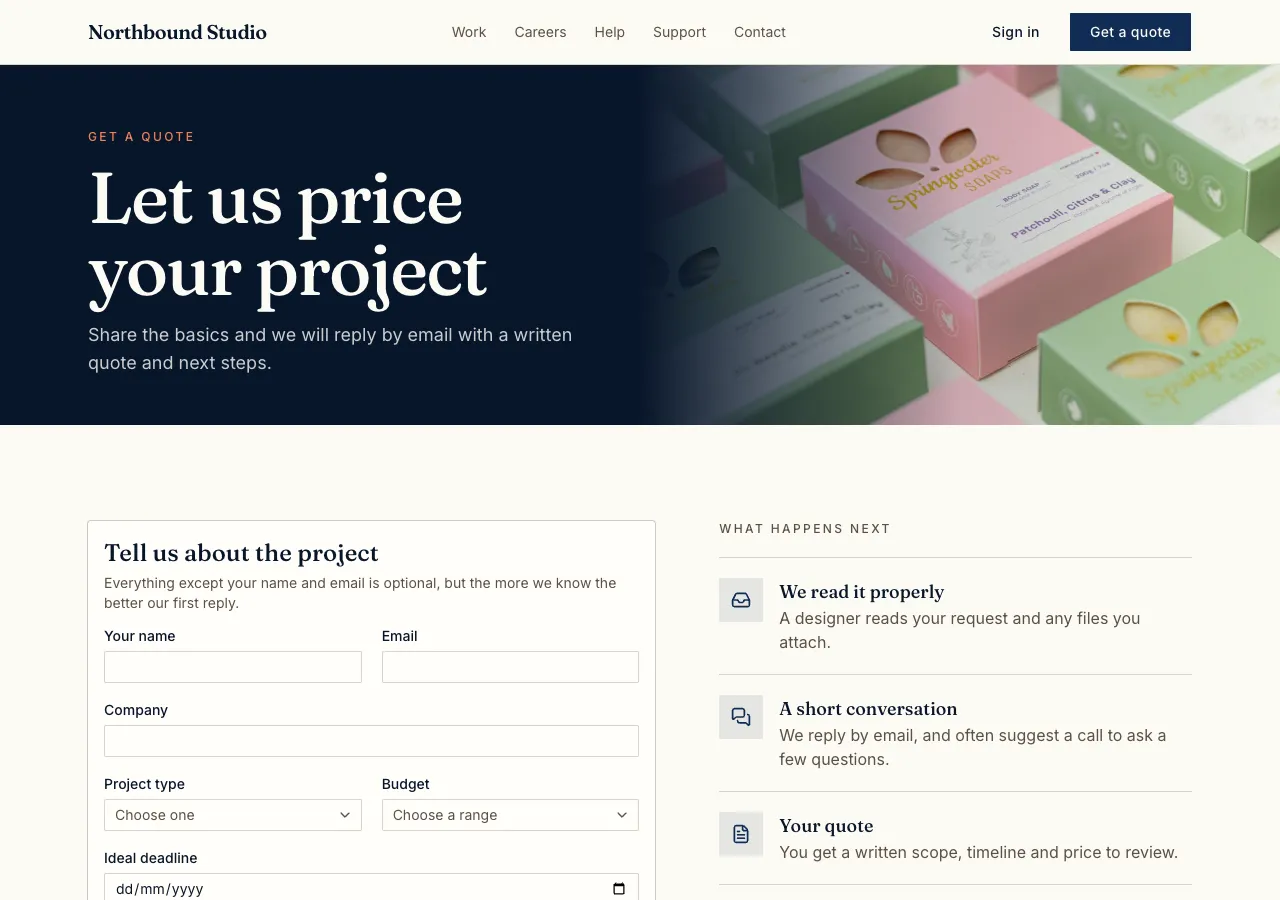
The request form
Ask for quotes and the AI follows its quotes guide: a request form with a service choice, details, item rows when you sell items, a preferred date, photo uploads and contact details, with a hidden field for bots and a limit of five requests an hour from one email. Service pages get a Request a quote button that fills in the service.
Making the quote
In the site's admin area, each request has Make quote: lines with quantity, unit price and tax, live totals, a valid until date and notes. A database function works out the subtotal, tax and total in cents from the lines and never trusts totals from the browser. Sending gives the quote a number, such as Q-0001, from a counter in the database.
Sending by link
The site cannot email customers itself, so Send marks the quote as sent and gives a private link with Copy and an Email button that opens your own mail app with the subject and link filled in. The quote page shows your business details, the lines, totals, valid until and notes, and prints cleanly as a PDF from the browser.
Accept and pay
The customer types their name to accept, or declines. An accepted quote creates an order at the quote's prices and opens Stripe Checkout on your connected account, on a paid plan; without card payment the page says you will be in touch. Expired quotes say so and cannot be accepted.
Quotes, invoices and deposits
For bigger jobs, ask for a deposit on acceptance with the balance later, or for invoices with pay links and overdue tracking once the work is done. For proposals with e-signatures and a client facing proposal design, OneCraft's proposals product does that separately from a website.
How it works, in three steps
Step 1
Describe the requests
List the services, the details and photos you need, your tax rate and how long quotes stay valid.
Step 2
Answer a request
In the admin, open a request, make the quote and send the link from your own email.
Step 3
Check and publish
Accept and pay a test quote in the preview, then publish on a paid plan.
Limits worth knowing
- The site does not email customers; quotes go by link or your own mail app.
- Quote PDFs come from the browser's print to PDF.
- Card payments need a paid plan and Stripe connected in account settings; the platform fee is 2% on Starter, 1% on Pro and 0.5% on Pro+, with Stripe fees on top.
- The data lives in the site's own database: a hosted one on every plan, or your own Supabase account.
Questions people ask
Can customers send photos with a request?
Yes. The request form takes photo uploads into the site's own storage, up to 10 MB each, and staff see them on the request in the admin. Photos of a roof, a room or a part often save a site visit, so ask for them in the form when they help you price the job.
How do quote numbers work?
A counter in the database gives each quote the next number, such as Q-0001, when it is first sent, so drafts never use up numbers and two quotes can never share one. The number appears on the quote page, the printed copy and the order created on acceptance.
Can a quote include GST?
Yes. Each line has a tax rate, and the database function works out the tax per line and the totals in cents. The quote shows subtotal, tax and total. Put your business name and tax number in the brief and they appear on every quote.
What happens after a customer accepts?
The quote is marked accepted with the name they typed and the time, and an order is created at the quote's prices. With Stripe connected the customer goes straight to Checkout to pay; otherwise the page says you will be in touch. Staff see the accepted quote linked to its order.
Can I change a quote after sending it?
Sent quotes are kept as sent; make a new version from the admin and send its link, and the customer works from the newer one. This keeps a clear record of what was offered. An expired quote cannot be accepted, so send a fresh one if the customer comes back late.
Is this the same as OneCraft proposals?
No. This is a quote request flow built into your website, with quotes on your own site. OneCraft's proposals product is a separate tool for designed proposals and invoices with tracked links and e-signatures. A tradie may use the website for requests and proposals for larger jobs.
Make your own website
The button opens the generator with this use case already described. Change the wording to match yours, generate, then edit anything you like.
Create a website with OneCraftRelated pages
Website contact form: every message stored in your site's admin
A website contact form lets visitors send you a message without opening their email, and keeps each message where you can answer it. On OneCraft the agent writes the form and its table with the forms guide, and you read and mark responses in an admin area on your own site.
Booking request form for your website that offers only free times
A booking request form for a website lets a client pick a service and a time and send the request to you to confirm. On OneCraft the agent writes it with the bookings guide: services, staff and working hours, a booking page that shows only free times, and a database rule that refuses double bookings.
Membership website builder with free and paid tiers
A membership website keeps some pages, courses or a community for people who joined, free or paid, and bills paid members every month or year. The parts that matter are who can see what, how members pay and how they change or cancel without emailing you.
More finished work of this kind is on the website examples hub.
Written and checked by the OneCraft team. Last checked .