Presentations
Testimonial slide templates
Twelve layouts are filed under the testimonial purpose, and they split by how many voices you have. The one thing none of them will do is make a customer up: the quote has to be in your brief, or the slide comes back empty.
Twelve layouts, by how many voices
One hero quote with a portrait, a split panel with the name beside the words, an editorial pull quote, a pull quote with rules, two stacked quotes, three cards, a stacked rail of three, a compact grid of six, a case study set of three cards, a metric split that pairs a number with a quote, and a logo wall of twelve marks. The choice is not decorative: one quote given the whole slide reads as evidence, and six in a grid read as a wall of names.
The quote budget is 320 characters
A quote runs from twenty to three hundred and twenty characters, which is one to four sentences of plain prose. That cap is doing real work. A testimonial longer than four sentences stops being quoted and starts being read as a paragraph, and nobody in a room reads a paragraph off a slide. If your customer said something longer, cut to the sentence that carries the claim and keep the rest for the case study.
Attribution: name, role, portrait, and a number
Each testimonial carries the author's name up to forty characters, their role and organisation up to eighty, an optional portrait, and an optional metric of up to eight characters that sits beside the quote. That metric field is the difference between a nice comment and a piece of evidence: a quote about saving time next to the number 51 min is a different slide from the same words on their own.
Portraits follow the same rule as team photos
An author's picture is a profile image, so image generation skips it exactly as it skips a team headshot. You upload it or it stays a placeholder. That is deliberate: a generated portrait attached to a named person's words is a fabricated endorsement, which is the one failure mode a testimonial slide must not have.
Logos when you have permission and not much else
The logo wall holds twelve marks with a label each, and it is the right slide when your evidence is who buys from you rather than what they said. Logos are never generated either, so upload them, and only use the ones you are allowed to show. A wall of marks you have not cleared is a slide you cannot present to the customers on it.
How it works, in three steps
Step 1
Pick the layout by voice count
One quote, two, three, six or a logo wall. Filter the library to the testimonial purpose and the twelve come back.
Step 2
Paste the real words
Twenty to three hundred and twenty characters. Trim to the sentence that carries the claim rather than quoting the whole email.
Step 3
Fill the attribution
Name, then role and company. An unattributed quote is worth very little, and the fields are there for a reason.
Step 4
Add the number if you have one
The metric field takes eight characters and sits beside the quote. It turns a comment into evidence.
The full walkthrough with screenshots is in the guide Make a pitch presentation with AI.
Limits worth knowing
- Twelve templates carry the testimonial purpose.
- A quote runs 20 to 320 characters; an author name is capped at 40 and a role at 80.
- The metric beside a quote is capped at 8 characters and is pre-formatted by you.
- Author portraits and logos are never generated; upload them or leave the placeholder.
- There is no star rating field on any testimonial layout.
Slide examples
Finished single slides on this layout, each one built from a real template and written out in full.
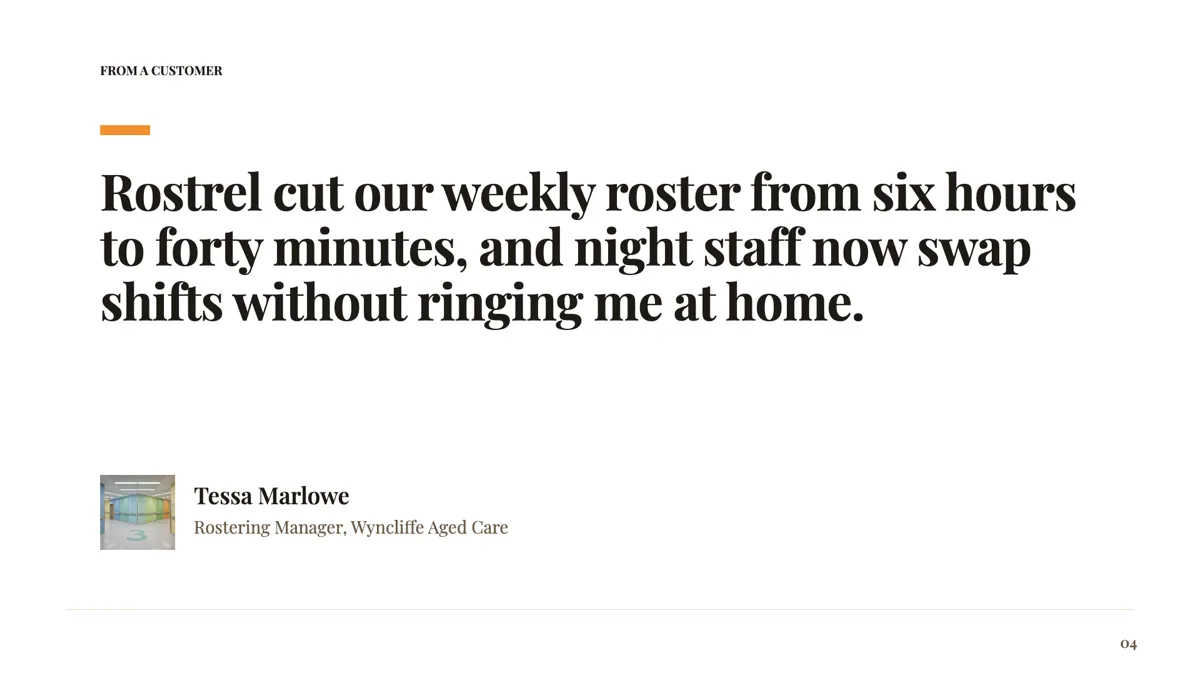
Customer quote slide with one quote and full attribution
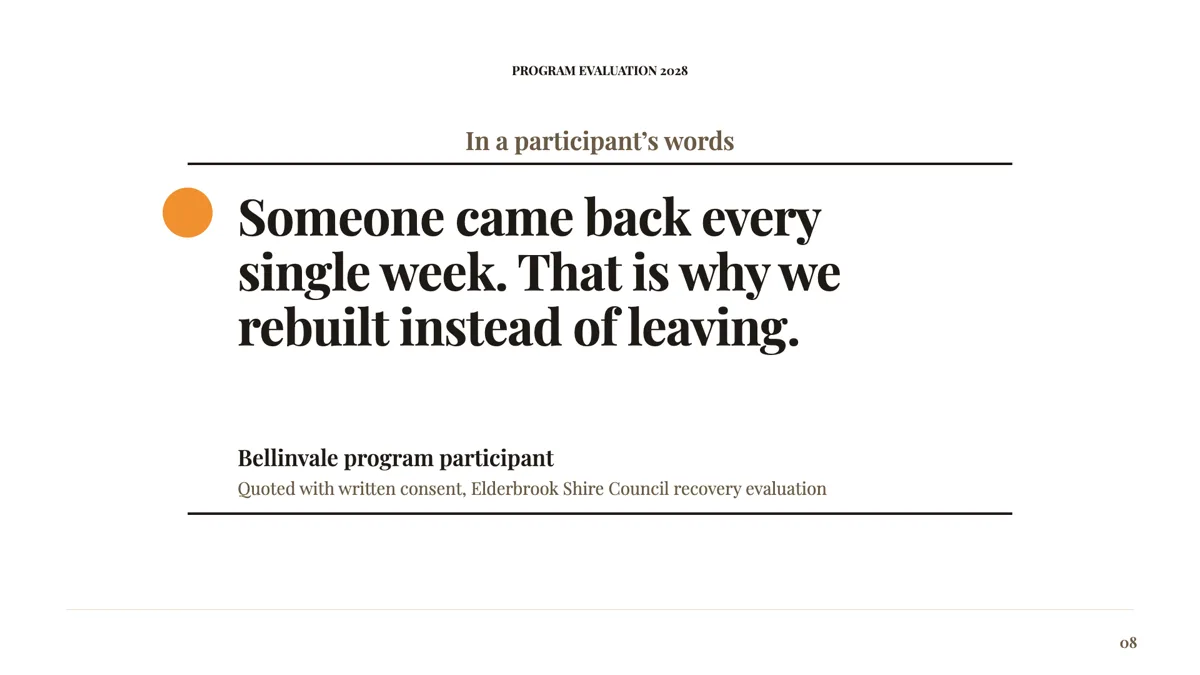
Pull quote slide from a program evaluation
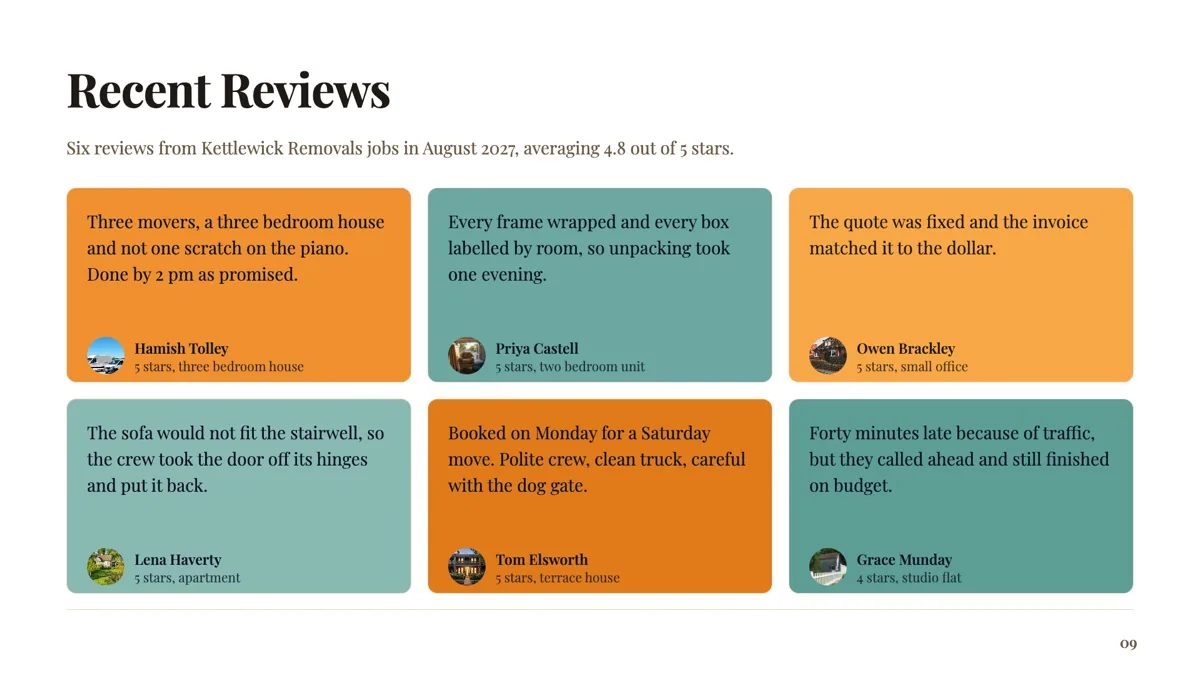
Reviews slide with six short reviews and their stars
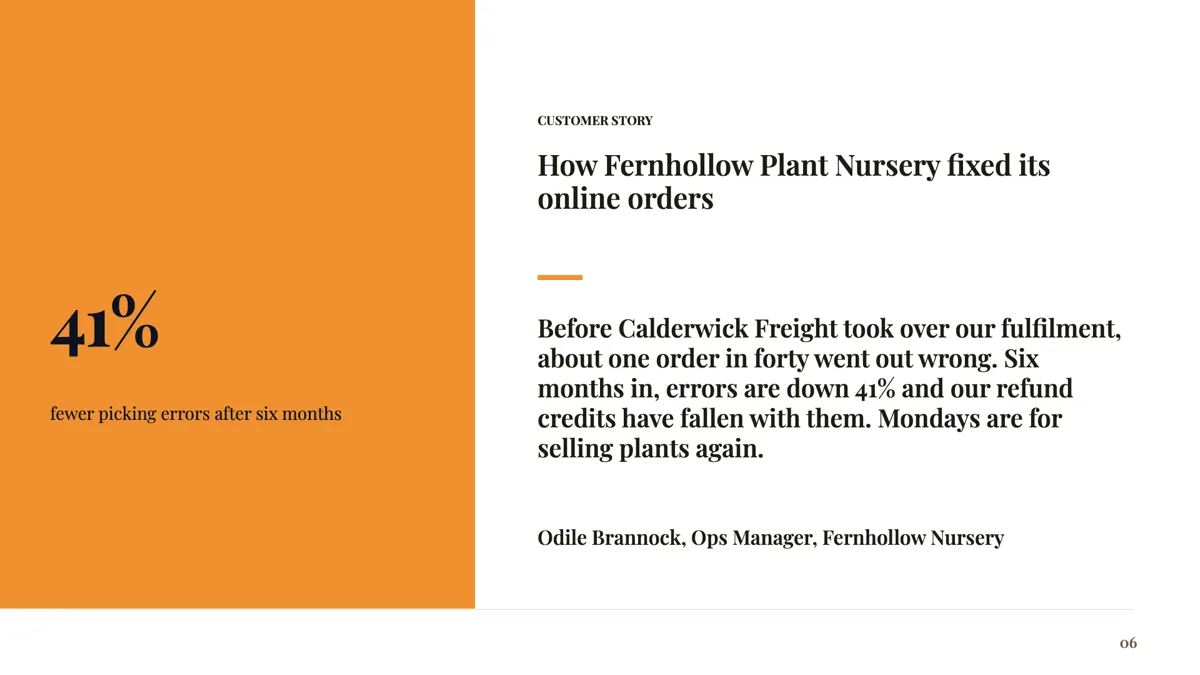
Testimonial with metric slide: one number beside one voice
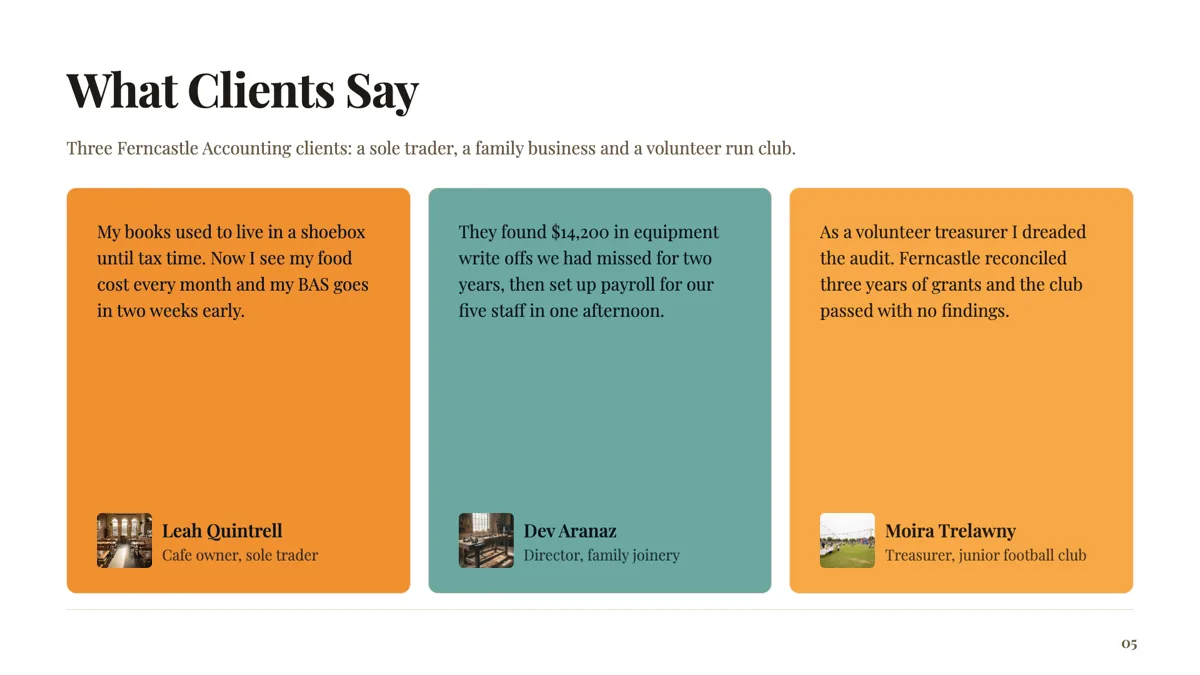
Three testimonials slide from three kinds of client
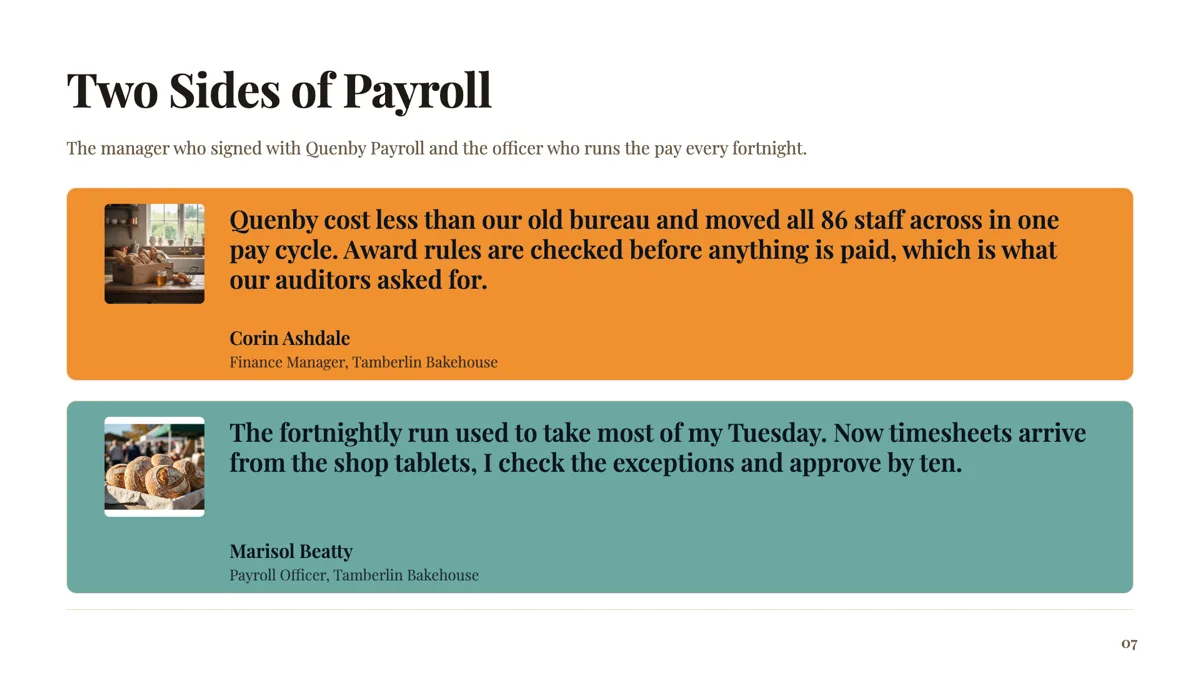
Two testimonials slide from the buyer and the daily user
Questions people ask
Will it write a testimonial for me?
No. The fill prompt forbids inventing named people, organisations and figures, so a brief with no quotes in it comes back with the slide empty rather than with a plausible customer. That is the behaviour you want. A generated testimonial is a fabricated endorsement, and it is the kind of thing that ends up in a screenshot.
How long can a quote be?
Three hundred and twenty characters, and at least twenty. That is one to four sentences. If the words you want run longer, the honest edit is to quote the sentence that makes the claim and put the surrounding detail into a case study slide, where a reader has the patience for it.
Can I show a star rating?
No layout has a rating field. What they do have is the metric slot beside the quote, eight characters, which is a better argument anyway: a number your customer measured beats five stars from a platform nobody can check. If the rating itself is the point, put the platform and the score in the author's role line.
Can I use a review from a public site?
You can quote it, and you should say where it came from in the attribution. Two cautions. Endorsement rules treat a review you republish in your own marketing as an advertising claim, so it has to be genuine, current and typical. And some platforms restrict reproducing their reviews, so check the terms of whichever site it came from before it goes in a deck you send out.
Can I put a logo instead of a face?
Yes, either by uploading a mark into the author image box or by using the logo wall layout, which is built for it. The wall holds twelve. If you have three quotes and twelve logos, the two slides are doing different jobs and both are worth having.
What if the quote is anonymous?
Say so plainly in the role line: a director at a mid sized logistics operator, for example. An unattributed quote with no context reads as invented, and readers discount it accordingly. Being specific about the kind of customer, without naming them, keeps most of the value.
Make your own presentation
The button opens the generator with this use case already described. Change the wording to match yours, generate, then edit anything you like.
Create a presentation with OneCraftRelated pages
Customer persona slide templates
Nine layouts are filed under the persona purpose, and they are not all the same slide. Three are persona cards, two are empathy maps, two are journeys, and the rest sit between. The fields decide which one your research actually fits.
Process slide templates
A process slide shows work that happens in order, and seventeen layouts carry the purpose. Fifteen of them lay the stages out as rows, chevrons, lanes or cards; two draw a real flowchart with nodes and connectors, which is where a decision with two outcomes belongs. A roadmap of quarters belongs on a timeline instead.
Team slide templates
The profile purpose holds ten layouts and one firm rule: picture boxes marked as profile are skipped by image generation, in the first fill and in the AI chat. Your team's faces have to be your team's faces.
More finished work of this kind is on the presentation examples hub.
Written and checked by the OneCraft team. Last checked .