Forms · Alternative
A HubSpot Forms alternative for designed forms and PDFs
HubSpot's form builder exists to fill its CRM: every submission becomes a contact record ready for nurture emails, lead scoring and a sales handoff. The real question is whether your form has to write straight into HubSpot. If it does, stay; if the form is an intake sheet, an application or a consent that ends as a document, a dedicated builder does more with the answers.
Updated , competitor details checked . HubSpot is a trademark of HubSpot, Inc. OneCraft is not affiliated with HubSpot and is not endorsed by it.
Nuwan Madhusanka · Co-founder
3 min read · Published
The short verdict
HubSpot Forms is the right tool when the form is the top of a HubSpot funnel: contacts land in the CRM, follow up emails run automatically and conditional redirects send people onward. OneCraft is the better fit for forms whose output is a record or a document, styled with a theme, printed as a PDF or signed, and sent to a CRM only by webhook if at all.
| Feature | HubSpot Forms | OneCraft |
|---|---|---|
| Cost | The forms tool is part of Marketing Hub and you can get started with it for free; Starter, Professional and Enterprise editions add advanced features checked 2026-10-21 | Free at $0 with 100 credits a month, Starter $8, Pro $25, Pro+ $125 a month |
| Marketing Hub tiers | Free $0 for up to 2 users; Starter from $7 a month per seat; Professional from $800 a month with 3 core seats; Enterprise $3,600 a month with 5 core seats checked 2026-10-21 | No seats are sold; plans meter AI credits |
| Where submissions go | Every visitor who fills out a form is automatically added to the CRM, with previous site activity attached checked 2026-10-21 | A responses table, a CSV export, an email alert to one address and an optional webhook |
| CRM handoff | Contacts can be enrolled in lead nurture campaigns or routed to the sales team from the CRM checked 2026-10-21 | A webhook posts each response as JSON keyed by label and by field id, once and without retry |
| Conditional behaviour | Conditional logic guides users through forms based on their choices, plus conditional redirects and smart shortening checked 2026-10-21 | Jump rules on conversational forms; the redirect add-on sends everyone to one address |
| Form shortening | Form shortening uses existing data to autofill fields so visitors only see fields that need new information checked 2026-10-21 | No prefill or hidden field logic |
| Design | A drag and drop editor and templates so forms match brand guidelines checked 2026-10-21 | 37 themes, 22 palettes, 10 welcome screen layouts and 4 thank-you layouts |
| Reporting | Built in reporting tracks views, conversion rate and submissions with visualisations checked 2026-10-21 | No form analytics; responses are read in the table or exported |
| File uploads | Not itemised on the form builder page checked checked 2026-10-21 | 1 to 10 files per field, images and PDF only, up to 100 MB each |
| Documents and signing | Not described on the form builder page checked checked 2026-10-21 | Response PDF, fillable PDF export from Starter, and an e-signing add-on |
Where HubSpot Forms is better
The CRM is the point
A HubSpot form drops each person into a contact record with their earlier website activity, so marketing and sales see the same history from the first submission. OneCraft has no CRM; a webhook can forward a response to one, but deduplication, enrichment and ownership all have to happen at the other end.
Automation after submit
Follow up emails, lead nurture enrolment, routing to sales and predictive lead scoring live in the same Marketing Hub as the form. OneCraft sends one alert email to the owner and nothing to the respondent.
Smart shortening and conditional redirects
HubSpot hides fields it already knows and sends people to different pages depending on what they chose. OneCraft cannot prefill from known data, and its redirect add-on sends every respondent to the same address.
Measured conversion
Views, conversion rate and submissions are tracked and charted for every form. OneCraft counts responses but offers no conversion analytics.
Where OneCraft is different
Forms that look designed
Each form takes one of 37 themes, a colour palette, a background pattern and a welcome screen in one of 10 layouts, so a clinic intake form or a scholarship application does not look like a newsletter box.
Built from a description or a paper form
The generator writes the whole form from a prompt, or on a paid plan from an attached PDF or photo, in the language you ask for with 32 suggestions offered. That suits a long questionnaire HubSpot was never designed for.
Answers that leave as paper
A response prints through a PDF layout editor, the blank form is a template PDF on any plan, and the e-signing add-on turns a submission into a signing envelope with a certificate of completion.
A finished example
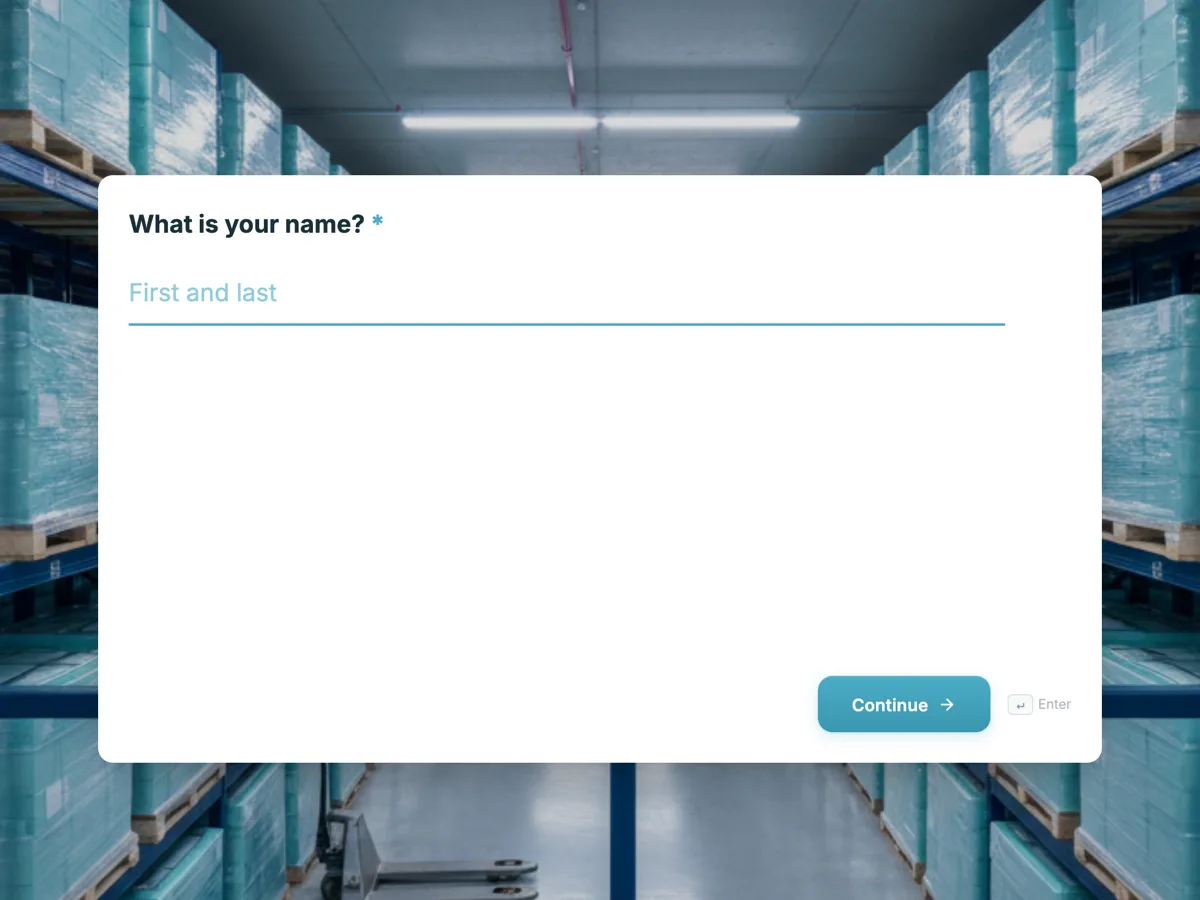 Demo request formMade with OneCraft, exactly as the generator and editor left it. Open the page for the full breakdown.
Pricing in plain terms
HubSpot's form builder page, checked 21 October 2026, says the forms tool is part of Marketing Hub and can be started for free. The Marketing Hub pricing page, read the same day, lists Free at $0 for up to 2 users, Starter from $7 a month per seat with 1,000 marketing contacts, Professional from $800 a month with 3 core seats and 2,000 marketing contacts, and Enterprise at $3,600 a month with 5 core seats and 10,000 marketing contacts, with one time onboarding fees on the top two. Those prices buy a marketing platform, not a form tool. OneCraft lists $0, $8, $25 and $125 a month for 100, 500, 1,500 and 7,500 AI credits.
Sending a response to a CRM by webhook
If you keep HubSpot as your CRM and build the form elsewhere, the bridge is the webhook add-on. On each submission it posts JSON with event, timestamp, the form's id, title and slug, and the response's data keyed by field label and by field id. Point it at an automation tool or your own endpoint that creates or updates the contact. Two rules from the product's own behaviour: it fires once with no retry, and it times out after 10 seconds, so the receiver should answer quickly and log failures.
Which forms suit each tool
Newsletter boxes, demo requests, gated downloads and contact forms on a HubSpot site belong in HubSpot. Long intake forms, rental and job applications, consent forms, waivers and inspection checklists, especially where the answer must be printed, filed or signed, are where a dedicated builder earns its place. Plenty of teams use both.
Sources for each column
The HubSpot column quotes its form builder page and Marketing Hub pricing page, read on 21 October 2026. Each OneCraft cell names a row in an internal ledger checked against the product's source, including what it does not do.
Who should stay with HubSpot Forms
Stay with HubSpot Forms if your team runs marketing and sales inside HubSpot and the form exists to create contacts, trigger nurture emails and feed lead scoring. Nothing outside HubSpot replaces that loop, and a webhook into the CRM is a workaround, not the same thing.
Questions people ask
Are HubSpot forms free?
HubSpot says its forms tool is part of Marketing Hub and can be started for free, with advanced features in the paid Starter, Professional and Enterprise editions. The Marketing Hub pricing page lists the free tier at $0 for up to 2 users. Paid editions are priced as a marketing platform, from $7 a seat on Starter.
Can I use another form builder and still keep HubSpot as my CRM?
Yes, through a webhook or an automation tool. A OneCraft form can post each response as JSON to a URL that creates or updates a HubSpot contact. You lose HubSpot's own form analytics and smart shortening, and you take on the job of handling failed deliveries.
Does a HubSpot form send a follow up email to the person who filled it?
HubSpot's page describes automatic follow up emails after a form is completed. OneCraft does not email respondents at all; its only form email is the owner's alert to one address. If a respondent confirmation matters, keep that form in HubSpot or send it from your CRM.
Which tool is better for long application forms?
A dedicated builder, usually. HubSpot's form tool is shaped around capturing contacts for marketing. OneCraft offers paginated classic forms, a conversational one question at a time mode, 41 component types including matrix and table, and a response PDF, which suit multi page applications better.
Can respondents upload documents?
On OneCraft a file upload field takes 1 to 10 files per field, images and PDF only, up to 100 MB each, and uploaded images are added as pages to the response PDF. HubSpot's form builder page checked here does not itemise upload limits, so check its knowledge base before relying on one.
Try the form side of OneCraft
The button opens the generator with a starting prompt already filled in. Change the wording to match your own work before you run it.
Create a form with OneCraftMore comparisons
- A Typeform alternative, compared honestlyOneCraft as a Typeform alternative for conversational forms: what matches, what does not, where Typeform stays ahead, and both public pricing pages quoted.
- A Jotform alternative for forms, PDFs and signingOneCraft as a Jotform alternative: classic and conversational forms, fillable PDFs, e-signature and AI generation, with Jotform's breadth stated honestly.
- A Fillout alternative for AI forms, PDFs and signaturesA Fillout alternative that builds forms from a description or a PDF, exports fillable PDFs and sends responses for signature, with Fillout's free tier quoted.
What the module actually does, feature by feature: the AI form builder page, and the forms maker page.
Step by step in the builder: Automate your form with add-ons, then Design your welcome and thank-you screens.
Written and checked by the OneCraft team. Last checked .