Forms · Alternative
A Microsoft Forms alternative outside Microsoft 365
Microsoft Forms comes with a work, school or personal Microsoft account, grades quizzes for you and drops results into Excel, which is hard to argue with when the subscription is already paid. The case for something else starts when the form has to look like a small business rather than a tenant, when nobody involved has a 365 licence, or when the answers have to become a signed document.
Updated , competitor details checked . Microsoft, Microsoft Forms, Microsoft 365 and Excel are trademarks of Microsoft Corporation. OneCraft is not affiliated with Microsoft.
Nuwan Madhusanka · Co-founder
3 min read · Published · Updated
The short verdict
Microsoft Forms is the obvious answer inside an organisation that already pays for Microsoft 365, especially for quizzes that grade themselves and results that belong in Excel. OneCraft answers a different question: a branded form for people with no 365 licence, written by AI, available as a fillable PDF and able to end in a certified signature.
| Feature | Microsoft Forms | OneCraft |
|---|---|---|
| What it costs | Bundled with Microsoft 365. Personal is listed at $9.99 a month, Family at $12.99 and Premium at $19.99, each showing Microsoft Forms among the included apps checked 2026-09-20 | A standalone free plan at $0 with 100 AI credits a month, then $8, $25 and $125 a month for 500, 1,500 and 7,500 credits |
| Account needed | Go to Microsoft Forms with your Microsoft 365 school credentials, Microsoft 365 work credentials, or Microsoft account such as Hotmail, Live or Outlook.com checked 2026-09-20 | Any email address makes an account, and who may fill a published form is set by one of four access types: public, secret key, login required or domain restricted |
| Quiz scoring | Add a number in the Points text box to assign a point value for a correct answer, and select the Correct Answer check mark next to the correct answer or answers checked 2026-09-20 | No quiz mode, no points and no correct answers. A test can be collected as a form, but nothing is marked |
| Results into a spreadsheet | You can export the quiz results to Microsoft Excel for more in-depth analysis checked 2026-09-20 | A CSV export with one column per field, choice fields exporting their labels and composite answers joined into that single column, plus a webhook that posts each response once |
| Design | You can also customize your form theme, with the detail held in a separate help article checked 2026-09-20 | 37 themes, 22 colour palettes, 24 background patterns and 23 font pairs, with 10 welcome screen layouts and 4 thank-you layouts |
| Form kinds | Forms and quizzes, created from the same place and documented as separate starting points checked 2026-09-20 | Classic and conversational forms, the conversational one with 25 components and 25 themes of its own, including recorded audio and video answers |
| Components | Question types are documented individually rather than counted on the pages checked checked 2026-09-20 | 41 component types, split as a 36 item classic toolkit and a 25 item conversational one, including matrix, table, address, full name and fill in the blank |
| Writing the form | Not described on the help pages checked; the form is built question by question and saved automatically while you create it checked 2026-09-20 | A prompt of up to 10,000 characters generates the whole form, in a freely typed language with 32 suggestions, as a job with a five minute ceiling |
| From a photo of a paper form | Not published on the help pages checked checked 2026-09-20 | Up to 5 attachments of 10 MB each on a paid plan, as PDF, TXT, PNG, JPG, WebP or GIF, so a photograph of the printed form is a valid starting point |
| PDF output | Not published as a form output on the help pages checked checked 2026-09-20 | A blank template PDF with no plan gate, a fillable PDF export from the Starter plan, and a PDF of each response, arranged in a dedicated layout editor on a twenty pixel grid |
| Signing | Not published as a Forms feature on the help pages checked checked 2026-09-20 | An e-signature component on classic forms, and an add-on that turns each submitted response into a signing envelope with a PAdES certified PDF |
| Saving and versions | Your form is saved automatically while you create it checked 2026-09-20 | Publishing writes a new form version and versions the access settings with it, and each published version keeps its own address |
Where Microsoft Forms is better
Quizzes mark themselves
Points per question and a correct answer marker turn a Microsoft form into a graded quiz with no extra work, which is why so many schools and training teams never look further. Nothing here scores anything. A test can be collected as an ordinary form, and the marking is manual in a spreadsheet afterwards.
Results land where the analysis already happens
Exporting to Excel is one click and the file opens in the tool the organisation already uses, with PivotTables and existing reporting waiting. The equivalent here is a CSV download, which any spreadsheet opens but which arrives without the formatting or formulas a team may have built around a recurring Microsoft export.
It is already paid for
Microsoft Forms is listed among the apps in Microsoft 365 Personal at $9.99 a month, Family at $12.99 and Premium at $19.99, and is included in work and school subscriptions. If those licences exist, the marginal cost of another form is zero, and no separate subscription can beat that on price alone.
It lives inside the tenant
Sign in, permissions and sharing all follow the Microsoft account that the organisation already administers, which keeps identity and data handling inside one boundary. A separate product means another account, another set of access rules and another place where responses are stored.
Where OneCraft is different
No subscription to anybody else required
A free plan needs an email address and nothing more, with 100 AI credits a month and limited exports. Respondents never need a Microsoft account either, and the four access types decide whether a link is public, guarded by a secret key, restricted to signed in users or limited to one email domain.
The form is written from a brief
A description of up to 10,000 characters produces the questions, sections, welcome screen and theme in one pass, in the language asked for. On a paid plan an attachment stands in for the description, so an existing PDF or a photograph of a printed evaluation sheet becomes the first draft.
It can look like the organisation, not the platform
37 themes, 22 palettes, 24 background patterns and 23 font pairs, plus ten welcome layouts and four thank-you layouts, mean a course evaluation can carry the institute's colours rather than the default styling a tenant applies to every form it publishes.
Answers can be signed and filed
A response becomes a PDF laid out in a dedicated editor, and with the add-on enabled it becomes a signing envelope instead, with identity verification, an 18 event hash chained trail and a certified file at the end. Consent forms and acknowledgements finish as documents rather than as rows.
A finished example
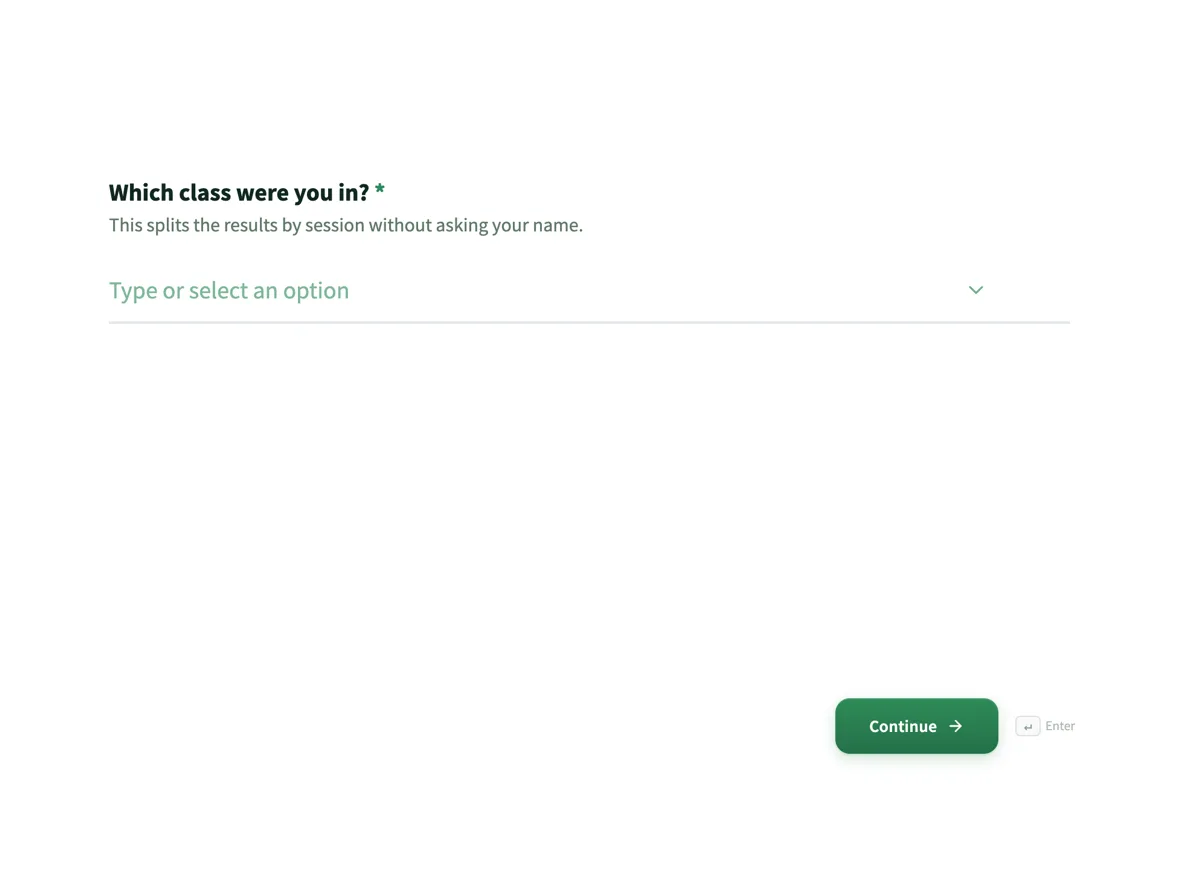 Course evaluation form that separates teaching from materialsMade with OneCraft, exactly as the generator and editor left it. Open the page for the full breakdown.
Bundled against standalone
Microsoft does not price Forms separately. It appears in the consumer comparison page as an included app in Microsoft 365 Personal at $9.99 a month, Family at $12.99 and Premium at $19.99, and it comes with work and school subscriptions as part of the wider licence. OneCraft is bought on its own: $0 with 100 AI credits a month, then $8, $25 and $125 for 500, 1,500 and 7,500 credits. The comparison is therefore not really price against price. It is whether the organisation already pays Microsoft, and whether the people filling the form and the people reading the results all sit inside that account boundary.
Rebuilding a Microsoft form
There is no import. The reliable path is to print the existing form to PDF, attach it to the generator on a paid plan, and let the questions be read and rebuilt. Expect to check required flags and option lists afterwards. Two things do not survive the trip: quiz points with their correct answers, since nothing here marks anything, and any process that depended on an automatic Excel refresh. Download existing responses before switching, because nothing migrates on its own.
What could not be checked
The Microsoft Forms marketing page timed out twice on 20 September 2026, so every Microsoft claim above is quoted from the two support articles and the consumer plan comparison page instead. That means the table states what those pages document rather than everything the product can do, and rows reading not published should be understood as not published on the pages reached, not as a statement that the feature is missing. Prices are the consumer figures shown that day in US dollars.
Verifying the other column
Each OneCraft claim maps to a row in an internal ledger read from the product source: 41 component types across a 36 item and a 25 item toolkit, 37 themes with 22 palettes and 23 font pairs, an 8,000 character prompt ceiling, five 10 MB attachments on a paid plan, a CSV export with one column per field, and 18 audited events behind a certified signature. The absences are recorded there too, which is why the quiz row is a flat no rather than a promise.
Who should stay with Microsoft Forms
Stay with Microsoft Forms if quizzes have to grade themselves, if results feed an Excel process that already works, or if every respondent has a work or school account and the subscription is paid regardless. None of those are improved on here, and quiz scoring does not exist at all.
Questions people ask
Can a quiz be marked automatically?
No. There is no quiz mode, no points per question and no correct answer marking, so a test collected here is marked by hand from the export. Microsoft Forms assigns points and correct answers in the question editor and exports the scored results to Excel, which is the stronger option for teaching.
Do respondents need an account to fill the form?
Only if the form is set to require it. The four access types are public, secret key, login required and domain restricted, so a public link works for anyone. Microsoft Forms ties creation to a work, school or personal Microsoft account, and response access depends on how the tenant is configured.
Can results reach Excel?
Indirectly. Responses export as CSV with one column per field, which Excel opens directly, and a webhook can post each submission to a service of your own once, with a ten second timeout and no retry. There is no live connection to a workbook and no scheduled refresh.
Can a form be branded properly?
Yes. There are 37 themes, 22 colour palettes, 24 background patterns and 23 font pairs, plus ten welcome screen layouts and four thank-you layouts with a confetti toggle and an optional timed redirect. A generated form arrives with a theme already applied rather than wearing a platform default.
Is there a way to collect signatures?
Yes. A classic form can include an e-signature component, and enabling the add-on turns each submitted response into a signing envelope with identity checks, a hash chained audit trail of 18 event types and a PAdES certified PDF. Consent and acknowledgement forms can therefore end as signed documents.
What happens to the link when a form is edited?
Publishing writes a new version and versions the access settings with it, and each published version also keeps its own address, so an older version can still be served deliberately. Editing in place does not break the live link, which matters when the form is printed in a handbook or a newsletter.
Try the form side of OneCraft
The button opens the generator with a starting prompt already filled in. Change the wording to match your own work before you run it.
Create a form with OneCraftMore comparisons
- A Google Forms alternative: what you gain, what you give upOneCraft as a Google Forms alternative: themes, welcome screens, fillable PDFs, e-signature and AI generation, against the Sheets link you give up.
- A SurveyMonkey alternative for surveys and feedbackA SurveyMonkey alternative for feedback surveys: 41 components, matrix grids, conversational mode and AI writing, with SurveyMonkey's response limits quoted.
- A Zoho Forms alternative with AI and e-signatureA Zoho Forms alternative for teams outside the Zoho suite: AI written forms, fillable PDFs and certified signing, with approvals and offline mobile compared.
What the module actually does, feature by feature: the AI form builder page, and the forms maker page.
Step by step in the builder: Create a form with AI, then Control who can fill in your form.
Written and checked by the OneCraft team. Last checked .