Forms · Compared
Microsoft Forms vs SurveyMonkey, and a third option
If your organisation already pays for Microsoft 365, Microsoft Forms is the survey tool you own: surveys, quizzes and polls with branching and results in Excel. SurveyMonkey is what you add when the analysis must go further, with significance tests, AI theme grouping and a large question bank. A third option suits forms that must look designed or print as a PDF.
Updated , competitor details checked . Microsoft Forms is a trademark of Microsoft Corporation and SurveyMonkey is a trademark of SurveyMonkey Inc. OneCraft is not affiliated with or endorsed by either.
Indunil Asanka · Co-founder
2 min read · Published
The short verdict
Microsoft Forms is the sensible default inside Microsoft 365 for internal surveys, quizzes and polls. SurveyMonkey is worth paying for when you need significance testing, crosstabs, response quality checks and expert question templates. The third option fits small teams outside both, or forms that must be themed, printed as a PDF or signed.
| Feature | Microsoft Forms | SurveyMonkey | OneCraft |
|---|---|---|---|
| Cost | Included in paid Microsoft 365 plans; the free tier lists the free version only. Microsoft 365 Personal is $9.99 a month or $99.99 a year checked 2026-10-21 | Basic free with 10 questions per survey; Standard Monthly A$209 a month, shown to an Australian visitor checked 2026-10-21 | Free $0 with 100 credits; Starter $8 a month |
| Question types | Choice, Text, Rating and Date, plus Ranking, Likert, File upload and Net Promoter Score checked 2026-10-21 | Some question types on Basic, more on paid plans, and 1,800+ pre-written questions checked 2026-10-21 | 41 component types including matrix, table and recording |
| Branching | Branching on questions and sections, only forward to a later question checked 2026-10-21 | Skip logic on Standard; advanced logic and block randomisation on Premier checked 2026-10-21 | Jump rules on conversational forms only |
| Analysis | See results as they come in checked 2026-10-21 | Statistical significance, multi survey analysis, AI thematic analysis and crosstabs by plan checked 2026-10-21 | Responses table and CSV |
| Form text limits | Form titles up to 90 characters and descriptions up to 1,000 checked 2026-10-21 | Unlimited questions per survey on paid plans checked 2026-10-21 | Generator prompt up to 10,000 characters |
| Response limits | Not stated on the pages read checked 2026-10-21 | 15,000 a year on Advantage Annual; 50,000 and 100,000 a year on team plans checked 2026-10-21 | No response cap printed on the pricing page |
| Excel connection | Forms for Excel when the workbook is stored in OneDrive for work or school checked 2026-10-21 | Data exports from Standard checked 2026-10-21 | CSV with one column per field |
| Response quality | Not described on the pages read checked 2026-10-21 | Flag poor quality responses for gibberish, speeding or straight lining checked 2026-10-21 | Required fields and min and max validation |
| Design | Format question text with bold, italic, colour and size checked 2026-10-21 | Custom design on Standard, premium themes on Advantage checked 2026-10-21 | 37 themes, 22 palettes, 10 welcome layouts |
| PDF and signing | Not described on the pages read checked 2026-10-21 | Not listed on the plan pages read checked 2026-10-21 | Response PDF, fillable PDF from Starter and an e-signing add-on |
Where Microsoft Forms is better
Already paid for in Microsoft 365
Forms is included in paid Microsoft 365 plans, sits beside Excel, Teams and OneDrive, and Forms for Excel keeps results in a workbook. For an organisation on Microsoft 365, it costs nothing extra.
Quizzes and polls for staff and classes
Surveys, quizzes and polls come from the same tool, with Ranking, Likert and NPS question types. OneCraft does not score quizzes.
Where SurveyMonkey is better
Analysis that goes deeper
Significance testing, crosstabs, multi survey analysis and AI thematic analysis turn a staff survey into findings, which neither other column offers.
Expert wording and quality checks
More than 1,800 pre-written questions and automatic flags for gibberish, speeding and straight lining improve data quality.
Where OneCraft is different
Outside both ecosystems
A small business on neither Microsoft 365 nor a SurveyMonkey plan can generate a survey for free or $8 a month, with no seats to buy.
A survey that looks like your brand
37 themes, 22 palettes, background patterns and a welcome screen give a council or clinic survey a designed look, where Microsoft Forms offers text formatting and a set style.
Paperwork alongside surveys
The same account builds classic forms with signature fields and prints each response as a PDF, so a pulse survey and an incident report can come from one tool.
A finished example
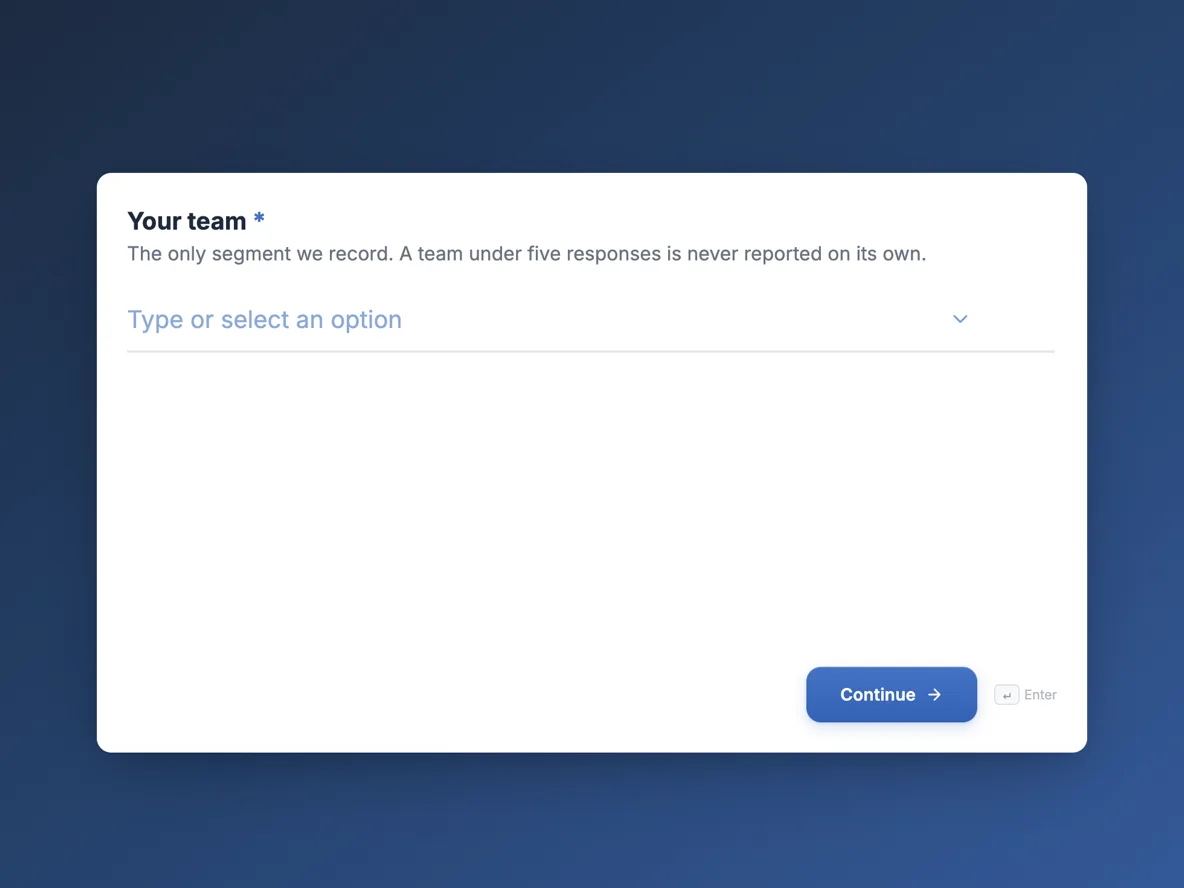 Employee pulse survey that can be trended month to monthMade with OneCraft, exactly as the generator and editor left it. Open the page for the full breakdown.
Prices read on the same day
Microsoft's comparison page, read on 21 October 2026, lists Microsoft 365 Personal at $9.99 a month or $99.99 a year and Family at $12.99 a month or $129.99 a year, with Microsoft Forms marked included in paid plans and the free tier marked free version only. SurveyMonkey, shown in Australian dollars to an Australian visitor, lists Standard Monthly at A$209, Advantage Annual at A$32 a month billed A$384, Premier Annual at A$119 a month billed A$1,428, and team plans from A$23 per user a month for 3 users. OneCraft lists $0, $8, $25 and $125 a month.
Branching in each tool
Microsoft Forms adds branching from a question's or section's settings and, its support article says, can only branch forward to a later question. SurveyMonkey adds skip logic from Standard and advanced logic and block randomisation on Premier. OneCraft's Logic tab works only on conversational forms: rules send a respondent to a later screen or end the form, with no show or hide.
Which to use for a staff survey
Inside Microsoft 365, start with Microsoft Forms. If leadership wants significance tests or theme analysis of comments, use SurveyMonkey. If the organisation is small and on neither, generate the survey with OneCraft and analyse the CSV in a spreadsheet.
Sources
Microsoft facts come from its Microsoft 365 comparison page and two Microsoft Support articles, SurveyMonkey facts from its pricing, individual plan and plan details pages, all read on 21 October 2026. OneCraft cells cite an internal ledger checked against the product source.
Who should stay with Microsoft Forms or SurveyMonkey
Stay with Microsoft Forms if your organisation runs on Microsoft 365 and your surveys are internal. Stay with SurveyMonkey if you report findings with significance tests and need its question bank. Choose the third option when you are outside both, or the form must look designed, print as a PDF or be signed.
Questions people ask
Is Microsoft Forms free?
Microsoft's comparison page marks Forms as included in paid Microsoft 365 plans and lists only the free version for the free tier. Its support article says you can sign in with a work or school account or a personal Microsoft account to create forms.
Is SurveyMonkey better than Microsoft Forms?
For analysis, yes: significance testing, crosstabs and AI thematic analysis come with its paid plans. For internal surveys inside Microsoft 365, Forms is already paid for and connects to Excel. The right choice depends on how much analysis you need.
Can Microsoft Forms branch backwards?
No. Its support article says branching can only go to a later question, not a preceding one. OneCraft's conversational jump rules also move forward or end the form, and a jump to its own screen is ignored. Plan the question order before adding rules in either tool.
How long can a Microsoft Forms title be?
Microsoft's support article says form titles can have up to 90 characters and descriptions up to 1,000 characters. OneCraft's generator takes a description of up to 10,000 characters to write the whole form. A long description on OneCraft feeds the AI, not the respondent.
Which suits a council staff survey?
A council on Microsoft 365 will usually start with Microsoft Forms. If the results go to councillors with statistical claims, SurveyMonkey's analysis helps. A small council outside both can generate the survey with OneCraft and chart the CSV. Anonymity depends on how the link is shared.
Try the form side of OneCraft
The button opens the generator with a starting prompt already filled in. Change the wording to match your own work before you run it.
Create a form with OneCraftMore comparisons
- A Microsoft Forms alternative outside Microsoft 365A Microsoft Forms alternative for people without a 365 subscription: AI written forms, 37 themes, conversational mode, fillable PDFs and certified signing.
- A SurveyMonkey alternative for surveys and feedbackA SurveyMonkey alternative for feedback surveys: 41 components, matrix grids, conversational mode and AI writing, with SurveyMonkey's response limits quoted.
- Google Forms vs Microsoft Forms, with a third columnGoogle Forms vs Microsoft Forms compared on cost, quizzes, spreadsheet sync, design, logic, file upload and AI, with OneCraft as a third column.
What the module actually does, feature by feature: the AI form builder page, and the forms maker page.
Step by step in the builder: Create a form with AI, then View, export and manage your responses.
Sources
Written and checked by the OneCraft team. Last checked .