Forms · Alternative
A QuestionPro alternative for simple surveys and forms
QuestionPro scales from a free plan capped at 200 responses per survey up to a Research Suite with conjoint, MaxDiff and a panel of more than 22 million respondents. Whether you should move depends on the research methods you use. If none of them appear in your work, a simpler builder that writes the survey in your language and prints the answers may be enough.
Updated , competitor details checked . QuestionPro is a trademark of its owner. OneCraft is a separate product, not affiliated with or endorsed by QuestionPro.
Nuwan Madhusanka · Co-founder
3 min read · Published
The short verdict
QuestionPro is the stronger tool for market researchers who run conjoint or MaxDiff studies, buy panel responses or need 40 plus question types with collaboration. OneCraft is the lighter choice for feedback surveys and forms written from a description, in any language, with a themed design and a response PDF.
| Feature | QuestionPro | OneCraft |
|---|---|---|
| Free plan | Essentials is free: 1 user, 200 responses per survey and 30 question types checked 2026-10-21 | Free at $0 with 100 credits a month; no response cap printed on the pricing page |
| Paid entry plan | Advanced at $99 per user per month billed annually, with 25K responses per year and 38 question types checked 2026-10-21 | Starter at $8 a month with 500 credits; Pro $25 and Pro+ $125 |
| Team plan | Team Edition at $83 per user per month billed annually, 5+ users, 100K responses per year and 46 question types checked 2026-10-21 | No seat pricing; plans meter AI credits rather than users |
| Research methods | Research Suite lists conjoint, MaxDiff and A/B testing, with pricing on request checked 2026-10-21 | No conjoint, MaxDiff or randomisation |
| Respondent panel | Choose from 22+ million respondents as part of the Research Suite checked 2026-10-21 | No panel; responses come from people you share the link with |
| Question types | 30, 38, 46 and 52 question types across the four plans checked 2026-10-21 | 41 component types across classic and conversational forms |
| Logic | Logic listed on every plan, Basic on the free plan and Standard on paid plans checked 2026-10-21 | Jump rules on conversational forms only |
| Survey language | The pricing page is offered in 12 languages; survey translation is not itemised there checked 2026-10-21 | The generator takes a free typed language with 32 suggestions |
| Look of the survey | Branding listed from the Advanced plan checked 2026-10-21 | 37 themes, 22 palettes and 24 background patterns on every plan |
| Response PDFs | Not itemised on the pricing page checked checked 2026-10-21 | A response PDF on every plan and a fillable PDF export from Starter |
Where QuestionPro is better
Methods that market researchers buy
Conjoint, MaxDiff and A/B testing appear by name in the Research Suite. These are how pricing and product teams test trade offs, and no general form builder, OneCraft included, offers any of them.
A panel of respondents
QuestionPro lists more than 22 million respondents to choose from. When you have no list of your own, buying responses is the only way to field a study quickly. OneCraft only reaches the people you send the link to.
Team collaboration and higher volumes
The Team Edition is built for 5 or more users and 100,000 responses a year, with regional data centres and a dedicated account manager. OneCraft has no seat model or collaboration roles on a form.
A large question library by tier
Up to 52 question types on the top plan gives researchers formats that a form builder does not carry. OneCraft's 41 components cover forms well, but a specialised research format may simply not exist.
Where OneCraft is different
A survey in the language you need
Type the language into the generator, choose from 32 suggestions or write your own, and the survey comes back written in it, welcome screen and all. A Spanish speaking customer base gets a Spanish survey without translating question by question.
Cheap to start, cheap to keep
A paid plan is $8 a month in total rather than per user, and a free account keeps collecting responses. For a business that runs three or four surveys a year, the difference with $99 per user per month billed annually is large.
Surveys that end on paper
Each response can be printed through a PDF layout editor, and a survey built for a clinic or school can be handed out as a blank template PDF for people who will not fill it online.
A finished example
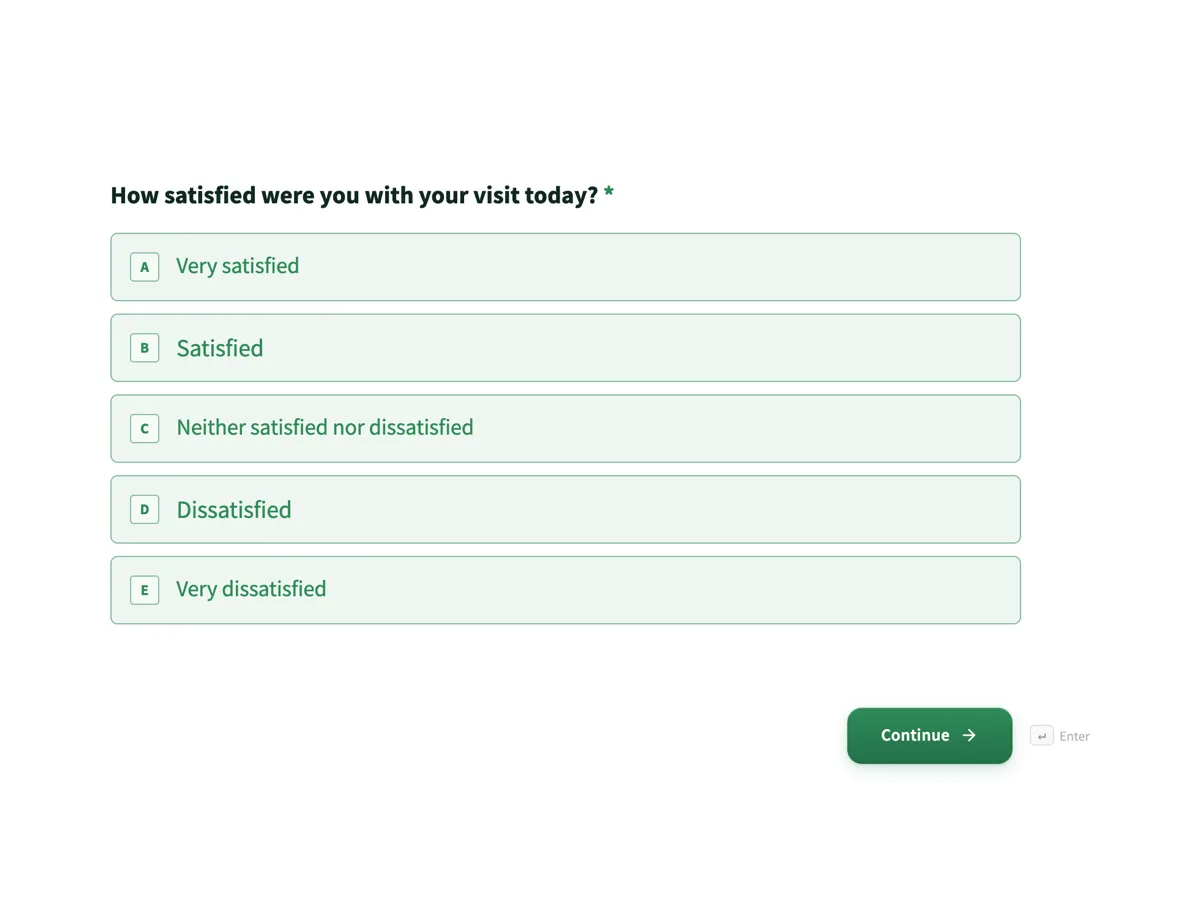 Customer feedback surveyMade with OneCraft, exactly as the generator and editor left it. Open the page for the full breakdown.
Pricing in plain terms
QuestionPro's pricing page, checked 21 October 2026, lists Essentials as free with 1 user, 200 responses per survey and 30 question types; Advanced at $99 per user per month billed annually with 25,000 responses a year and 38 question types; Team Edition at $83 per user per month billed annually for 5 or more users with 100,000 responses a year and 46 question types; and the Research Suite at a requested price for 10 or more users with 52 question types. Academic and nonprofit pricing is linked separately. OneCraft's page lists $0, $8, $25 and $125 a month for 100, 500, 1,500 and 7,500 AI credits.
The language of the survey
Generating a survey in another language here is one setting: type the language next to the prompt and the generator writes every question, option, welcome screen and thank-you message in it. Check the result with a native speaker before you publish, as you would any translation. The AI chat can then adjust wording, because it edits text only and cannot add or remove questions.
What does not move across
Response history, panel data and any conjoint or MaxDiff study stay in QuestionPro. Export your data before closing an account. The questions themselves can be pasted into the generator to rebuild a survey, but logic beyond simple jumps between screens will need to be rethought.
Where the facts come from
The QuestionPro column quotes its pricing page as read on 21 October 2026, and its features page for the feature names. Every OneCraft cell cites a row in an internal ledger read out of the product source.
Who should stay with QuestionPro
Stay with QuestionPro if you run conjoint, MaxDiff or A/B studies, buy panel responses, need its higher question type counts, or have five or more colleagues who analyse results together. Those are research workflows, and a form builder will slow you down.
Questions people ask
Is QuestionPro free for students?
QuestionPro's free Essentials plan allows 1 user, 200 responses per survey and 30 question types, and the pricing page links separate academic pricing. OneCraft's free plan gives 100 credits a month, about three AI projects, and published surveys keep collecting responses.
What is a simpler alternative to QuestionPro?
A form builder that writes the survey for you is simpler, provided you do not need conjoint, MaxDiff, panels or statistics. OneCraft generates a survey from a description, offers a conversational one question at a time mode, and exports responses to CSV.
Can I make a survey in Spanish?
Yes. Type Spanish in the generator's language field and the survey is written in Spanish, including the welcome and thank-you screens. Have a native speaker read it before publishing, because generated wording still deserves a check. The AI chat can then adjust wording, since it edits text only. QuestionPro offers its own interface in several languages, as its pricing page shows.
How many responses can I collect on the free plan?
QuestionPro's Essentials plan caps each survey at 200 responses. OneCraft's pricing page prints no response cap for its free plan; its free tier limits AI generation credits to 100 a month instead. If you expect thousands of answers to one survey, that cap is the first thing to check on QuestionPro.
Does OneCraft calculate an NPS score?
No. A 0 to 10 question can be built as a radio field, but no score is computed. Export the CSV and apply the standard formula, percentage of 9 and 10 minus percentage of 0 to 6, in a spreadsheet.
Try the form side of OneCraft
The button opens the generator with a starting prompt already filled in. Change the wording to match your own work before you run it.
Create a form with OneCraftMore comparisons
- A Qualtrics alternative for small surveys and feedbackA Qualtrics alternative for small surveys and feedback forms: logic, panels, analysis and price compared, with Qualtrics pages read on 21 October 2026.
- A SurveyMonkey alternative for surveys and feedbackA SurveyMonkey alternative for feedback surveys: 41 components, matrix grids, conversational mode and AI writing, with SurveyMonkey's response limits quoted.
- A Zoho Survey alternative for forms, PDFs and signingA Zoho Survey alternative for forms, PDFs and signing: response limits, skip logic, Zoho CRM sync and multilingual surveys compared, read 21 October 2026.
What the module actually does, feature by feature: the AI form builder page, and the forms maker page.
Step by step in the builder: Create a form with AI, then View, export and manage your responses.
Written and checked by the OneCraft team. Last checked .