Forms · Alternative
A Zoho Survey alternative for forms, PDFs and signing
Zoho Survey makes most sense inside the Zoho suite, where responses can flow into Zoho CRM, Zoho Sheet and Zoho Billing contacts. The deciding question is whether your survey must feed that suite. If it does not, a builder that writes the survey for you, prints each response and can send it for signature may cover the job with less setup.
Updated , competitor details checked . Zoho and Zoho Survey are trademarks of Zoho Corporation. OneCraft is not affiliated with Zoho Corporation and is not endorsed by it.
Indunil Asanka · Co-founder
3 min read · Published
The short verdict
Zoho Survey is the better buy for teams already on Zoho, who want responses in Zoho CRM, quotas, randomisation, scoring and surveys translated into 90 plus languages. OneCraft suits small teams that want one survey or form drafted from a description, themed, exported to CSV and, when needed, printed as a PDF or signed.
| Feature | Zoho Survey | OneCraft |
|---|---|---|
| Free plan | Free plan with 10 questions per survey and 100 responses per survey checked 2026-10-21 | Free at $0 with 100 credits a month; no question or response cap printed on the pricing page |
| Paid plans | Basic, Plus, Pro and Enterprise, with yearly billing saving up to 35%; dollar amounts did not load in the page as read checked 2026-10-21 | Starter $8, Pro $25 and Pro+ $125 a month |
| Response limits | Monthly responses per survey of 3,000, 5,000 and 7,000 on the three upper plans; 12,000 a year on Basic checked 2026-10-21 | No response cap printed on the pricing page |
| Skip logic | Display, page and answer logic to show, skip or direct questions, from the Plus plan checked 2026-10-21 | Jump rules on conversational forms only; no show or hide |
| Randomisation and quotas | Question randomization and quotas listed on the paid plans checked 2026-10-21 | No randomisation or quotas |
| Scoring | Scoring to assign points to responses, from the Plus plan checked 2026-10-21 | No scoring of answers |
| Languages | Multilingual surveys translated into 90+ languages; the builder interface in 26 languages checked 2026-10-21 | Generator writes the survey in a free typed language with 32 suggestions |
| Zoho integrations | Zoho CRM, Zoho Sheet, Zoho Recruit and Zoho Billing integrations by plan checked 2026-10-21 | No CRM integration; a webhook and an email alert |
| Survey templates | Over 250 survey templates checked 2026-10-21 | A generator that writes the survey from a description |
| PDF of results | Export a printable report of survey responses as PDF checked 2026-10-21 | A PDF per response, laid out in the form's PDF editor |
| Signing | Not listed on the pricing page checked checked 2026-10-21 | An e-signing add-on that sends a response for certified signing |
Where Zoho Survey is better
It belongs to a suite
Zoho Survey hands responses to Zoho CRM, Zoho Sheet, Zoho Recruit and Zoho Billing contacts, so a team on Zoho One gets surveys that already know its customers. OneCraft integrates with nothing natively and forwards a response only by webhook.
Research controls on paid plans
Question randomisation, quotas, scoring, custom variables and custom script conditions appear on the pricing page. OneCraft has none of these; its only logic is jumping between conversational screens.
Translation into 90 plus languages
A single Zoho survey can be offered in many languages at once. OneCraft writes a survey in one language per generation, so a bilingual audience needs two versions.
Distribution channels
Email distribution, SMS distribution, pop up surveys, in mail surveys and offline collection are listed. OneCraft publishes a link and an embed, and you share it yourself.
Where OneCraft is different
A survey that writes itself
Describe the decision the survey supports, or paste rough questions, and the generator returns sections, scales, a welcome screen and a theme in one pass, in the language you name.
Forms and surveys in one look
The same builder makes classic forms with tables, address and signature fields and conversational surveys with recorded answers, so a registration form and its follow up survey can match.
Each response as a document
Instead of a report of all responses, each answer can be printed as its own PDF and, with the e-signing add-on, sent for signature with a certificate of completion.
A finished example
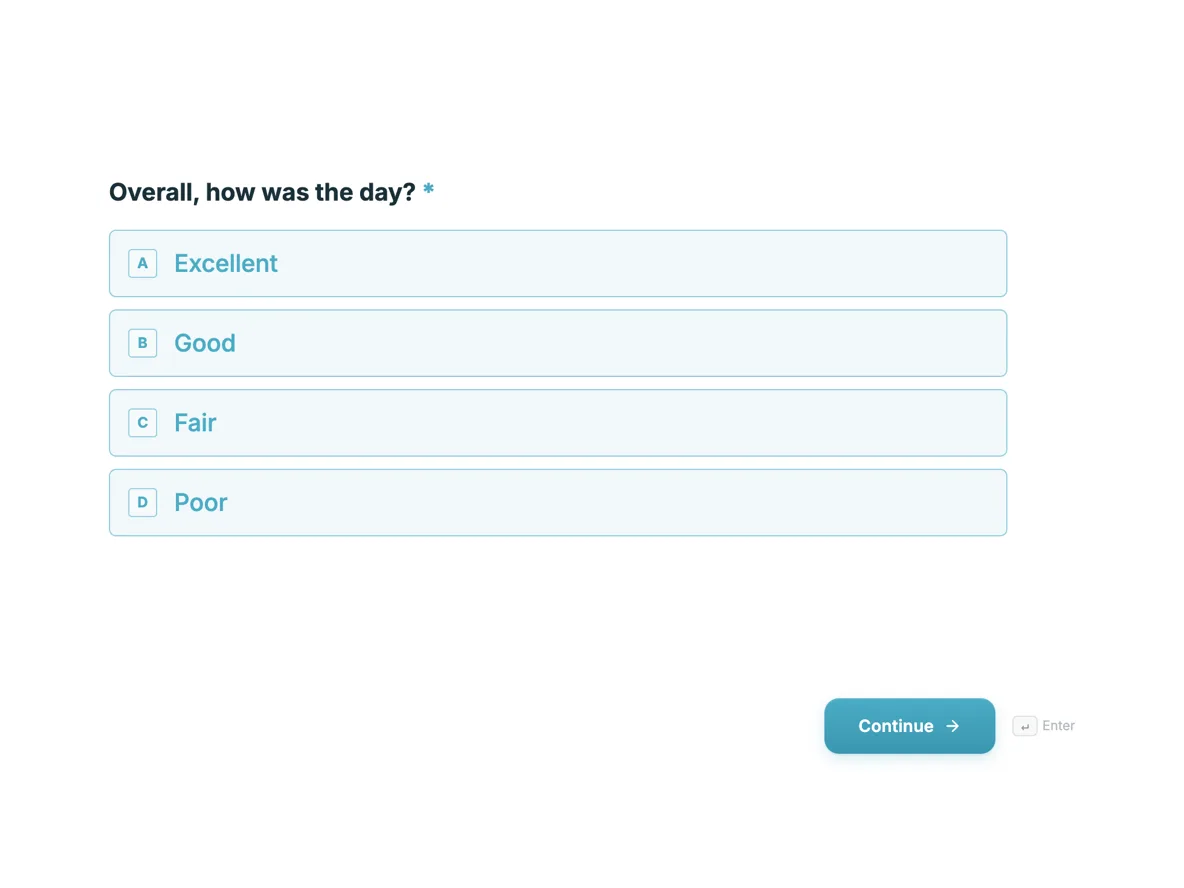 Event feedback form that asks what to changeMade with OneCraft, exactly as the generator and editor left it. Open the page for the full breakdown.
Pricing in plain terms
Zoho Survey's pricing page, read on 21 October 2026, lists Free, Basic, Plus, Pro and Enterprise plans with monthly or yearly billing and says yearly billing saves up to 35%, with a 7 day Enterprise trial. The dollar amounts are loaded by script and did not appear in the page as read, so they are not quoted here. The limits did: the free plan allows 10 questions and 100 responses per survey, and the upper plans 3,000, 5,000 and 7,000 responses per survey each month. OneCraft lists $0, $8, $25 and $125 a month for 100, 500, 1,500 and 7,500 AI credits.
When leaving the suite makes sense
A business that uses Zoho only for surveys, or picked Zoho Survey because a free plan was available, loses little by moving. A business whose CRM, billing and recruiting live in Zoho loses the integrations that make Zoho Survey worth having, and should stay.
Getting the data out
Export responses from Zoho Survey before closing an account. New OneCraft responses export to CSV with one column per question and option labels as answers, and composite answers such as a matrix or an address joined into one column. Plan the column mapping before merging the two files.
How this page was checked
The Zoho column quotes its pricing page and features page as read on 21 October 2026. The OneCraft column cites an internal ledger checked against the product's source.
Who should stay with Zoho Survey
Stay with Zoho Survey if your team runs on Zoho and needs responses in Zoho CRM or Zoho Sheet, or if you rely on quotas, randomisation, scoring or one survey in many languages. OneCraft does not replace those, and losing the suite connection costs more than any saving.
Questions people ask
Is Zoho Survey free?
Zoho Survey has a free plan; its pricing page lists 10 questions per survey and 100 responses per survey on it. Paid plans raise those limits and add logic, randomisation, quotas and integrations. OneCraft's free plan gives 100 AI credits a month, about three generated projects.
Can a OneCraft survey send responses to Zoho CRM?
Not directly. A webhook can post each response as JSON to an automation tool or endpoint that creates a Zoho CRM record. It fires once with no retry, so failures need to be logged at the receiving end. Map fields by the label keyed data for readability.
Can I run one survey in several languages?
Zoho Survey translates one survey into many languages. OneCraft generates a survey in the language you type, one language per survey, so a two language audience would get two links. Each version then has its own responses, which you combine in a spreadsheet afterwards. For a regular multilingual programme that duplication becomes tedious, which favours Zoho.
Does OneCraft randomise questions?
No. Questions always appear in the order built. If order bias matters to your study, Zoho Survey's question randomisation on its paid plans is the safer choice. The same is true of option order inside a question, which stays as written. For a casual feedback survey this rarely matters; for a study, it can.
What does a response PDF contain?
Each submitted response prints as a PDF laid out in the form's own PDF editor, with photo answers printed inline and uploaded images added as pages after the form. Generation is queued and polled for up to five minutes. Fillable PDF export of the blank form needs the Starter plan.
Try the form side of OneCraft
The button opens the generator with a starting prompt already filled in. Change the wording to match your own work before you run it.
Create a form with OneCraftMore comparisons
- A Zoho Forms alternative with AI and e-signatureA Zoho Forms alternative for teams outside the Zoho suite: AI written forms, fillable PDFs and certified signing, with approvals and offline mobile compared.
- A SurveyMonkey alternative for surveys and feedbackA SurveyMonkey alternative for feedback surveys: 41 components, matrix grids, conversational mode and AI writing, with SurveyMonkey's response limits quoted.
- A QuestionPro alternative for simple surveys and formsA QuestionPro alternative for simple surveys: response caps, question types, conjoint and panels compared, with QuestionPro prices read 21 October 2026.
What the module actually does, feature by feature: the AI form builder page, and the forms maker page.
Step by step in the builder: Create a form with AI, then View, export and manage your responses.
Written and checked by the OneCraft team. Last checked .