Forms · Alternative
A SurveySparrow alternative for conversational surveys
SurveySparrow and OneCraft both ask questions one at a time in a chat like layout. Where they part is everything around the survey: SurveySparrow runs feedback programmes with AI follow ups, scheduled sends, dashboards and response caps per plan, while OneCraft writes a single form or survey for you and stops at the response, its PDF and an optional signature.
Updated , competitor details checked . SurveySparrow is a trademark of SurveySparrow Inc. OneCraft has no affiliation with SurveySparrow Inc. and no endorsement from it.
Indunil Asanka · Co-founder
3 min read · Published
The short verdict
SurveySparrow is built for ongoing feedback programmes: NPS, CSAT and CES suites, AI follow up questions, scheduled outreach and analytics, with response caps by plan. OneCraft fits teams that need one well designed conversational survey or form at a time, generated from a description, with answers kept in a CSV and optionally turned into a PDF.
| Feature | SurveySparrow | OneCraft |
|---|---|---|
| Free plan | A forever free plan with 75 responses per quarter, 3 active surveys and 10 questions per survey checked 2026-10-21 | Free at $0 with 100 credits a month; no question or response cap printed on the pricing page |
| Paid plans | Basic with 2,500 responses and 1 user, Starter with 15,000 and 1 user, Business with 36,000 and 3 users, Enterprise custom; dollar amounts did not load in the page as read checked 2026-10-21 | Starter $8, Pro $25 and Pro+ $125 a month |
| Extra users | Additional users at $49 per user per month checked 2026-10-21 | No seat pricing |
| Conversational themes | Not counted on the pricing page or home page checked checked 2026-10-21 | 25 conversational themes, plus 12 classic themes |
| Logic | Display and skip logic listed on the Basic plan checked 2026-10-21 | Jump rules per screen in a Logic tab, ending or skipping ahead |
| Recurring programmes | CX Suite for NPS, CSAT and CES, with SmartReach AI to decide when and how each survey is delivered checked 2026-10-21 | No scheduled or recurring sends; a survey is a link you share |
| AI follow ups | echoAI agents ask contextual follow up questions on responses checked 2026-10-21 | No follow up questions; the AI writes the survey and edits its text |
| Recorded answers | Not itemised on the pages checked checked 2026-10-21 | Audio or video answers, 120 seconds by default, conversational only |
| Respondent emails | Notify Respondents via Email listed on the Basic plan checked 2026-10-21 | No email to the respondent; only the owner's alert |
| Fields in a conversational survey | Not itemised on the pages checked checked 2026-10-21 | Photo and signature render; e-signature and branding fall back to a text box |
| After the survey | Workflows and webhooks on the Business plan checked 2026-10-21 | Webhook and email alert on every form, plus a response PDF |
Where SurveySparrow is better
Programmes, not single surveys
The CX Suite for NPS, CSAT and CES, SmartReach delivery timing and SpotChecks inside a website or app are built for feedback that runs all year. OneCraft makes the survey and publishes a link; scheduling, reminders and triggers are up to you.
AI that talks back
echoAI agents ask follow up questions about a response to find out what a score really means. OneCraft's AI writes the survey and can rewrite its text, but it never questions a respondent.
Dashboards and key driver analysis
CogniVue surfaces themes, sentiment and key drivers as responses arrive, and a co-pilot answers questions about the data. OneCraft has a responses table and a CSV export, with no analytics layer.
Messages to respondents
SurveySparrow can notify respondents by email from its Basic plan and send surveys by email and SMS. OneCraft never emails the person who answered.
Where OneCraft is different
Cost that does not scale with responses
SurveySparrow plans are defined by response caps from 2,500 to 36,000. OneCraft prices AI generation instead and prints no response cap, so a survey that suddenly gets a lot of answers does not push you up a tier.
Forms in the same tool
The same account builds classic forms with design blocks, tables and e-signature fields, and conversational ones with profile and recording screens. A pulse survey and a leave request can share one look.
Answers that can be printed or signed
A response becomes a PDF through a layout editor, and the e-signing add-on can route it for signature with a certificate of completion, which feedback platforms are not designed to do.
A finished example
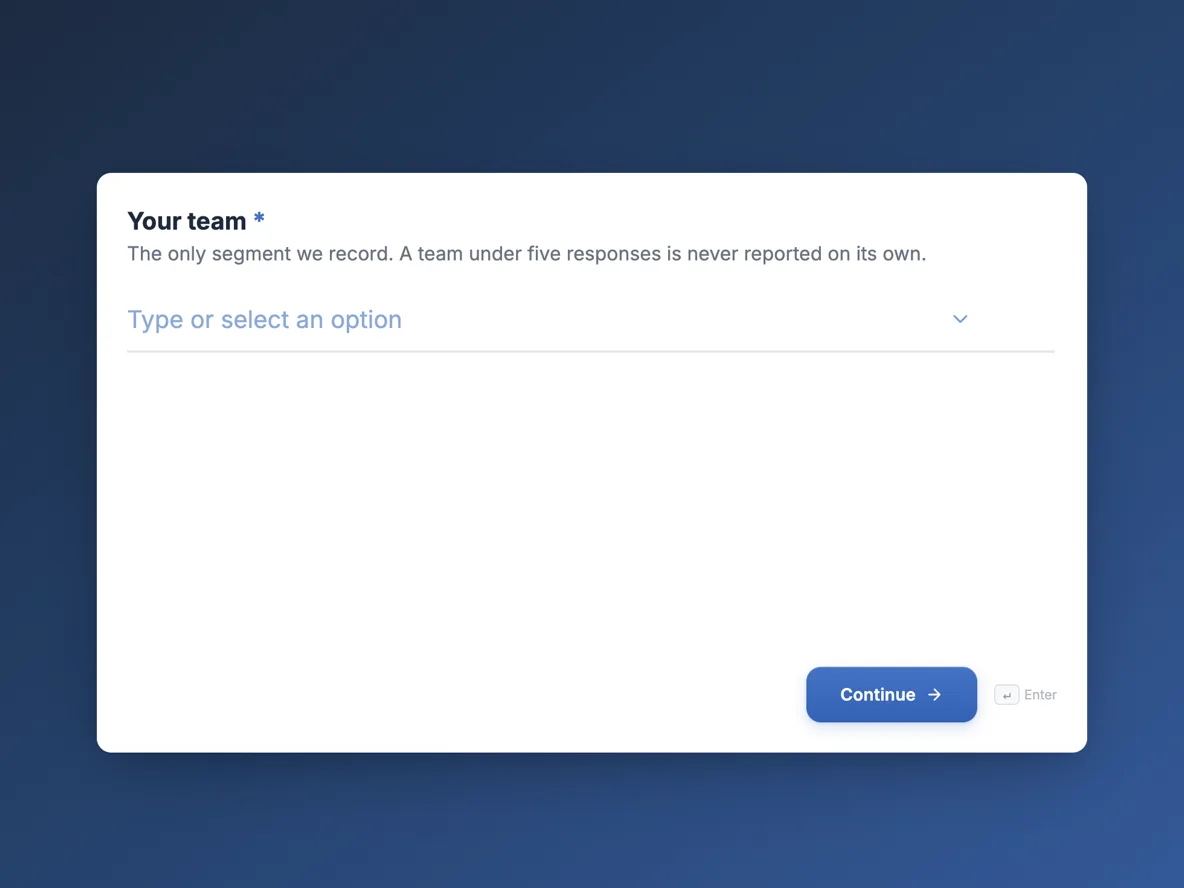 Employee pulse survey that can be trended month to monthMade with OneCraft, exactly as the generator and editor left it. Open the page for the full breakdown.
Pricing in plain terms
SurveySparrow's pricing page, read on 21 October 2026, describes a forever free plan with 75 responses per quarter, 3 active surveys and 10 questions per survey, and paid plans defined by responses and users: Basic with 2,500 responses, Starter with 15,000, Business with 36,000 and 3 users, and a custom Enterprise plan. The dollar amounts for each plan load by script and did not appear in the page as read, so they are not quoted here; the one dollar figure shown was additional users at $49 per user per month. OneCraft lists $0, $8, $25 and $125 a month for 100, 500, 1,500 and 7,500 credits.
Which field types work conversationally
On a OneCraft conversational form every component in its toolkit has a real renderer, including table, matrix, address, full name, profile, fill in the blank, recording, photo and signature. Two do not: the e-signature component and the branding block fall back to a plain text box, and both are classic only anyway. A number field also drops its minimum and maximum on screen, so the range is enforced only when the form is submitted.
Running a recurring survey without a scheduler
If you do move, a recurring pulse is still possible: publish the survey once, keep the same link, and send it on a calendar reminder each month. Publishing updates keeps the link working. What you lose is automatic targeting, reminders to non responders and trend dashboards.
How the comparison was made
SurveySparrow facts come from its pricing page and home page as read on 21 October 2026. OneCraft facts cite an internal ledger checked against the product's source code.
Who should stay with SurveySparrow
Stay with SurveySparrow if you run scheduled NPS or CSAT programmes, rely on AI follow up questions, need in app SpotChecks or report on sentiment and key drivers. Those programme tools are absent here, and rebuilding them with a spreadsheet would cost more than the subscription.
Questions people ask
Is there a cheaper conversational survey tool than SurveySparrow?
Several tools offer one question at a time surveys for less, and some are free. OneCraft's conversational forms start on a free plan and paid plans begin at $8 a month with no per user price. What you give up is SurveySparrow's programme features, such as scheduling, AI follow ups and dashboards.
Can respondents answer by voice?
Yes, on a OneCraft conversational form. The recording component takes audio or video, with a 120 second default and a visible timer, and the CSV marks it as Recording uploaded. It is not available on classic forms. Keep recording questions optional, because some people cannot or will not record in public.
Does SurveySparrow have a free plan?
Yes. Its pricing page lists a forever free plan with 75 responses per quarter, 3 active surveys and 10 questions per survey, after a 14 day trial of Business features capped at 50 responses. Paid plans raise those limits by response count.
Can a conversational survey include a signature?
On OneCraft, yes: the signature pad renders in conversational forms, drawn or typed by the respondent. The separate e-signature component, which sends a response for certified signing, is classic only and shows as a text box in a conversational form.
How do I share results with my team?
OneCraft has no shared dashboard. Export the responses to CSV, with option labels and one column per field, and share the spreadsheet or chart it yourself. SurveySparrow's Business plan includes 3 users and AI analysis features for this. A shared folder with the exported CSV is the usual workaround for a small team.
Try the form side of OneCraft
The button opens the generator with a starting prompt already filled in. Change the wording to match your own work before you run it.
Create a form with OneCraftMore comparisons
- A Typeform alternative, compared honestlyOneCraft as a Typeform alternative for conversational forms: what matches, what does not, where Typeform stays ahead, and both public pricing pages quoted.
- Tally vs Typeform vs OneCraftTally, Typeform and OneCraft compared for conversational forms: price and caps, fields, logic, design, PDFs and signing, with where each one wins.
- A QuestionPro alternative for simple surveys and formsA QuestionPro alternative for simple surveys: response caps, question types, conjoint and panels compared, with QuestionPro prices read 21 October 2026.
What the module actually does, feature by feature: the AI form builder page, and the forms maker page.
Step by step in the builder: Create a conversational form with AI, then Publish updates without breaking your live link.
Written and checked by the OneCraft team. Last checked .