Websites
Pre-order website with ship dates, limits and bundles
A pre-order website sells a product before it is in stock and tells the buyer when it ships. It works when the ship date is on every step, a limited run stops at its limit, and the order is paid through your own account like any other.
Three ways to sell without stock
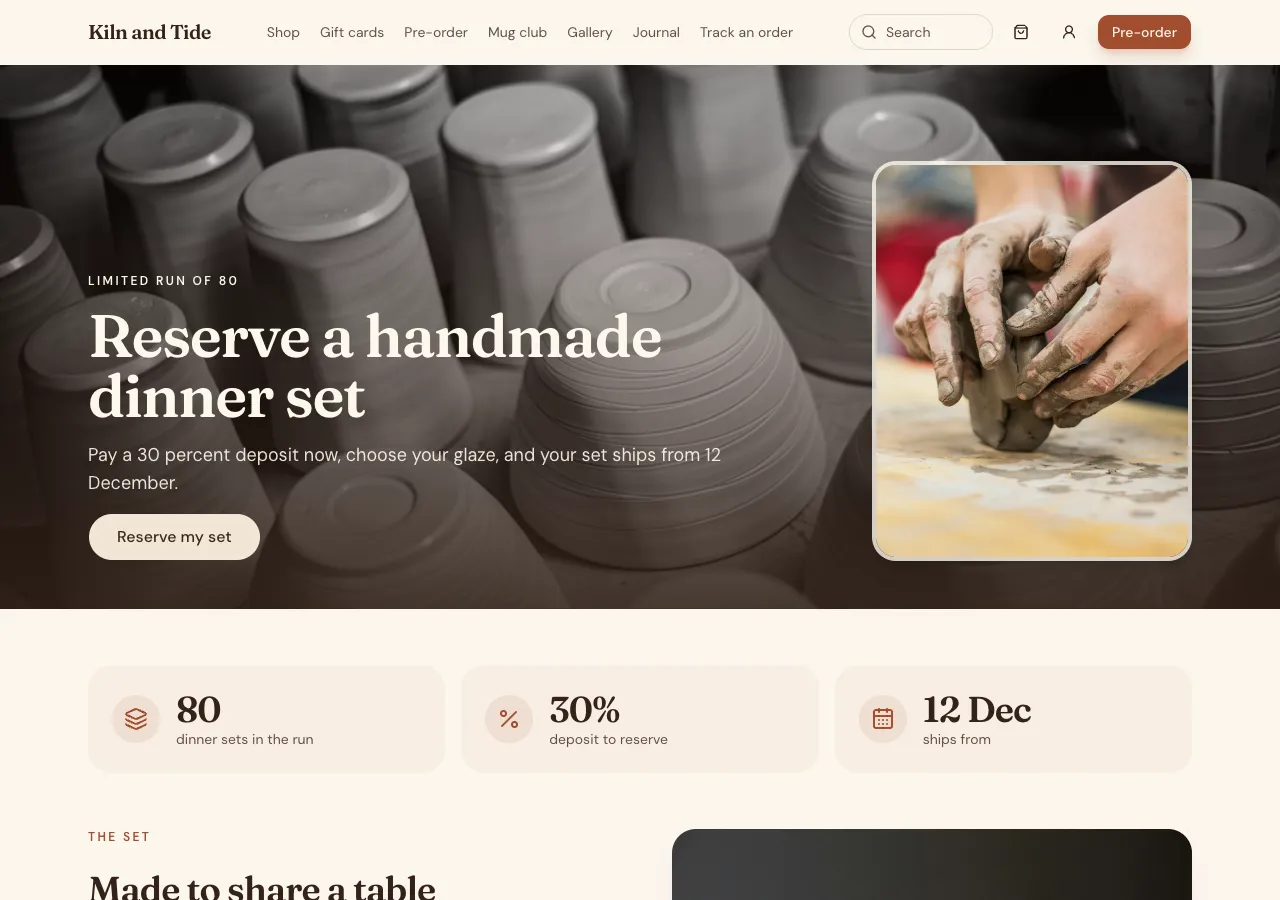
Ask for pre-orders and the AI follows its preorders guide. Each product can be sold normally, as a pre-order until a closing date with a ship from date and an optional limit, as a backorder when sold out, or made to order with a lead time in days. Product pages show Pre-order or Order now with Ships from 12 December or Made in about 10 days.
Limits and dates decided at the order
The order function decides each line itself: in stock, a pre-order still open and under its limit, a backorder or made to order. The limit is checked under a lock on the product, so the 81st set of a run of 80 is refused even if two people press Pre-order together. The ship date is set there, never taken from the browser.
What buyers see
The cart line, checkout and thank you page repeat the ship date, and an order with in stock and pre-order lines says it ships together on the latest date. A signed in buyer's orders show Pre-order, ships from the date until it is sent, and get a notification in the site's bell when staff mark it shipped.
Bundles and deposits
Ask for bundles and the AI adds sets at a fixed price, frequently bought together and size charts; a bundle's price comes from the database, and every part must be available. Ask for deposits and a pre-order can take part payment now through Stripe Checkout on your connected account, with the balance before shipping.
Planning production
Staff see open pre-order lines grouped by product with total quantities, which is what you plan production from, and the orders under them. Mark shipped sets the order fulfilled and adds a note to its history. The site cannot email buyers when an order ships, so signed in buyers rely on the bell.
How it works, in three steps
Step 1
Describe the products
For each, say pre-order, backorder or made to order, the close date, ship date, lead time and any limit.
Step 2
Connect Stripe
Connect Stripe in account settings, Payments, so orders can be paid.
Step 3
Check and publish
Pre-order past the limit in the preview, then publish on a paid plan.
Limits worth knowing
- Card payments need a paid plan and Stripe connected in account settings; the platform fee is 2% on Starter, 1% on Pro and 0.5% on Pro+, with Stripe fees on top.
- Buyers are not emailed when an order ships; signed in buyers see a notification.
- Consumer law expects you to ship by the date you state, or tell buyers.
- The data lives in the site's own database: a hosted one on every plan, or your own Supabase account.
Questions people ask
What is the difference between a pre-order and a backorder?
A pre-order sells something before it has ever been in stock, usually until a closing date and with a ship date. A backorder sells something usually in stock that has run out. Made to order is built after the order, with a lead time. Each shows its own label and date.
Can I cap a limited run?
Yes. Give the product a pre-order limit and the order function counts pre-orders under a lock on the product, refusing the one that would pass it. The product page can show how many are left, and Pre-orders closed after the closing date.
Can buyers pay a deposit on a pre-order?
Yes, when you ask for deposits. The buyer pays part now through Stripe Checkout, sees Balance due with a date in their account, and pays the balance with one button. Staff can also mark a balance paid in person, and refunds are made in your Stripe dashboard.
What if the ship date slips?
Change the ship from date in the admin and new orders show the new date at once. Existing buyers see the order's date in their account. Under Australian consumer law you must deliver within the time you stated or a reasonable time, so tell buyers promptly if it slips.
Can I mix pre-order and in stock items in one order?
Yes. By default the order ships together on the latest ship date, and checkout says so. If you would rather keep them apart, ask the AI to refuse mixed orders with a plain message asking the buyer to order separately.
Does it work in a phone app?
Yes. A phone app based on the website shows the same Pre-order labels and dates on the product screen, cart and orders, and opens Stripe Checkout in the in app browser to pay. Production planning stays in the website's admin.
Make your own website
The button opens the generator with this use case already described. Change the wording to match yours, generate, then edit anything you like.
Create a website with OneCraftRelated pages
Delivery and pickup ordering with time slots and tracking
Delivery and pickup ordering lets customers choose how they get their order, see the delivery fee for their postcode before they pay, and pick a time slot that still has room. After that, a tracking page tells them where the order is up to without a phone call.
Order management for a small online store: pending to fulfilled
Order management for a small online store is seeing each order, knowing which are paid and moving them through to sent. On OneCraft the agent writes it with the orders and admin guides: an orders table with a status, a timeline of events per order, and an admin page where you filter, open and fulfil them.
Customer list for your online store, built from every order and form
A customer list for an online store gathers everyone who bought, booked or signed up into one table you can search, tag and export. On OneCraft the agent writes it into your site's admin with the crm guide: customers, notes, tags, segments and a timeline of what each person did, all private to admins.
More finished work of this kind is on the website examples hub.
Written and checked by the OneCraft team. Last checked .