Websites
Website with customer reviews and moderation
A website with customer reviews lets real customers rate a product, a service or the business and say why. Reviews are only worth showing if they come from real people, appear after a check, and are never mixed with quotes the owner picked or numbers the owner made up.
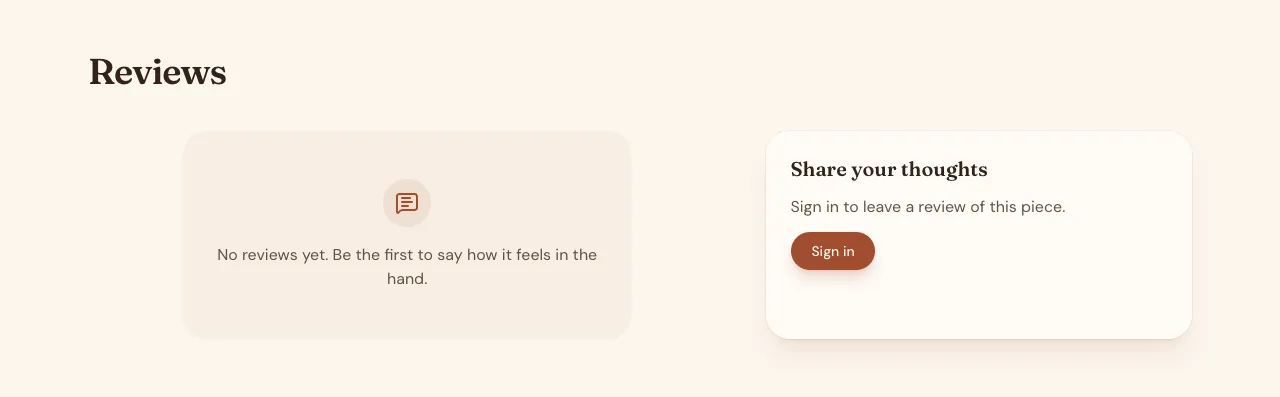
Reviews from signed in customers
Ask for reviews and the AI follows its reviews guide: reviews of a product, service, place or the whole business, each with a rating from one to five, a title, a body and the author's display name. One review per person per subject is enforced by the database, and a signed in customer sees a waiting for approval note after sending.
Moderation first
New reviews are hidden until staff approve them in the admin area, which lists pending reviews first with Approve and Reject. The database rule shows a review to visitors only when it is approved, and to its author before that; the AI tests the rule as an anonymous visitor and as a signed in customer before it finishes.
Averages and stars
A view over approved reviews gives the count and average for each subject, shown as stars on product cards and pages. Ask for search engine rich results and the AI adds an aggregate rating to the product's structured data from these real reviews only, never from testimonials or invented numbers.
Reviews and testimonials are different
Testimonials are quotes the owner chooses and adds in the admin, shown in a slider or wall. Reviews are written by customers and moderated. Keeping them apart keeps the star average honest; the AI never writes either for you and never presents a stock photo as a reviewer.
Anonymous reviews and spam
By default only signed in customers can review, which cuts spam. Ask for anonymous reviews and the AI adds a hidden field for bots and a limit per email per hour, but moderation becomes more work. Reviews never show an email address.
How it works, in three steps
Step 1
Describe what is reviewed
Say which products, services or the business can be reviewed and who may write one.
Step 2
Check moderation
Write a review in the preview as a customer, approve it as staff, and see the average change.
Step 3
Publish
On a paid plan, publish and invite customers to review after a purchase or visit.
Limits worth knowing
- New reviews wait for approval in the admin.
- Star averages count approved reviews only.
- The data lives in the site's own database: a hosted one on every plan, or your own Supabase account.
- The free plan builds and previews the site; publishing starts on Starter.
Questions people ask
Can I delete a bad review?
Staff can reject a review in the admin, which removes it. Be careful: in Australia, hiding genuine negative reviews can mislead customers, and the ACCC has acted against businesses that did. Reply to fair criticism instead, and remove only fake, abusive or off topic reviews.
Can I import reviews from Google?
No. Reviews on the site come from customers who write them there. You can link to your Google Business Profile reviews, and you can add chosen quotes as testimonials with the customer's permission, but neither counts toward the site's star average.
Will review stars show in Google search?
Product structured data can carry an aggregate rating from the site's approved reviews, which is what Google reads for review stars. Whether stars appear is Google's decision, and it does not show self serving reviews of a business on its own site, so stars mostly appear for products.
Can customers review without an account?
Only if you ask for anonymous reviews. By default a review needs a sign in, which ties it to a real account and limits each person to one review per product or service. Anonymous reviews add a spam guard and a rate limit, and still wait for approval.
Can I reply to a review?
Ask for owner replies and the AI adds a reply field staff fill in the admin, shown under the review. A reply is a good way to answer criticism in public. Replies are visible to everyone once the review itself is approved.
Do reviews work in a phone app?
Yes. A phone app based on the website shows the same approved reviews and averages on the product or service screen, and signed in customers can write a review there, with the same one review per product rule. Moderation stays in the website's admin.
Make your own website
The button opens the generator with this use case already described. Change the wording to match yours, generate, then edit anything you like.
Create a website with OneCraftRelated pages
Pricing page builder with plans, testimonials and your team
A pricing page shows what each plan or package costs and what it includes, so buyers can choose without a sales call. It earns trust when prices are real, the comparison is easy to scan on a phone, and the quotes and faces around it belong to real clients and staff.
Giveaway website with entries, rules and a fair draw
A giveaway website runs a prize draw people enter online, with clear rules and a draw nobody can rig. It needs one entry per person, rules written by the owner for their state or country, and a draw that runs once, at random, after entries close.
Directory website builder with filters and submissions
A directory website is a list people browse and filter, such as local tradies, rentals, cars for sale or job ads, and often one they can add to. It stays useful only if the filters match what people look for and new listings are checked before they appear.
More finished work of this kind is on the website examples hub.
Written and checked by the OneCraft team. Last checked .