Websites
Website with online booking, written from your brief
A website with online booking lets a customer pick a service, a person and a free time, and get a confirmed booking without a phone call. What makes it trustworthy is that two people can never take the same slot, and that customers can see and cancel their own bookings.
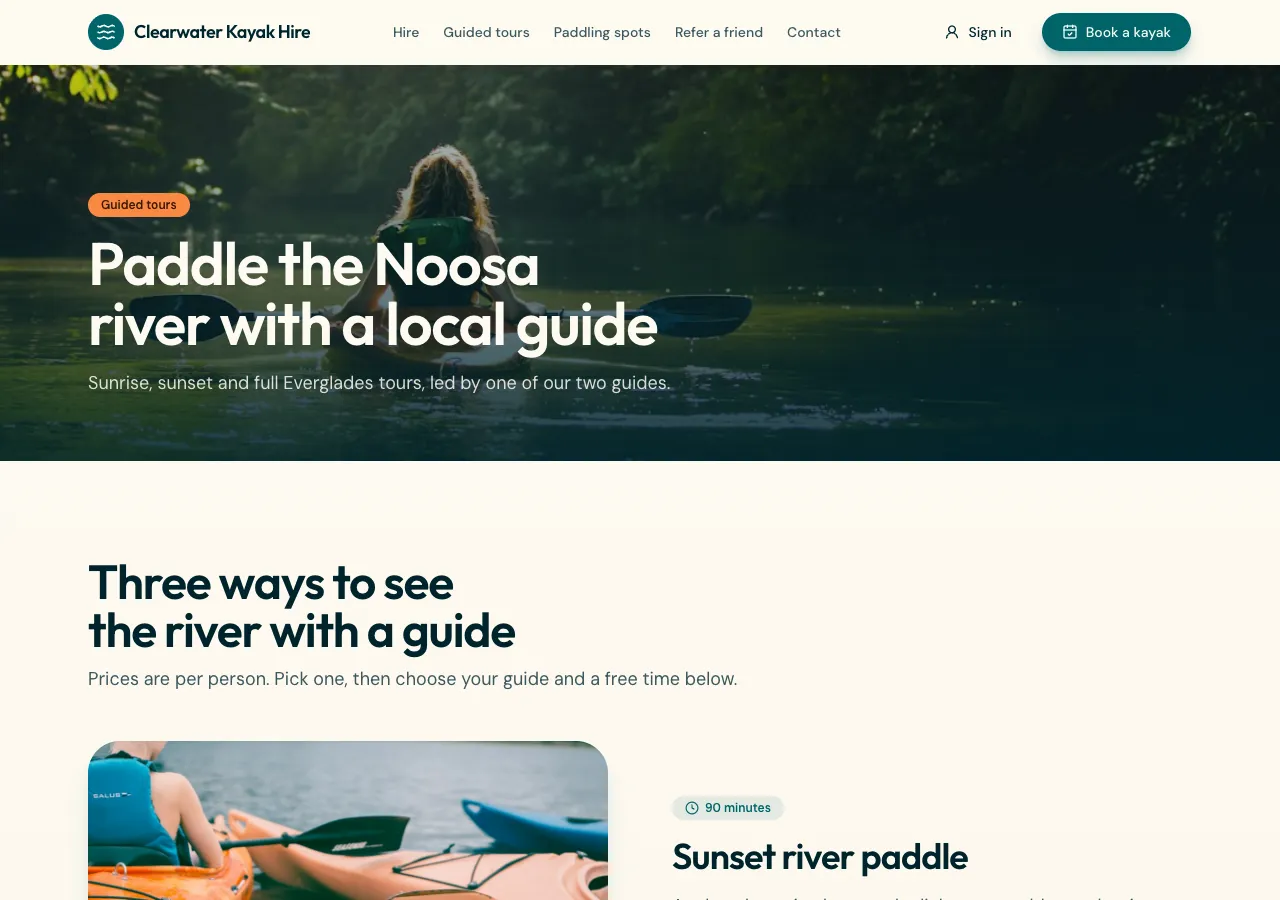
What gets built
Ask for online booking and the AI follows its bookings guide: a services table with duration and price, staff with their weekly hours and time off, and a bookings table, all in the site's own database. The booking page walks through service, person, day and a free time, then a short details form, then a confirmation page with the time.
Double bookings refused in the database
Free times are worked out in the browser from the staff hours minus the day's bookings, but the booking itself goes through a database function that locks the person's row, checks the hours and any overlap, and only then inserts. If two people press Book for the same slot, one gets the booking and the other is asked to pick again. The screen is never the guard.
What customers see
A signed in customer has a My bookings page listing their own bookings with a Cancel button while the time is in the future. Row level security means they read only their own rows, which the AI tests as an anonymous visitor and as a signed in person before it finishes. Guests can book too when you ask for it, by giving their name and email.
What staff see
Staff sign in to the site's admin area: a day and week view of bookings with Confirm, Cancel and Done, and editors for services, hours and time off. The first admin is created from the contact email in your brief. A phone app built on the same site gets a Book tab for customers and an Admin tab for staff.
Reminders, deposits and payment
Reminders need either site mail for signed in customers or in-app notifications with a bell; there are no text messages and no pushes. Ask for a deposit and the booking takes part payment through Stripe Checkout on your connected account, with the balance later. Without card payment, the confirmation says you will confirm by email.
How it works, in three steps
Step 1
Describe the bookings
List the services with durations and prices, the people taking bookings and their hours, and whether guests may book.
Step 2
Check the flow
In the preview, book a slot, try the same slot again, then cancel it from My bookings.
Step 3
Publish
On a paid plan, publish; staff manage the day from the site's admin area.
Limits worth knowing
- The data lives in the site's own database: a hosted one on every plan, or your own Supabase account.
- Reminders come by in-app notification or site mail to signed in customers; no SMS and no pushes.
- There is no live calendar feed; customers add a booking to their calendar from a download or link.
- The free plan builds and previews the site; publishing starts on Starter.
Questions people ask
Can customers book without an account?
Yes, when you ask for guest booking. They give a name, email and phone, and the booking is stored with those details. Signed in customers get the extra of a My bookings page where they see and cancel their own. Many businesses offer both, with sign in as the faster path for regulars.
How does it stop two people booking the same time?
The booking is made by a function inside the database that locks the staff member's row, checks the working hours and any overlapping booking, and refuses the second request. Because the check happens in the database, not on the page, it holds even when two people press Book at the same moment.
Can I set different hours for each staff member?
Yes. Each person has their own weekly hours, and time off blocks out holidays or appointments. The free times shown on the booking page come from those hours minus the bookings already made that day, so changing a person's hours in the admin changes what customers can choose.
Does it sync with Google Calendar?
No live sync. Customers can add their booking to Google Calendar, Outlook or Apple Calendar from the confirmation page with a link or a downloaded file, when you ask for it. Staff see bookings in the site's admin day and week views rather than in their own calendar.
Can I take a deposit when someone books?
Yes, on a paid plan with Stripe connected. Ask for deposits and the booking creates a deposit payment through Stripe Checkout, with the balance due later; customers see Deposit paid and Balance due in their account. Refunds of deposits are made in your Stripe dashboard.
What does online booking cost to run?
The AI work to build it is billed in credits, about one credit per US cent of model use plus one per build. Publishing needs a paid plan, and the database is either a hosted one on every plan or a Supabase account of your own. Card payments add Stripe's fees and the platform fee.
Make your own website
The button opens the generator with this use case already described. Change the wording to match yours, generate, then edit anything you like.
Create a website with OneCraftRelated pages
Class timetable website with booking and waitlists
A class timetable website shows the week's classes with times, instructors and spots left, and lets members book a place. What makes it work for a studio is capacity that cannot be overbooked, a waitlist that fills a cancelled spot by itself, and a cancel cutoff everyone can see.
Portfolio website maker: the work first, uncropped
A portfolio website is judged in the first few images, so it should show the work large, in its own proportions, and get out of the way. After that it needs only three things: who made it, what they offer, and how to ask about a job.
Website in another language: the copy, the tags and the direction
A website in another language needs more than translated paragraphs: the page has to declare its language to browsers and search engines, the small interface words have to match, and right to left scripts have to flip the layout. A generator can do most of that from one setting.
More finished work of this kind is on the website examples hub.
Written and checked by the OneCraft team. Last checked .