Videos
AI voiceover languages
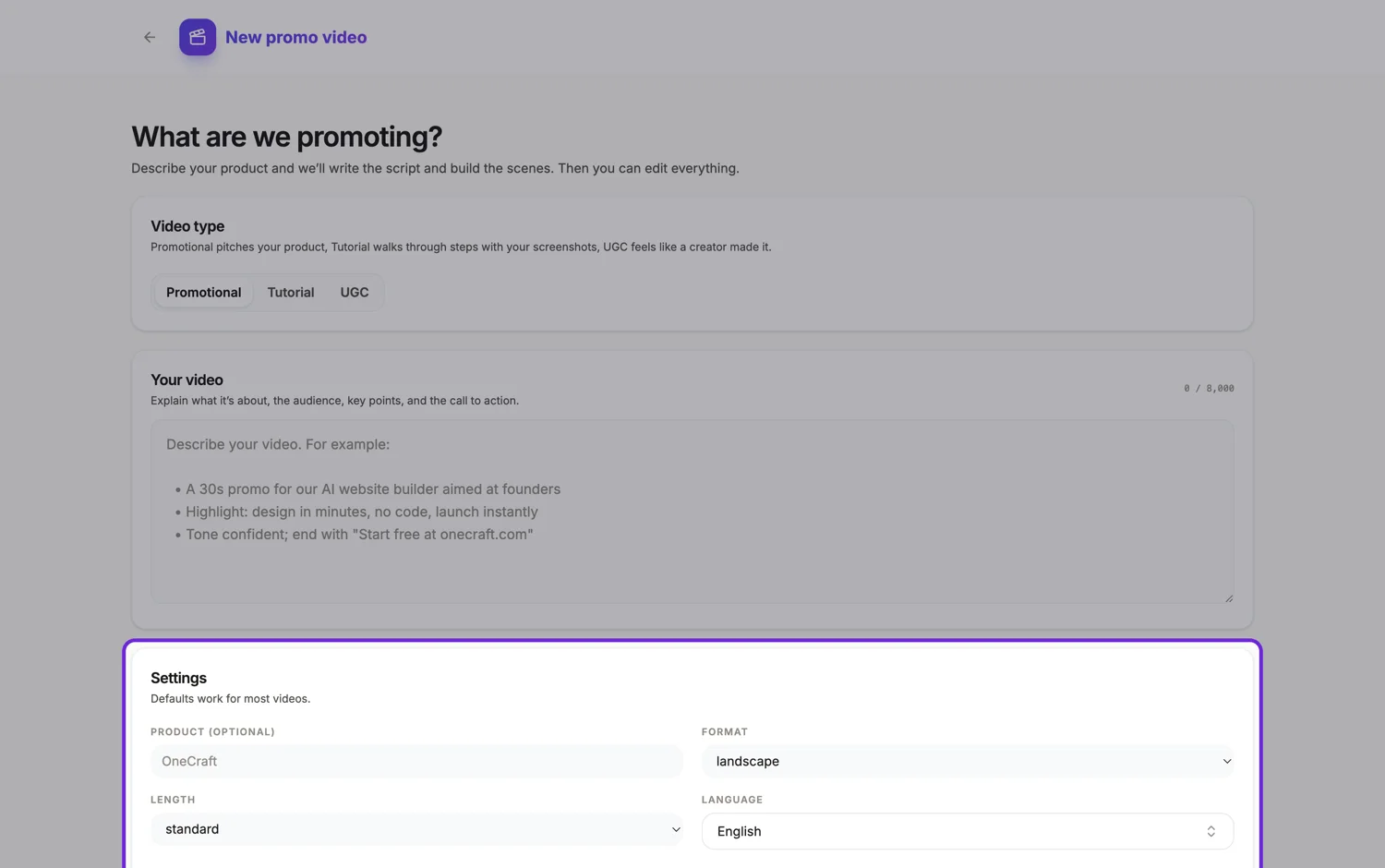
Language here does two separate jobs, and they can come apart. It tells the director which language to write every line in, and it selects the locale the synthesised voice comes from. The writing side accepts anything you type. The voice side has a fixed map of 56 entries.
The 56 with a mapped locale
English, Spanish, Portuguese, French, German, Italian, Dutch, Polish, Russian, Turkish, Arabic, Hindi, Bengali, Tamil, Indonesian, Vietnamese, Thai, Japanese, Korean, Chinese in both simplified and traditional, Cantonese, Ukrainian, Urdu, Czech, Hungarian, Romanian, Greek, Hebrew, Swahili, Malay, Filipino, Bulgarian, Catalan, Danish, Finnish, Norwegian, Swedish, Slovak, Slovenian, Croatian, Serbian, Lithuanian, Latvian, Estonian, Icelandic, Galician, Basque, Afrikaans, Amharic, Gujarati, Kannada, Malayalam, Marathi, Punjabi and Telugu. Each maps to a specific locale, so Portuguese resolves to Brazilian Portuguese and Arabic to the multi region Arabic locale rather than to a country specific one.
Three exceptions worth knowing
Malay, Filipino and Traditional Chinese have no premium voice tier at all in the catalogue and fall back to an older Wavenet voice, which is noticeably less natural than the others. Simplified Chinese keeps the premium tier, so the two Chinese scripts sound different. Russian ships only a subset of the eight characters, so five of them are swapped for the two that exist there, meaning your style and gender choice has less effect in Russian than elsewhere. Both are handled automatically rather than failing.
The language field is free text
The picker offers 32 suggestions, but you can type anything. If what you type is not in the voice map, the writing still happens in your language but no voiceover is generated, so the video comes out silent with the script written correctly. Persian is the one suggestion in the picker that has no entry in the voice map, so it behaves exactly that way.
Language is set per scene as well
The brief sets it once, but each scene's voice dialog has its own language and voice selection, drawn from the live Google catalogue rather than the 56 entry map. That is how you produce a video whose narration switches language partway, and it is also the place to fix a scene whose automatic voice landed on the wrong locale.
How it works, in three steps
Step 1
Set the language in the brief
Pick from the suggestions rather than typing a variant. A suggestion that matches the map gets a mapped voice, and free text may not.
Step 2
Listen to one scene before editing anything
An unmapped language announces itself immediately, because the scenes come back with no narration even though the words are right.
Step 3
Override in the voice dialog if needed
Search the full catalogue by language, pick the exact voice, regenerate. That search is much larger than the 56 entry map.
The full walkthrough with screenshots is in the guide Add voiceover, captions and music to a video.
Limits worth knowing
- Only 56 languages have a mapped voice locale. Anything else is written correctly but gets no voiceover until you pick a voice in the voice dialog.
- Malay, Filipino and Traditional Chinese have no premium voice tier and use an older, less natural one.
- Captions are generated from the narration text, so they are always in the same language as that scene's narration.
- Right to left scripts are captioned as written, in the same fixed centred pill as everything else.
Questions people ask
Can one video have two languages?
Yes, at scene level. Each scene has its own narration text, language and voice, so a bilingual video is possible. It is a manual job rather than something the generator produces.
Does the on-screen text translate too?
It is written in the language you set, so yes for a generated video. If you change a scene's narration language afterwards, the on-screen copy does not follow, and you rewrite it in the inspector.
Which languages sound best?
The 53 with a premium voice tier all sound comparable. Malay, Filipino and Traditional Chinese are the three that will sound older, because there is no premium voice for those locales to use. Russian keeps the premium tier but has fewer characters, so style and gender change less there.
Can I make the same video in five languages?
There is no duplicate action for a video, so either generate a fresh video per language from the same brief, or re-voice one video in turn: export it, change each scene's narration text, language and voice in the voice dialog, and export again. Each new narration is synthesised again, so every language version is a separate export.
Make your own video
The button opens the generator with this use case already described. Change the wording to match yours, generate, then edit anything you like.
Create a video with OneCraftRelated pages
Faceless video maker
A faceless video maker builds a finished video with nobody on camera: moving type, drawn graphics, your screenshots or stock clips, a synthesised voice and captions burned into the picture. Faceless is a constraint you accept for a reason. Nobody has to be available, nothing has to be filmed twice when a price changes, and the same video can be reissued in another language without anybody appearing to speak it. The trade is that every second has to be carried by type, motion and voice.
AI voice options
There are two different voice pickers here and they work at different scales. When a video is generated, the director chooses from eight characters, four styles across two genders. In the builder afterwards, every voice Google offers is searchable per scene. Most people only need the first.
AI video generator
You write a paragraph about what you are promoting. What comes back is not a storyboard or a set of stock clips to assemble, but a video that already plays: scenes picked and ordered, copy written into every box on screen, a narration track spoken aloud and captions running under it.
More finished work of this kind is on the video examples hub.
Written and checked by the OneCraft team. Last checked .